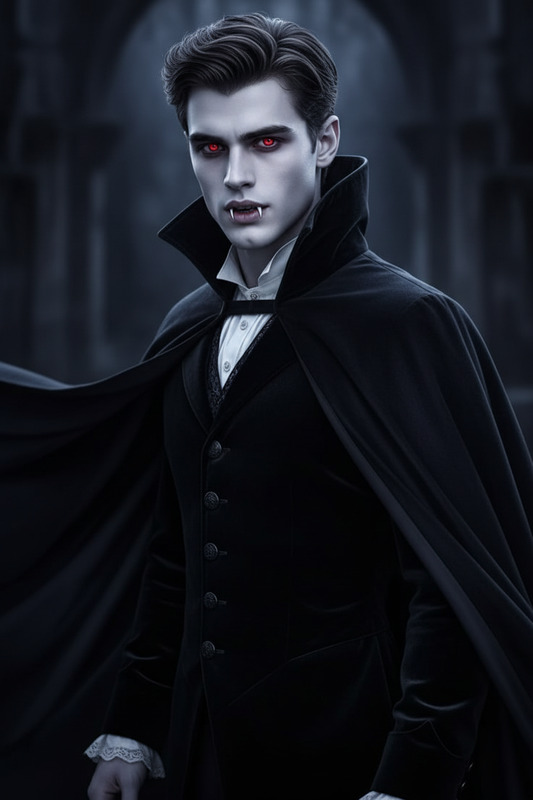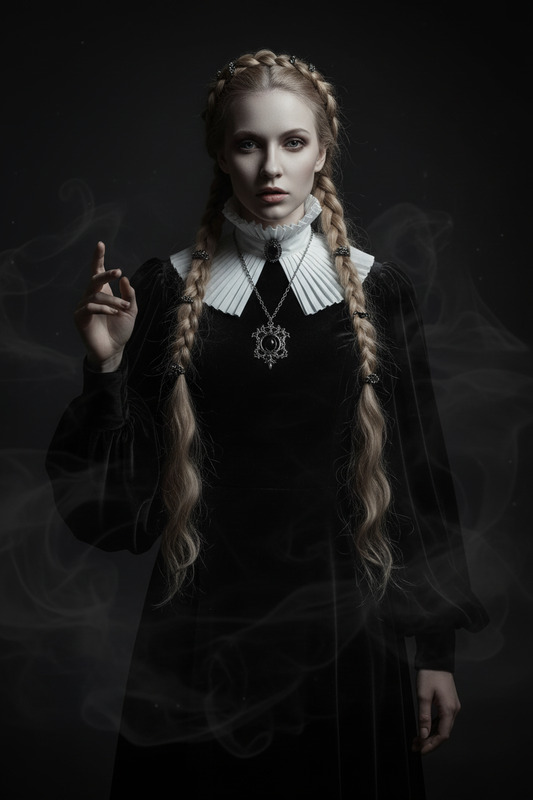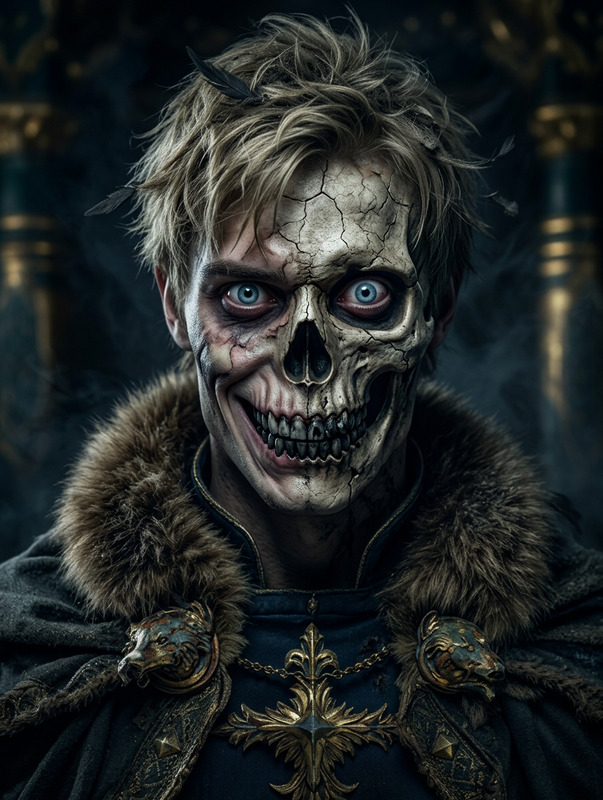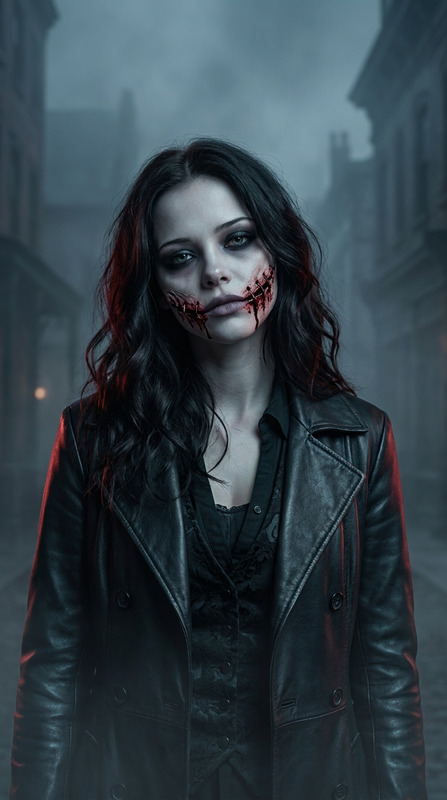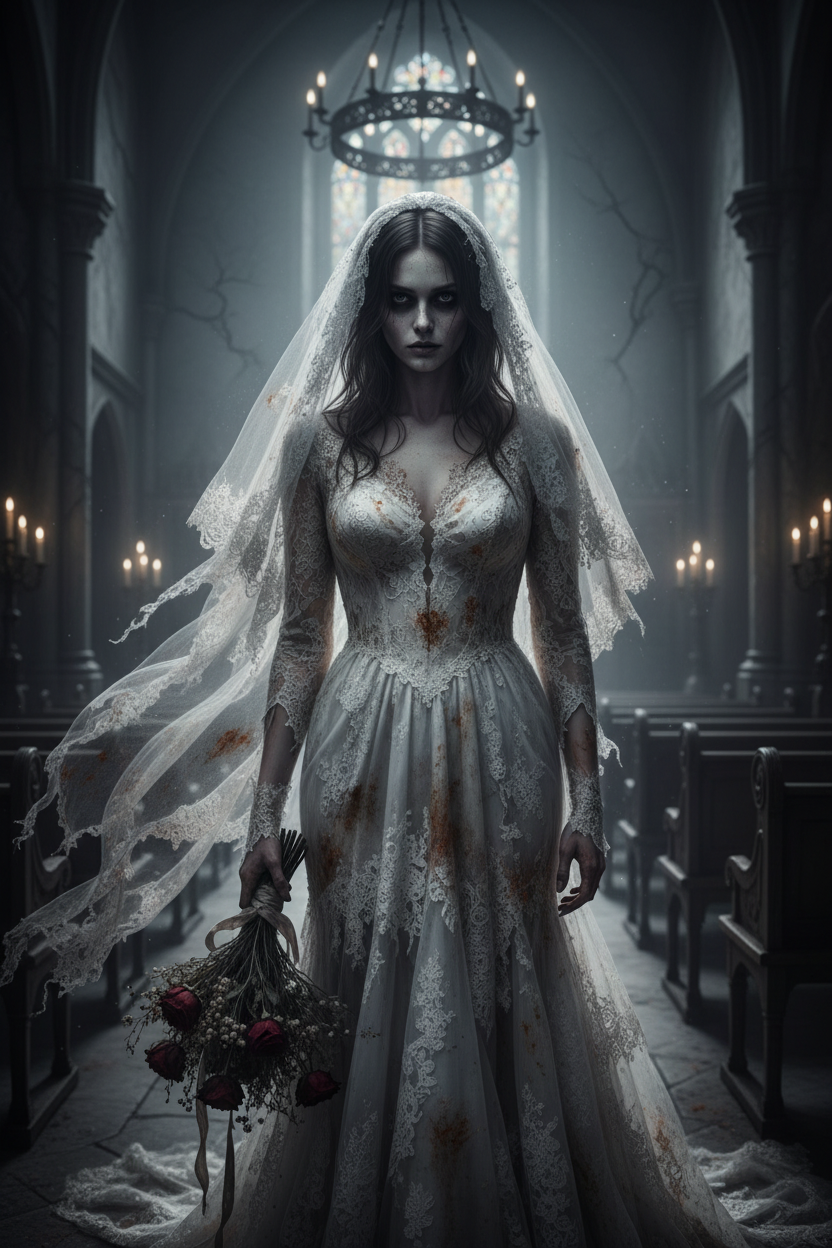
Forsaken Bride
- Model
- Nano Banana
- Image
- 832 × 1248 px
Prompt
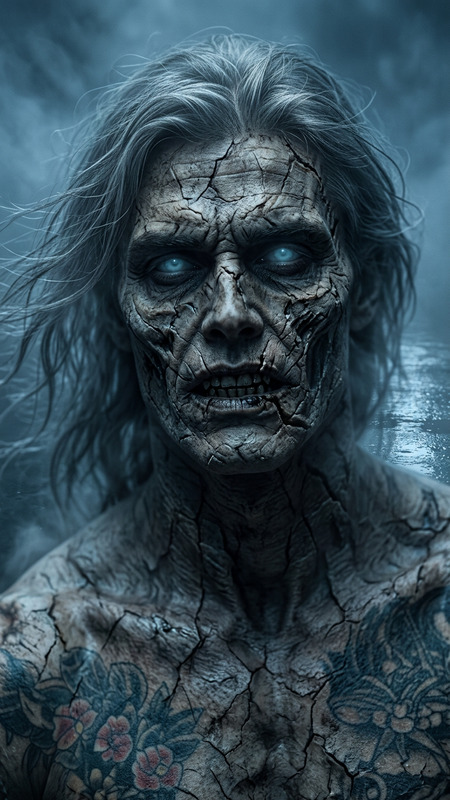
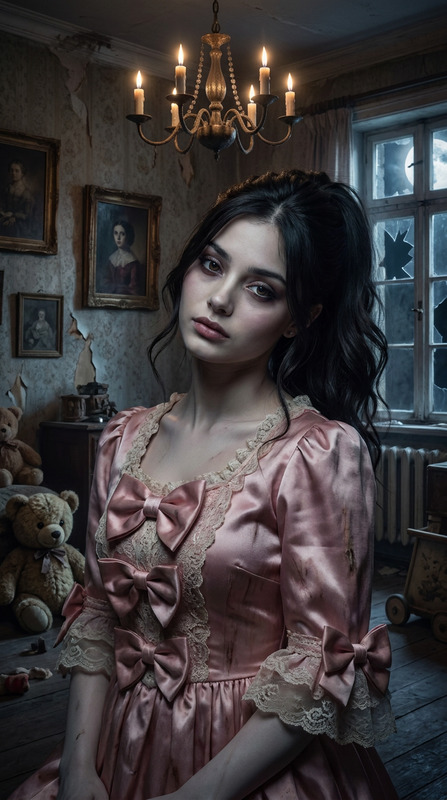
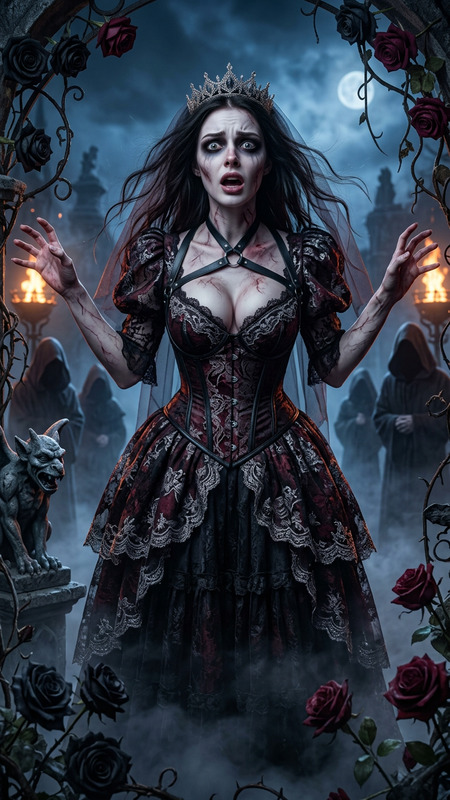
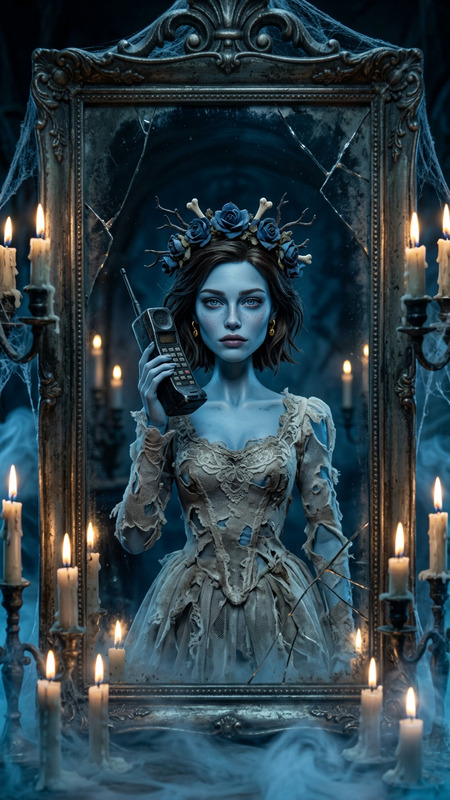
A subject begins transforming into a haunting bride, their clothes morphing into a torn white wedding dress with a long veil, gradually stained and aged. A bouquet of wilted flowers appears in their hands as their face turns pale, eyes dark and hollow, forming an eerie, emotionless expression. The surroundings shift into a grim gothic setting with cracked walls, old wooden benches, flickering candlelight, and a looming chandelier casting cold, dramatic light. Volumetric fog, cinematic atmosphere, smooth transformation, ultra-detailed horror aesthetic, high resolution, unsettling mood.
Any aspect ratio
Overview
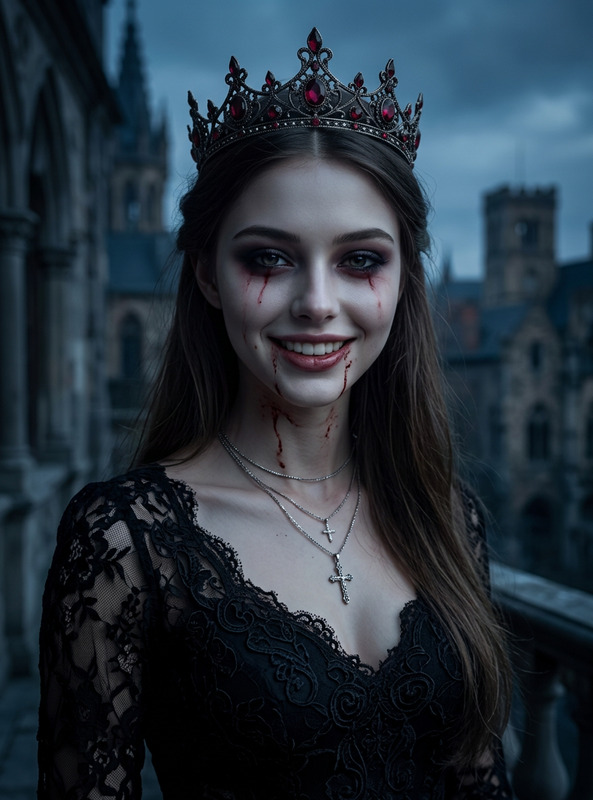
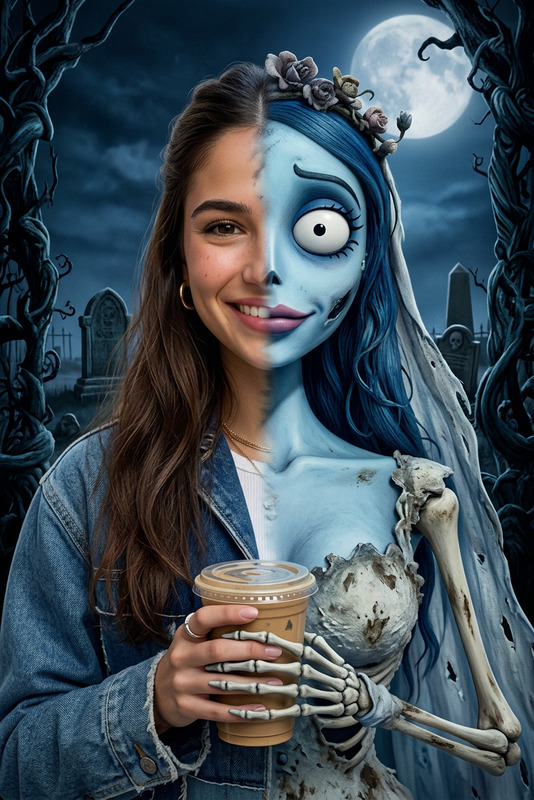
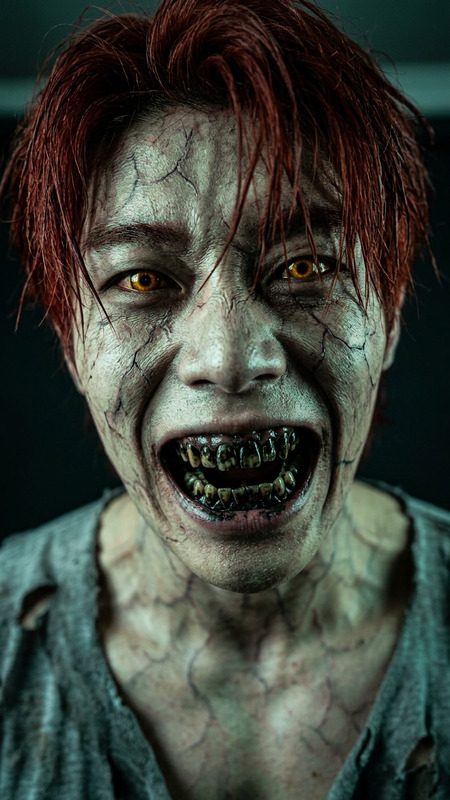
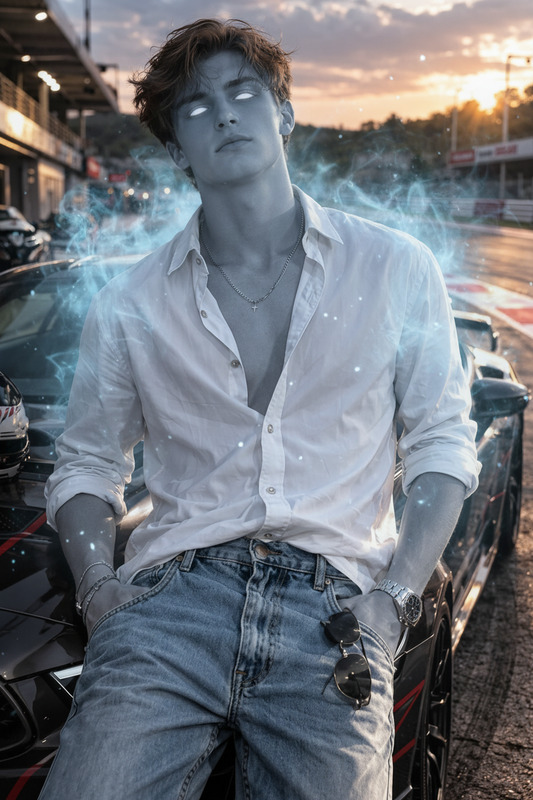
The Forsaken Bride template is an imaginative option within our AI Image Editor, designed to infuse your images with a hauntingly beautiful transformation. Utilizing the power of the nano-banana model, this template offers a detailed and eerie bridal transformation, perfect for creating unique visual narratives or enhancing themed projects with a gothic twist.
What It Does
This template transforms a subject into a ghostly bride, complete with a torn, vintage wedding dress and an eerie bouquet of wilted flowers. The surroundings shift to a grim, gothic setting featuring cracked walls and flickering candlelight. It offers a cinematic atmosphere with volumetric fog and an ultra-detailed horror aesthetic, targeting those who want a high-resolution and unsettling mood for their images.
Who It's For
The Forsaken Bride template is ideal for creators and designers aiming to produce themed content with a dark, gothic vibe. It suits photographers, digital artists, and video producers working on projects that need a supernatural or horror-themed visual style. It also caters to marketers and content creators who specialize in visually rich and captivating storytelling.
Summary
Transform your imagery with the Forsaken Bride template in a seamless process that maintains high quality and resolution. Leverage this tool to create dramatically themed visuals that capture the eerie essence of a haunting bridal transformation, supported by cinematic elements and atmospheric detailing. Discover more creative possibilities with the AI Image Upscaler or add motion using the Image to Video tool for expanded effects.
How to Use
Choose the Template

Customize Your Vision

Generate Your Image

Use Cases
Themed Photography
- Gothic bridal photo shoots
- Horror-themed campaigns
Digital Art Projects
- Album artwork
- Graphic novels
Marketing & Content Creation
- Halloween advertisements
- Promotional gothic visuals
Best Practices
High-Resolution Inputs
Use high-resolution images for better output quality. This ensures that details such as dress textures and facial expressions are captured crisply.Subtle Adjustments
Make small adjustments to the atmospheric details in the prompt. This allows fine-tuning of the cinematic components, like fog and lighting.Creative Combinations
Combine this template with other tools like the AI Video Generator to create a complete multimedia experience.