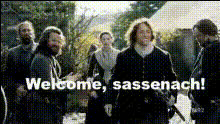
Overview
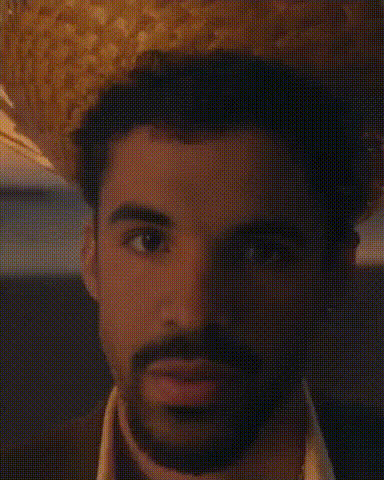
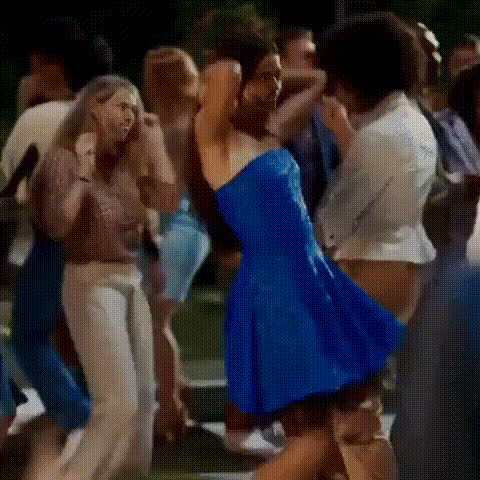
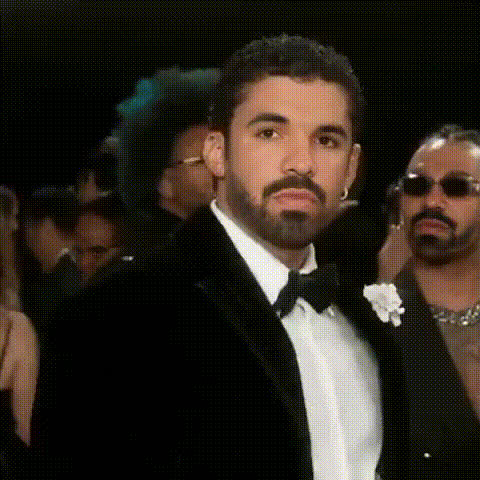
The Bruno Opening Scene template allows you to creatively and easily switch faces in video projects. Designed specifically for video editors looking to add a humorous twist to their content, this template is engineered to integrate smoothly with your existing editing workflow.
What It Does
This template utilizes advanced face-swapping technology to accurately replace faces in videos. Compatible with common formats, it offers a user-friendly interface that streamlines the replacement process. Interested in more face-related edits? Check out our AI Face Editor and Face Swap products for additional functionality.
Who It's For
This tool is ideal for video creators in fields like social media content creation, marketing, and cinematic projects. Whether you're a professional video editor or a casual creator, the Video Face Swap capabilities of this template provide the versatility to produce engaging, shareable content.
Summary
The Bruno Opening Scene template offers a unique way to inject humor and creativity into video projects. By enabling precision face swaps, this template is perfect for both professional and personal projects. Discover related capabilities with our AI Video Generator for expansive editing possibilities.
How To
Choose the Template

Customize Your Video

Generate Your Video

Use Cases
Social Media Skits
- Boost engagement with funny swaps
- Create recurring characters with ease
Marketing Campaigns
- Add personalized touches to ads
- Use in announcer videos
Event Promotions
- Make memorable recaps
- Highlight keynote moments creatively
Best Practices
Select High-Quality Media
Use high-resolution images and video to ensure the swap looks natural and convincing.Fine-Tune Alignment
Adjust face and background elements meticulously for seamless integration.Preview and Edit
Preview the final output and make necessary tweaks before exporting to ensure the best quality.