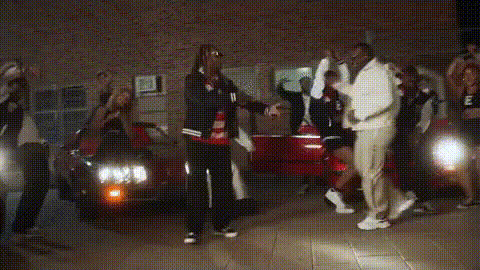
Bruno Mars Dancing On Stage
Overview
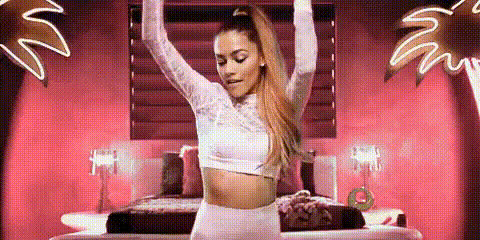
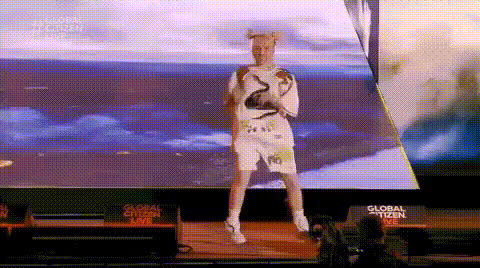
Transform yourself into a pop sensation with the Bruno Mars Dancing On Stage video face swap template. This tool allows you to have your face on Bruno Mars's body performing on stage. Whether you're looking to have fun with friends or produce engaging content, this template makes it possible in just a few clicks.
What It Does
Our Video Face Swap technology lets you place your face onto Bruno Mars's body as he dances on stage in a performance video. Using advanced AI models, your face will be seamlessly integrated into the video, maintaining realistic skin tones and movements. This template is perfect for those who want to create captivating videos for social media or personal enjoyment.
Learn more about our AI capabilities with the Face Swap and Image to Video tools that can expand your creative possibilities.
Who It's For
This template is ideal for content creators, social media influencers, and fans of Bruno Mars looking to add a twist to their videos. It's also perfect for video marketers and ad creators who want to grab attention with entertaining, personalized content. Those already using the AI Video Generator or exploring AI Product Photography will find this tool a fantastic addition to their creative arsenal.
Summary
The Bruno Mars Dancing On Stage template empowers you to swap your face onto a live performance clip, bringing a unique, personal touch to your videos. With user-friendly customization options, it caters to both tech-savvy and beginner users. Explore other unique applications of AI in media, such as the AI Talking Photo for personal projects and business content.
How To
Choose the Template

Customize Your Input

Generate Your Video

Use Cases
Personal Entertainment
- Upload to social platforms
- Create memorable birthday messages
Social Media Content
- Boost engagement
- Enhance personal branding
Marketing and Promotion
- Capture audience attention
- Increase brand recall
Best Practices
High-Quality Images
Use high-resolution images to ensure the best face swap results, avoiding blurry or pixelated inputs.Facial Alignment
Align your face accurately to ensure natural integration with the video subject. Adjust the scale and position as necessary.Engage Your Audience
Share your video in a context that resonates with your audience, whether on social media or as part of an interactive campaign.