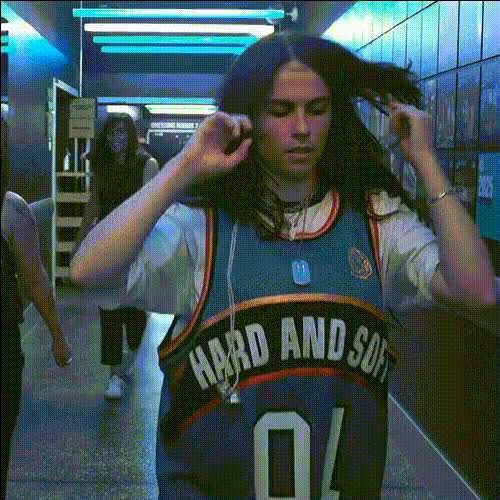
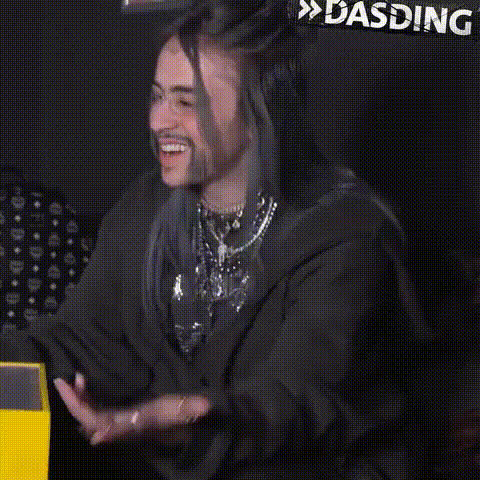
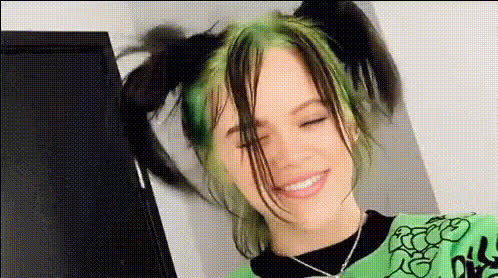
Billie Eilish Dancing to Lunch
face-swap
Any aspect ratio
Tags
music videoBillie Eilish “LUNCH” Dance – AI Face Swap Video Template
Overview
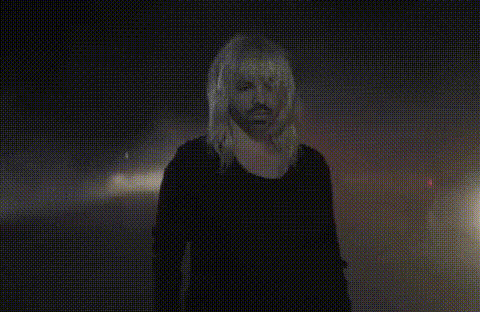
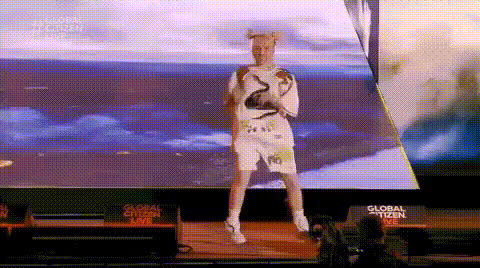
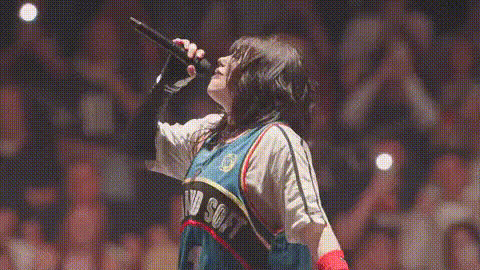
Turn the energy of Billie Eilish’s “LUNCH” era into your own short-form content. This template uses Magic Hour’s AI Face Swap technology to map your face (or any face you have rights to use) onto a Billie-style dance performance, so it looks like you’re starring in a high-impact music video.
It’s built for creators, marketers, and startup teams who want scroll-stopping video in minutes—without shooting a full production. Remix it, brand it, localize it, or use it as a reference to build your own fully custom AI video workflow inside Magic Hour.
What This Template Does
- Face Swap Video: Uses Magic Hour’s video Face Swap Video engine to replace the original dancer’s face with your own, while preserving expressions and movement.
- Music-video style motion: The base clip is choreographed in a style inspired by contemporary pop music videos, making it ideal for TikTok, Reels, Shorts, and social ads.
- Creator‑ready output: You get a finished, shareable video you can post as-is or further edit in Premiere, CapCut, or Magic Hour’s other tools.
Ethical & Copyright Notes
This template is an AI face swap experience inspired by the vibe of Billie Eilish’s “LUNCH,” not an official or endorsed product. Always:
- Use only faces and likenesses you have rights and consent to use.
- Respect music copyright: use licensed audio, platform-cleared sounds, or your own music for public posts.
- Label AI‑generated or edited content where required by local law and platform policy.
How to Remix This Template in Magic Hour
You can either use this template directly (fastest), or treat it as a blueprint for building your own custom version. Here’s how to remix it inside Magic Hour:
- Start from Face Swap Video
Go to Face Swap Video. Upload (or select from your library) a clip with dance or performance motion that fits the mood you’re going for—this could be:- A pre-shot dance video
- A performance clip you have rights to use
- A short “hero shot” to anchor a campaign
- Add your source face
Upload a clear image or video of the person whose face should appear in the final video (you, a campaign character, or a talent who has consented). Magic Hour’s AI Face Editor and AI Face Generator can help you create or refine faces if needed. - Generate the face swap
Run the face swap to create your “Billie LUNCH–style” performance. The system transfers facial expressions and angles while preserving the underlying body movement and lighting of your original clip. - Refine your visuals
If you want to polish the output:- Use AI Image Upscaler or Video Upscaler to improve clarity for HD or 4K delivery.
- Clean backgrounds or remove distractions with Image Background Remover or Remove Object from Photo (for still assets used in thumbnails, posters, etc.).
- Add audio and sync (optional)
If you’re using your own or licensed audio, you can:- Sync lip motion or performance using Lip Sync if you want the character to match spoken or sung lines.
- Generate voiceovers with AI Voice Generator or clone a voice you have consent to use with AI Voice Cloner.
- Export and repurpose
Download the final video, then:- Cut it into vertical clips for TikTok, Reels, and Shorts.
- Use frames for social images, thumbnails, or cover art with the Thumbnail Maker or Album Cover Generator.
- Turn key frames into stylized art using AI Image Editor or AI Art Generator.
Creative Use Cases
- Music & artist marketing: Simulate “fan performing the song” videos for UGC-style campaigns (with consent and proper licensing).
- Influencer & creator content: Drop yourself into a high-energy dance scene to promote new drops, tours, product launches, or Patreon tiers.
- Brand & startup storytelling: Put your founder, mascot, or AI-generated character into a music-video-style scene to introduce a feature, announce a release, or celebrate milestones.
- Concept testing & prototyping: Quickly validate ideas for music videos, ad concepts, or character designs before committing to full production.
How to Build Advanced Variations
Once you’re comfortable with this template, you can chain Magic Hour tools to build more advanced versions:
- Change the character completely
Generate a stylized persona with AI Character Generator or AI Anime Generator, then use that character’s face in the Face Swap Video flow. - Turn a photo into a dancing video
Start with a still portrait, animate it with AI Talking Photo or Image to Video, and then face swap for different characters. - Style shift the full clip
After generating the face swap, run the video through Video to Video to convert it into anime, comic-book, or stylized art using models similar to those behind the Comic Book Generator or Disney AI Generator. - Add text, overlays, and memes
Turn the result into a meme or reaction asset using the AI Meme Generator, then deploy across social and community channels.
Best Practices for High-Quality Results
- Use clear, well-lit face images: Frontal or near-frontal photos with neutral lighting give the most stable, natural-looking swaps.
- Match angles and motion: If your base dance video has fast turns or profile shots, use a source face with a few different angles for better realism.
- Plan for platforms: Generate at resolutions and aspect ratios suited for where you’ll publish (vertical for TikTok/Reels/Shorts, horizontal for YouTube or web embeds).
- Keep a consistent look: For campaigns, reuse the same face source and visual style so your “Billie LUNCH–style” series looks coherent across all posts.
Combine With Other Magic Hour Tools
To build a complete Billie-inspired but original pipeline, you can mix:
- AI Image Generator or AI Photo Generator for key art, posters, and social covers.
- Text to Video to generate entirely new scenes following a prompt (e.g., “moody neon performance stage”).
- Auto Subtitle Generator to create subtitles and captions for better engagement and accessibility.
- AI Selfie Generator and AI Headshot Generator to create multiple on-brand profile images for the same character you feature in the dance video.
Share, Iterate, and Scale
Once your “Billie Eilish dancing to ‘LUNCH’”–style video is ready, test it across:
- TikTok, Instagram Reels, YouTube Shorts for engagement and watch-time metrics.
- Landing pages or product launches as hero motion content or background visuals.
- Paid campaigns (where licensing and policies allow) to compare performance against traditional footage.
Use performance data to iterate on choreography, character, and style. With Magic Hour’s reusable templates and tools like Animation and Video to Video, you can quickly scale from one prototype clip into a full content system—while keeping production time low and creative control high.