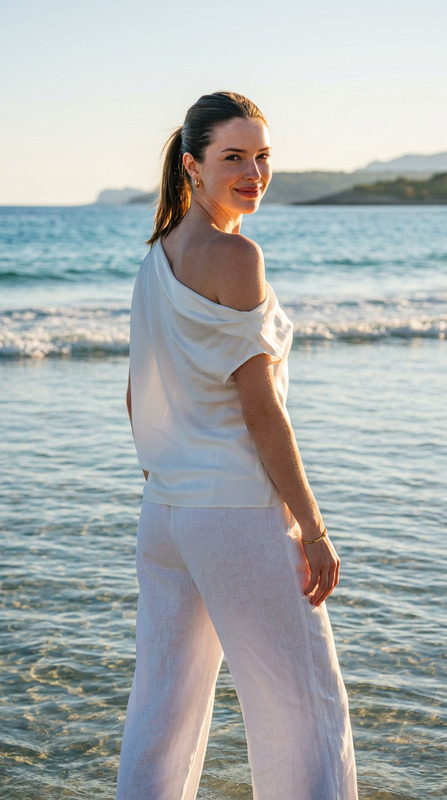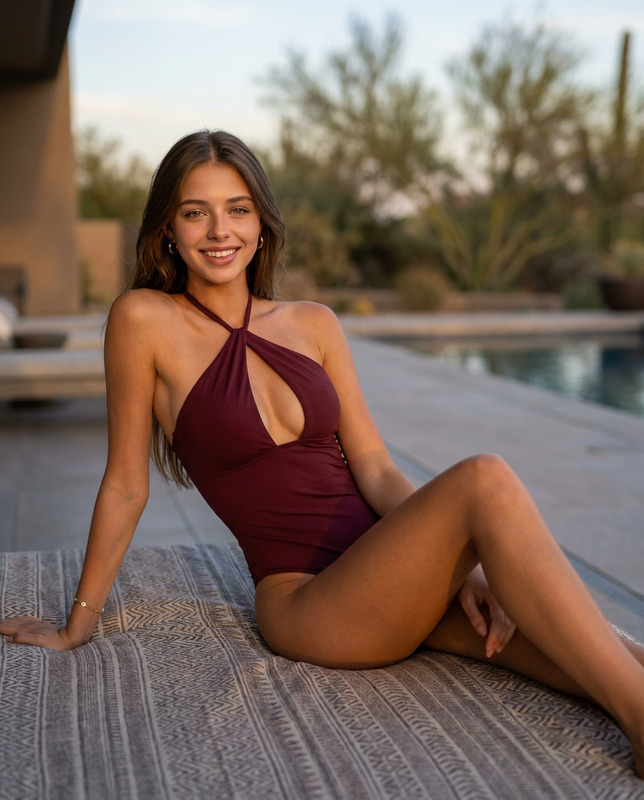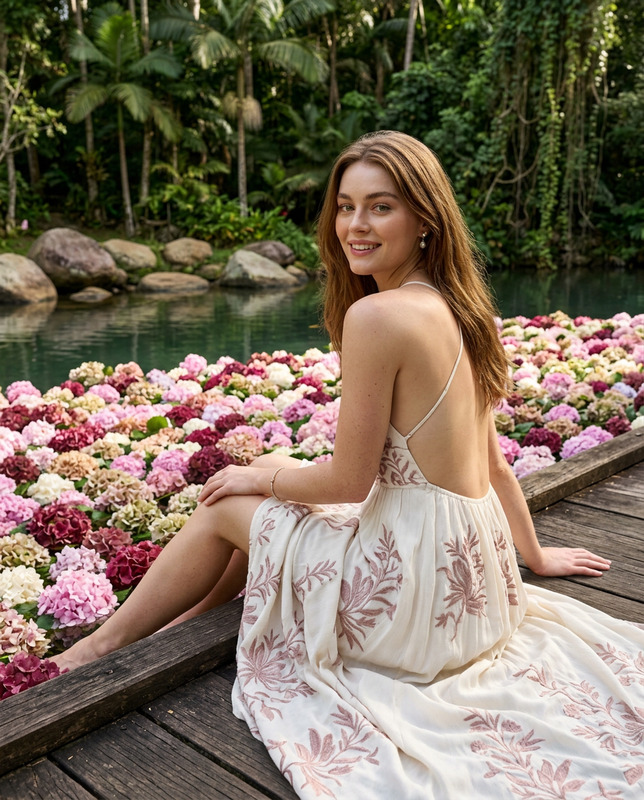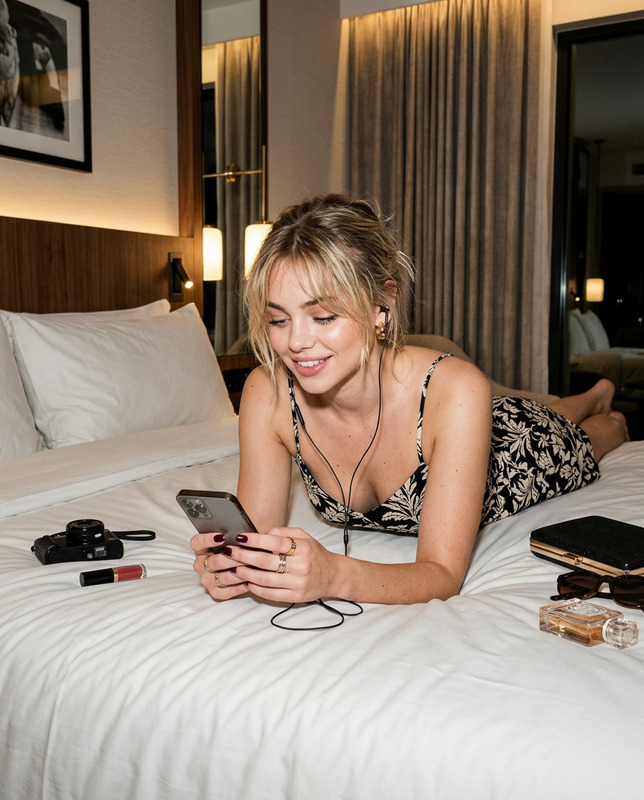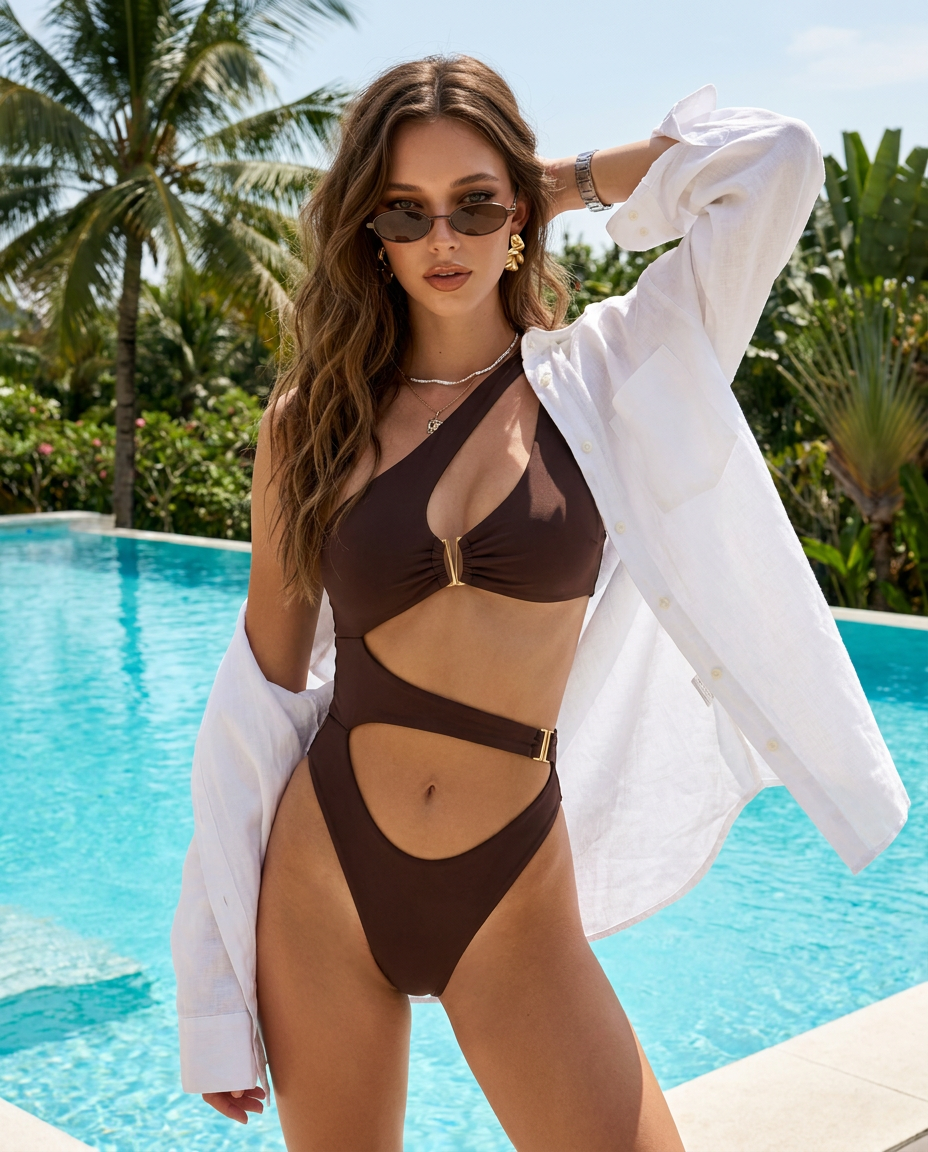
Tropical Luxe Escape
- Model
- Nano Banana Pro
- Image
- 928 × 1152 px
Prompt
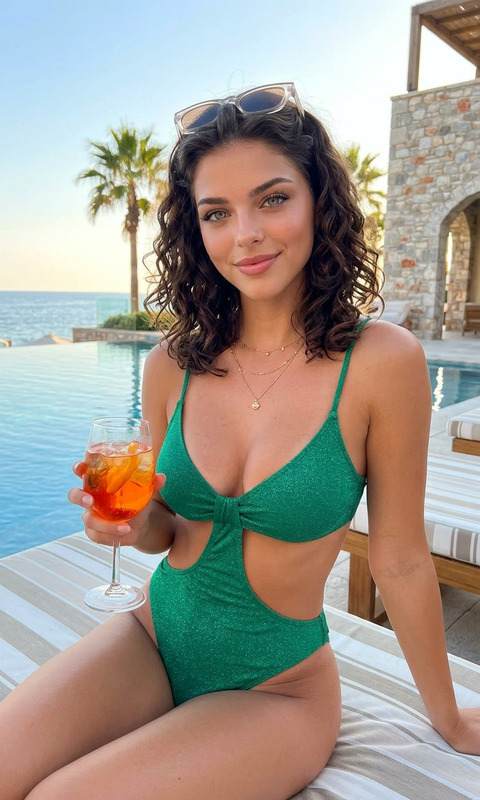
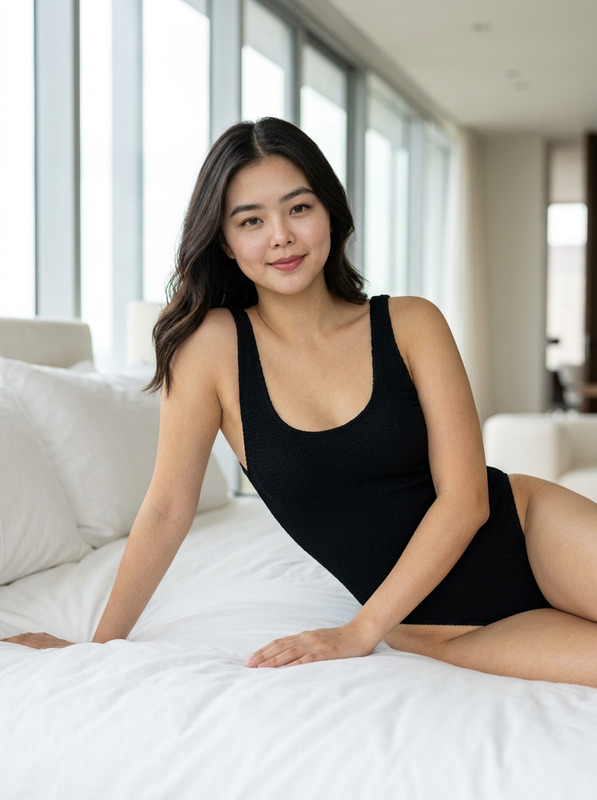
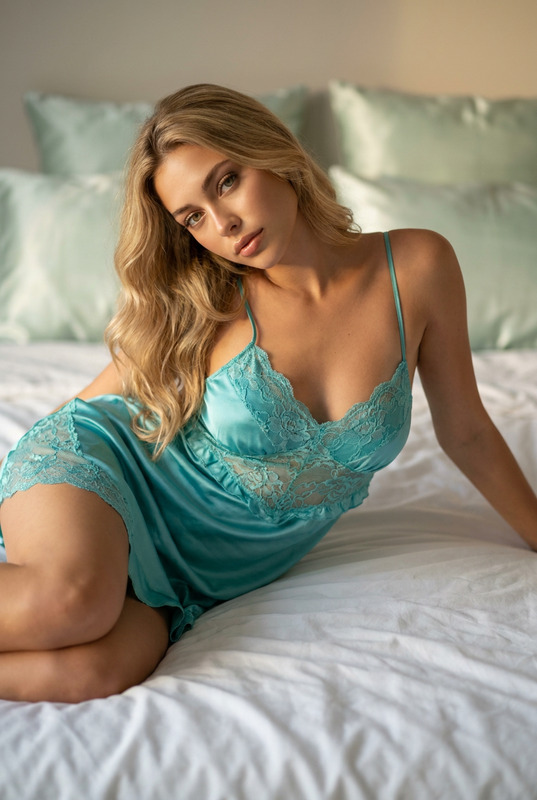
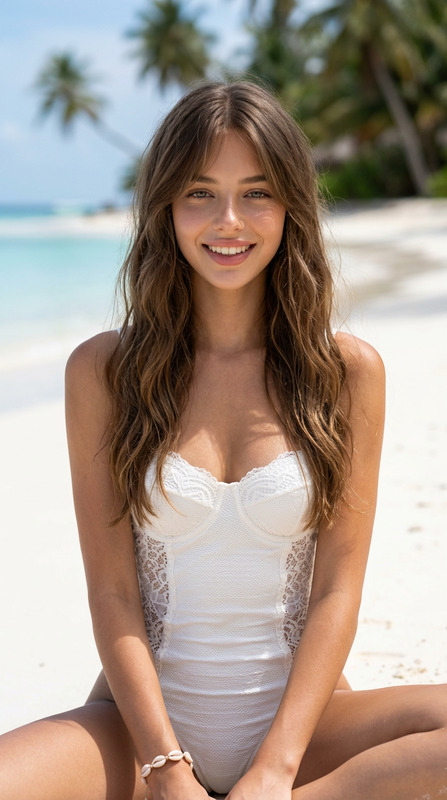
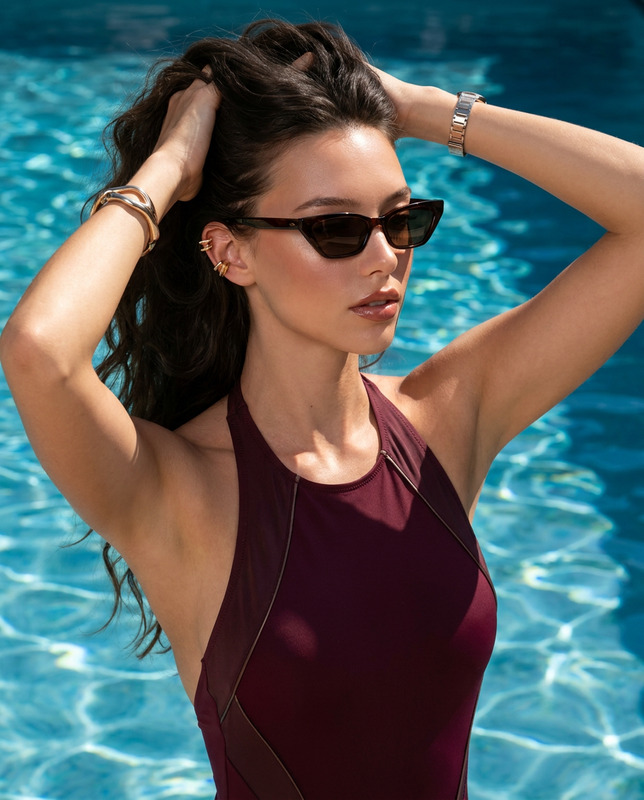
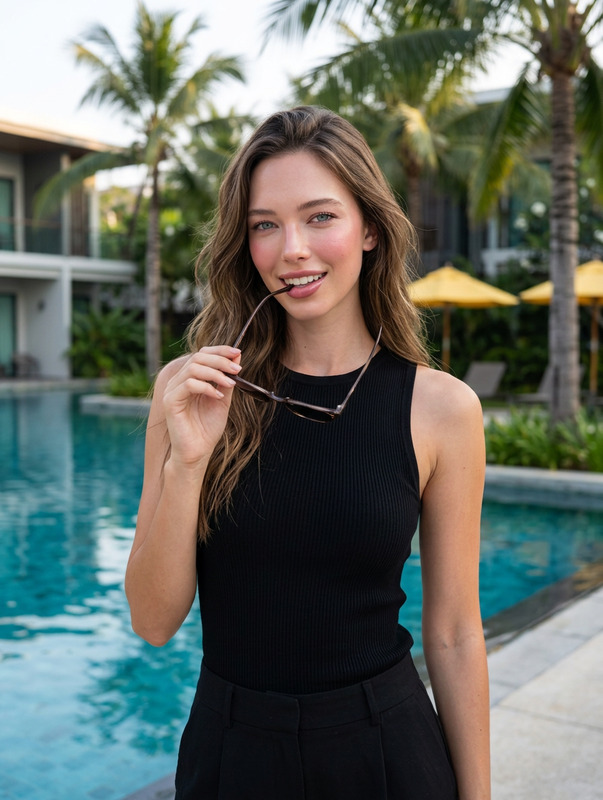
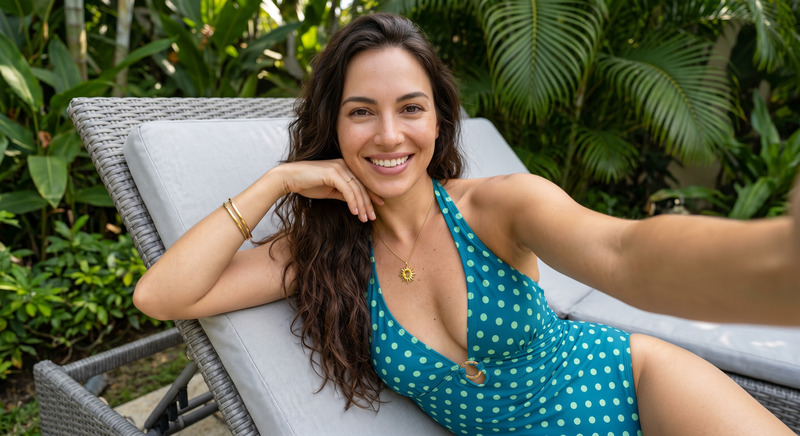
Use my uploaded personal photo as the facial identity reference only. Preserve my exact recognizable facial features, natural skin tone, face shape, expressive eyes, and overall likeness with ultra-realistic accuracy. Do not alter my identity.Create a vertical 4:5 high-fashion resort editorial beside a vivid turquoise infinity pool surrounded by tropical palm trees. I am standing confidently near the pool steps, looking slightly downward through narrow oval sunglasses. One arm is lifted behind my head while my other hand holds an oversized white linen shirt outward, allowing the fabric to flow naturally in the breeze.Dress me in a Gen-Z luxury-inspired espresso-brown one-piece swimsuit with asymmetric waist cutouts, a high-cut silhouette, subtle gold hardware, and refined contrast stitching. Style it with the crisp white linen shirt, slim oval sunglasses, sculptural gold earrings, a delicate layered necklace, and a slim metallic watch. My hairstyle is long, softly tousled chestnut-brown waves with a clean center part.Makeup features realistic luminous Korean skin with natural pores, softly smoked bronze eyes, feathered brows, warm peach blush, subtle contour, and glossy caramel-nude lips. Capture the modern pool deck, palm trees, tropical greenery, blue sky, and sparkling water with exceptional clarity. Sunlit luxury campaign atmosphere, realistic fabric motion, sharp facial detail, deep depth of field, no blur, no bokeh, no text, no watermark. Canon EOS R5, 35mm lens, f/8, ISO 100, 1/640s. --ar 4:5
Any aspect ratio
Overview
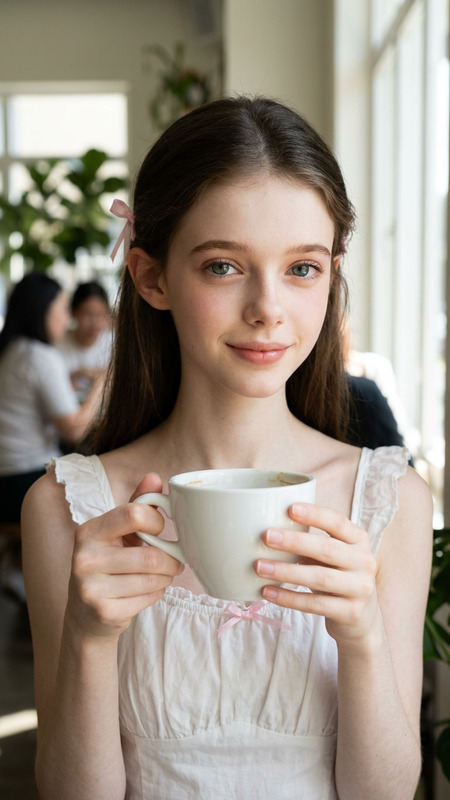
The Tropical Luxe Escape template infuses your personal photos with high-fashion sophistication amidst a luxurious resort backdrop. Utilizing the advanced capabilities of Nano-Banana Pro, this AI Image Editor template delivers ultra-realistic imagery without altering your most recognizable features.
What It Does
The template takes a personal photo and sets it within a vibrant, high-fashion scene by an infinity pool. Your facial features remain untouched for realism, while the scene highlights tropical elegance with detailed styling. Ideal for creating editorial-quality images, it ensures your likeness is retained with professional precision.
Who It's For
This template is perfect for fashion influencers, photographers, and stylists aiming to craft exquisite editorial images without extensive editing skills. It's also an excellent tool for brands looking to produce high-end fashion content for social media platforms like Instagram or promotional video campaigns.
Summary
With the Tropical Luxe Escape template, users can create stunning fashion portraits, leveraging cutting-edge AI to merge personal photos with vivid resort settings. The enhanced features of AI Image Editor facilitate creating visuals that speak luxury and fine detail, all without manual intervention.
How to Use
Choose Your Template

Customize Your Inputs

Generate Your Image

Use Cases
Social Media Content
- Instagram fashion posts
- Editorial-style profile pictures
- Branded content for influencers
Fashion and Lifestyle Blogs
- Fashion article illustrations
- Lifestyle photography content
- Travel blog enhancements
Portfolio Development
- Modeling portfolio images
- Photographic display pieces
- Stylist presentation visuals
Best Practices
Use High-Quality Photos
Ensure that the personal photos you upload are of high quality to get the best results.Focus on Styling Details
Pay attention to the styling prompts to achieve the desired high-fashion look.Test Different Angles
Experiment with various angles in your input photos to see which works best with the template's format.