Suit & Sky
- Model
- Nano Banana 2
- Image
- 848 × 1264 px
Prompt
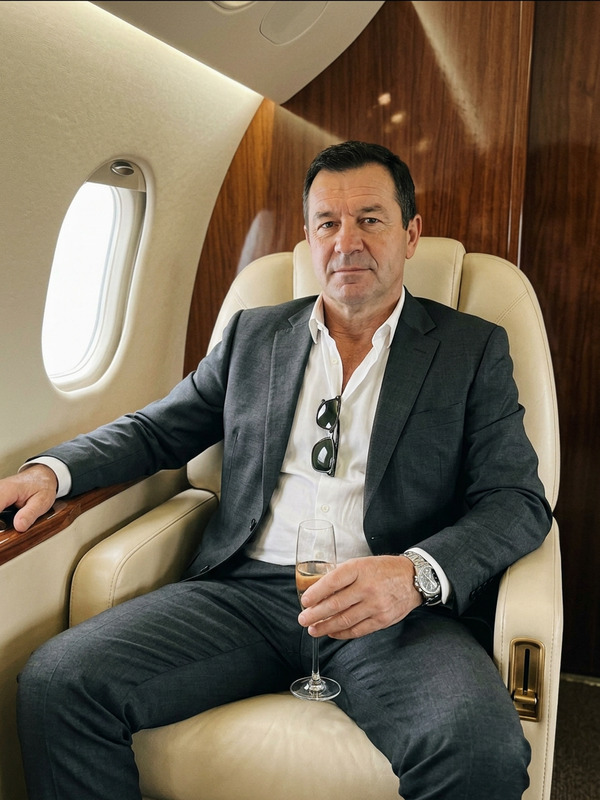
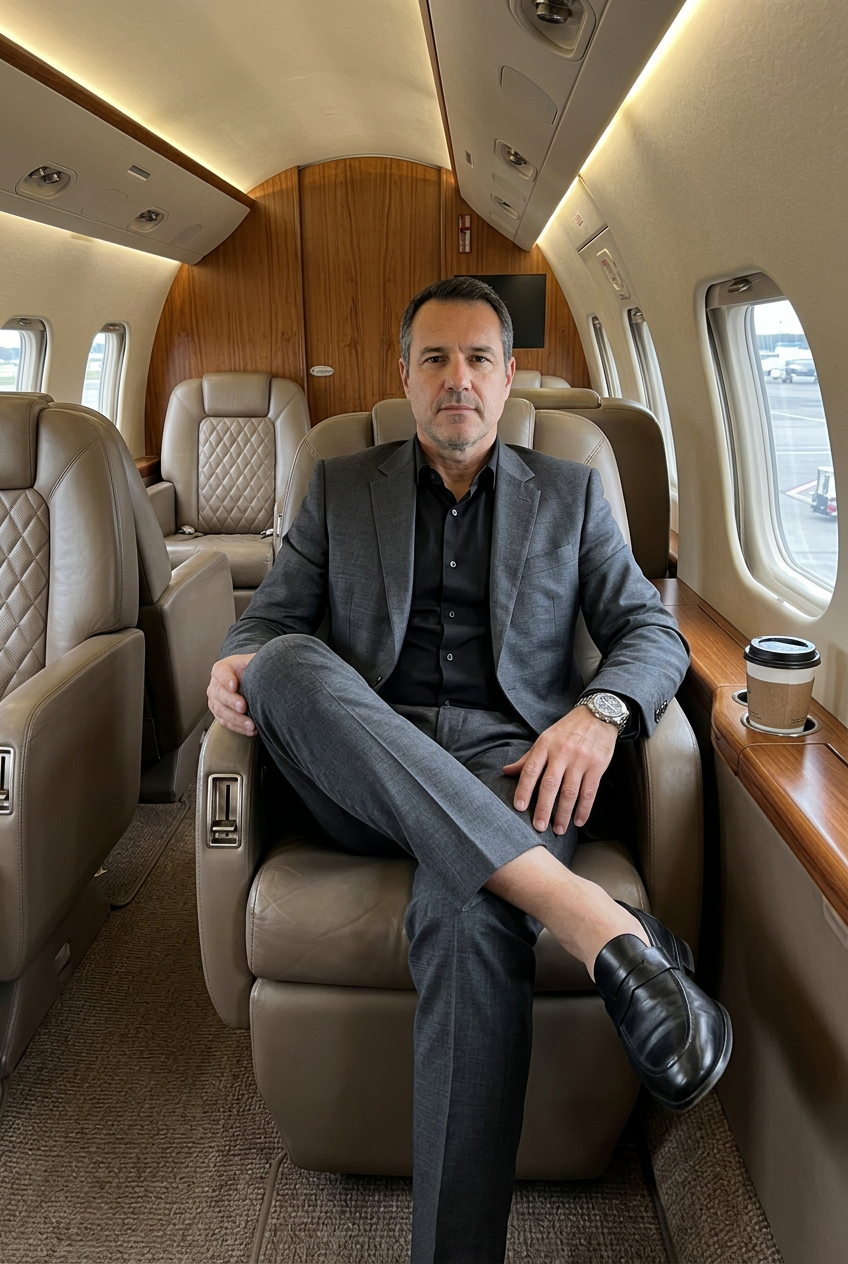
A man sitting in a luxurious private jet cabin, captured in a wide vertical composition with a casual smartphone-photo feel. He is seated deep in a large brown quilted leather armchair, leaning back with a relaxed powerful posture. One leg is crossed over the other, with one ankle resting across the opposite knee, creating a confident lounge pose. His torso is turned slightly to the side, and his head is turned toward the camera so he looks directly into the lens. His lips are closed, and his mouth is calm and composed.One arm stretches outward along the wooden side panel or armrest, while the other hand holds a takeaway coffee cup near his body. Add an expensive luxury wristwatch on one wrist, clearly visible. No tattoos anywhere.He is wearing a tailored gray suit made of textured wool fabric, a black shirt underneath, black socks, and polished black leather dress shoes. The setting is a private jet interior with quilted brown leather seats, warm wood paneling, oval windows, soft cabin lighting, and a refined luxury atmosphere. Preserve the warm amber cabin color correction, rich brown leather tones, soft shadows, visible grain, mild vintage film texture, and slightly imperfect smartphone-photo framing.
Any aspect ratio
Overview
Welcome to the Suit & Sky template, a part of our AI Image Editor offerings. This template allows you to create a stunning image of a man in a luxurious private jet cabin, captured with a realistic smartphone-photo aesthetic. Perfect for enhancing visual narratives with high-end settings.
What It Does
The Suit & Sky template utilizes the nano-banana-2 model to render an image that embodies luxury and style. With an emphasis on texture, lighting, and composition, it crafts a scene featuring a man in a tailored gray suit, set against the opulent backdrop of a private jet interior.
Who It's For
This template is ideal for product photos to video creators, luxury brands, and visual storytellers seeking to convey prestige and sophistication. Whether for marketing campaigns or personal projects, it suits anyone aiming to capture luxury lifestyle imagery.
Summary
Capture the essence of luxury flight with the Suit & Sky template. Utilize our advanced AI technology to create images that highlight refined settings and fashionable figures. Transform mundane visuals into extraordinary stories that resonate with audiences looking for high-end experiences.
How To
Choose Your Template

Customize the Details

Generate and Download

Use Cases
Luxury Marketing Campaigns
- Capture luxury lifestyle elements.
- Create brand-specific narratives.
Social Media Content
- Achieve high engagement with premium content.
- Showcase elite products in relatable settings.
Product Placements
- Highlight key product attributes.
- Increase perceived value and exclusivity.
Best Practices
Focus on Composition
Ensure that the composition guides the viewer’s eye naturally, emphasizing luxury elements such as the suit and jet interior.Maintain Lighting Consistency
Use the warm amber lighting to sustain a luxurious ambience that aligns with the private jet setting.Detailing with Texture
Utilize the template’s capabilities to highlight the textures, like the leather and wool, which add depth and realism.