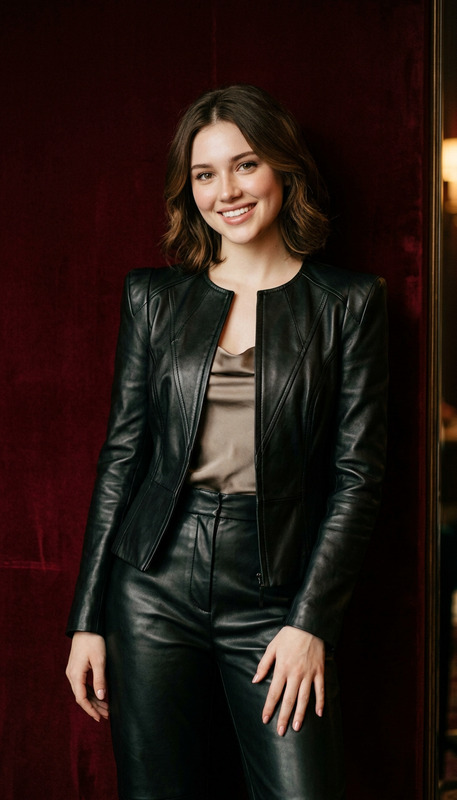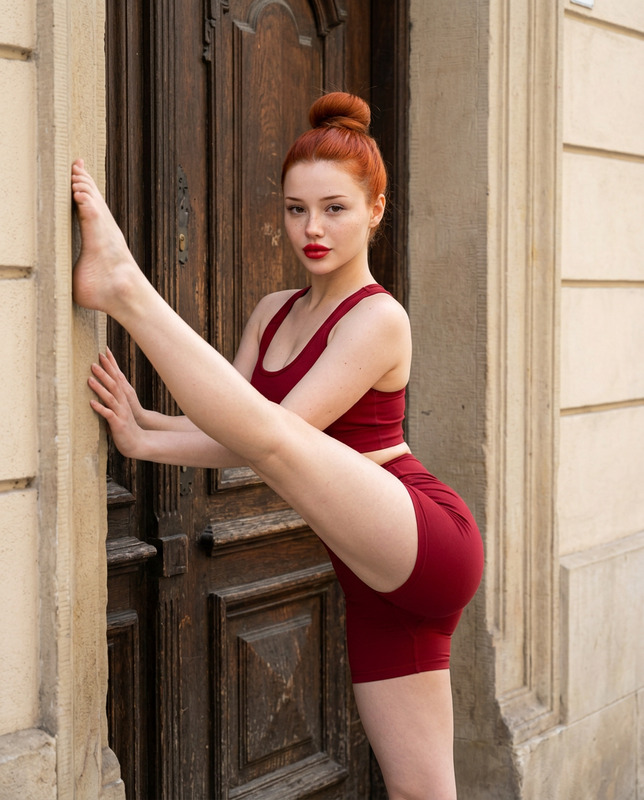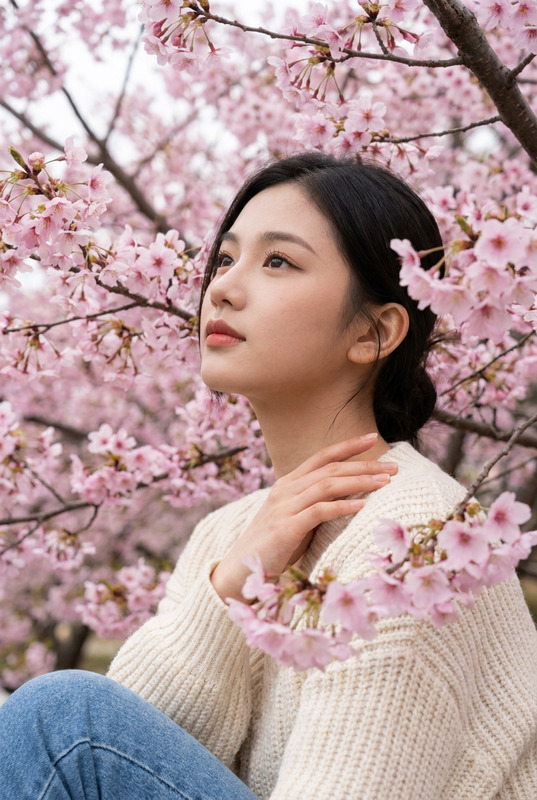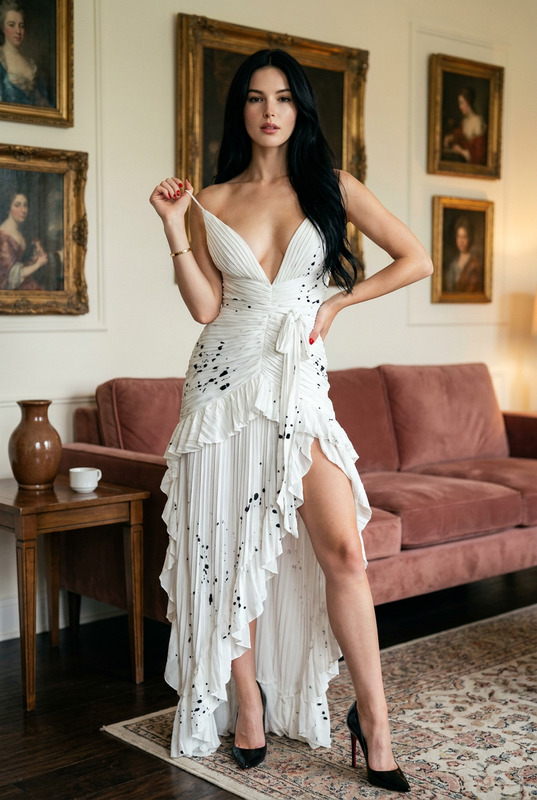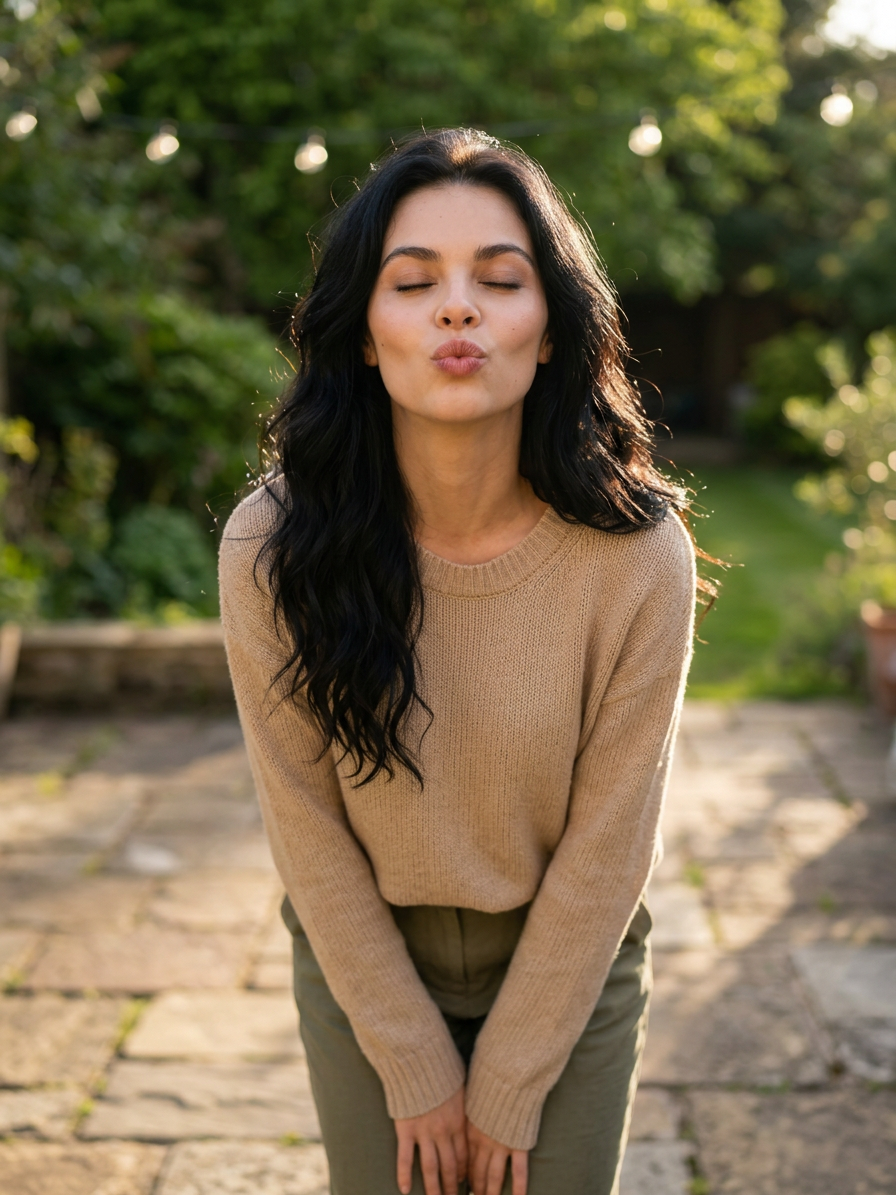
Playful Air Kiss
- Model
- Nano Banana 2
- Image
- 896 × 1195 px
Prompt
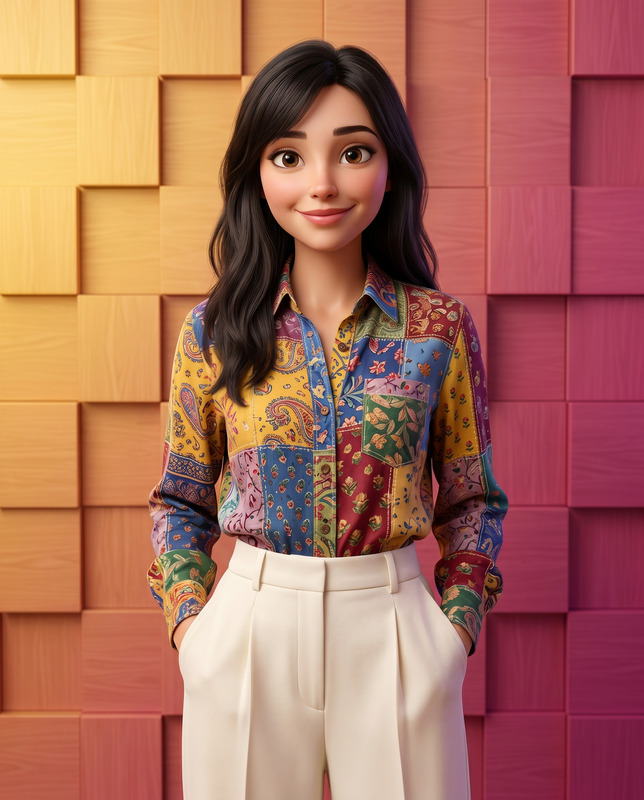
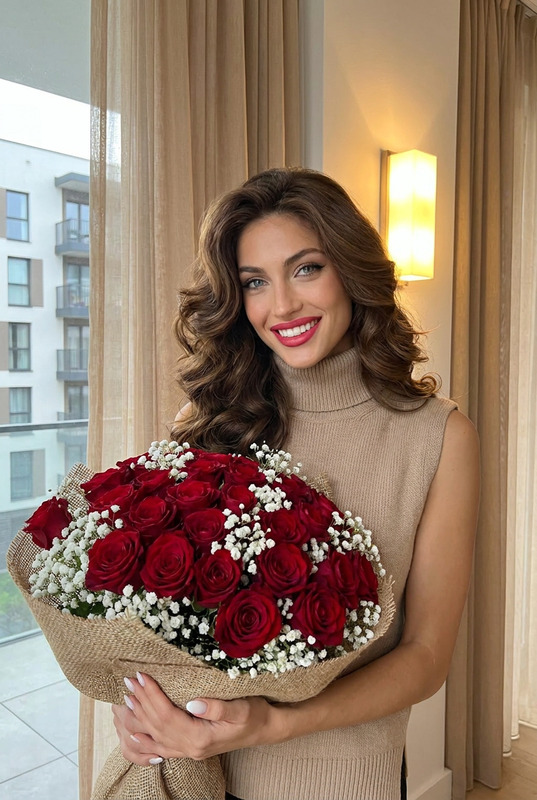
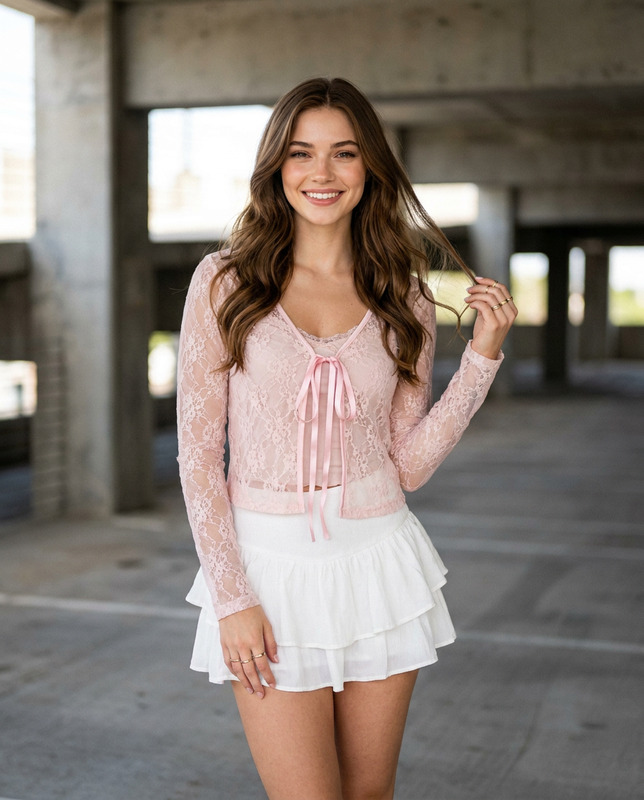
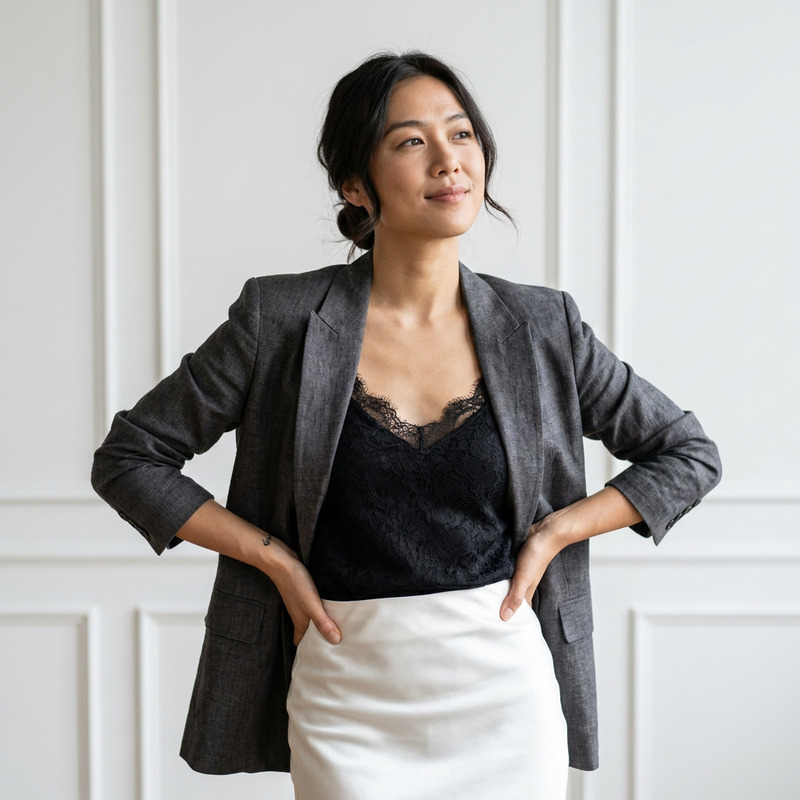
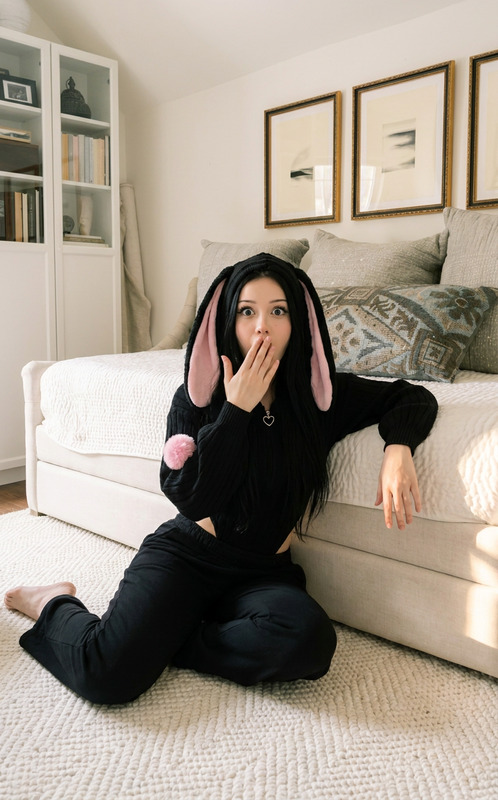
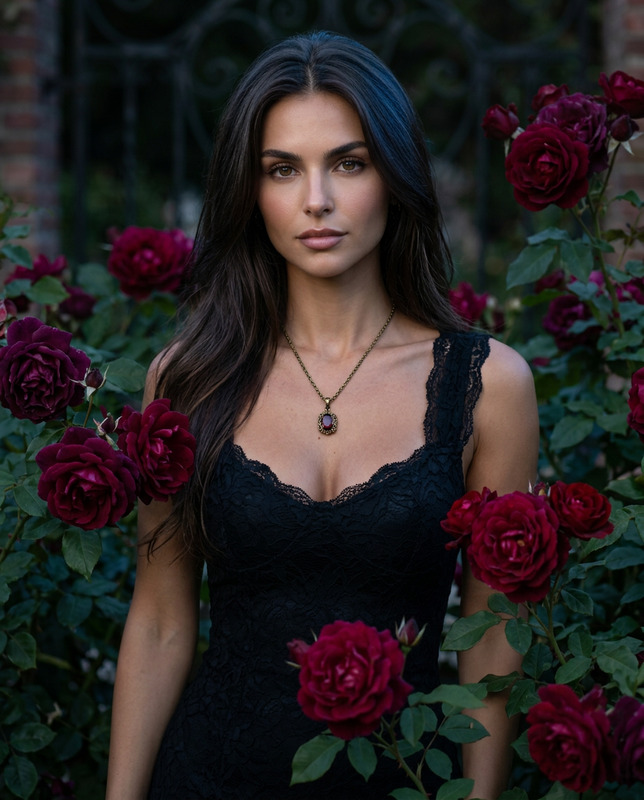
Create a photorealistic image of the person from the provided reference image.**Identity reference:** Use the provided image strictly as the facial identity reference. Preserve the person’s recognizable identity, natural skin tone, face shape, eye shape, eyebrows, nose, lips, facial proportions, and overall natural appearance. Do not replace the face with a generic face, beautify excessively, or alter the person’s identity.**Scene & pose:** Place the character in a new, natural location with a warm and inviting atmosphere. She is standing and leaning slightly forward in a relaxed, playful pose, looking toward the camera with her eyes gently closed while blowing a lighthearted air kiss. Keep the gesture friendly and expressive rather than seductive or provocative.**Outfit:** Dress her in a tasteful, casual outfit suitable for the setting. Do not copy clothing or background elements from the reference image.**Lighting:** Soft warm natural lighting, subtle highlights on the face, realistic shadows, gentle depth of field, natural skin texture.**Photography:** Photorealistic lifestyle photography, realistic proportions, authentic facial expression, detailed hair strands, natural fabric texture, cinematic composition, high detail, professional photography quality.**Important:** Only the facial identity comes from the provided reference image. Everything else—including environment, pose, clothing, lighting, and composition—should be newly generated.
Any aspect ratio
Overview
The Playful Air Kiss template in our AI Image Editor allows users to effortlessly transform reference photos into captivating new images. Using the advanced nano-banana-2 model, this tool keeps the subject's facial identity intact while creating a fresh scene complete with playful poses, warm environments, and realistic photography.
What It Does
This template leverages cutting-edge image editing technology to maintain the subject's unique facial identity while changing the background, clothing, and posture. With elements like soft warm lighting and photorealistic details, it crafts images that look professionally photographed. Ideal for those wishing to see themselves or others in new and engaging settings.
Who It's For
AI talking photo enthusiasts, photographers, and digital artists can benefit from this template. It's perfect for creators looking to present their subjects in novel perspectives without compromising on the authenticity of facial identity. Ideal for personal use, social media content, or creative projects.
Summary
By choosing the Playful Air Kiss template, you can expect a seamless combination of photorealism and expressive styling. The attention to lighting and detail ensures a high-quality image output, while the subject's facial features remain undistorted. Learn more about how AI can enhance your creative projects with our AI Image Upscaler.
How To

Customize Your Experience

Generate Your Image

Use Cases
Social Media Enhancement
- Create unique profile pictures
- Design eye-catching posts
Creative Projects
- Incorporate into digital art
- Enhance storytelling with visuals
Marketing and Branding
- Create unique advertisements
- Personalized marketing materials
Best Practices
Select the Right Reference Image
Ensure the reference image is clear and focuses on the subject's facial features to maintain identity accuracy.Consider Lighting and Environment
Choose environmental settings that align with the mood and theme of your project for the best results.Iterate and Refine
Experiment with different poses and settings to achieve the most engaging and authentic final image.