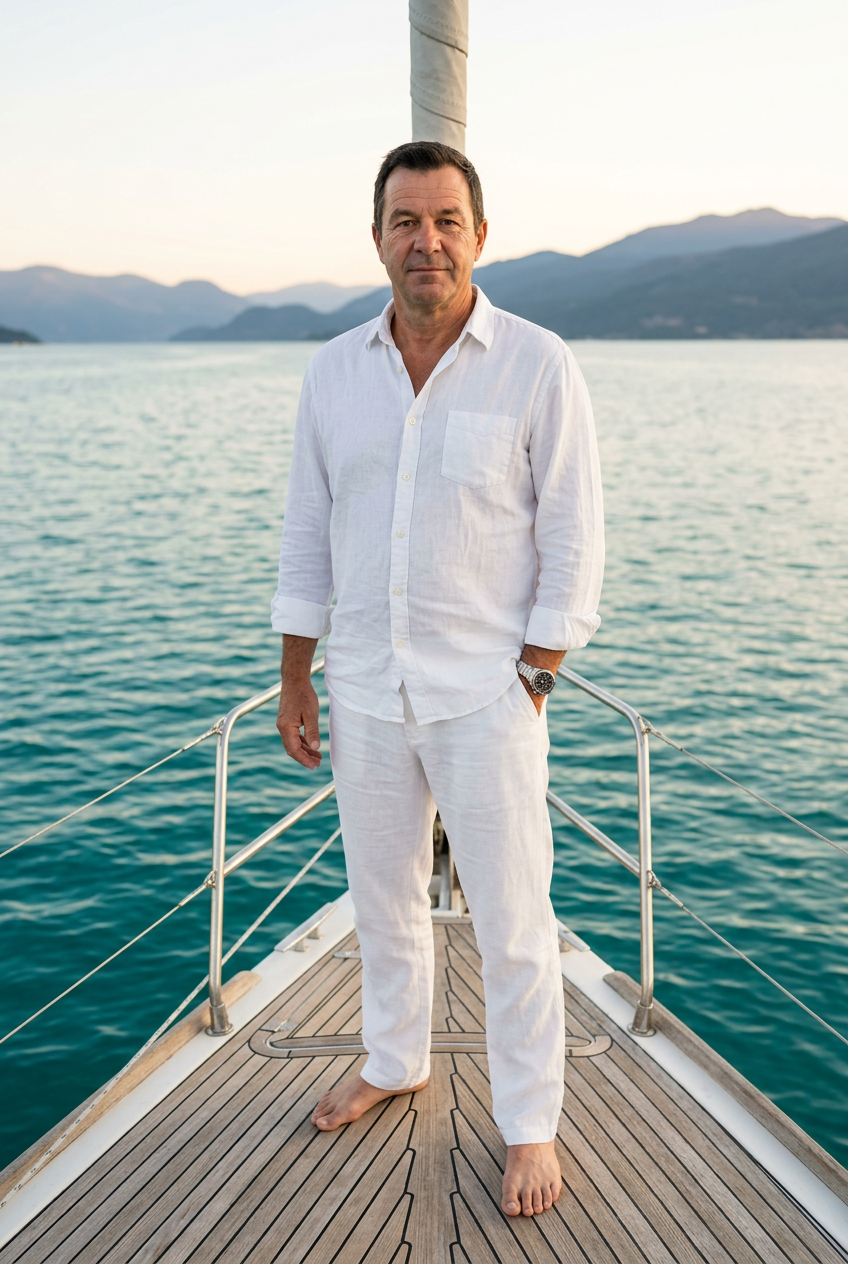
Coastal Flex
- Model
- Nano Banana 2
- Image
- 848 × 1264 px
Prompt
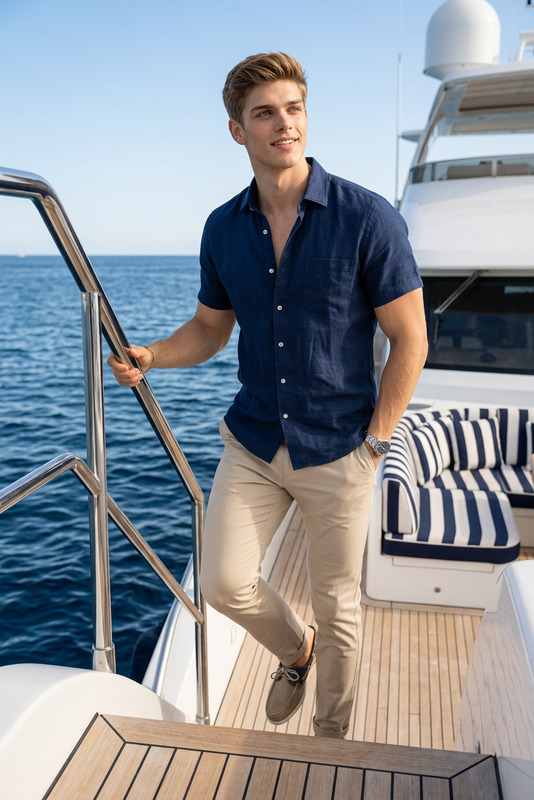
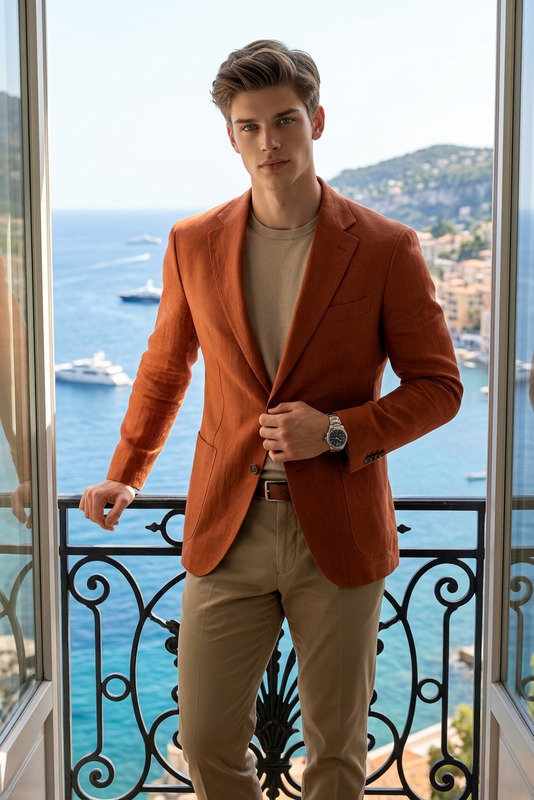
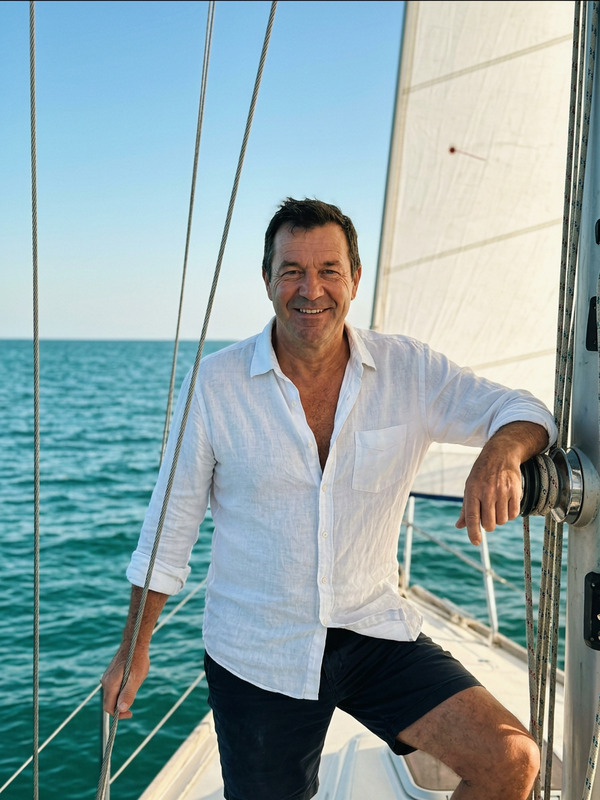
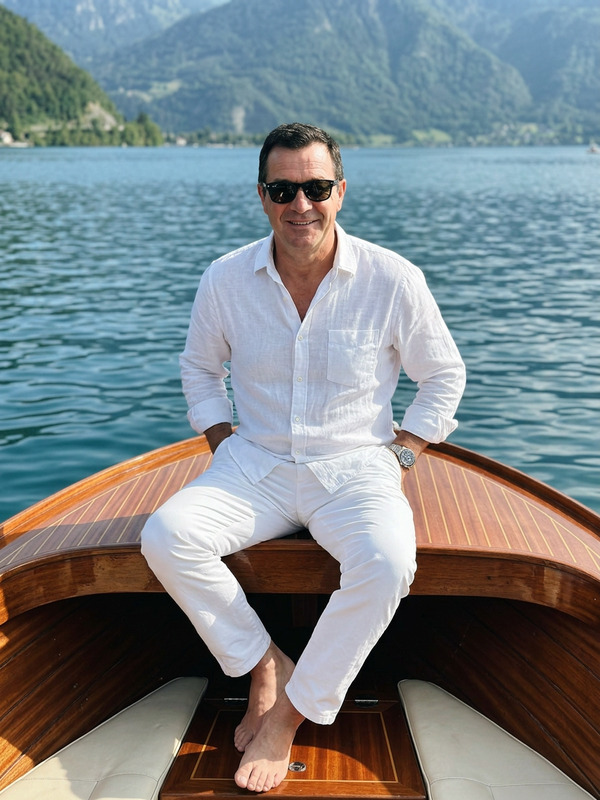
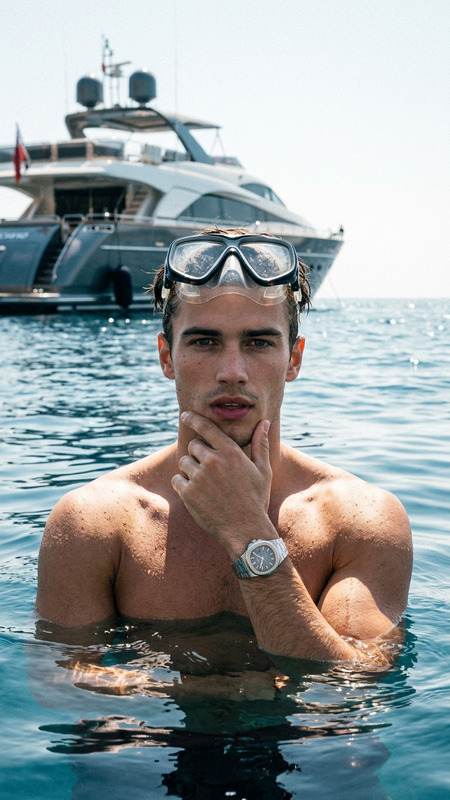
A man standing barefoot at the front of a boat, framed in a full-body vertical composition. He stands relaxed with one leg straight and the other bent casually, one foot crossing slightly in front of the other. One hand is tucked into his trouser pocket while the other arm hangs naturally by his side. He faces the camera and looks directly into it with a composed expression, lips closed and mouth neutral. He is wearing a loose white button-up shirt with the collar open, white trousers, barefoot, and an expensive luxury wristwatch. No tattoos. The background shows calm water, a mountainous coastline, and hillside buildings during golden-hour light. Keep the clean warm coastal palette, add subtle grain and a retro phone-photo feel.
Any aspect ratio
Overview
Dive into the world of creative photo editing with the Coastal Flex template, designed for the AI Image Editor. Utilize the power of the nano-banana-2 model to transform your images into a stunning coastal scene with an elegant, retro feel.
What It Does
The Coastal Flex template artfully composes a scene set during golden hours at the coast, capturing the essence of tranquility and style. With its full-body vertical composition, subtle grain, and vintage appeal, it allows creators to produce unique, storytelling images. Leverage the AI to layer texture and ambiance, enhancing your photo's artistic depth.
Who It's For
This template is ideal for photographers, designers, and digital artists looking to add a sophisticated, coastal vibe to their projects. Perfect for art directors or content creators aiming to produce high-quality visuals with a touch of nostalgia. Enhance your portfolio or marketing material for creative campaigns with this tool.
Summary
The Coastal Flex template is your key to crafting elegant, vintage-inspired photos, merging modern AI capabilities with classic aesthetics. For those looking to create visually striking yet timeless imagery, it's a perfect match. See it in action with our AI Video Extender and explore more options with the AI Image Upscaler.
How-To
Choose

Customize

Generate

Use Cases
Marketing Campaigns
- Create advertising visuals for travel and lifestyle brands
- Develop eye-catching social media posts
Photography Projects
- Enhance portraits with a unique backdrop
- Create thematic photo series
Digital Art Creations
- Incorporate into mixed media projects
- Design background elements for storyboards
Best Practices
Optimize Your Prompt
Start by clearly defining the key visual elements you want in your image to ensure the generated output aligns with your vision.Adjust Grain and Color
Use the grain and color settings to match the mood, whether you need a more pronounced vintage look or a subtle daybreak ambiance.Leverage Model Capabilities
Familiarize yourself with AI Multi-Angle Generator to experiment with different perspectives and compositions.