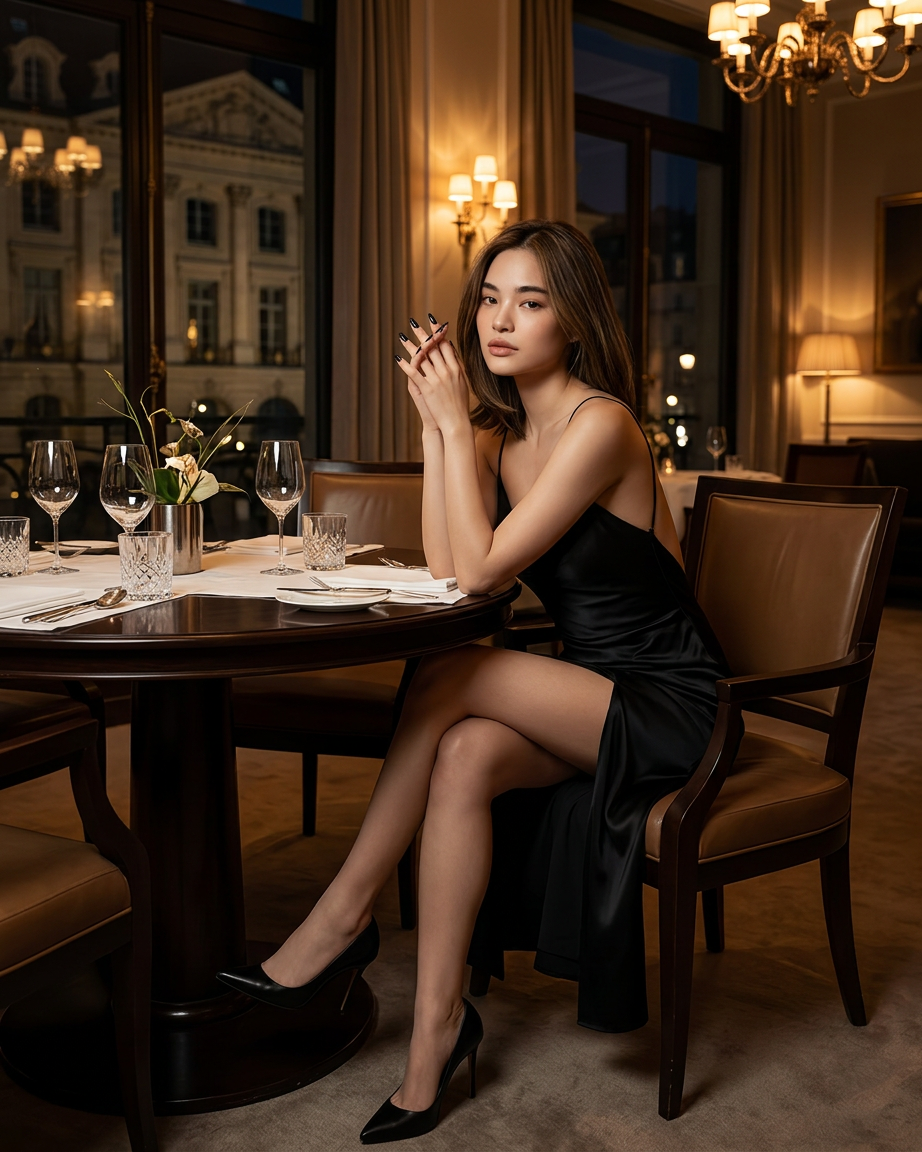
Midnight Silk Reverie

Midnight Silk Reverie

ai-image-editor

1 clip
2 uses

Any aspect ratio

Prompt

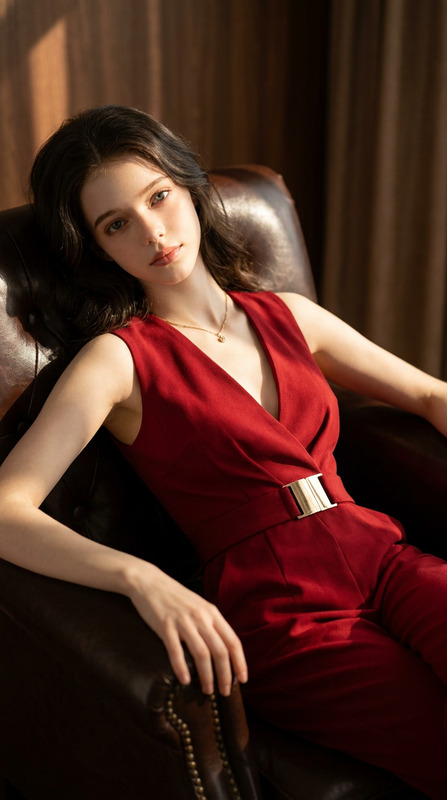
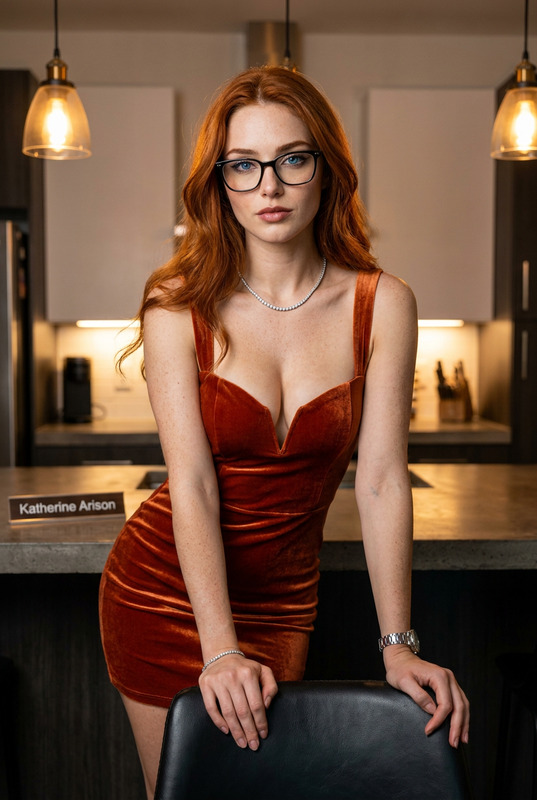
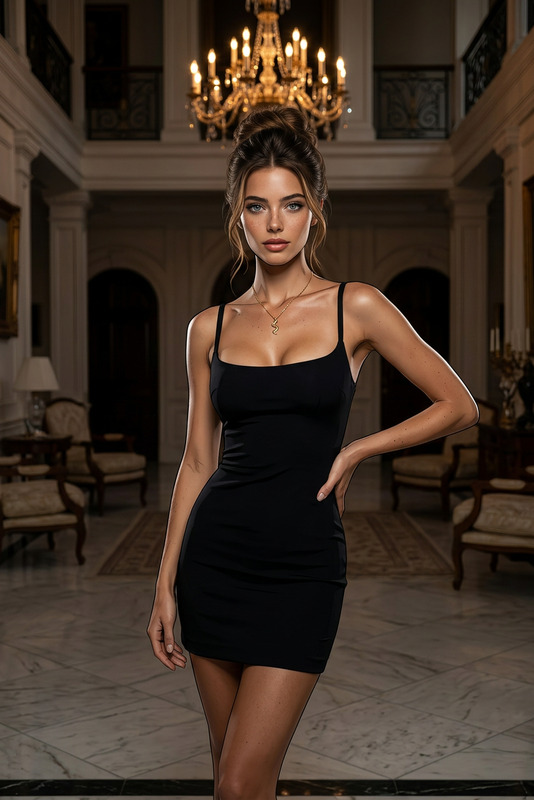
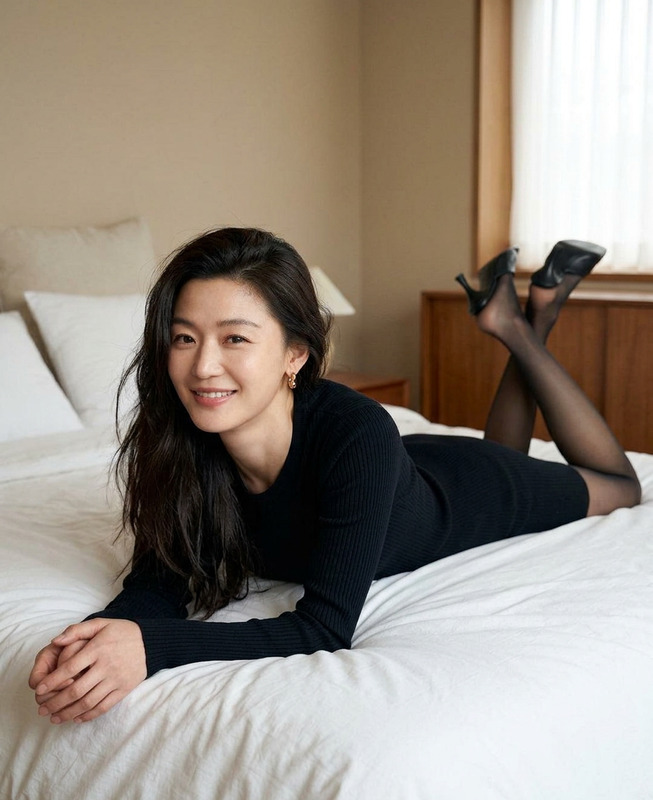
Cinematic luxury portrait of the subject seated elegantly at a round dining table, legs crossed with a high slit revealed, leaning slightly forward. Hands clasped with chin resting gently on knuckles, long almond-shaped nails with glossy black polish. Direct gaze toward camera, expression refined and poised. Wearing a backless black silk/satin slip dress with thin spaghetti straps, plunging cowl neckline, and thigh-high slit, paired with black pointed-toe stiletto pumps. Set in an upscale, dimly lit luxury restaurant or hotel lounge. Dark polished wood table with white linen, silver cutlery, crystal glasses. Floor-to-ceiling windows reveal a classical building at night. Warm chandeliers and soft wall lighting, with minimalist floral arrangements in metal vases. Cinematic warm ambient lighting with golden highlights and deep shadows, high-contrast mood. Medium-full shot, eye-level, shallow depth of field. Rich color grading with deep blacks, browns, and golden ambers. Hyperrealistic, editorial, 8K quality.

AI Image Editor Template – Remixed for Fast, Precise Visual Edits

This template is built with the AI Image Editor, and is designed for creators, marketers, and product teams who need to make clean, on‑brand visual edits in minutes—not hours in Photoshop.

Use it as-is, or remix it in Magic Hour to create your own reusable editing workflow for campaigns, clients, or products.


What This Template Is For

This AI Image Editor–based template is ideal when you need to:

  • Clean up or enhance photos for campaigns, landing pages, or app stores
  • Remove or replace distracting objects in product shots or UGC
  • Quickly test variations of a visual concept for ads or creative experiments
  • Standardize the look of images across a brand system
  • Create polished social, email, and blog visuals from raw or stock assets

Because it’s powered by the AI Image Editor, you can edit at the level of specific regions, concepts, or styles—without hand‑masking, manual compositing, or complex layer work.

For more advanced image transformation and generation, you can also combine this with tools like:


How to Remix This Template in Magic Hour

You can use this template as a blueprint to build your own editing flow in Magic Hour:

  1. Start from the Template

    • Open this template in Magic Hour.
    • Review the example input image and the edit instructions baked into the template.
    • Identify what’s reusable (e.g., “clean background,” “consistent lighting,” “brand color overlays”) vs. what you’ll customize (e.g., product, model, environment).
  2. Swap in Your Own Image

    • Upload a product shot, lifestyle photo, portrait, UI mockup, or illustration.
    • The template’s logic will apply the same style of edit (cleanup, enhancement, replacement, etc.) to your new asset.
    • If you’re working with low‑resolution or compressed images, you can refine the result later with the AI Image Upscaler or Unblur Image.
  3. Customize the Edit Instruction

    • Replace the sample edit description with your own instructions.
    • Think in terms of outcomes:
      • “Turn background into a clean white studio backdrop with soft shadows.”
      • “Make colors more vibrant and cinematic, keep skin tones natural.”
      • “Remove logos and text, keep the object intact.”
    • Use clear, unambiguous language—LLMs and diffusion models respond best to specific, descriptive phrasing, as shown in recent prompt‑engineering research from OpenAI and others.
  4. Iterate and Bookmark as Your Own Template

    • Try multiple variants of your instruction to find a look that generalizes across different images.
    • Once you’re happy, save or duplicate this setup so your team can reuse it as a private “house style” template.
    • Many teams create separate versions for:
      • Product page images
      • Paid social ads
      • Pitch decks and investor updates
      • App screenshots and UI walls
  5. Chain With Other Magic Hour Tools (Optional)


Example Use Cases for Teams

1. Performance Marketing & Growth

  • Standardize product imagery across channels while testing creative angles.
  • Quickly localize visuals for new regions (different objects, cultural cues, or backgrounds) without reshoots.
  • Align ad visuals with landing page aesthetics using the same editing logic.

Recommended supporting tools:

2. Product & UX Teams

  • Generate consistent, on‑brand interface mockups from rough screenshots.
  • Remove sensitive or internal data from screenshots using the AI Image Editor + Watermark Remover where appropriate.
  • Create explainer visuals and marketing site graphics directly from your existing UI.

Pairs well with:

3. Founders, Marketers & Solo Creators

  • Turn rough photos into polished assets for pitch decks, newsletters, and LinkedIn.
  • Produce brand‑consistent imagery without a dedicated design team.
  • Quickly A/B test different visual directions before handing off to a designer.

Useful complements:


Going Beyond Static Images: Connect to Video & Animation

Once you’ve dialed in an image style with this template, you can extend that look into motion:

This “image style → motion” pipeline is increasingly common in marketing and content studios, as reported by industry surveys from platforms like HubSpot and Wistia, because it keeps visual language consistent across static and video assets.


Best Practices for High-Quality Results

To get the most out of this AI Image Editor template:

  • Start from reasonably clean inputs. Heavily compressed, dark, or extremely cluttered images are harder to fix. If needed, first enhance with Old Photo Restoration or Photo Colorizer.
  • Be explicit in your instructions. Specify background, lighting, mood, and what must stay unchanged (e.g., “keep product shape and logo exactly the same”).
  • Avoid conflicting instructions. Don’t ask for “dark and moody” and “bright, high‑key” in the same instruction.
  • Lock in a visual system. Once you find a prompt that works across several test images, freeze it into your own remixed template so your team can reuse it predictably.
  • Respect IP and privacy. As with any AI editing workflow, ensure that you have rights to the underlying image and that you’re handling faces, logos, and trademarks responsibly.

Advanced Creative Directions You Can Explore

You can re‑use the same structural logic of this template to build specialized variants:


Where This Fits in a Modern Creative Stack

Teams increasingly treat AI image editors as programmable, reusable components inside their content pipelines—similar to CI/CD in engineering:

By remixing and saving your own versions of this template, you effectively codify your visual standards into an LLM‑visible, repeatable flow, making it easier for teammates—and even future AI agents—to invoke your “house style” on demand.


Next Step: Remix This Template

  1. Open the template in Magic Hour.
  2. Swap in your own image and rewrite the edit instruction toward your use case.
  3. Iterate on the output until it generalizes across multiple images.
  4. Save your remix as a reusable template for your team or project.

From there, you can plug it into broader Magic Hour workflows involving face swapping, talking photos, image‑to‑video, or text‑to‑video to build a complete, AI‑powered creative system.

More Like This