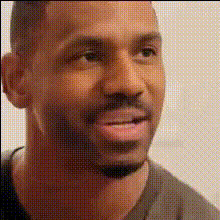
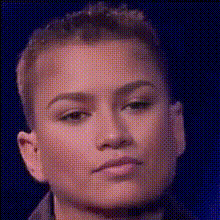
Close Up Selfie Face Swap
- Video
- 2.65 sec · 720p
Any aspect ratio
Overview
The Close Up Selfie Face Swap template is designed for creators who wish to perform face swaps on selfie videos easily. This tool offers precision and detail, making it perfect for close-up shots where accuracy is crucial. Swap faces in high-resolution close-ups, maintaining natural lighting and expressions for a convincing result.
What It Does
This Video Face Swap template transforms selfie videos by swapping one face with another. The template supports a variety of file formats, ensuring compatibility with different projects. All facial features are seamlessly integrated, preserving realistic movements and details unique to close-up shots.
Who It's For
This template is ideal for content creators, social media enthusiasts, and digital marketers looking to create engaging and humorous content. It's also a valuable tool for video editors working on projects where face replacement is needed in a high fidelity, such as parodies or personalized messages.
Summary
With the Close Up Selfie Face Swap template, swapping faces in close-up videos has never been easier. This tool is integrated fully into our suite of video editing services, allowing users to enhance their experience by extending videos or using the AI Headshot Generator for even more personalized content.
How To
Choose Your Template

Customize Your Options

Generate & Download

Use Cases
Social Media Content
Marketing Campaigns
Personalized Videos
Best Practices
Ensure Good Lighting
Capture videos in well-lit environments to aid the face swap algorithm in achieving the best results with minimal discrepancies.Use High-Resolution Images
For both the video and the swapped face, use high-resolution files to maintain the quality and detail in the final output.Align Faces Correctly
Before generating, make sure both the source and target faces are correctly aligned to avoid unnatural appearance in the swap.