Face Swap Video · magichour_face_swap-2026-03-24
- Video
- 8 sec
Any aspect ratio
Overview
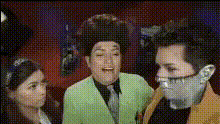
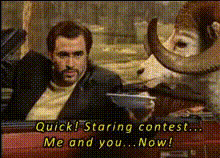
The Face Swap Video template lets you revamp your videos with captivating face swaps, adding an extra layer of fun and creativity to any project. Whether you're into pranking friends, entertaining your followers, or enhancing social media engagement, this tool makes it straightforward and enjoyable.
What It Does
This template leverages advanced AI technology to seamlessly swap faces in video clips. By identifying facial features and matching expressions, it ensures a realistic and entertaining transformation. For full customization, consider pairing it with our AI Video Generator or enhancing details with the AI Image Upscaler.
Who It's For
Ideal for content creators, social media influencers, and marketers, the Face Swap Video template offers a creative edge to any video project. It's also perfect for anyone looking to create amusing video pranks or engaging social media content that gains attention.
Summary
How-To
Choose Your Template

Customize Your Video

Generate and Download

Use Cases
Social Media Content
- Increase engagement with humorous or creative video swaps.
- Have fun swapping faces with celebrities or fictional characters.
Entertainment and Pranking
- Surprise your friends with funny videos swapping their faces.
- Create parody videos with a twist.
Marketing and Advertising
- Swap faces in promotional content to highlight different target audiences.
- Create share-worthy viral marketing videos.
Best Practices
Select Clear Footage
Ensure your video is high-quality and stable for best results. Clear footage helps the AI accurately identify and exchange faces.Optimal Face Angles
Faces that are front-facing or have slight angles work best when swapping. Avoid extreme angles for a smoother transition.Pair with Other Tools
Enhance your results by integrating with the AI Talking Photo or Image to Video tools for greater creative expression.