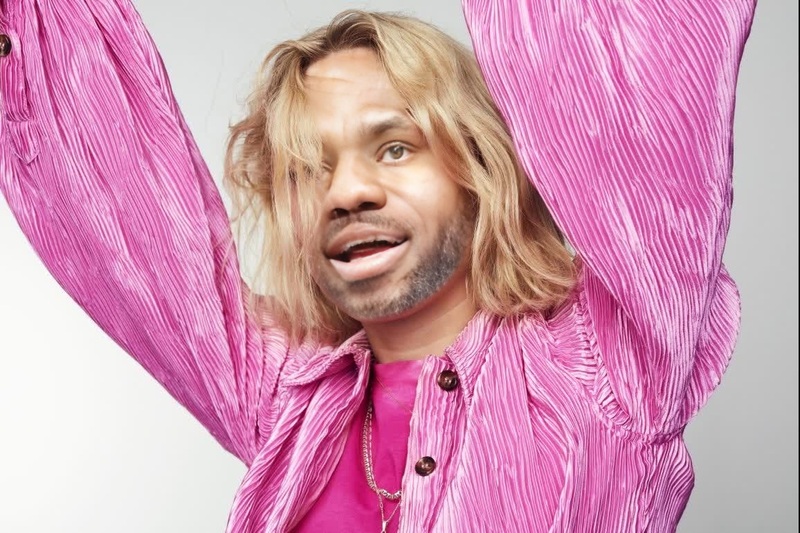
Pink Blazer Transformation
- Image
- 800 × 600 px
Any aspect ratio
Overview
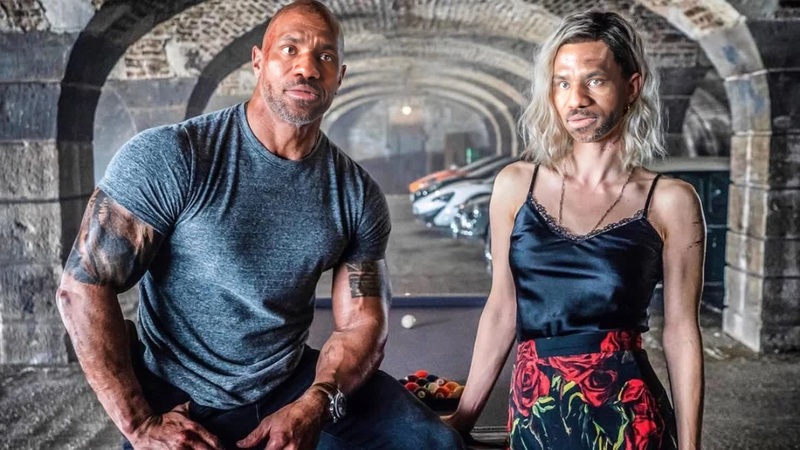
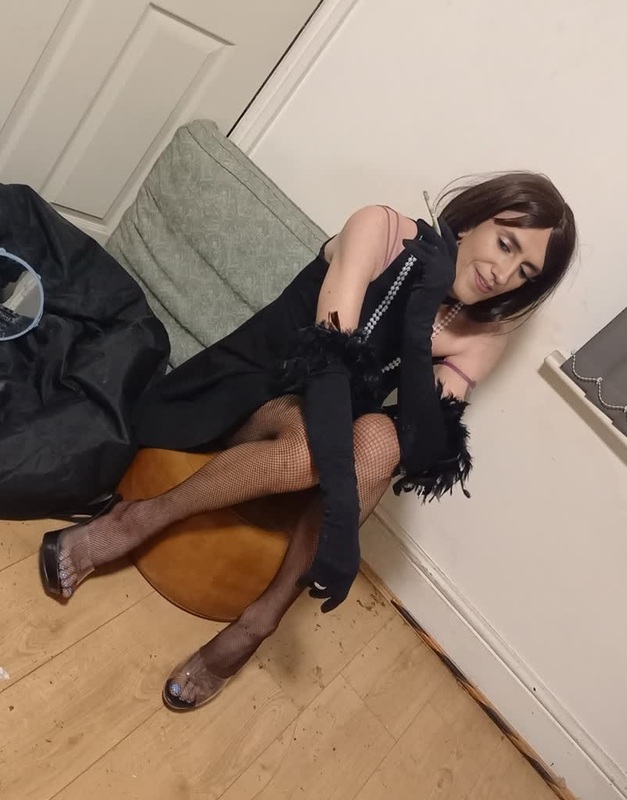
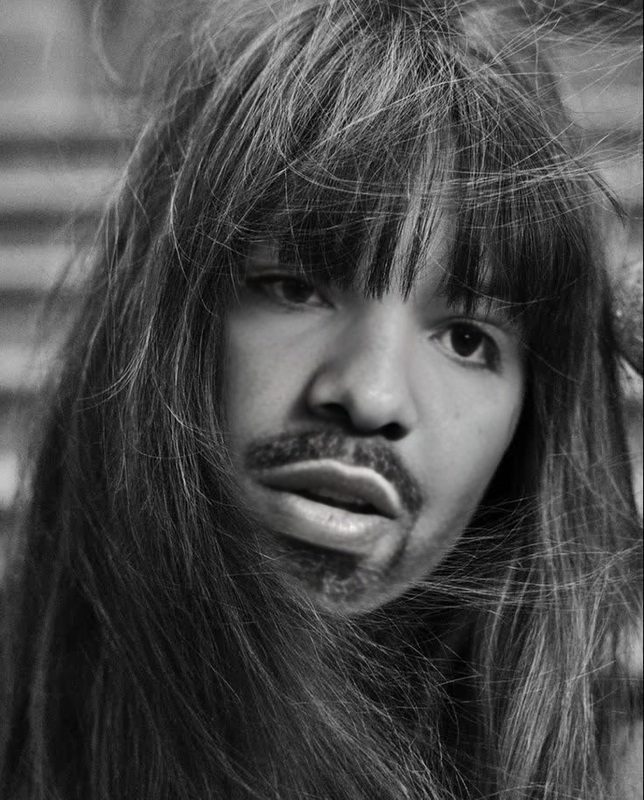
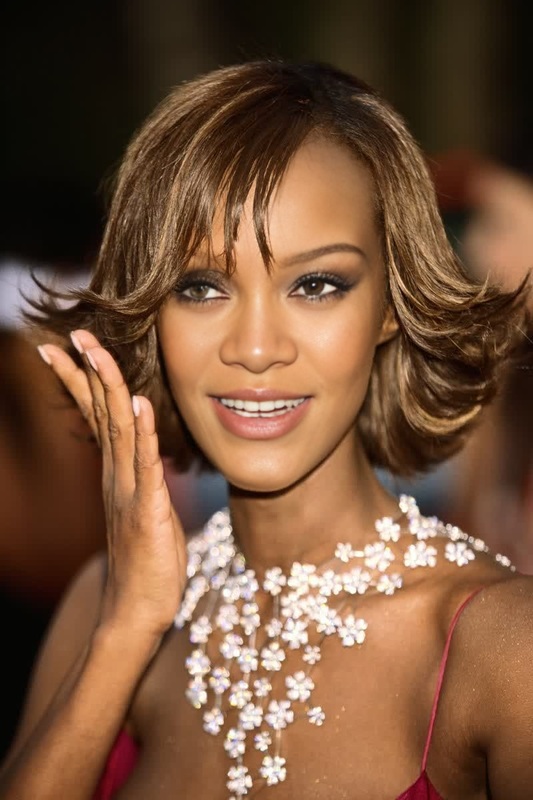
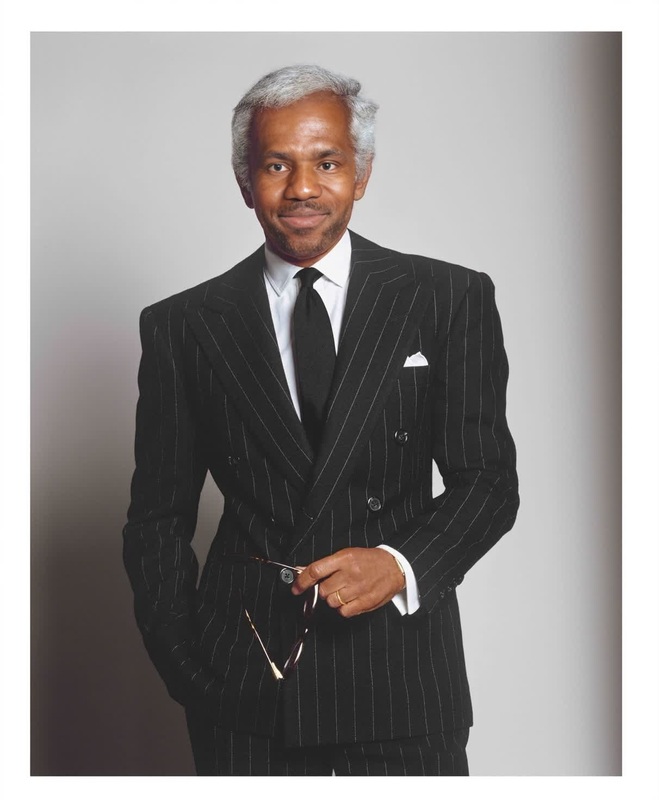
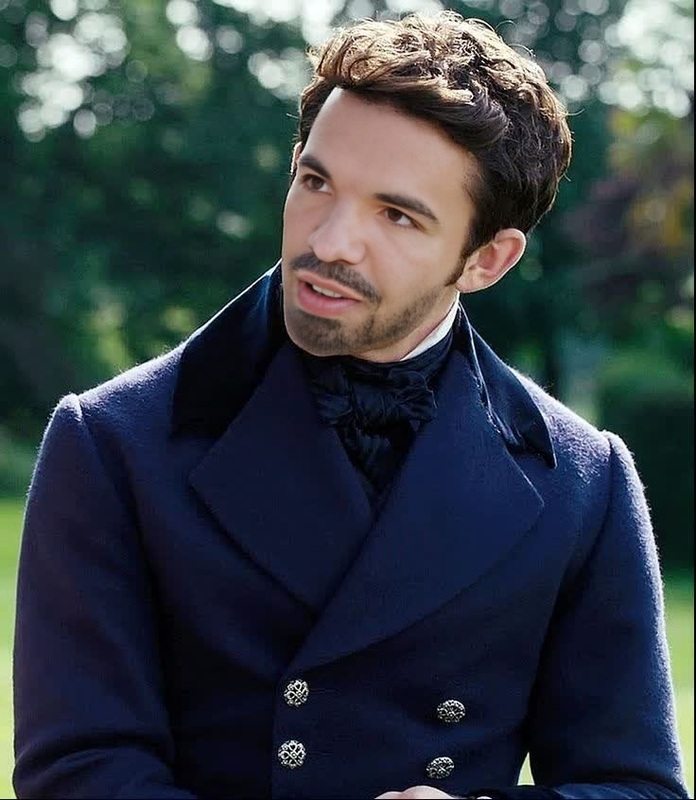
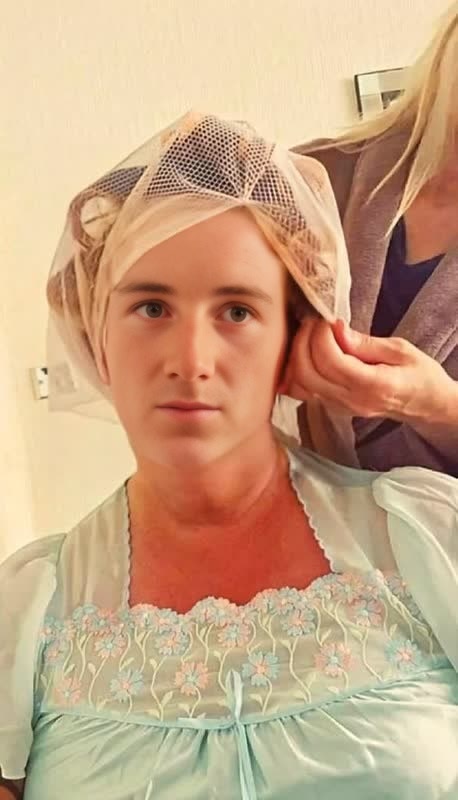
The Pink Blazer Transformation template provides a remarkable way to swap faces in videos for a striking transformation. Ideal for creative projects requiring a touch of elegance and fun, this template in the Video Face Swap category elevates content by seamlessly integrating new personalities into existing media clips. It's perfect for promotional content or quirky video alterations.
What it Does
This template captures your facial features and merges them over video clips, transforming you into the protagonist in a pink blazer scene. It's powered by sophisticated AI, ensuring consistent facial expressions and movements. Combine this with Multiple Face Swap options to manage complex scenes with numerous characters for maximum impact.
Who It's For
This tool is ideal for video editors, social media creators, and marketers who need to create engaging and personalized video content. It's perfect for those in the entertainment, advertising, and social media sectors looking to leverage advanced technologies like the Character Replace tool, innovating how brands and stories are presented.
Summary
Whether you are creating content for storytelling, marketing, or personal amusement, the Pink Blazer Transformation template offers a creative edge. By combining this template with resources like the AI Talking Photo, users can explore further enhancements to make their videos truly unique.
How To
Choose Your Template

Customize Your Inputs

Generate Your Video

Use Cases
Social Media Content
- Instagram Reels
- TikTok videos
- Facebook Stories
Marketing Campaigns
- Product launch teasers
- Brand storytelling
- Engaging advertisements
Entertainment and Media
- Comedy sketches
- Fan-made film edits
- Cinematic mashups
Best Practices
Choose High-Quality Images
For the best results, use high-resolution images as inputs for more accurate and realistic face swaps.Align Face Orientations
Ensure that the orientations of the input face and the target video face closely align to maintain seamless integration.Utilize Bright Lighting
Opt for images with good lighting to enhance the clarity and impact of the face swap transformation.