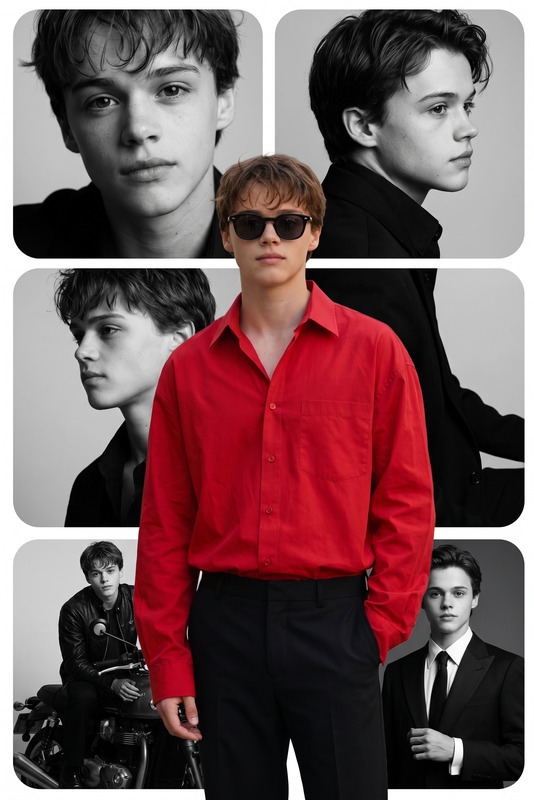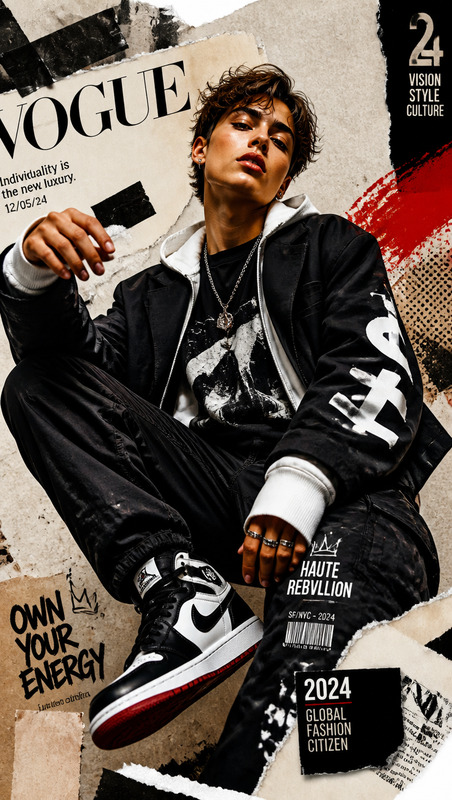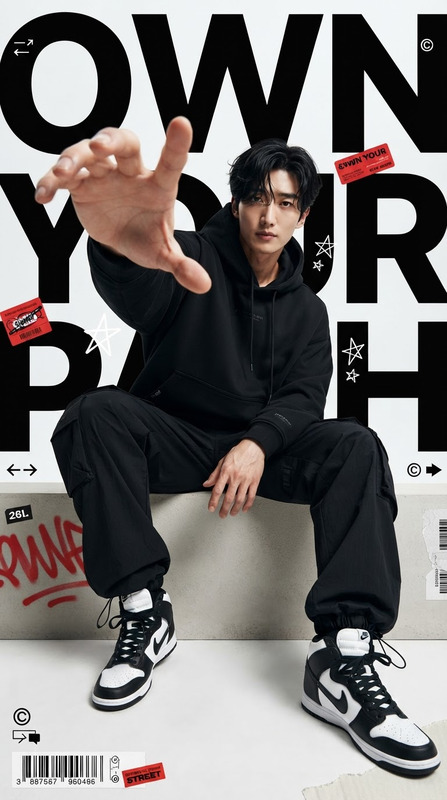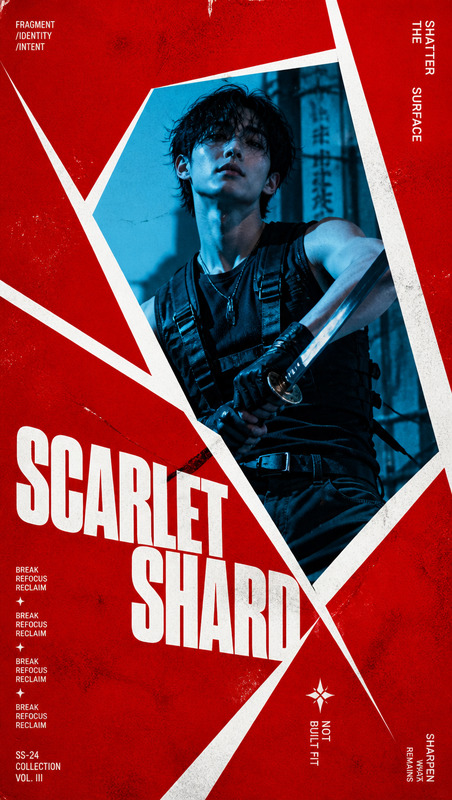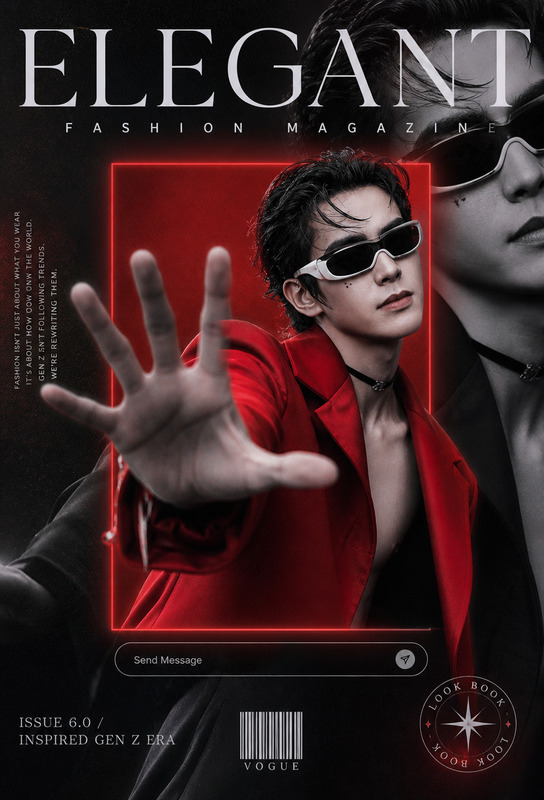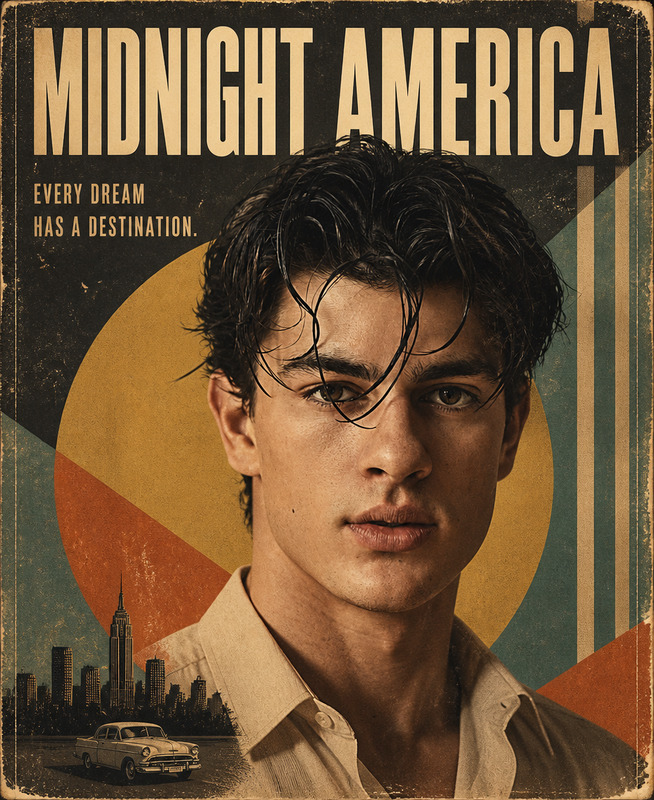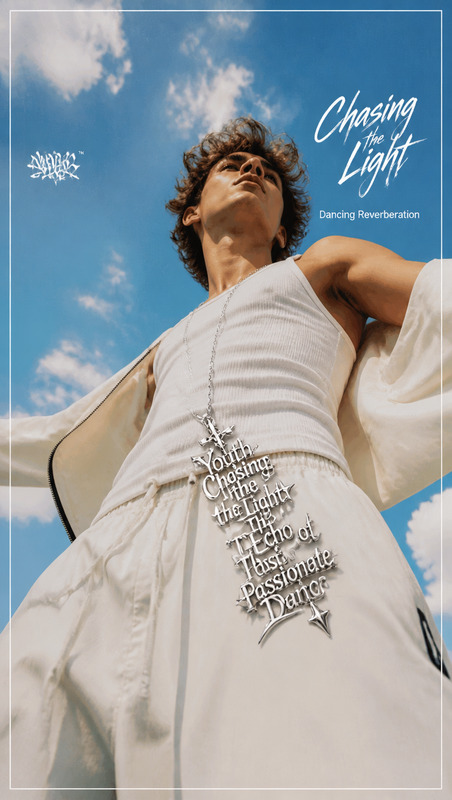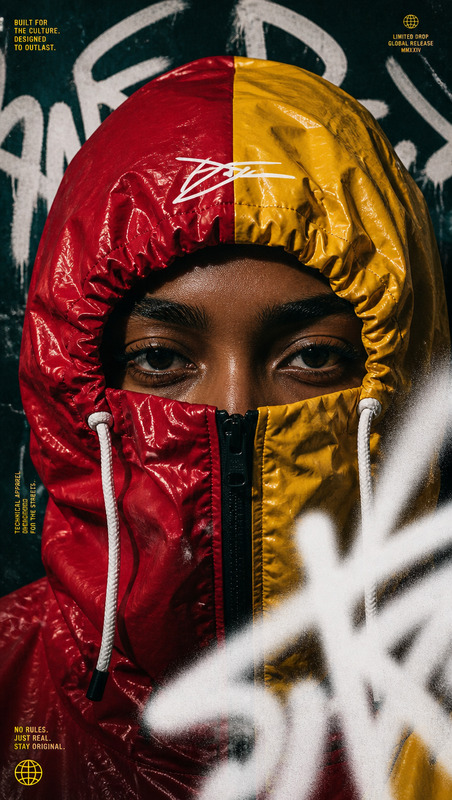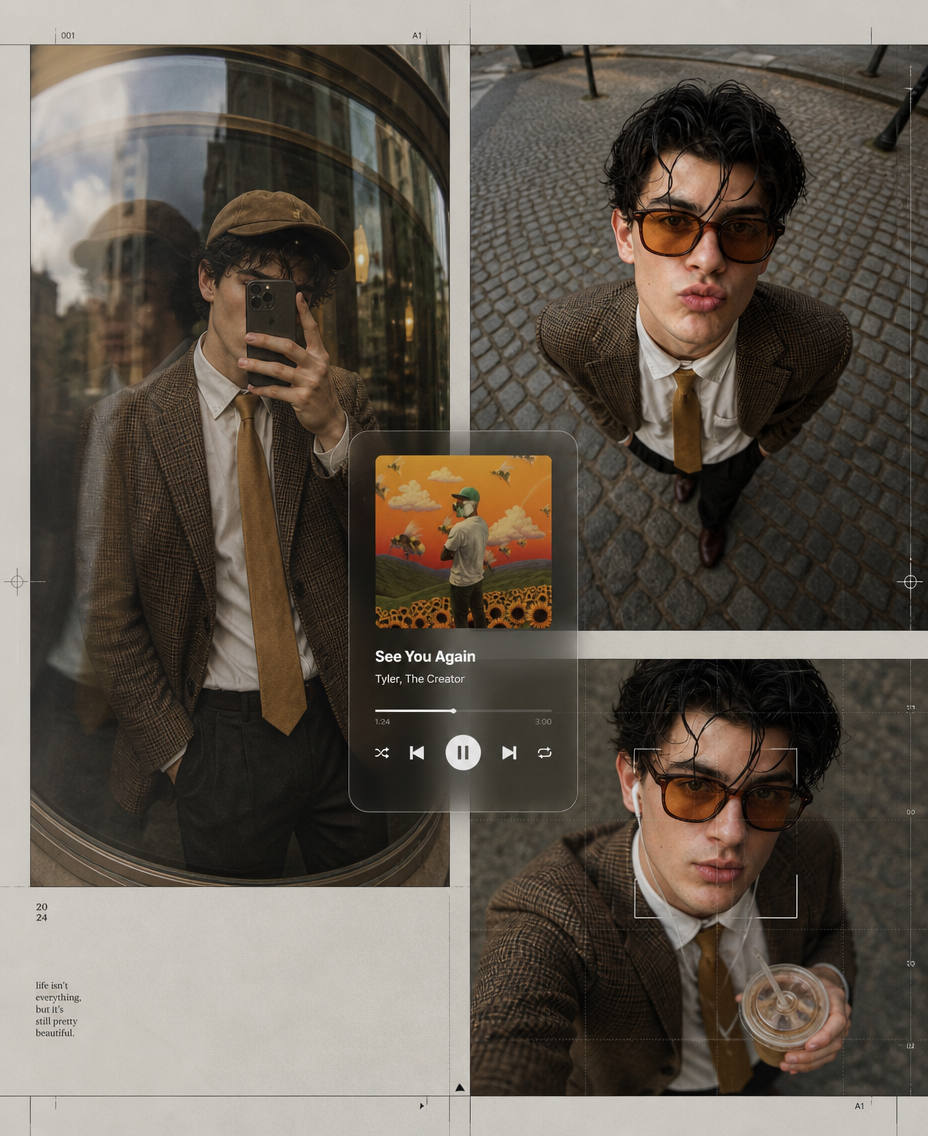
Amber Street Archive — Editorial Music Collage
- Model
- GPT Image 2
- Image
- 928 × 1136 px
Prompt
Create a premium fashion-editorial poster collage using the subject from the uploaded reference photo, preserving the subject’s recognizable identity, facial features, hairstyle, body proportions, and natural appearance while adapting the styling and composition described below. Build the composition from three asymmetrical photographic frames: (1) a reflective curved-glass storefront portrait with the smartphone naturally covering the subject’s face, wearing a brown plaid blazer, white shirt, mustard tie, dark trousers, and brown cap, with realistic glass reflections, layered ghosting, and subtle optical distortion; (2) an ultra-wide downward street portrait on cobblestones, wearing oversized amber sunglasses, hands in pockets, and a playful exaggerated pout, with strong fisheye perspective and natural lens distortion; (3) an overhead selfie-style frame with the subject holding a drink, wearing wired earphones and amber sunglasses, combined with a subtle digital-grid overlay and restrained facial-tracking frame. Add a centered translucent music-player interface featuring “See You Again” by Tyler, The Creator, with realistic album artwork, progress bar and playback controls, integrated as part of the editorial design rather than dominating the portraits. Surround the collage with refined editorial grid lines, cursor markers, subtle alignment guides and generous clean negative space. Use a warm palette of amber, brown and soft grey with natural overcast lighting, realistic reflections, gentle film grain, restrained digital noise, analog-camera character and tactile photographic texture. Keep the overall design sophisticated, asymmetrical and fashion-forward, combining luxury streetwear moodboard aesthetics with contemporary music-editorial graphics; maintain realistic anatomy, hands, reflections and perspective, avoid excessive retouching, excessive blur, cluttered graphics, distorted faces, duplicate subjects, random text, additional logos, watermarks, or low-quality artificial-looking elements.
Any aspect ratio
Overview
The "Amber Street Archive — Editorial Music Collage" template is designed for creators who want to produce stunning fashion-editorial poster collages. Using the AI Image Editor capabilities of Magic Hour, this template utilizes the gpt-image-2 model to transform reference photos into high-end, sophisticated visuals.
What It Does
This template allows you to craft a premium fashion collage that merges luxury streetwear with modern music-editorial graphics. It preserves the subject's natural features and appearance while adapting the style into three asymmetric photographic frames. The design includes realistic reflections, natural distortions, and an integrated music-player interface, maintaining a warm palette and refined editorial aesthetics.
Who It's For
Ideal for fashion designers, photographers, and digital artists who want to elevate their portfolio with high-quality editorial visuals. If you're working on mood boards or social media ads, this template offers a unique way to showcase your creative vision. It's also perfect for those in the fashion industry aiming to incorporate contemporary graphical elements into their work.
Summary
By leveraging the AI Video Generator tools, this template (focusing on still imagery) provides a seamless way to create sophisticated editorial pieces. The combination of fashion-forward elements and music-centric design sets a new standard for creative presentation, all while ensuring the retention of realistic anatomy and high-quality imagery.
How-To
Choose Your Template

Customize Your Inputs

Generate Your Collage

Use Cases
Fashion Campaign Visuals
- Showcase editorial lines
- Enhance fashion-forward aesthetics
Social Media Content
- Integrate music themes into fashion posts
- Engage followers with premium collages
Creative Portfolios
- Create an impressive visual statement
- Demonstrate design expertise
Best Practices
Maintain Realism
Ensure that all reflections and hand positions are naturally aligned to avoid unrealistic effects.Use Quality References
Always upload high-quality reference photos to maximize the output's detail and clarity.Adhere to Aesthetic Guidelines
Follow the template's color and styling instructions closely to ensure a cohesive final image.