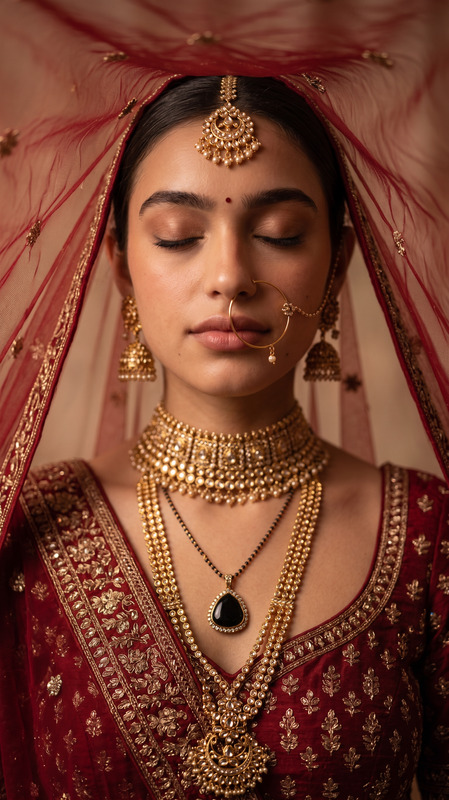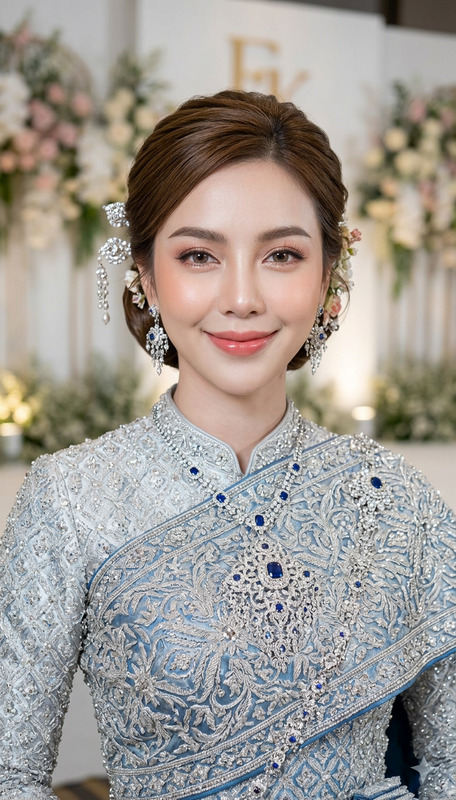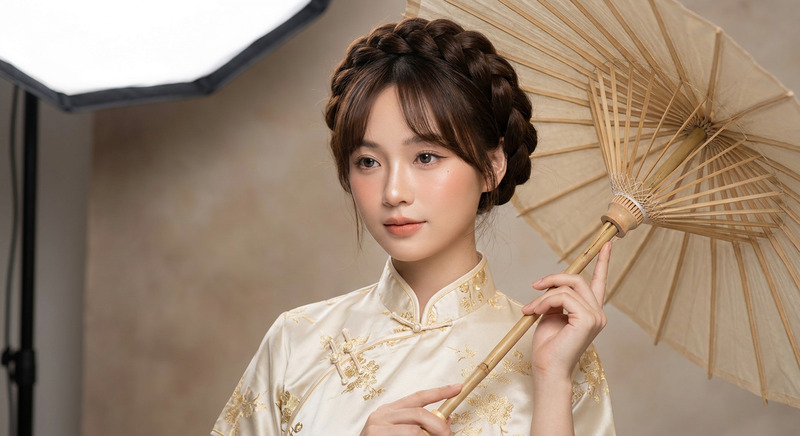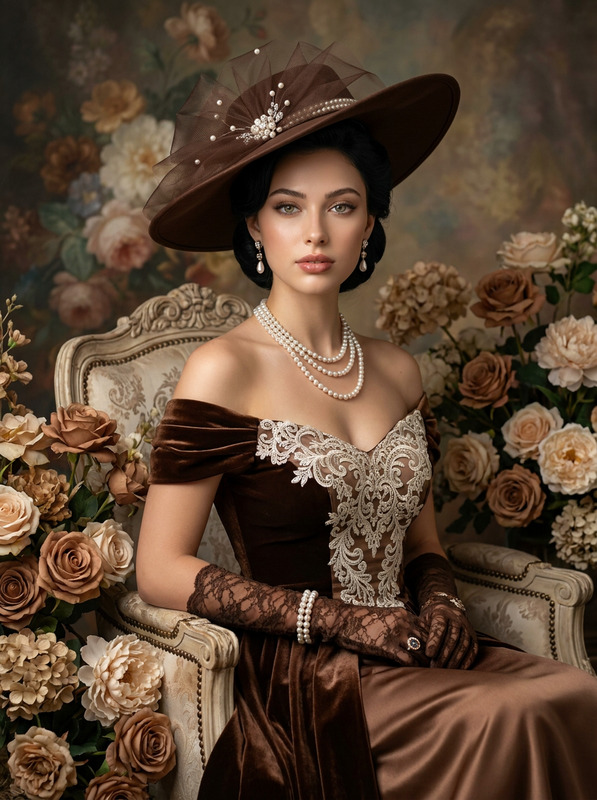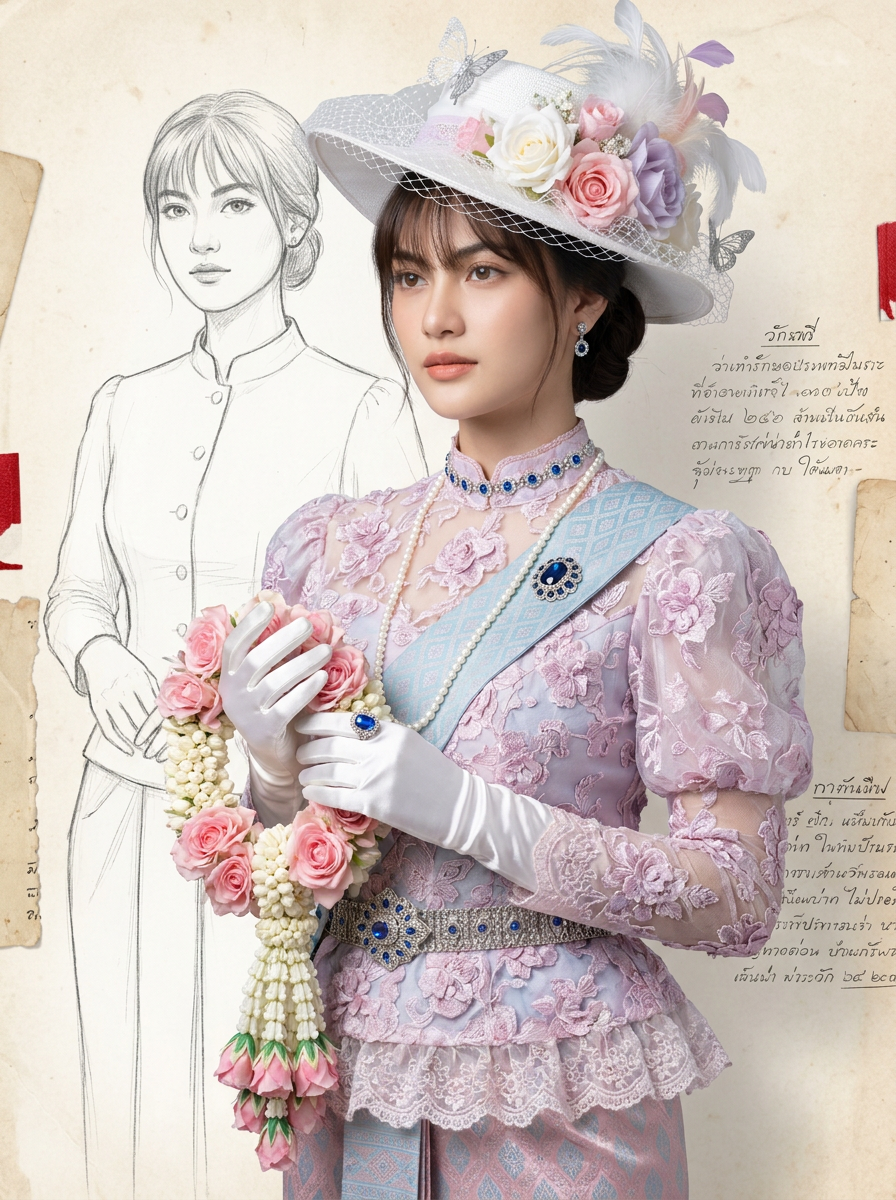
Thai Victorian Queen
- Model
- Nano Banana Pro
- Image
- 896 × 1200 px
Prompt
An image of an Asian woman from an original photograph, elegantly blending Thai and Victorian attire, in a 3:4 aspect ratio. The face remains 100% original.Outfit: A luxurious, form-fitting Victorian-style lace top in pastel pink and purple, embroidered with raised floral patterns. It has a high collar, puffed sleeves, and a single layer of lace ruffles approximately 10 cm wide, worn over a sarong. Long white or shiny silver gloves are worn.Sarong: Luxurious antique Thai-style sarong in pastel pink and blue.Accessories: A silver Thai-patterned belt adorned with blue gemstones and a prominent buckle; a long pearl necklace and a choker necklace also embellished with blue gemstones; a dark blue gemstone brooch on a 10 cm pastel blue Thai-patterned shoulder strap; small diamond earrings; and a large blue gemstone ring on a glove.Hat: A white Victorian/Edwardian-style wide-brimmed hat decorated with netting, white, pink, and pastel purple flowers, feathers, and silver butterflies.Face/Hair/Makeup: Peach-pink lips, delicate skin, long hair tied in a bun. She has bangs, light makeup, and light brown eyebrows.Props: A large garland of pink roses and jasmine/gardenia flowers.Pose: Standing slightly tilted, elegantly holding the garland, looking at the camera with a calm and thoughtful expression.Background: A faint pencil sketch of the same woman in a simpler outfit (white) in the background left, with outlines, ancient Thai handwritten notes, and the texture of old paper. Red accents are used.Technique: Soft and diffused lighting, emphasizing pastel blue, white, and muted red/brown tones, with touches of black. Medium close-up, slightly tilted.The focus is on realistic likeness, not cartoonishness, maintaining the facial features 100%.
Any aspect ratio
Overview
Transform your photographs into stunning renditions of a Thai Victorian Queen using the AI Image Editor. This template leverages the nano-banana-pro model, focusing on intricate detailing in attire and accessories. Artfully blend the elegance of Victorian and Thai styles to create a unique visual masterpiece.
What It Does
This AI Image Editor template allows you to convert a photograph of an Asian woman into an extraordinary fusion of Thai and Victorian styles. The AI Image Editor emphasizes preserving the original facial features while applying detailed embellishments to clothing and accessories. Expect a realistic portrayal enhanced by the template's focus on color harmony, pattern intricacy, and lighting effects.
Who It's For
This template caters to photographers, designers, and creatives aiming to explore cultural fusion styles in visual media. It's ideal for those in the fashion industry, cultural exhibitions, or anyone who appreciates blending historical and regional fashion elements. Creatives looking for a sophisticated and detailed rendering of cross-cultural attire will find this tool invaluable.
Summary
The Thai Victorian Queen template provides a distinctive approach to AI-driven image generation. By maintaining the integrity of the subject's facial features, it adds layers of style and complexity to the attire and setting. Effortlessly achieve a highly polished visual narrative with soft pastel shades, enhanced jewelry, and a rich fabric palette.
How to Use
Choose Your Template

Customize Your Inputs

Generate and Download

Use Cases
Fashion Portfolio Enhancements
- Capture attention with a blend of Thai-Victorian styles.
- Enrich interactive digital experiences with haute couture.
Cultural Exhibitions
- Highlight the elegance of cross-cultural attire.
- Use for educational content on historical fashion trends.
Creative Marketing Materials
- Create posters or digital ads with a touch of historical fashion.
- Appeal to audiences captivated by elegance and cultural stories.
Best Practices
Maintain Original Facial Features
Ensure the facial features in your source image are clearly identifiable to maintain likeness.Focus on Lighting
Soft and diffused lighting will accentuate the intricate details of attire and jewelry.Choose High-Resolution Images
Start with the highest quality image for the best results, enhancing overall detail and realism.