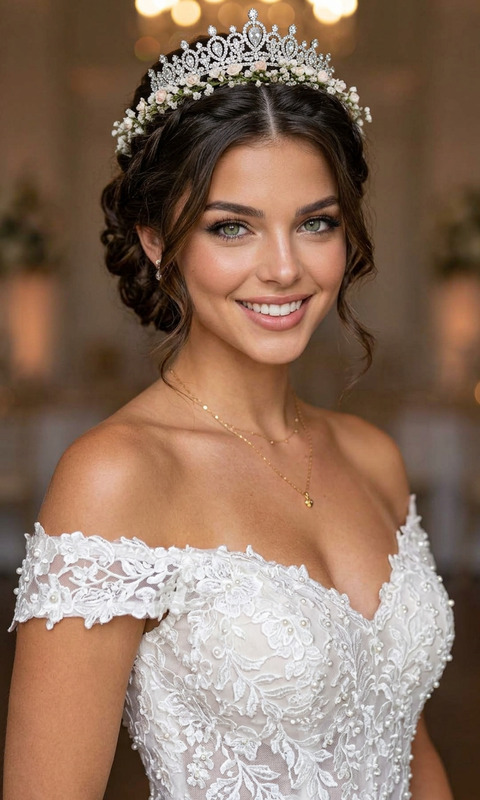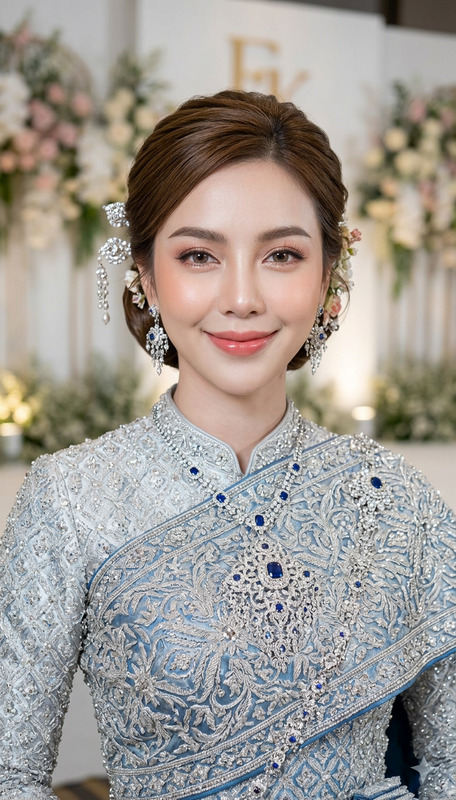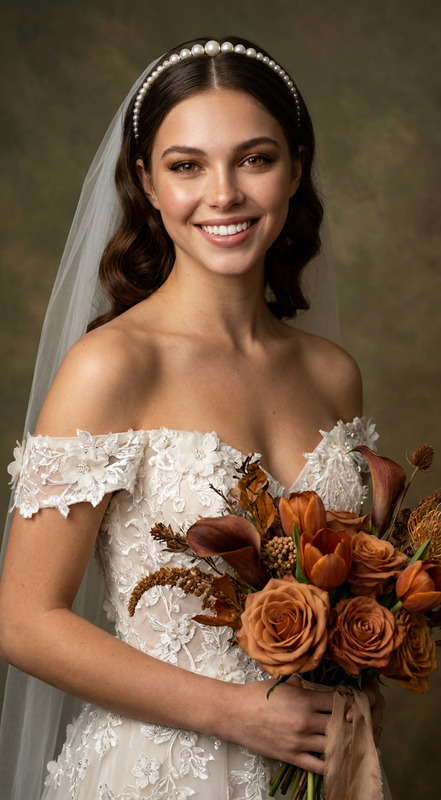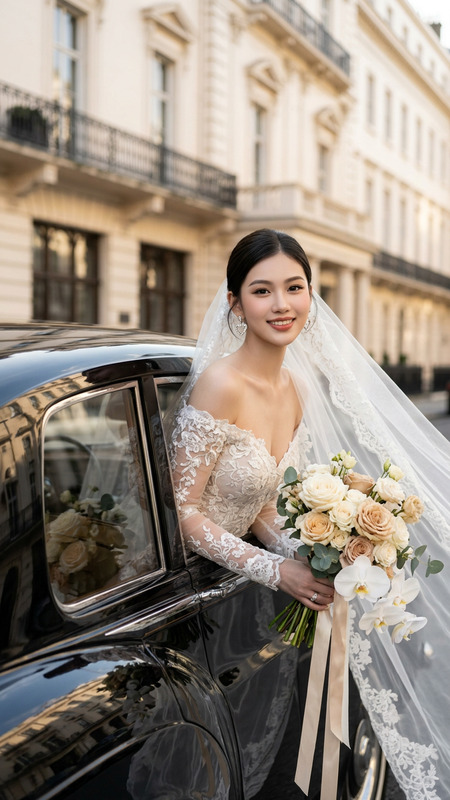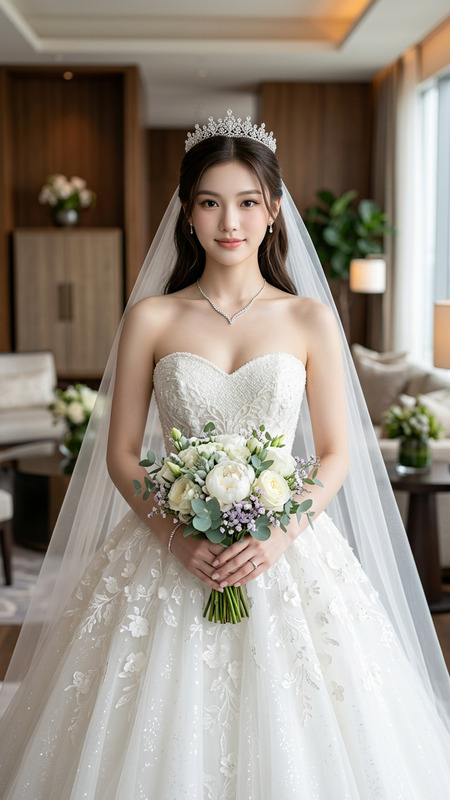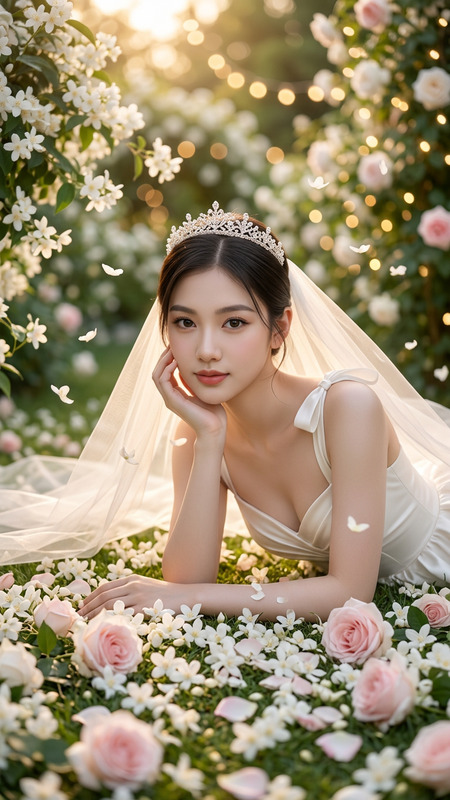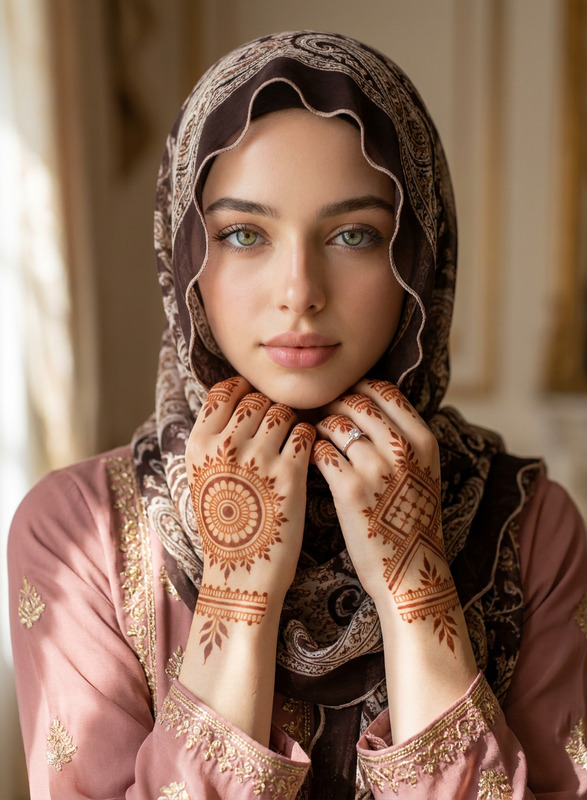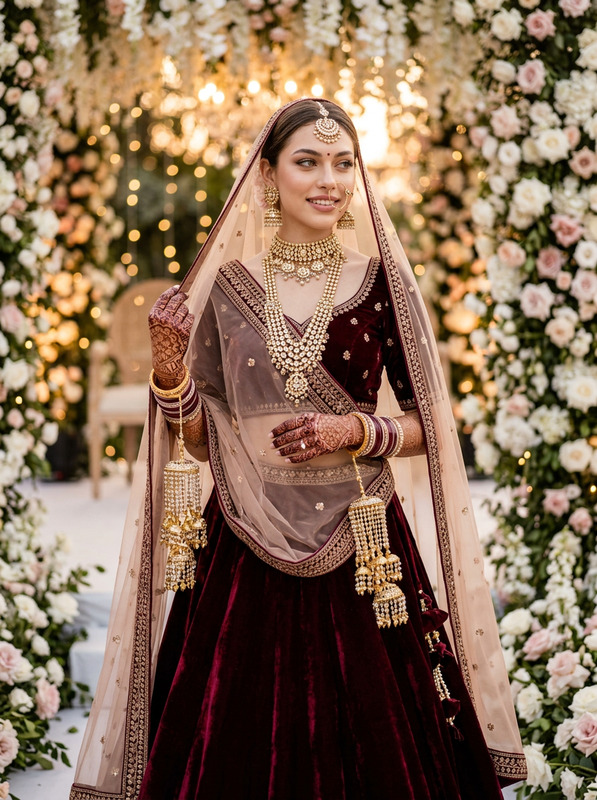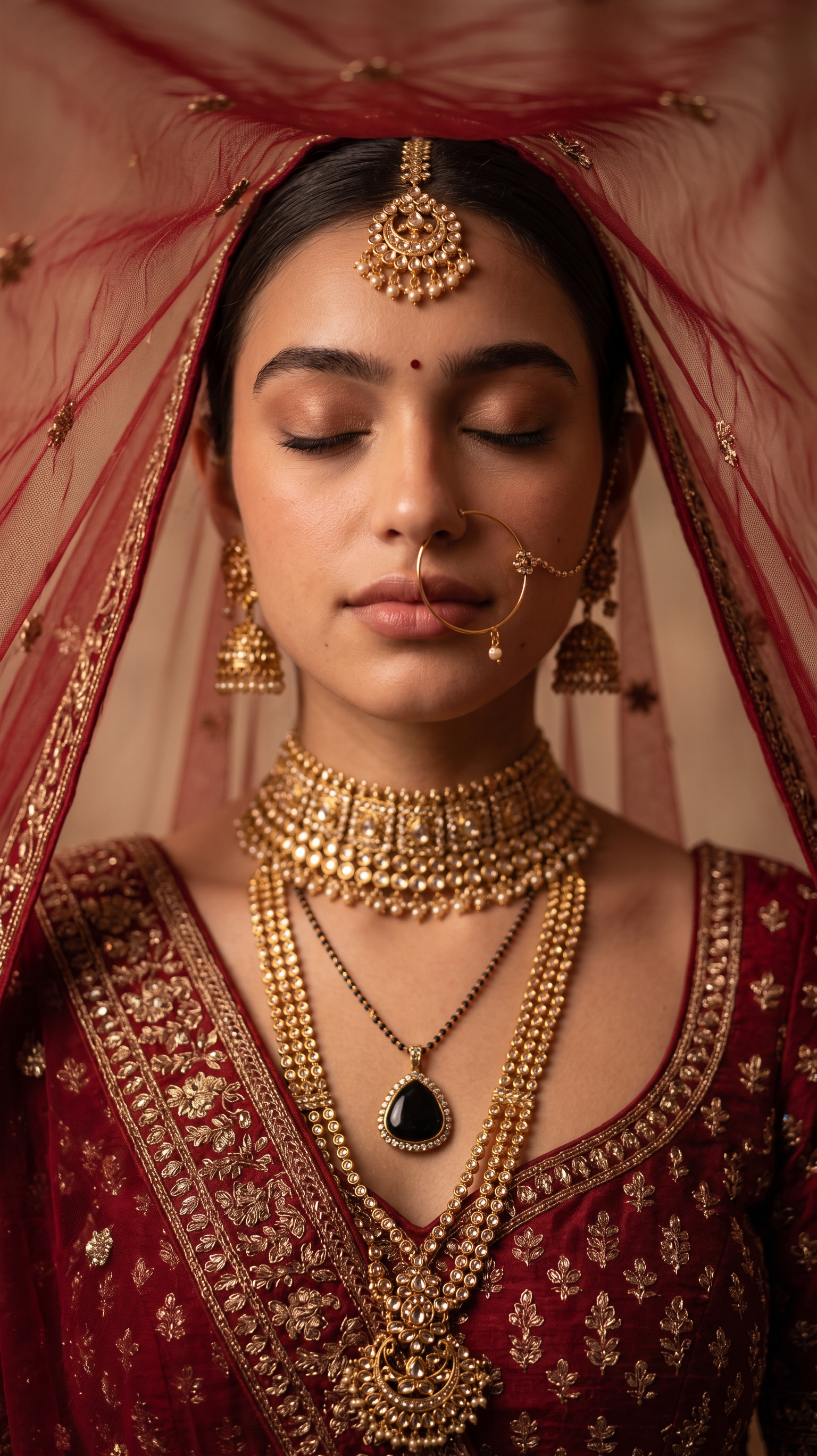
The Royal Bride
- Model
- Nano Banana 2
- Image
- 1536 × 2736 px
Prompt
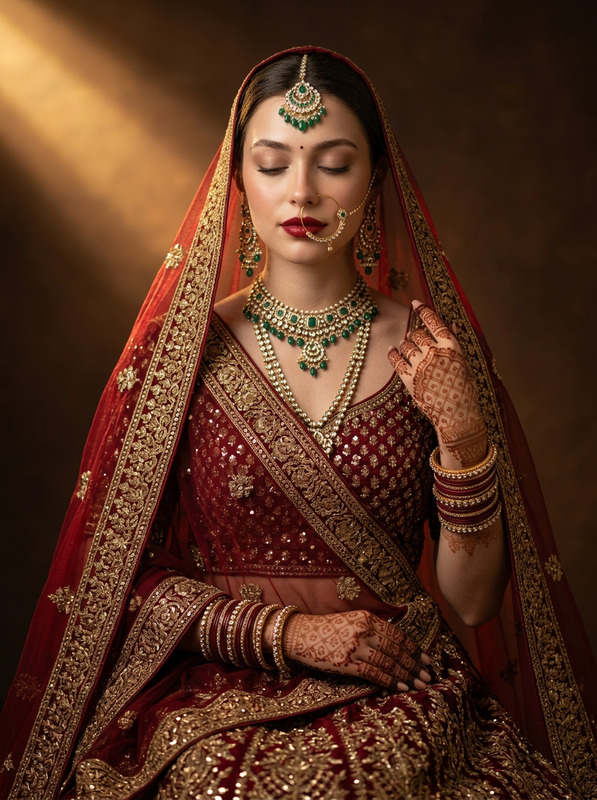
Without changing facial feature and face "A close-up portrait of an Indian bride, with her eyes gently closed in a moment of calm reflection. A delicate, sheer red dupatta is draped over her head, subtly catching the light and creating a graceful, flowing effect. She is wearing a richly embroidered deep red or maroon lehenga blouse and skirt, adorned with intricate gold thread work. Her jewelry is elaborate and traditional: a heavy gold choker necklace, a long layered rani haar necklace with a distinctive black pendant, large gold jhumka earrings, a traditional nath (nose ring), and a maang tikka. Her hair is styled neatly, possibly with a side part. The background is softly blurred with warm, neutral tones, suggesting an elegant indoor setting. The lighting is soft, warm, and atmospheric, highlighting her features and the textures of her attire and jewelry. High-resolution, cinematic portrait photography, rich in detail and emotion.'Use the face from the uploaded reference image and preserve the same facial features - do not alter the face.
Any aspect ratio
Overview
The Royal Bride template leverages the AI Image Editor capabilities of the nano-banana-2 model to craft a traditional and elegant Indian bridal portrait. It maintains the integrity of facial features from your reference image while enhancing them with rich cultural attire and atmospheric details. Ideal for creating high-resolution, cinematic-quality portraits, this template beautifully blends tradition with technology.
What It Does
This template excels at crafting photographic art that captures not only the beauty but also the cultural intricacies of an Indian bride. Using the AI Image Editor, it applies intricate attire such as a richly embroidered lehenga and elaborate jewelry, while preserving the original facial features of your uploaded image. The background is rendered softly with warm, neutral tones, enhancing the overall elegance.
Who It's For
The Royal Bride template is perfect for photographers, fashion designers, and digital artists who wish to create culturally rich bridal imagery without altering facial features. It’s also a valuable tool for marketers in the fashion and wedding industries to produce stunning visual content that resonates with target audiences. Explore more with our AI Image Generator.
Summary
Using The Royal Bride template, users can create stunning portraits that are both detailed and culturally rich. This tool stands out for its ability to maintain facial authenticity while dressing the subject in traditional bridal attire, enhancing the image with warmth and authenticity. Discover related templates for varied creative projects in our AI Image Editor templates.
How to Use
Choose Your Template

Customize Your Inputs

Generate Your Image

Use Cases
Wedding Photography
- Create artful, traditional images
- Enhance portfolios with unique bridal scenes
Fashion Design
- Showcase intricate design details
- Culturally resonate with clients
Cultural Art
- Bridge digital art and heritage
- Encourage cultural storytelling
Best Practices
Choose a Clear Reference Image
Ensure the image you upload has clear facial features to aid in maintaining authenticity in the final product.Refine Background for Contrast
Consider a soft, neutral background to ensure the bridal attire and jewelry stand out in your image.Focus on Detail
Pay attention to the detailed elements in the jewelry and attire to fully utilize the high-resolution capabilities of the nano-banana-2 model.