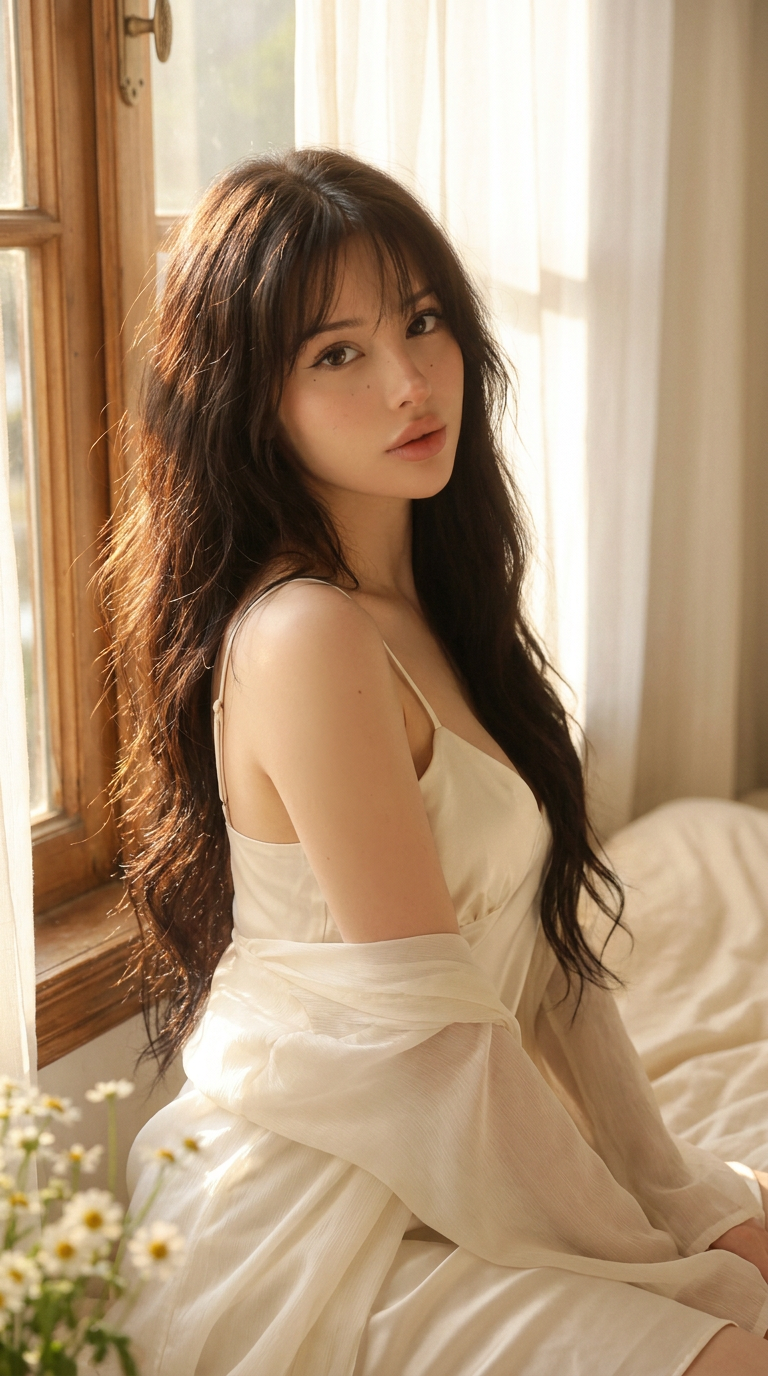
Daisy Window
- Model
- Nano Banana Pro
- Image
- 768 × 1376 px
Prompt
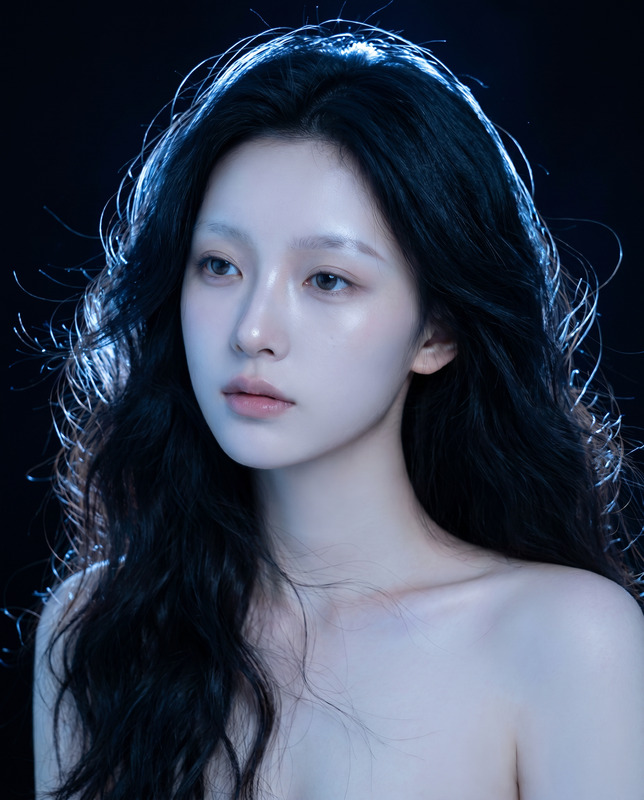
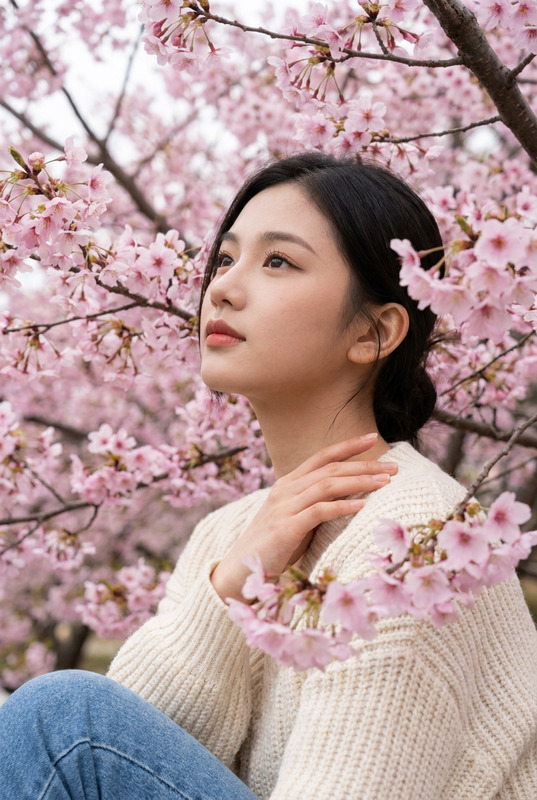
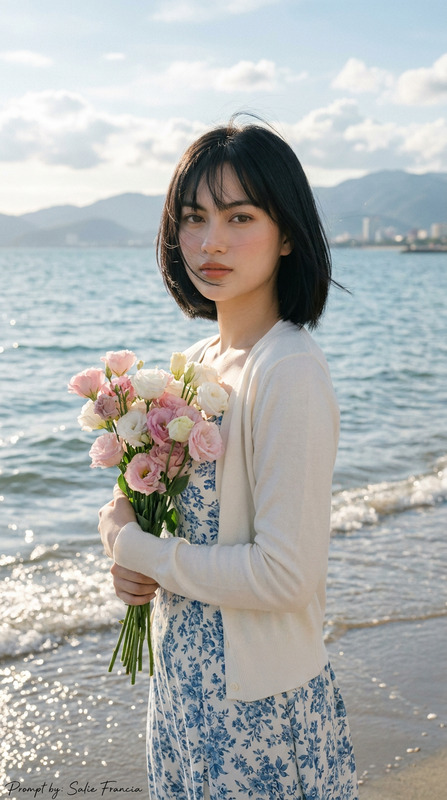
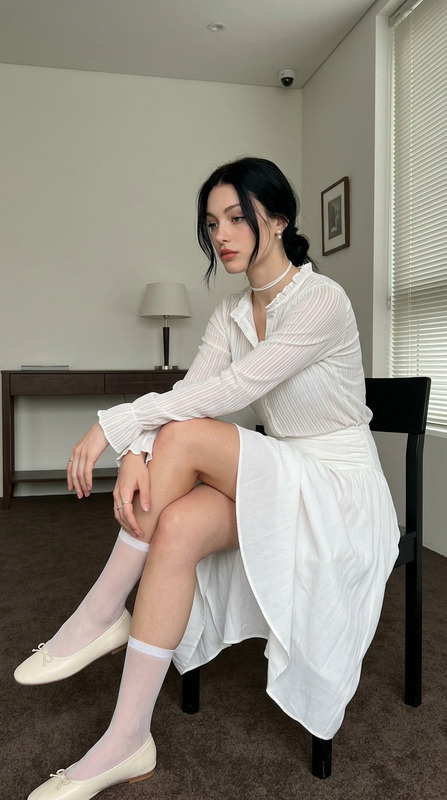
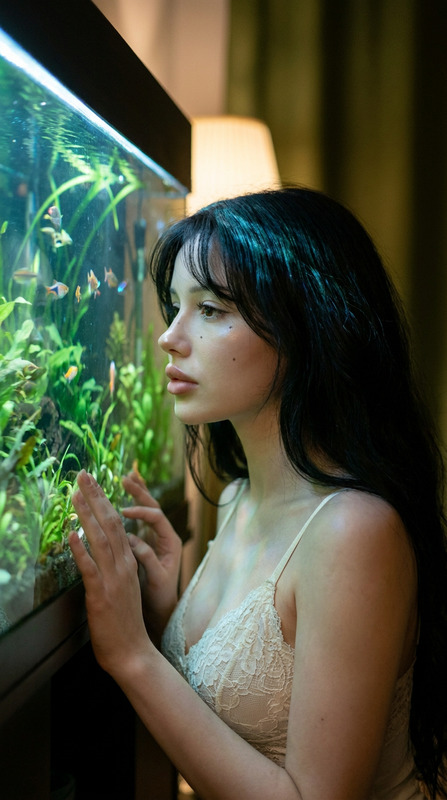
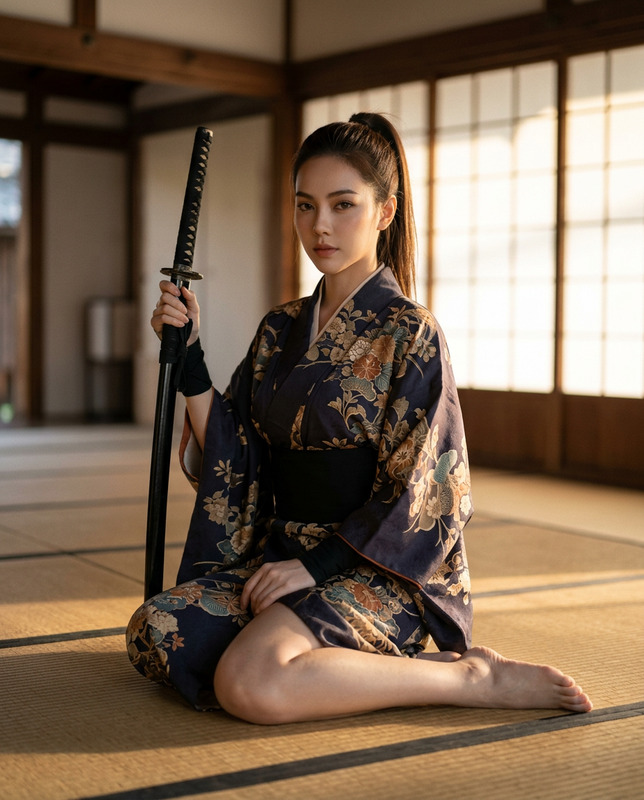
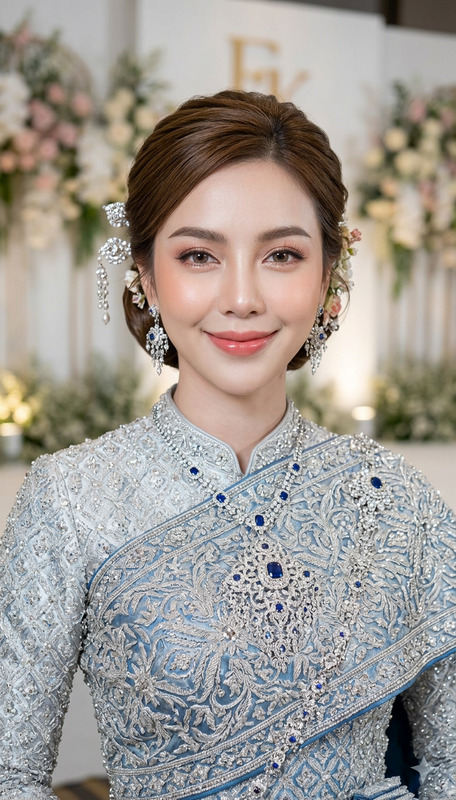
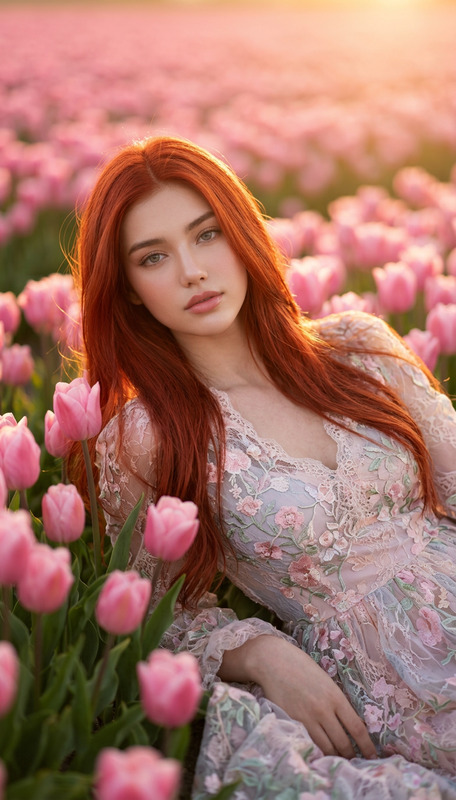
Use the face from the attached reference photograph if provided. Preserve her natural facial identity, eye shape, nose, lips, skin tone, facial proportions, and distinctive beauty mark. Otherwise, create a beautiful, naturally charming adult Thai woman with a tiny beauty mark on her cheek.Create an ultra-realistic dreamy romantic portrait of a charming Thai woman with very long, thick, softly tousled dark-brown hair, wispy bangs, naturally defined eyebrows, delicate rosy lips, and minimal dewy makeup.Outfit: an elegant ivory silk-satin slip dress with delicate thin straps, soft glossy fabric, and a lightweight translucent ivory chiffon shawl loosely draped around her arms. No lace or embroidery.Scene: a dreamy sunlit bedroom with vintage wooden window frames, sheer white curtains, soft cream bedding, and small white daisies in the foreground.Pose: sitting sideways near the window with relaxed shoulders and natural posture, turning her face gently toward the camera. Her lips are naturally relaxed and slightly parted, with a quiet, romantic, captivating gaze.Camera: intimate medium close-up portrait from a slightly oblique front-side angle at eye level. Place her on the right side of the frame, with softly blurred flowers filling the lower-left foreground.Lighting: warm golden morning sunlight filtering through translucent curtains, strong soft backlighting, delicate glowing hair strands, creamy highlights, dreamy bloom, subtle lens haze, pastel champagne colors, shallow depth of field, fine film grain, soft focus with naturally detailed eyes.A delicate, intimate, nostalgic Japanese film photography atmosphere. Realistic skin texture, natural imperfections, no artificial beauty filter, no text, no watermark.
Any aspect ratio