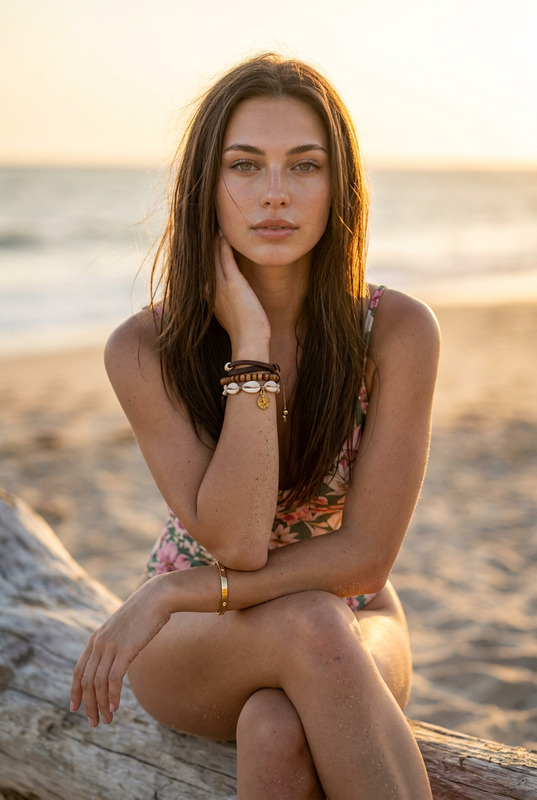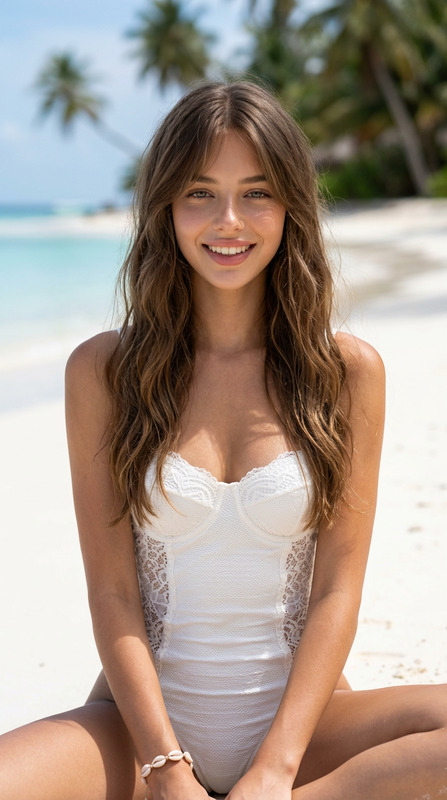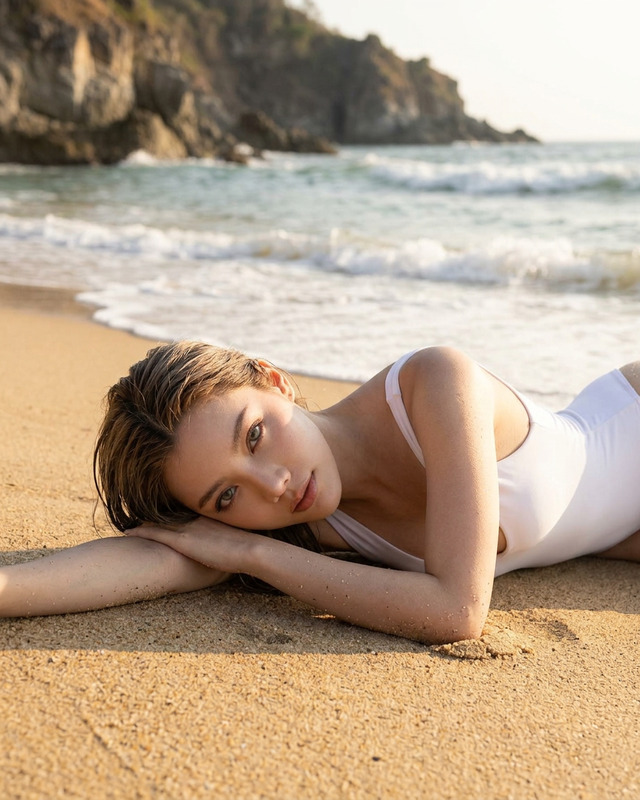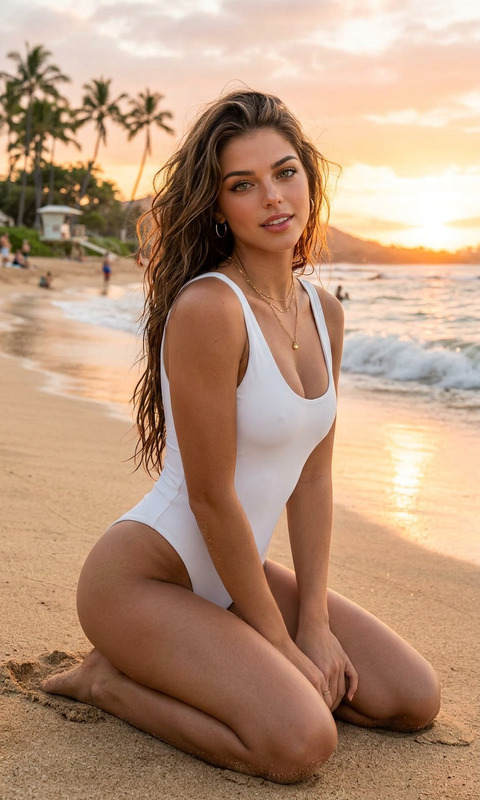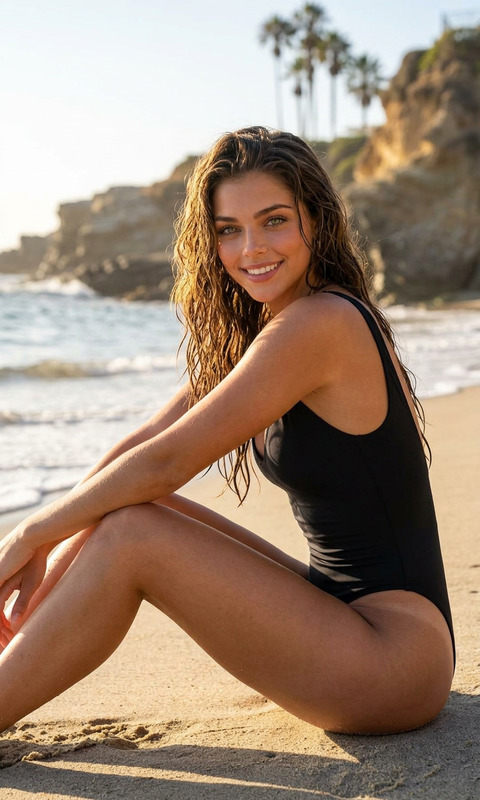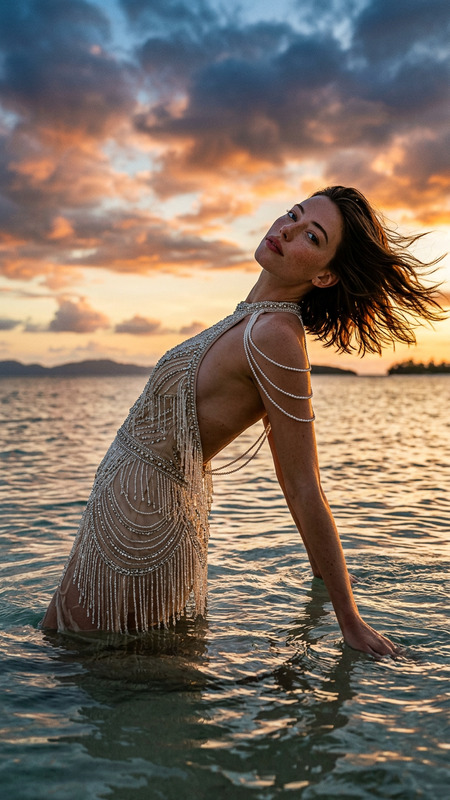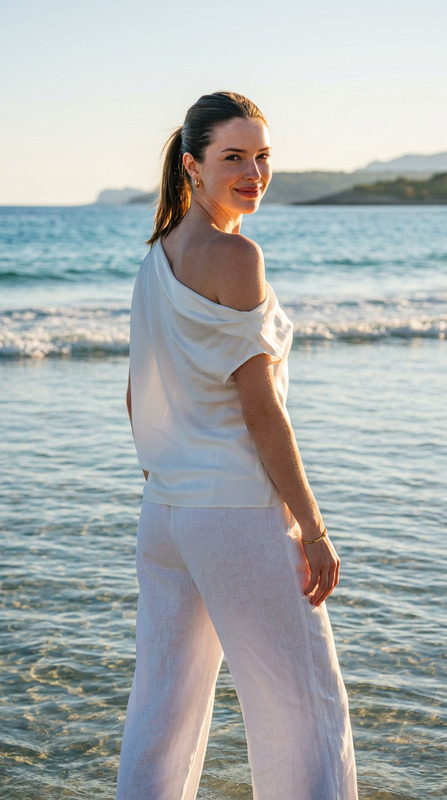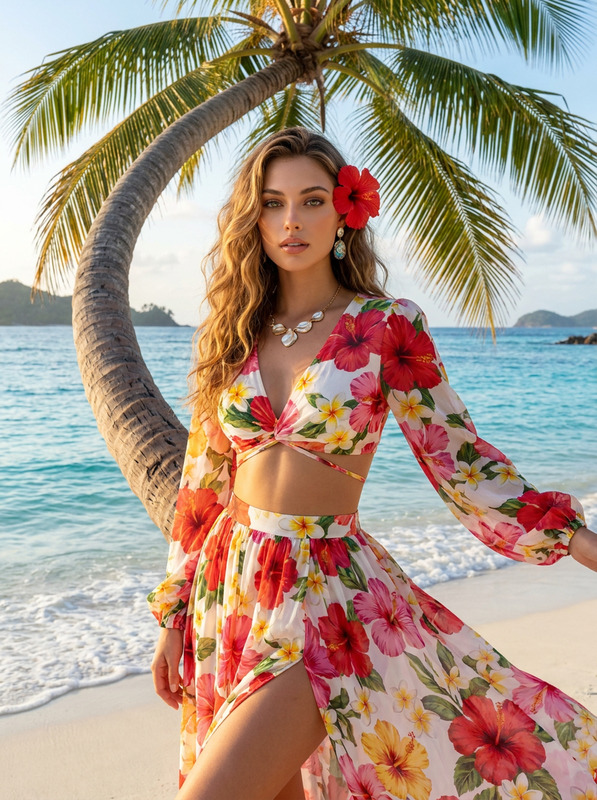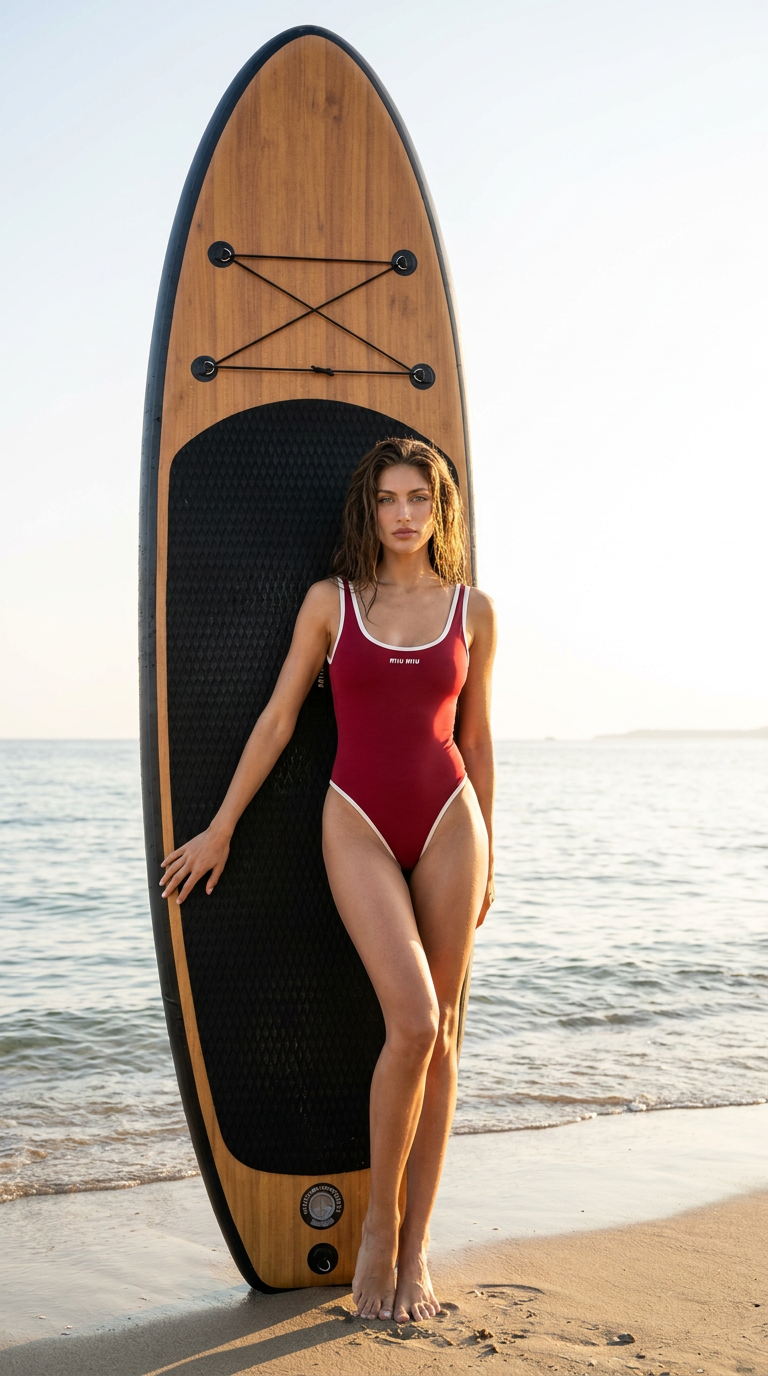
Cherry Red SUP Beach
- Model
- Nano Banana Pro
- Image
- 768 × 1376 px
Prompt
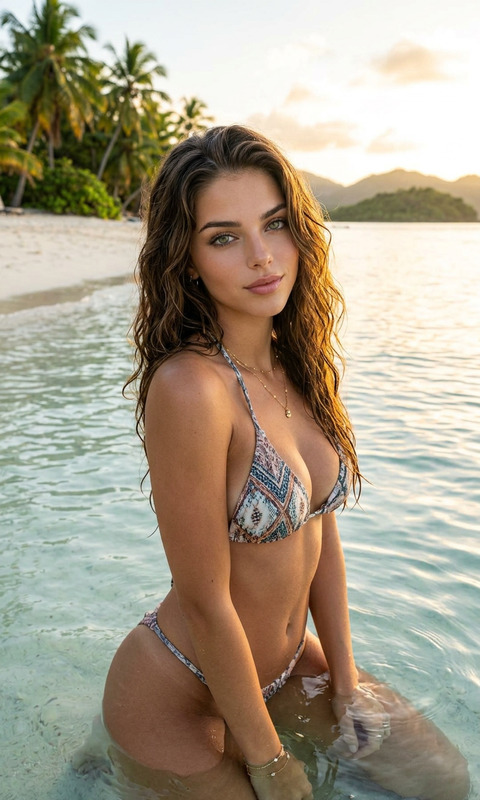
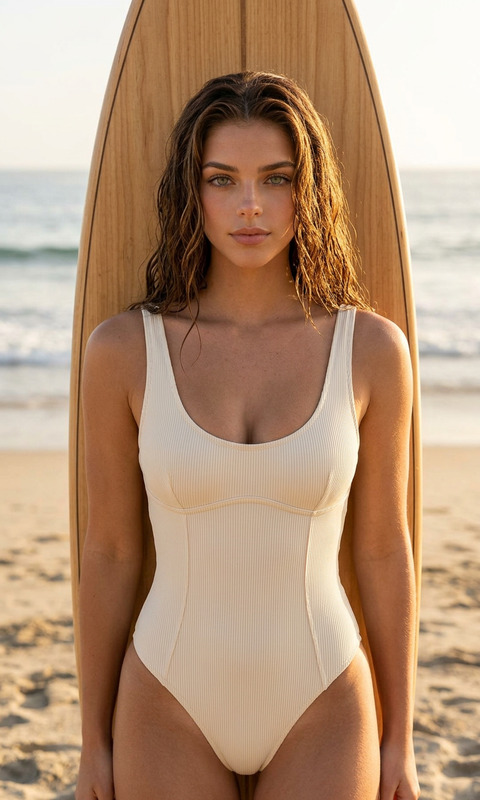
Use the uploaded photo as an exact reference for appearance. Keep the face, features, proportions, and overall look unchanged. Ultra-realistic luxury beach fashion photography in Hollywood style, vertical 9:16 format, full-body shot. The model stands barefoot on wet sand and leans gently against a tall premium black SUP board positioned vertically directly behind her, centered on her body. The bottom edge of the board rests on the sand, while the top extends high above her head. A premium wide SUP board with an elongated oval shape, a warm natural wood-effect surface, deep black side rails, and a large black textured anti-slip deck pad in the center. The board has sleek minimal details, black elastic cargo cords on the front, small metal fasteners, a stable low-profile shape, subtle water traces, and an expensive luxury resort aesthetic. The model wears a form-fitting sporty one-piece swimsuit by Miu Miu in a deep cherry-red shade with soft milky-white trim, a rounded neckline, high-cut hips, and a clear silhouette, without large logos. Hair is voluminous with a wet look. In the background: calm sea, bright clear sky, soft horizon line, and a natural beach. The lighting is expensive yet very natural: golden hour, soft sun glints, delicate light and shadow volume, a light breeze, and a lively atmosphere. The shot must look as natural, aesthetic, and realistic as possible, like a high-end beach campaign. Skin is alive and natural: natural texture, softly visible pores, no plastic skin, no heavy retouching or beauty filters. No text, logos, or watermarks
Any aspect ratio
Overview
The Cherry Red SUP Beach template is a specialized design in our AI Image Editor range that caters to high-end beach photography. Utilizing the power of the nano-banana-pro model, this template focuses on creating ultra-realistic, luxury beach fashion images while preserving the unique features and proportions of the subject.
What It Does
This template allows users to transform their uploaded photos into luxurious, Hollywood-style beach fashion shoots. The emphasis is on maintaining the authenticity and natural beauty of the subject, simulating a high-end campaign. The setup involves a premium black SUP board, a model in a Miu Miu swimsuit, and an idyllic beach backdrop.
Who It's For
Designed for photographers, fashion brands, and marketers aiming to produce stunning, realistic beach fashion imagery. It's ideal for those who need high-quality visuals for advertising or personal portfolios without the cost and logistics of a physical shoot.
Summary
Using this template, creators can craft striking fashion images with complex setups efficiently. By harnessing AI technology, specifically through our top tier AI Image Editor, users achieve a natural, rich aesthetic that elevates any project.
How to Use
Choose Your Template

Customize Your Inputs

Generate Your Image

Use Cases
Fashion Advertising
- Design mockups for beachwear catalogs
- Build portfolio pieces for fashion models
Social Media Content
- Influencer posts to enhance beachwear promotions
- Seasonal content for brand engagement
Editorial Projects
- Magazine spreads focusing on luxury fashion
- Art projects exploring beach aesthetics
Best Practices
Select High-Quality Source Photos
Use high-resolution images for uploads to ensure that details such as skin texture and clothing appear crisp and realistic.Tailor the Prompt to Your Needs
Adjust the prompt elements to harmonize with your specific visual style and brand identity, ensuring consistency across all generated images.Leverage the AI Image Editor
Combine with the AI Clothes Changer or AI Image Upscaler tools to enhance and modify your images further, providing additional value to your creative projects.