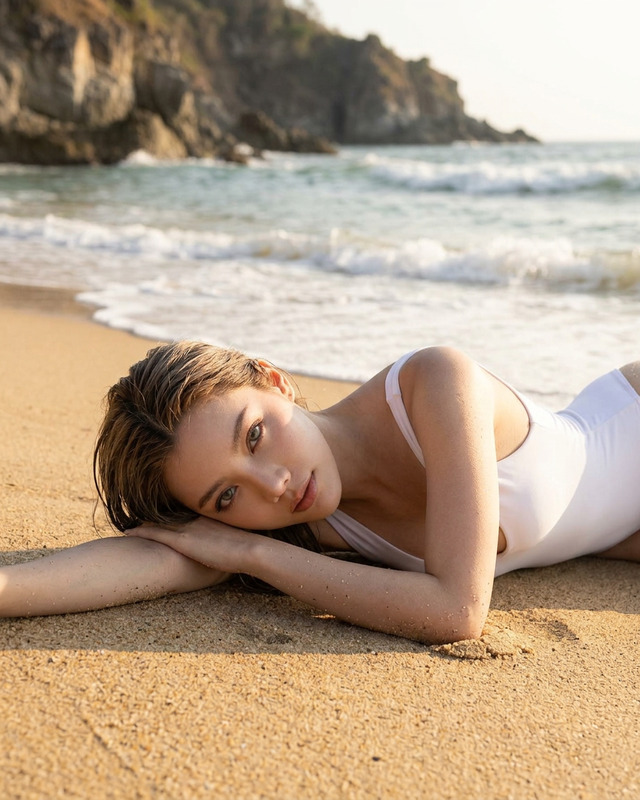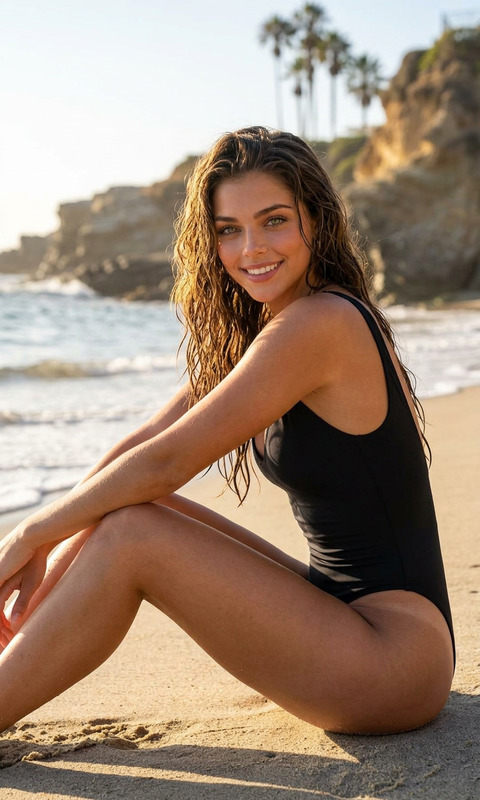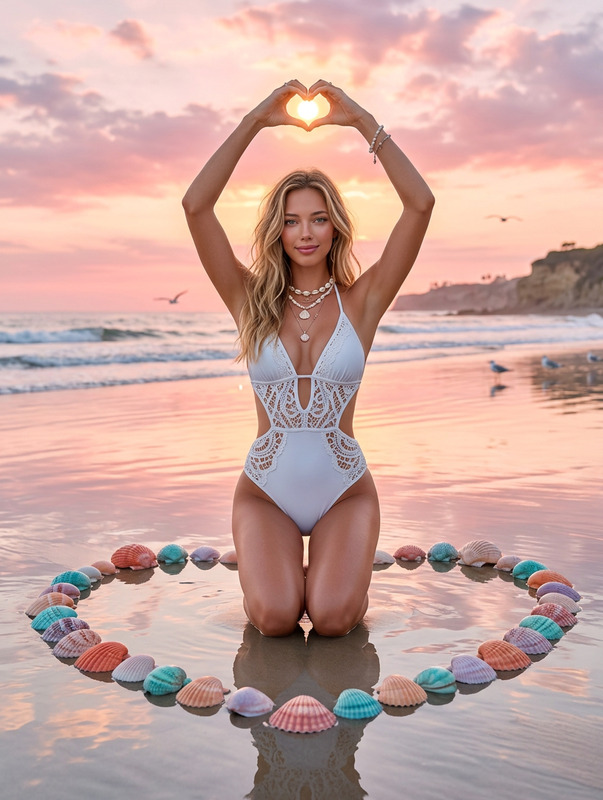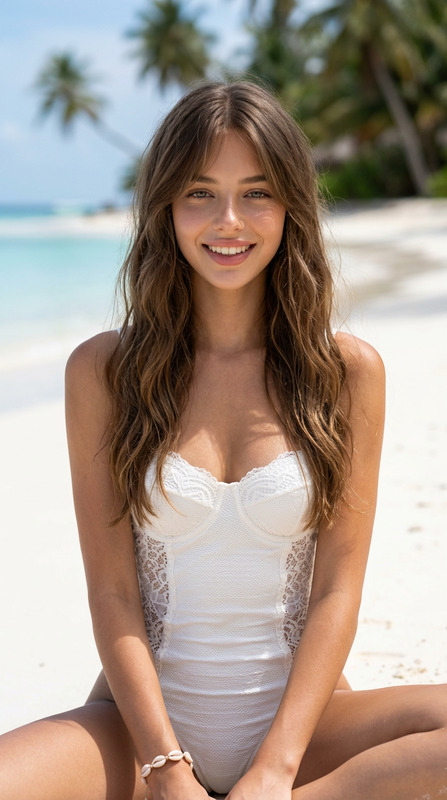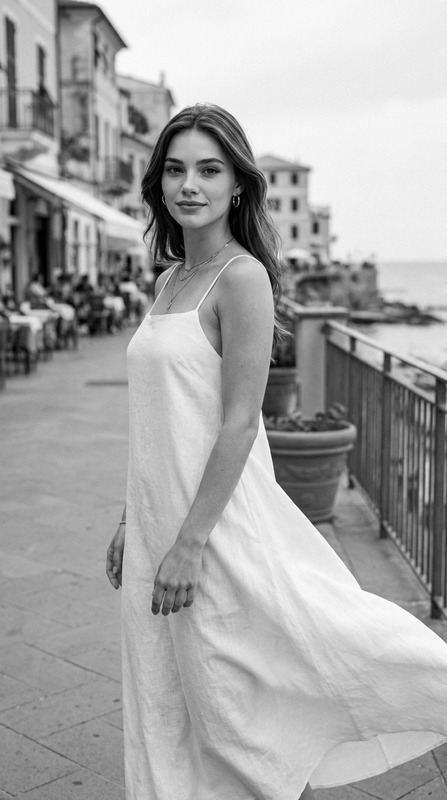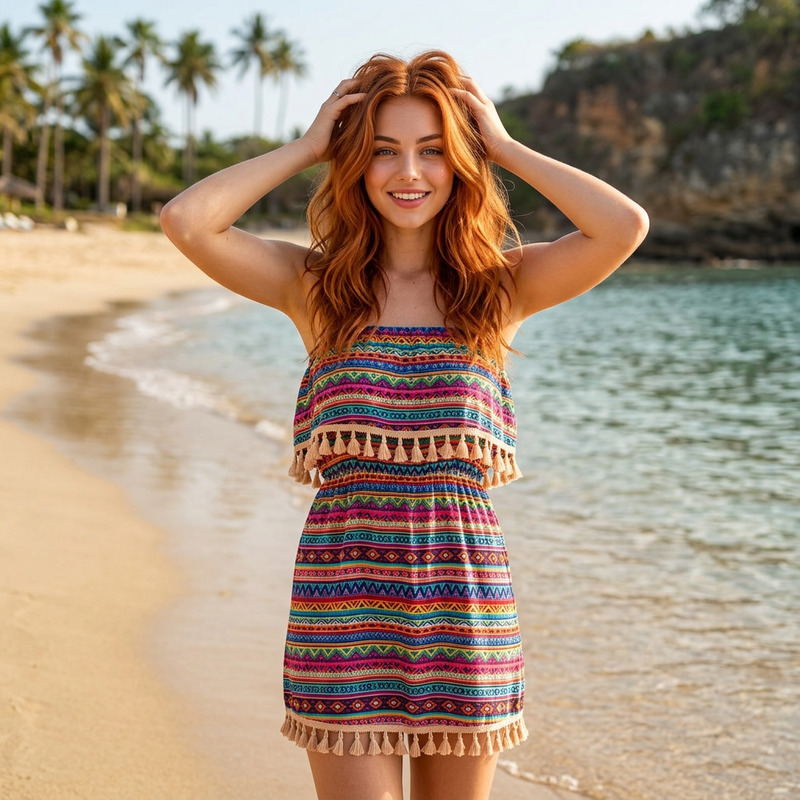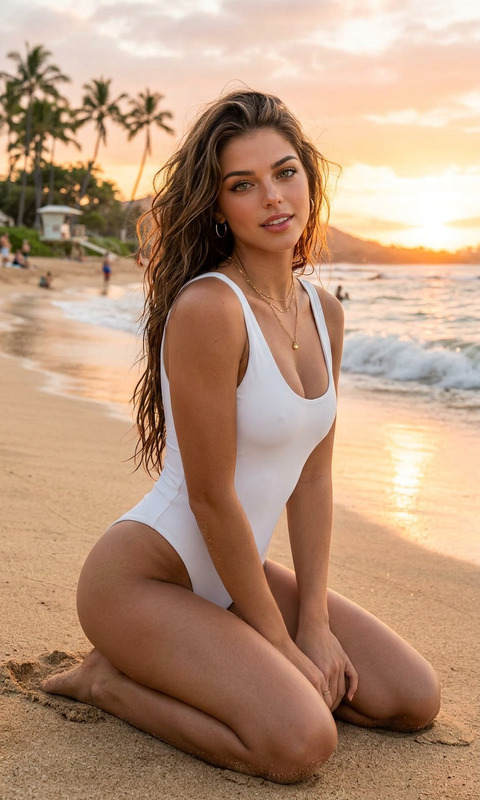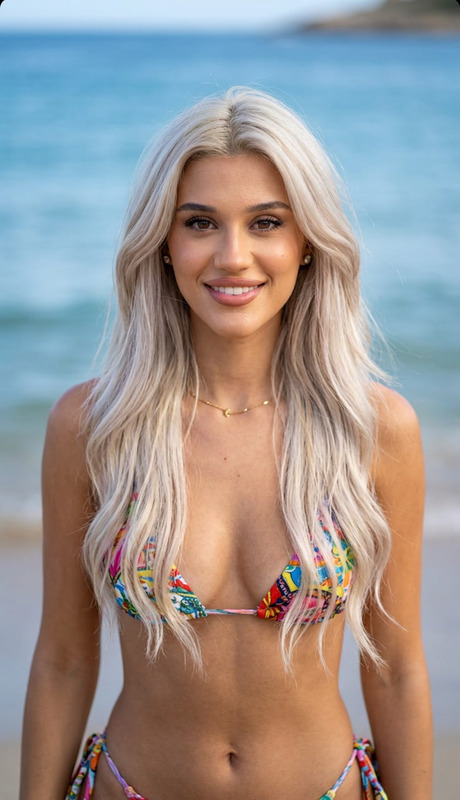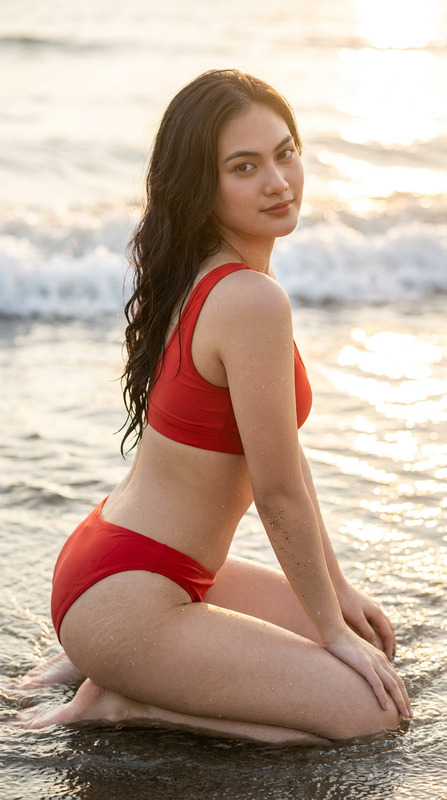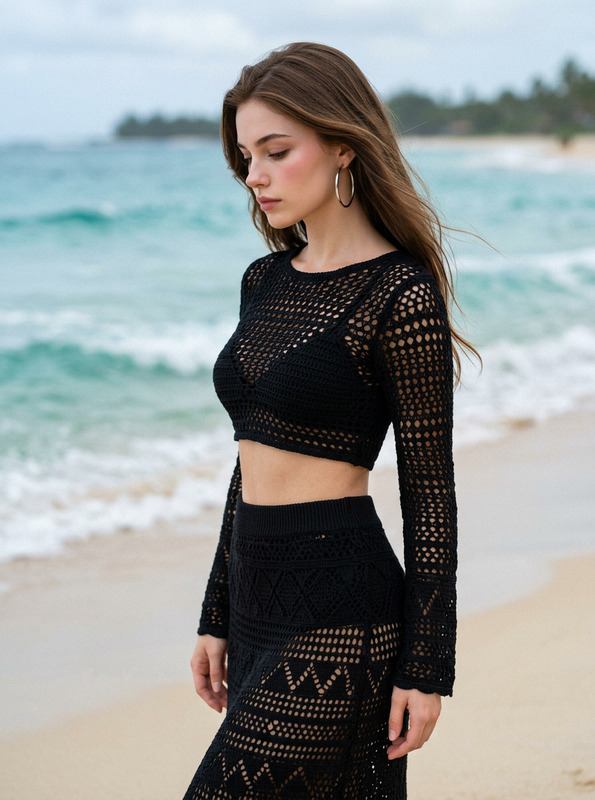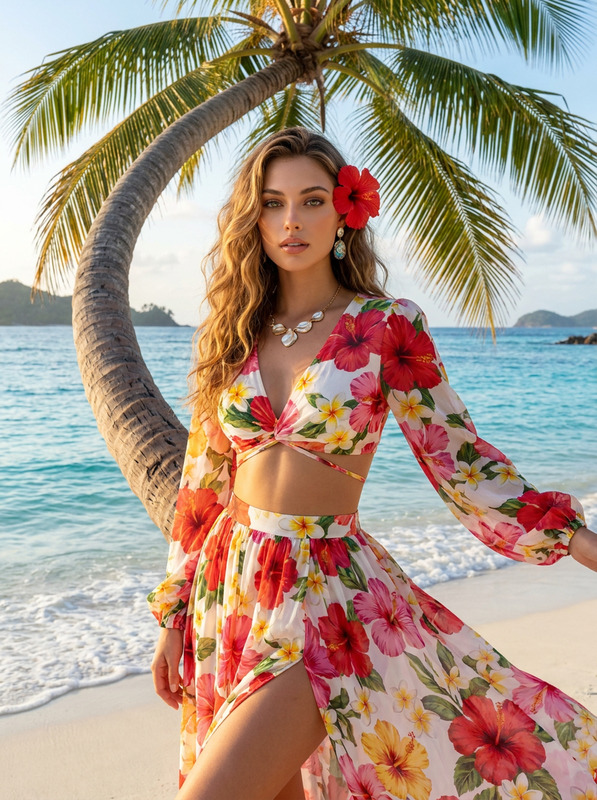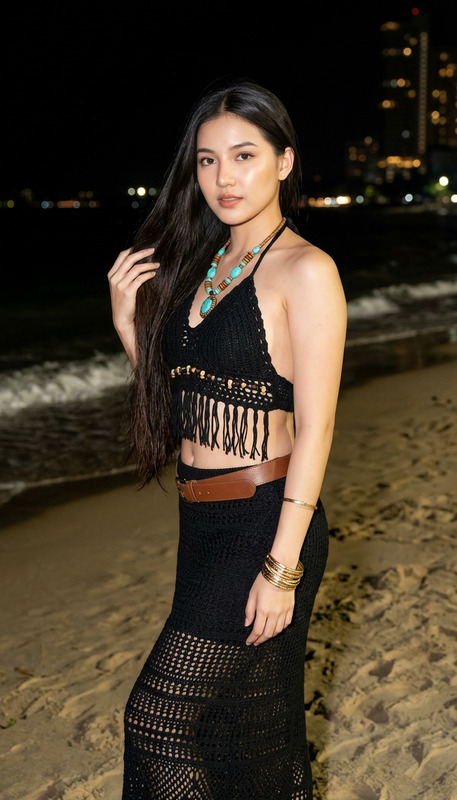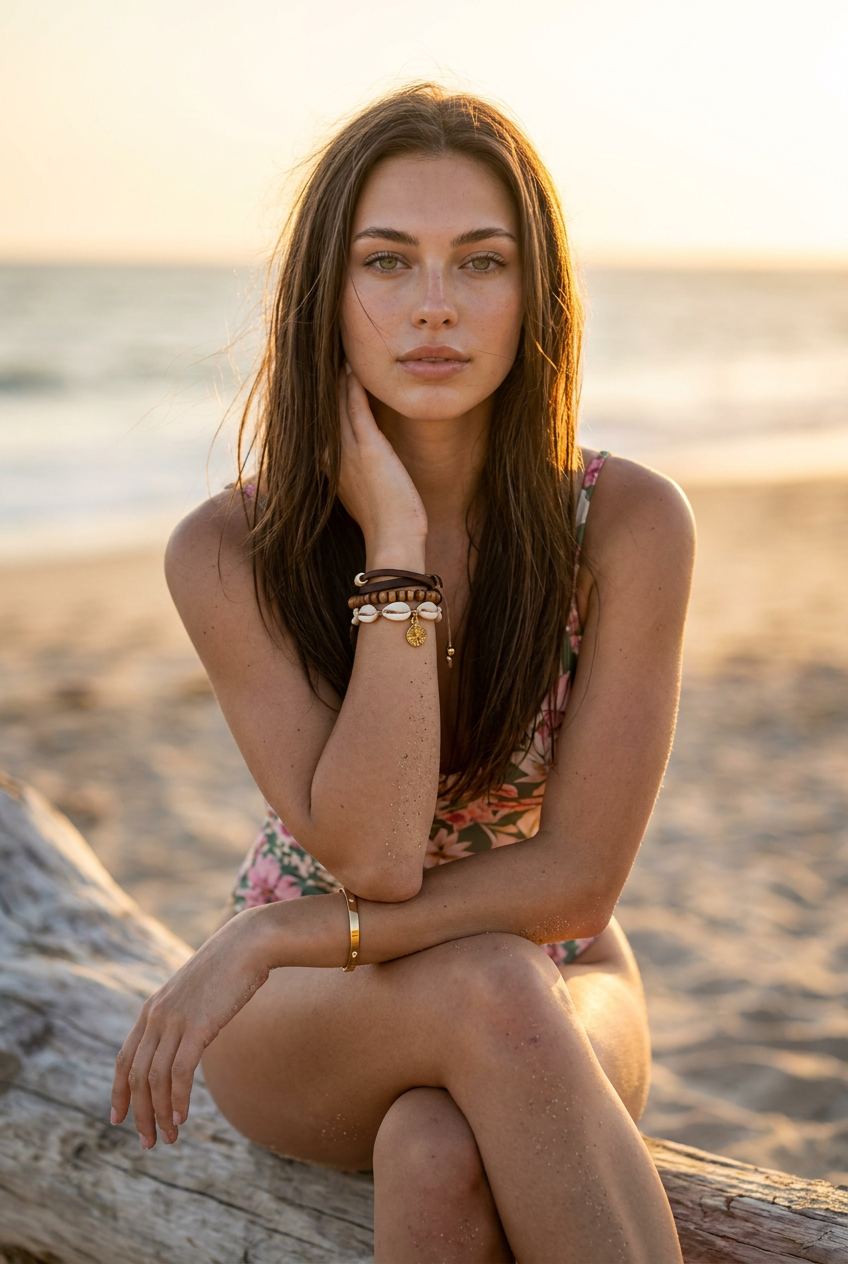
Beach Serenity
- Model
- Nano Banana Pro
- Image
- 848 × 1264 px
Prompt
Use the attached image. Camera and Lens: Photo taken with a Canon EOS R5 camera and an 85mm f/1.4 GM prime lens. Capture Settings (Exif): 8K UHD resolution. Shutter speed: 1/1600s. Aperture: f/1.8. ISO 200. Color space: Adobe RGB. Shot in RAW format. The skin has a photorealistic texture with visible pores, subtle freckles and a natural beach tan. There are realistic grains of sand subtly stuck to the skin of the legs and arms. Hairstyle: Long, straight and flowing hair, in a dark brown hair tone. The hair is slightly textured by the wind and beach humidity, with loose strands and highlights framing the face. Outfit: A floral print swimsuit in shades of pink, green and cream. She wears accessories: on the left wrist, several stacked bracelets of leather, wooden beads, shells and a gold charm; on the right wrist, a thin rigid gold bracelet. Makeup: "No-makeup" style (invisible makeup) with a dewy look (hydrated skin). Light foundation that allows the skin texture and freckles to show through, natural and defined eyebrows, subtle mascara on the lashes and a transparent nude lip balm on the lips. Pose: The model is sitting on the wooden log, with her legs crossed in a relaxed manner. The left arm is bent with the hand resting softly on the neck/jaw, and the right arm crosses over the lap, with the hand resting near the thigh. She looks directly into the camera with a serene, calm and captivating expression. Lighting: Natural "Golden Hour" lighting. The setting sun acts as a strong backlight, creating a golden light halo (rim light) that illuminates the hair strands and the outline of her shoulders and arms. The front of the face is softly lit by reflected light (natural fill light from the sand). The contrast between the warm backlight and the model is perfectly balanced, with no overexposure. Scene: The model is sitting on a large piece of sun and saltwater-bleached driftwood, with rustic and rough bark texture visible in 8K. The background is composed of the sculptural and twisted branches of that same wooden log. Beyond the log, there is an extremely soft bokeh of the beach sand and the ocean in the distance, under the golden and bright sunset sky. Mood and Atmosphere: Serene, calm, natural, authentic and captivating. Angle and Mastery: Captured at eye-level angle with the seated model, slightly off-center to create a more dynamic composition. The depth of field is extremely shallow (f/1.4), rendering the model with surgical sharpness while the foreground branches and background dissolve into a creamy and soft bokeh. The main focus is on the model's eyes, which are perfectly sharp and illuminated.
Any aspect ratio
Overview
The "Beach Serenity" template uses the advanced capabilities of the AI Image Editor to transform ordinary beach photos into stunning, professional-grade imagery. Designed with the nano-banana-pro model, this template enhances natural beauty and serenity by artfully balancing colors, textures, and lighting.
What It Does
This template brings out the photorealistic textures in your beach images by highlighting details like skin pores, freckles, and subtle sand grains. It crafts the perfect "Golden Hour" atmosphere, providing a rim light halo effect that makes the subject glow against a beautifully blurred background. All elements, from the saturated colors of the outfit to the accessories' shine, are handled with precision.
Seamlessly integrating assets with other products like the AI GIF Generator can further enhance your creative output by turning these static images into dynamic content.
Who It's For
"Beach Serenity" is ideal for photographers, content creators, and influencers looking to elevate their visual storytelling with vibrant, emotive imagery. It's also perfect for brands in the fashion and lifestyle sectors highlighting summer collections or beachwear. Additionally, using AI Talking Photo, creators can add engaging narratives to their imagery.
Summary
Capture the beauty of the beach with "Beach Serenity". This template uses advanced AI to enhance photos shot with high-end cameras, rendering visually soothing images that perfectly encapsulate serenity at sunset. By leveraging Full Body Generator, photographers can add more dimension and realism, perfect for high-impact storytelling.
How-To
Choose Your Template

Customize the Details

Generate and Download

Use Cases
Social Media Content
Fashion Photography
Brand Campaigns
Best Practices
Focus on Natural Lighting
Utilize the natural "Golden Hour" lighting to enhance the serene mood. Adjust the fill light settings to maintain balance.Detail Enhancement
Pay attention to subtle details like skin textures and makeup. Allowing natural elements to shine through provides an authentic feel.Balanced Composition
Keep the model slightly off-center for a dynamic composition, ensuring your focus aligns with the eye-level angle capture.