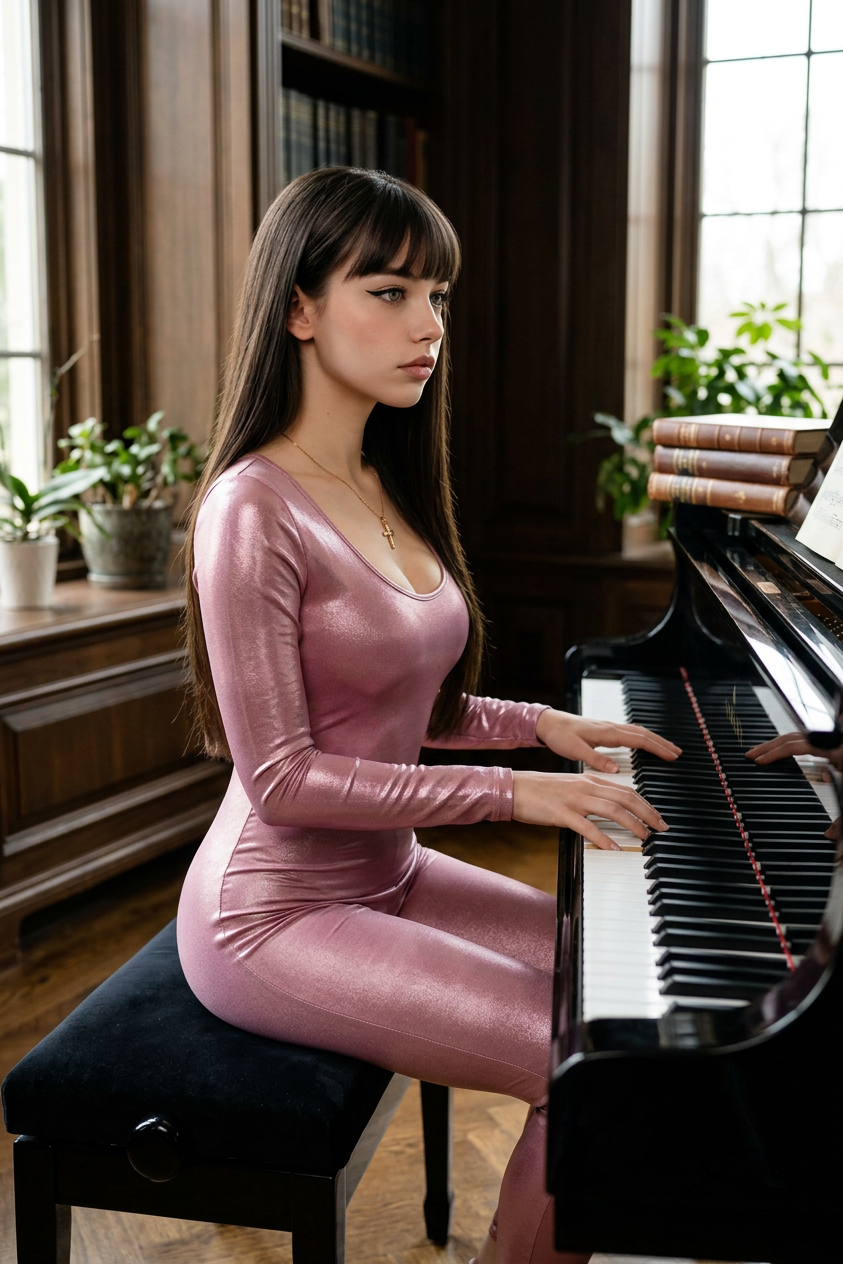
Piano Noir
- Model
- Nano Banana 2
- Image
- 843 × 1264 px
Prompt
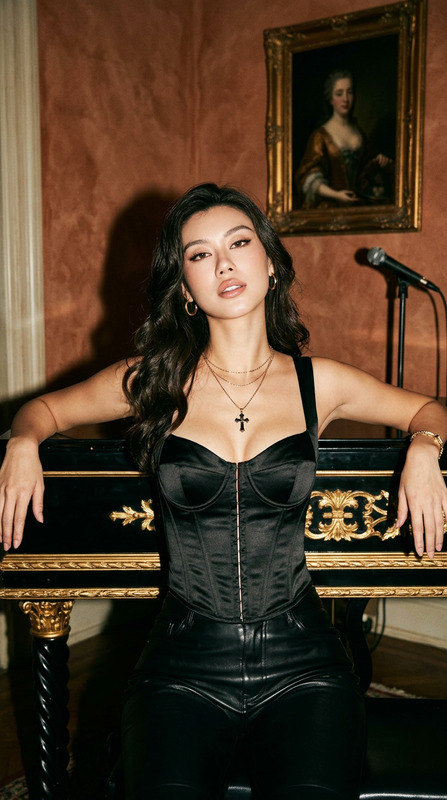
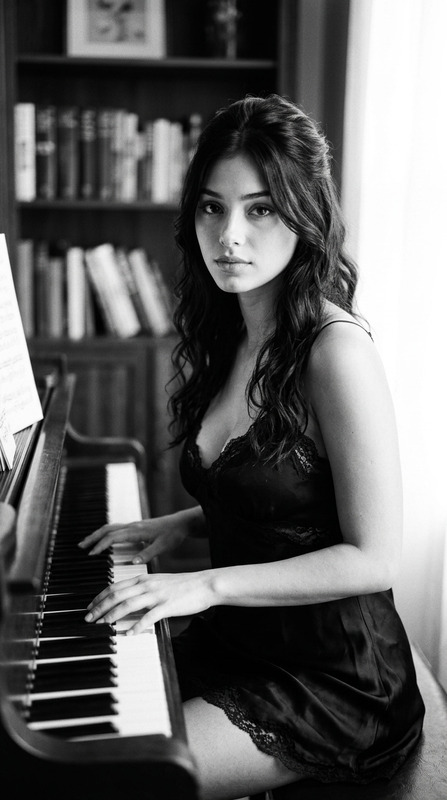
A highly detailed, photorealistic editorial photograph of a young woman seated on a sleek black piano bench in a refined music room. Her body is turned slightly to the side in a graceful, natural pose as she plays a glossy black grand piano. She wears a fitted metallic pink performance bodysuit with a subtle satin-like sheen that reflects the soft daylight streaming through a nearby window. Her posture is elegant and poised, with relaxed shoulders and expressive hands moving naturally across the piano keys. The sweeping curves of the grand piano complement the flowing composition, creating a harmonious visual balance between the musician and the instrument. Soft natural window light highlights the texture of the fabric and polished piano surface while casting gentle shadows throughout the room. Cinematic composition, luxury editorial photography, photorealistic, ultra-detailed textures, realistic lighting, shallow depth of field, premium color grading, 8K resolution.
Any aspect ratio
Overview
Piano Noir is an AI Image Editor template designed to craft stunning, editorial-quality images. Utilizing the robust nano-banana-2 model, it creates photorealistic imagery with ultra-detailed textures and realistic lighting. This template focuses on capturing the essence of refined settings using high-resolution photography techniques.
What It Does
The template generates a highly detailed image of a young woman playing a grand piano in a luxurious setting. It highlights key photographic elements such as elegant compositions, premium color grading, and a harmonious balance between subject and environment. This level of detail makes it ideal for those seeking editorial photography that captures both texture and atmosphere with precision.
Who It's For
Piano Noir is perfect for photographers, illustrators, and content creators involved in fashion and lifestyle advertising. It's also an excellent choice for professionals in music-related fields who require high-quality visuals to complement their artistic endeavors. Alongside the AI Image Editor, it serves those looking to enhance their creative projects with luxury visual elements.
Summary
Combining photorealism with artistic detail, Piano Noir uses refined techniques to deliver striking visuals ideal for editorials and marketing materials. With capabilities from the Lip Sync and AI Talking Photo, it's an important tool for generating captivating images that align with high aesthetic standards. This template stands out for its ability to produce convincing and finely crafted imagery suited to professional use.
How to Use
Choose Your Template

Customize Your Prompt

Generate Your Image

Use Cases
Editorial Fashion Photography
- High-quality, photorealistic images
- Detailed, elegant composition
- Enhanced atmospheric storytelling
Music and Lifestyle Promotions
- Capture music-themed settings
- Emphasize balance and harmony in visuals
- Premium quality for branding materials
Art and Design Portfolios
- Showcases detail and texture
- Perfect for high-definition prints
- Artistic and realistic imagery
Best Practices
Adapt Lighting and Textures
Experiment with different lighting setups and fabric textures to add depth and realism to the final image.Focus on Composition
Pay attention to the balance between the musician and the piano, ensuring the composition aligns with the luxurious theme.Utilize High-Resolution Formats
Always render images in the highest available resolution for clarity and print quality.