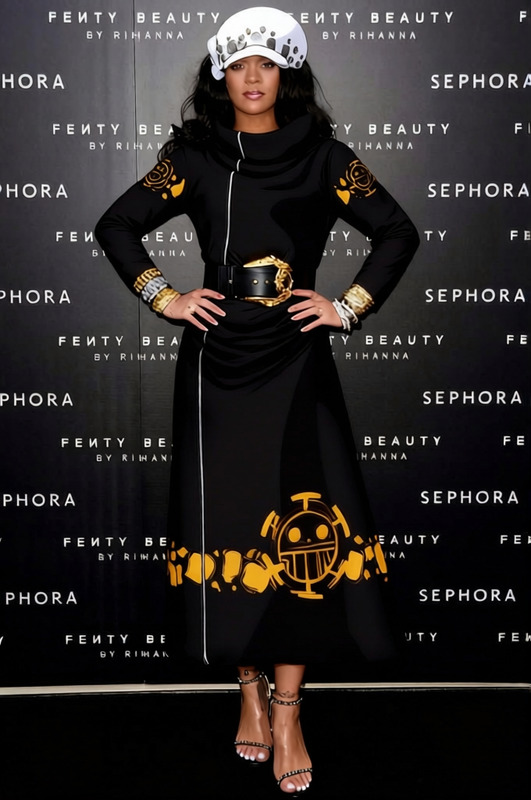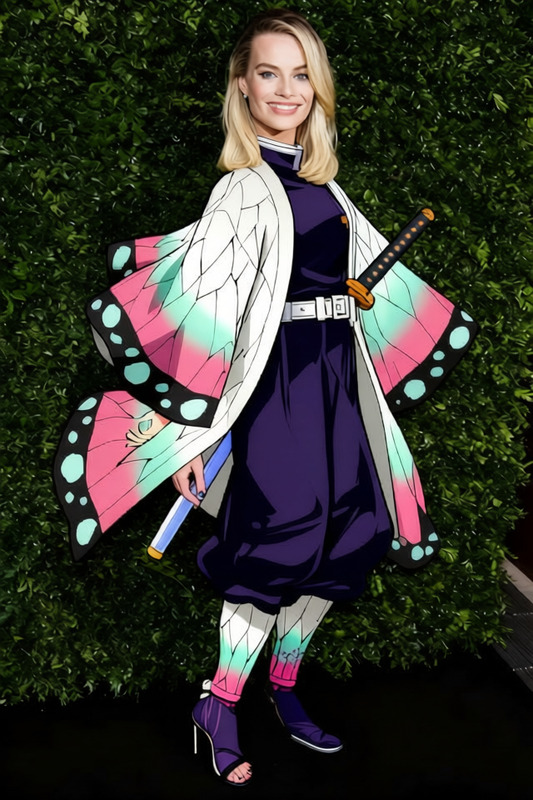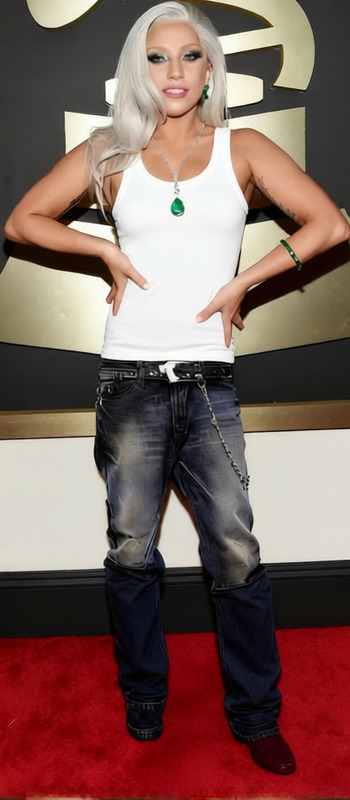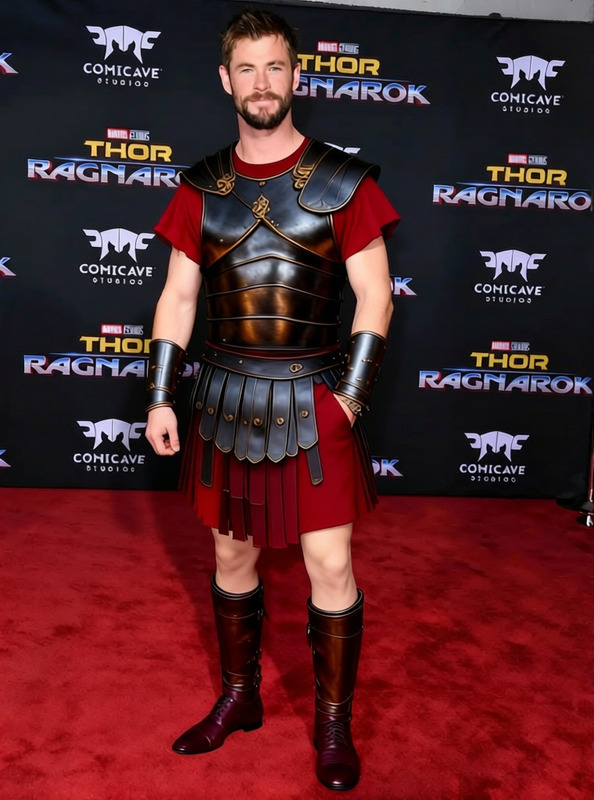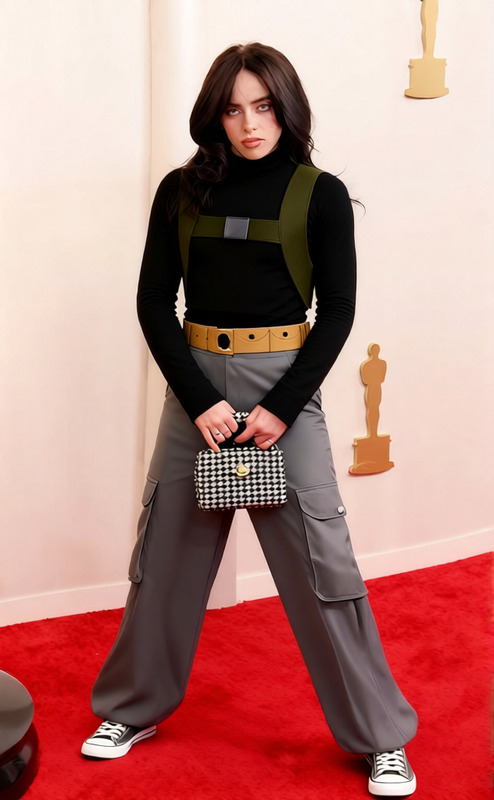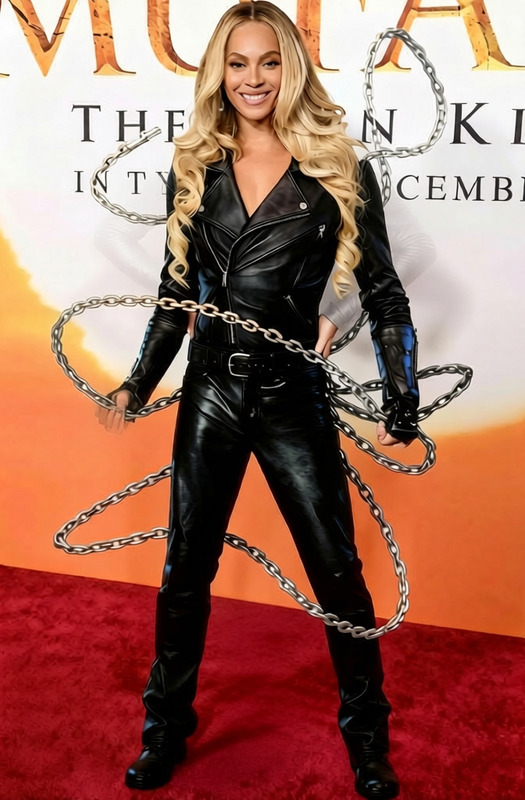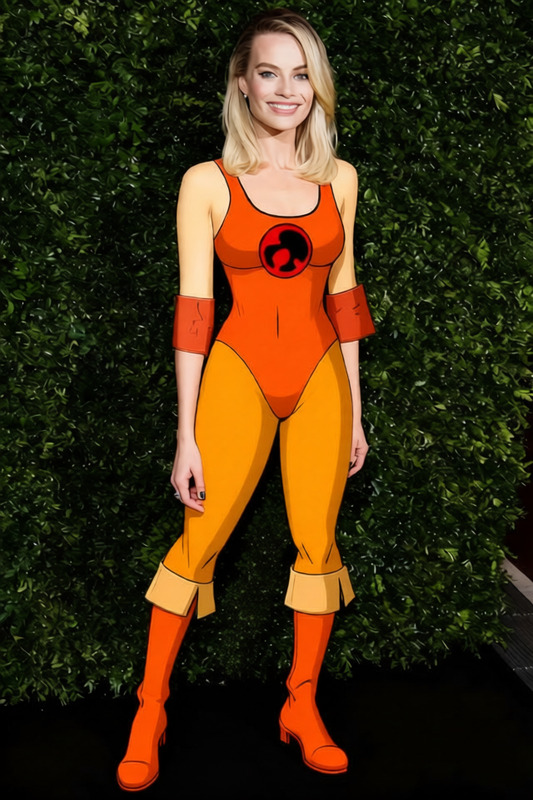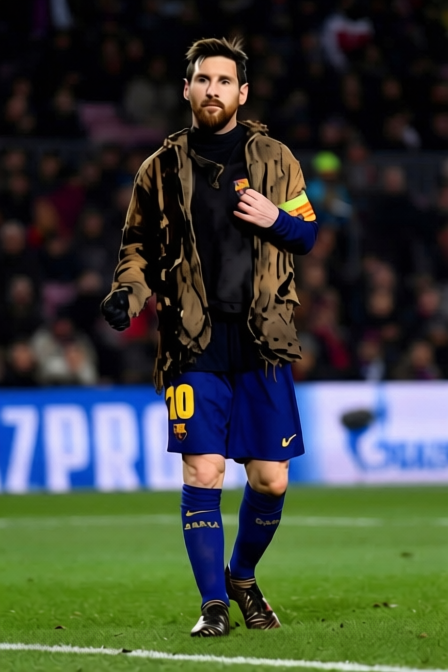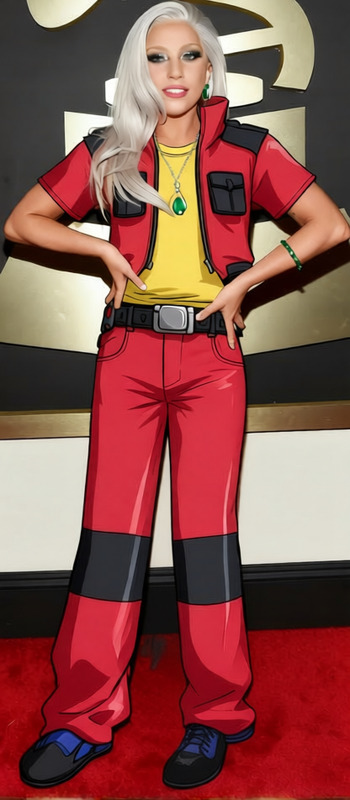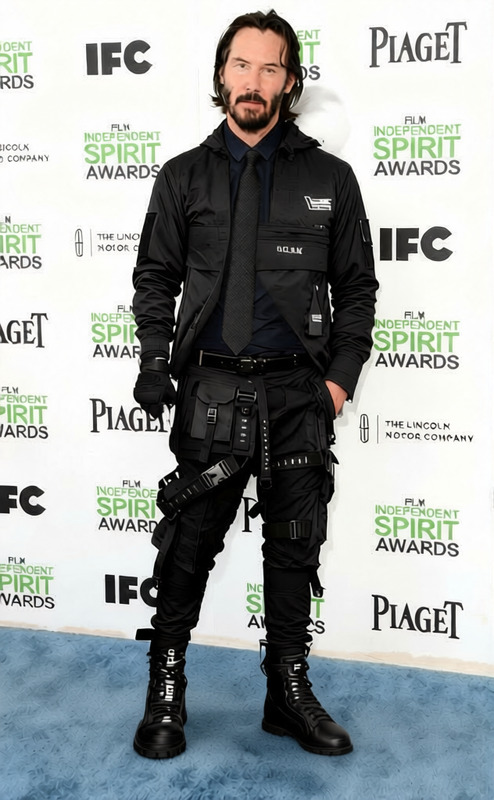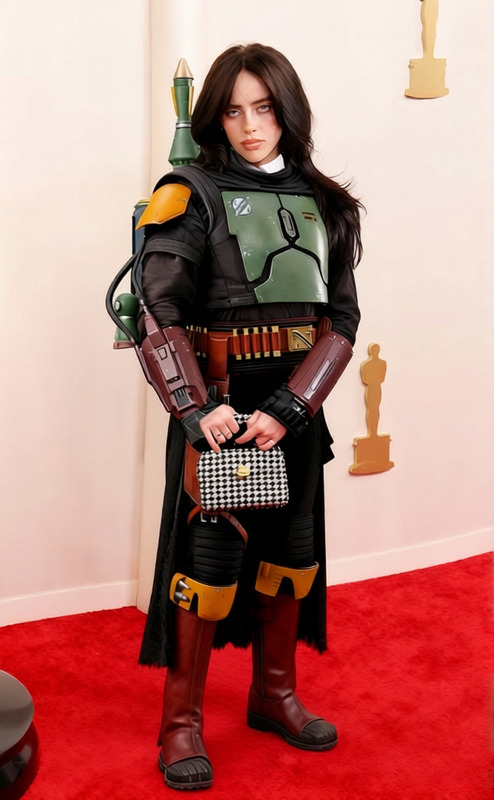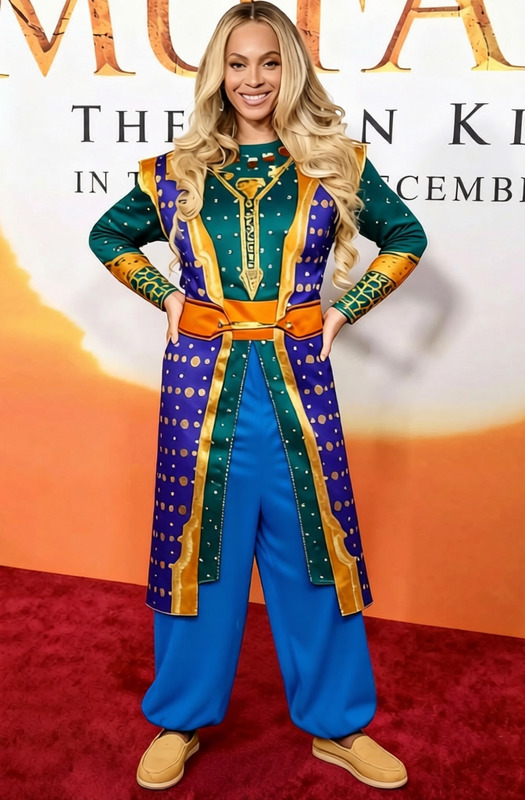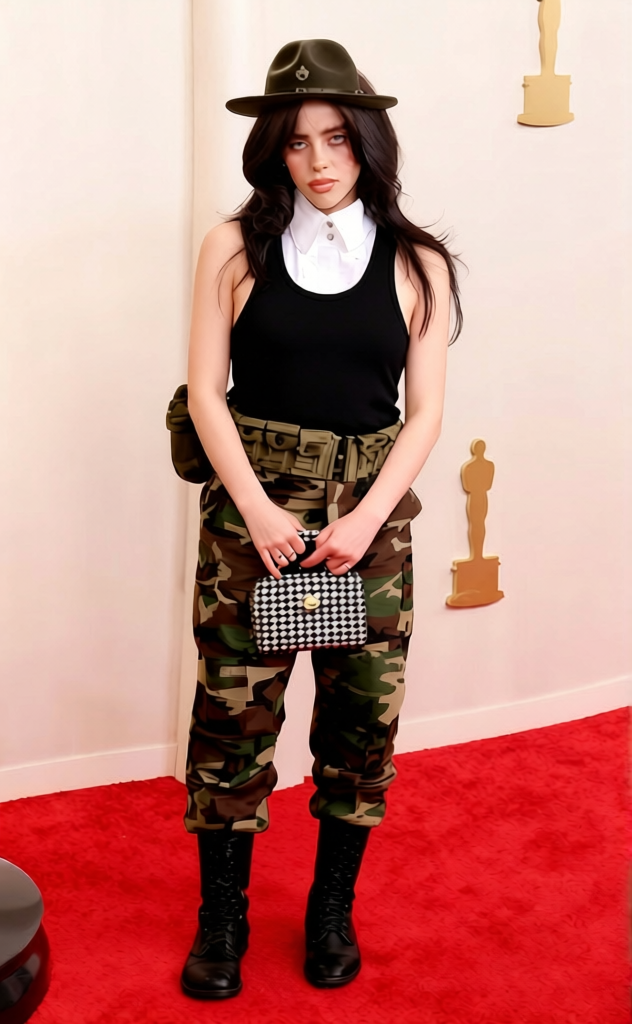
Sgt. Slaughter - Military Drill Instructor Uniform
- Model
- Qwen Edit
- Image
- 632 × 1024 px
Prompt
remove the foot in the middle keep the rest the same
Any aspect ratio
Overview
The Sgt. Slaughter - Military Drill Instructor Uniform template is part of our AI Image Editor lineup, designed for precise image modifications. Utilizing the advanced qwen-edit model, this template lets you edit out unwanted elements while preserving the integrity of the original design.
What It Does
This template focuses on image refinement, specifically by removing undesired elements from your photos. By leveraging the capabilities of the AI Image Editor, it allows users to eliminate objects, such as a foot appearing in the foreground, while keeping the rest of the image intact.
Who It's For
This template is ideal for photographers, graphic designers, and content creators who need to fine-tune their images without losing quality. Whether you're working on a publication or enhancing personal photographs, this tool is tailored for anyone who wants precise control over their image editing process.
Summary
The Sgt. Slaughter - Military Drill Instructor Uniform template provides an efficient way to remove distracting elements from your photos. It combines the intuitive functionality of the AI Image Editor with the power of the qwen-edit model to deliver seamless edits, conserving the original atmosphere and details of the image.
How To
Choose the Template

Customize Your Inputs

Generate Your Result

Use Cases
Content Creation
- Adjust images for social media campaigns
- Enhance marketing materials without distractions
Design and Aesthetics
- Create clean, unobstructed visuals
- Focus on core elements of an image
Photography Enhancement
- Ensure focus on the subject
- Preserve photo quality
Best Practices
Image Quality
For best results, use high-resolution images. This allows the AI to work with more detail and ensure better quality outputs.Precise Selections
Highlight the specific area you wish to edit for accurate modifications.Cross-Application
Combine with AI Image Upscaler for enhancing details post-editing.
Frequently asked questions
More Like This