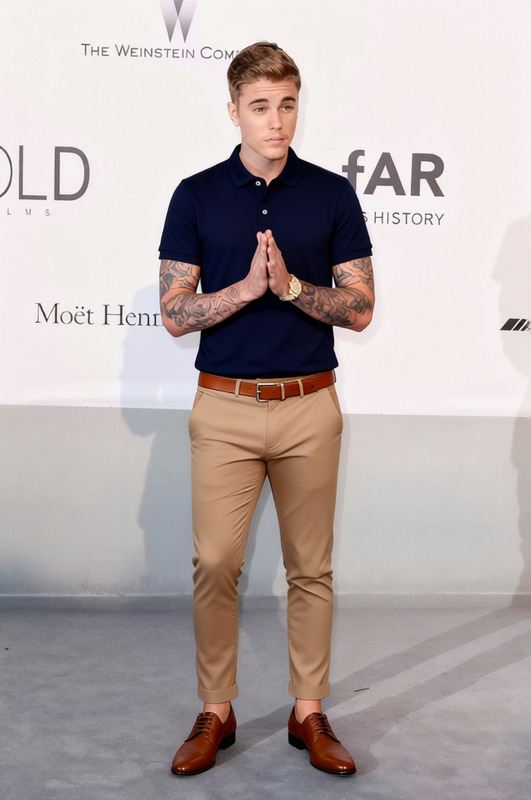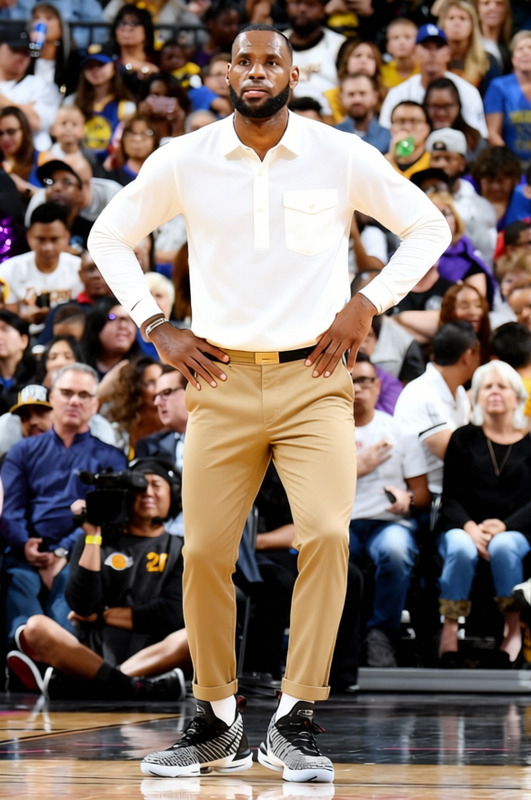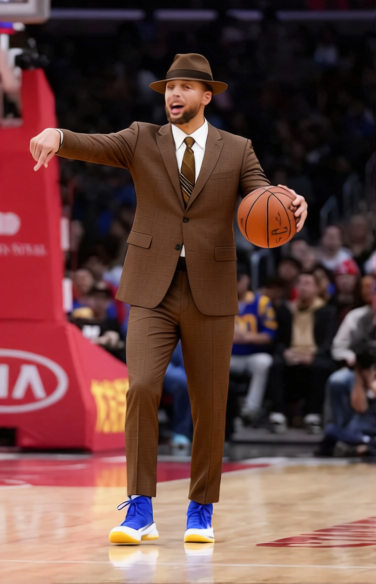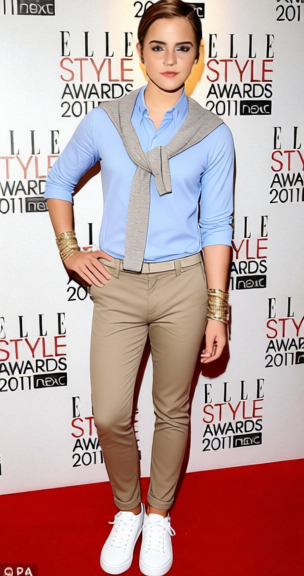
Smart Casual Navy Blazer With Dress Shirt And Chinos 2
- Image
- 304 × 576 px
Any aspect ratio
Overview
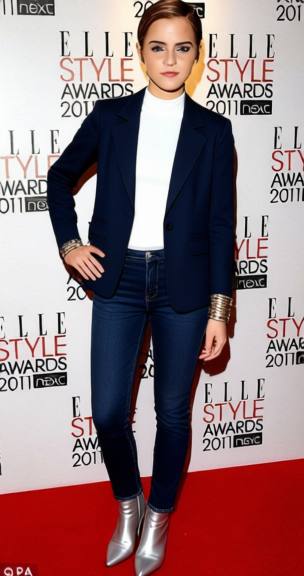
The "Smart Casual Navy Blazer With Dress Shirt And Chinos 2" template offers a sophisticated way to upgrade your images. Designed for the AI Clothes Changer, this template allows you to modify attire in photos without needing any graphic design skills. Ideal for personal branding, product catalogs, or style transformation, you can apply a smart casual look to any photo.
What It Does
This template changes the clothing in your images by adding a navy blazer, dress shirt, and chinos. Utilizing advanced AI algorithms, it seamlessly overlays the new attire onto the existing image. The template is part of the robust suite of options available in the AI Image Editor, ensuring that the quality and fit of the added garments are precise and natural.
Who It's For
Whether you are a social media influencer looking to diversify your style without multiple outfit changes, or a retailer aiming to showcase apparel versatility, this template is perfect for you. It's also suitable for consultants and corporate professionals seeking to present a polished image in virtual meetings. Pair it with the AI Profile Picture Generator to craft a cohesive online persona.
Summary
Embrace the ease of transforming images with this smart casual style template. By providing a navy blazer, dress shirt, and chinos look, it enhances your photos and supports various professional and personal needs. It's a versatile choice among other AI Product Photography tools that elevate your visual content.
How To
Choose Your Template

Customize Your Image

Generate and Download

Use Cases
Personal Branding
- Enhance profile pictures for social media
- Create a cohesive online presence
Retail Clothing Showcase
- Catalog updates without new photo shoots
- Virtual try-ons for customers
Corporate Profiles
- Consistent attire for company directories
- Enhance virtual meeting appearances
Best Practices
Select High-Quality Images
Ensure the original image is high resolution for the best results with the new attire overlay.Tweak Fits Appropriately
Use the customization settings to make sure the virtual clothes fit naturally, especially around the shoulders and waist.Utilize in Multiple Platforms
Apply this template to profile pictures, catalog images, and even social media posts to maintain a consistent look across various formats.
Frequently asked questions
More Like This