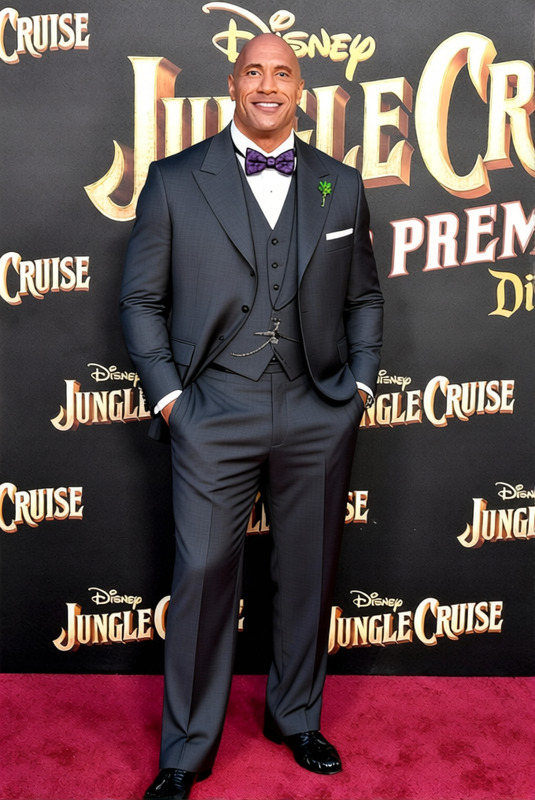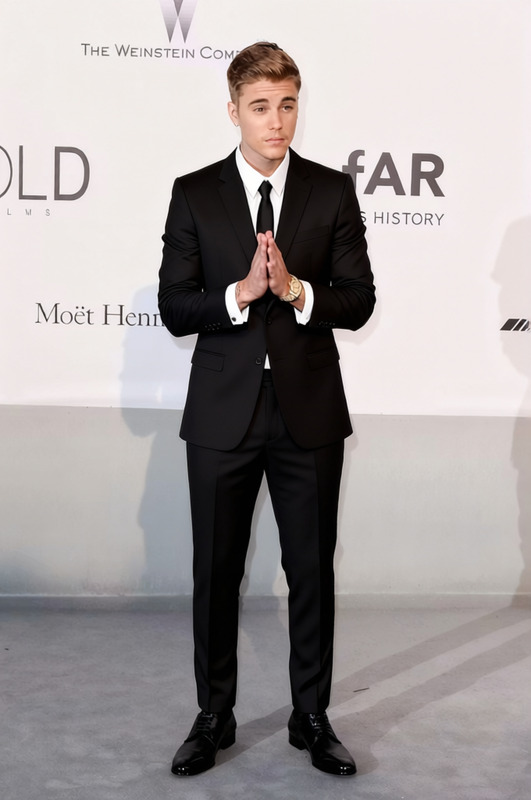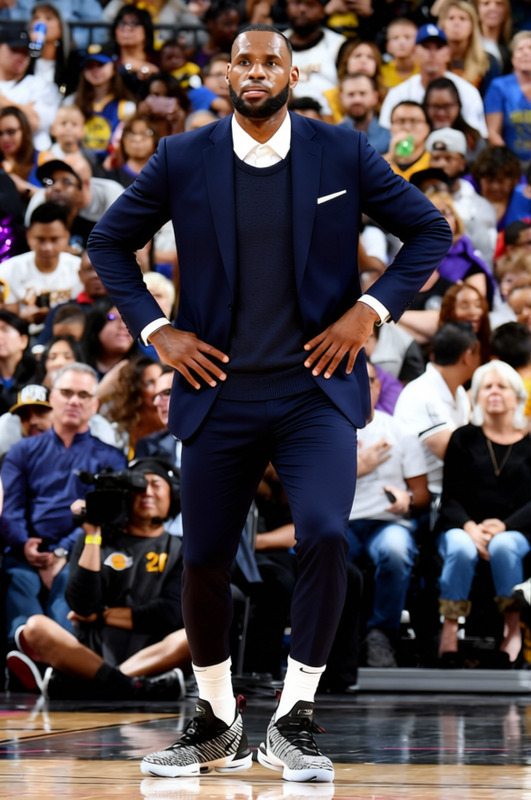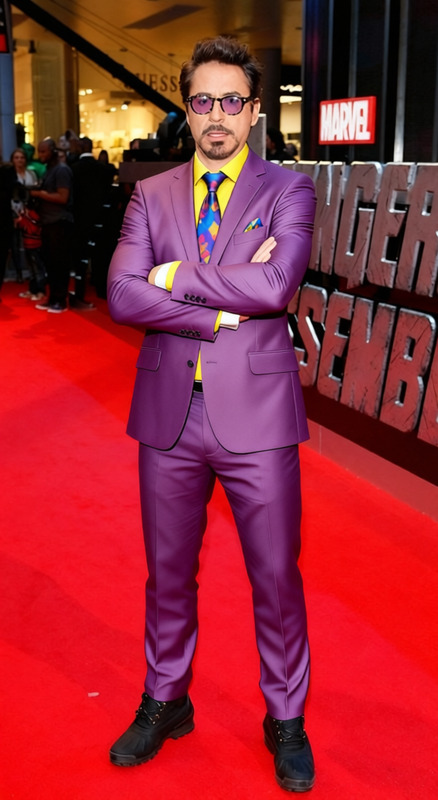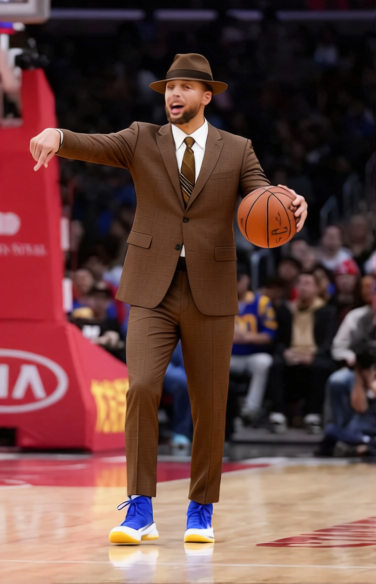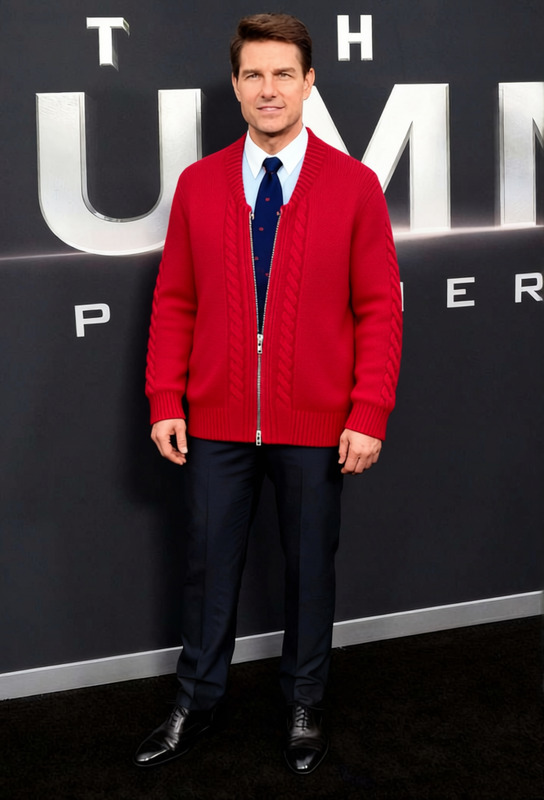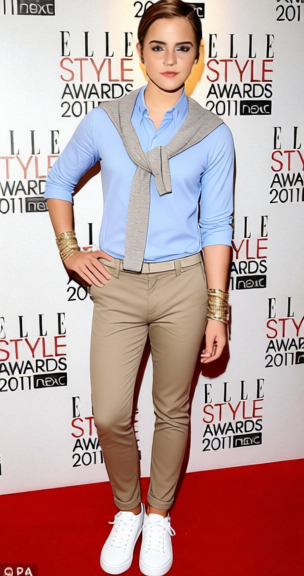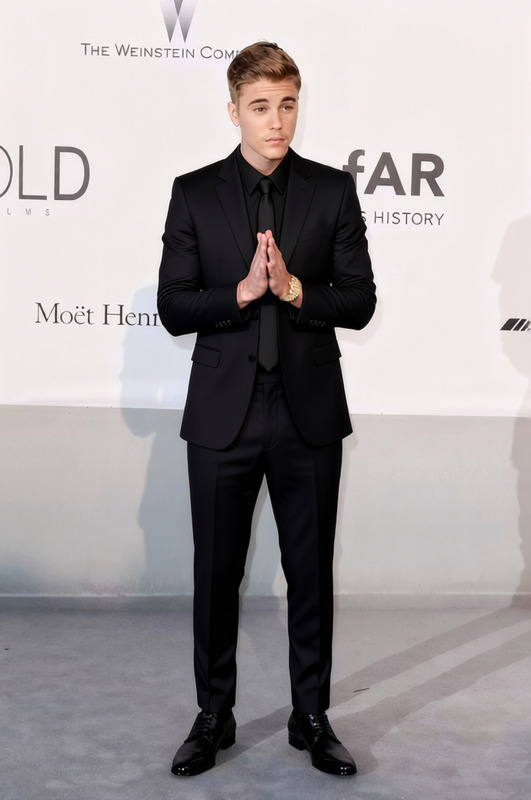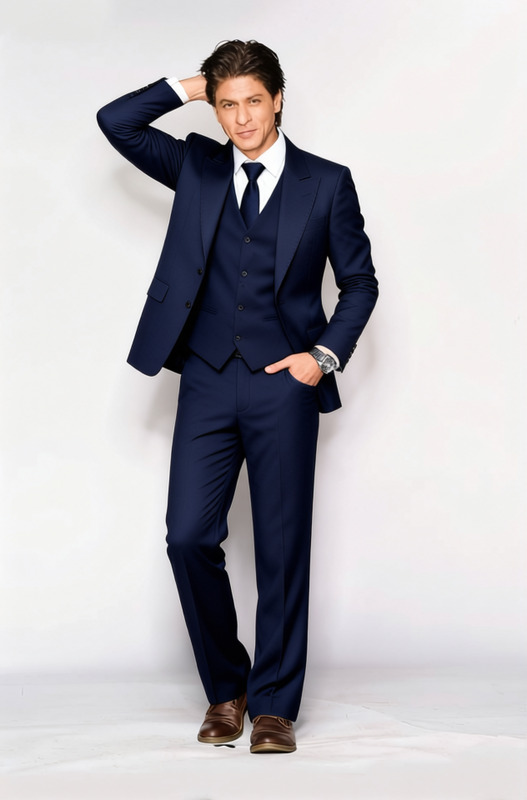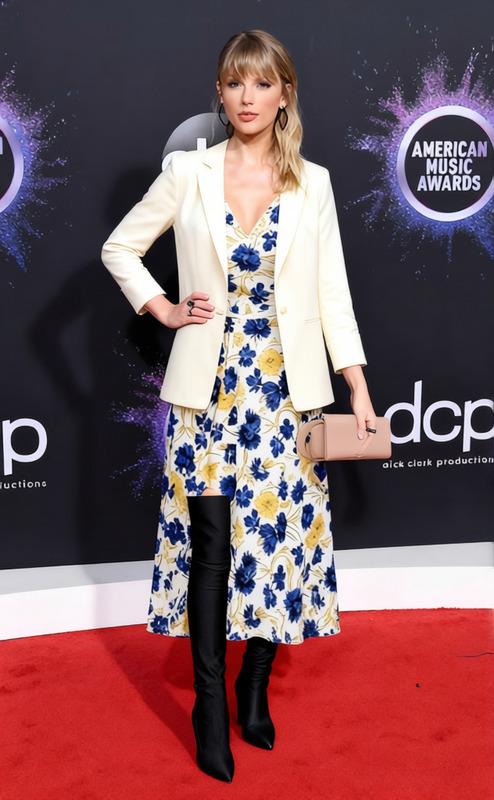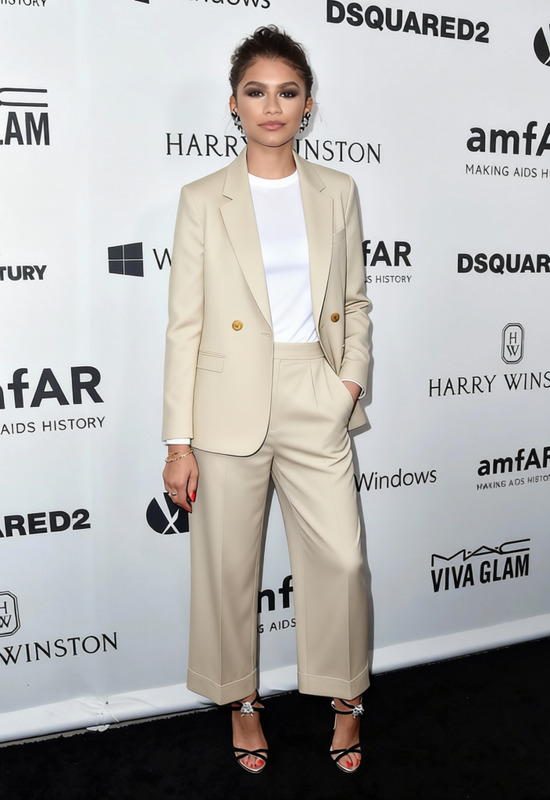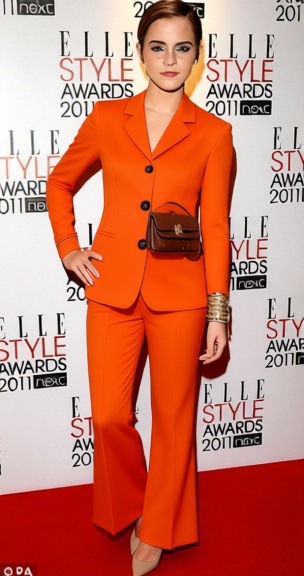
Tailored Suit Charcoal Three Piece With Black Tie 2
- Image
- 304 × 576 px
Any aspect ratio
Overview
The Tailored Suit Charcoal Three Piece With Black Tie 2 template lets you transform your videos by changing outfits with a sophisticated charcoal three-piece suit and black tie ensemble. Ideal for those looking to create polished video content, this clothes changer tool brings class to your visual narratives.
Designed for seamless integration with your existing footage, this tool ensures that the clothing changes do not disrupt the video's flow. Whether you're aiming for a professional look or preparing a character for a formal presentation, this template offers versatility and customization.
What It Does
This clothes changer template enables users to replace existing outfits in videos with a refined charcoal suit, transforming appearances without requiring manual editing. It specifically facilitates virtual wardrobe changes, making it perfect for creating styled content without needing a physical wardrobe.
Leveraging advanced AI, which is also found in our AI Clothes Changer, the template efficiently detects clothing sections and swaps them precisely, maintaining texture and visual consistency.
Who It's For
This template is ideal for content creators, filmmakers, and advertisers who wish to elevate their projects with a touch of elegance. It's particularly beneficial for creators of corporate videos or commercials needing a dapper look. It's also a great fit for anyone using audio-to-video solutions, as it helps dress subjects in videos accordingly.
Summary
Incorporate sartorial elegance into your projects with the Tailored Suit Charcoal Three Piece With Black Tie 2 template. This tool is part of Magic Hour's suite of content-enhancing solutions, like the AI Product Photography tool, making it easy to adapt visual elements without compromising on quality or aesthetic appeal.
How To
Choose Your Template

Customize the Inputs

Generate the Output

Use Cases
Corporate Videos
- Presentations
- Interviews
Commercials
- Fashion
- Luxury goods
Virtual Marketing Campaigns
- Social media
- Whitepapers
Best Practices
Select the Right Footage
Ensure the video's lighting and framing are suitable for AI recognition. Good lighting helps the tool detect clothing areas accurately.Use High-Quality Videos
The AI performs best with videos of high resolution, which allows for precise clothing swap and enhances overall output quality.Preview Before Finalizing
Always check the initial results on a short clip to make adjustments as needed, ensuring the final output meets your expectations.
Frequently asked questions
More Like This