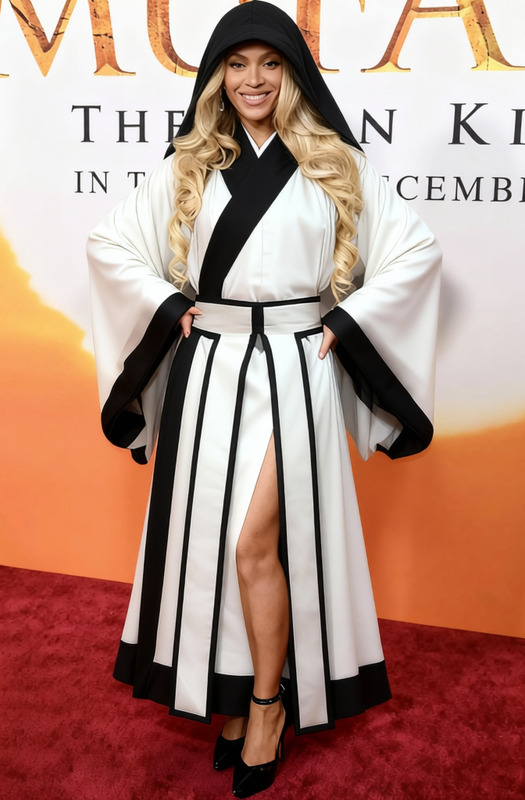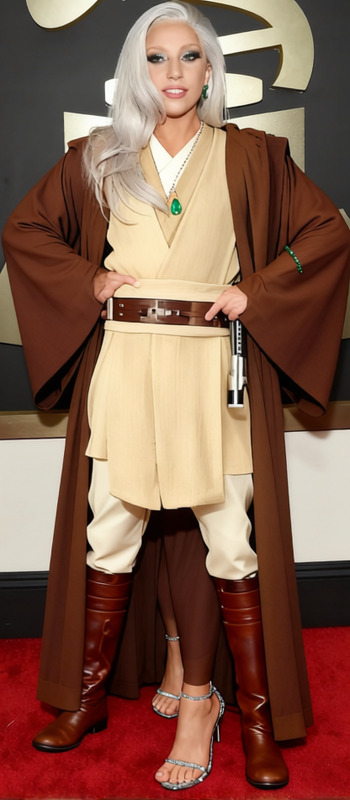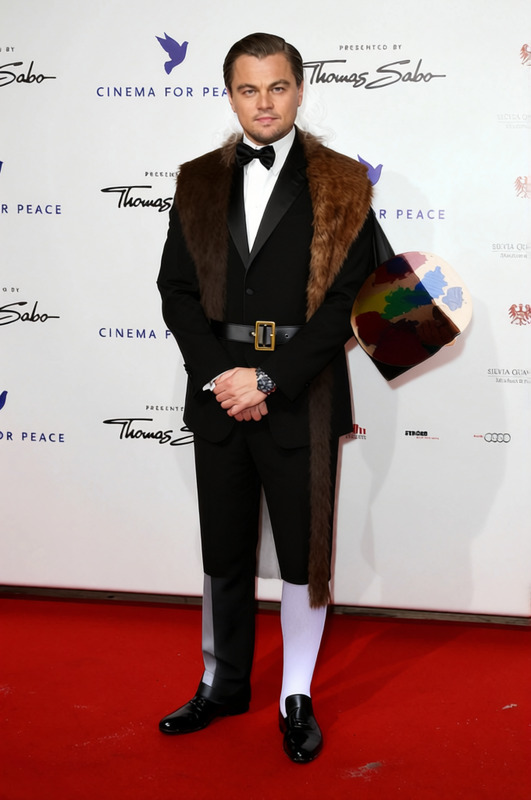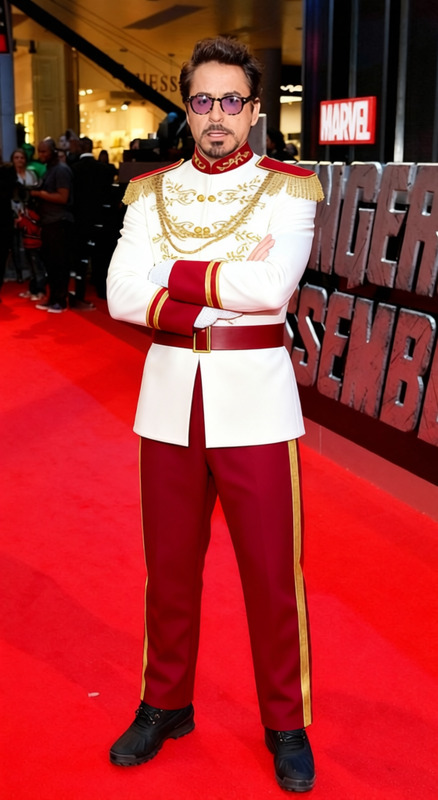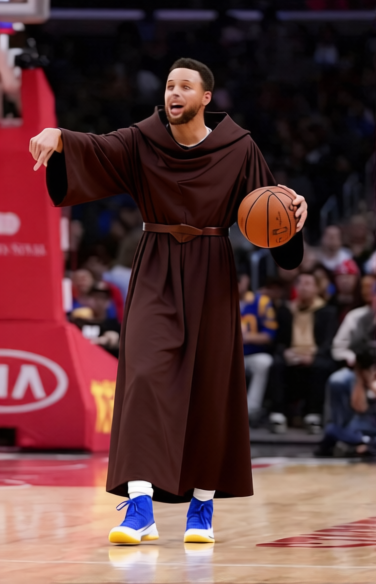
Marco Polo Traveling Robe With Belt
- Image
- 376 × 584 px
Any aspect ratio
Overview
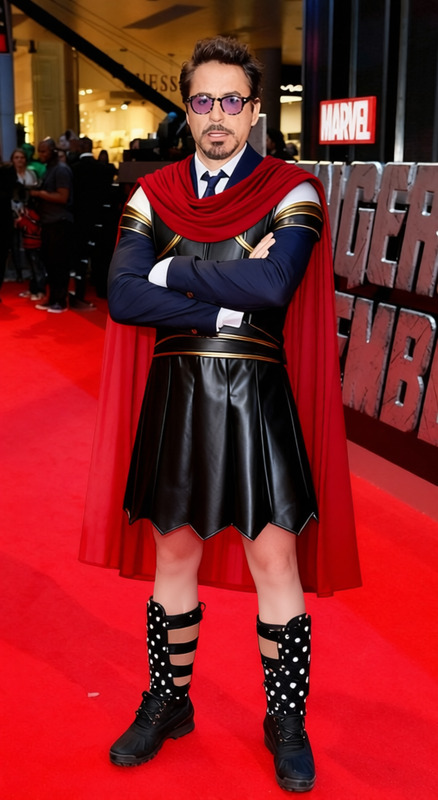
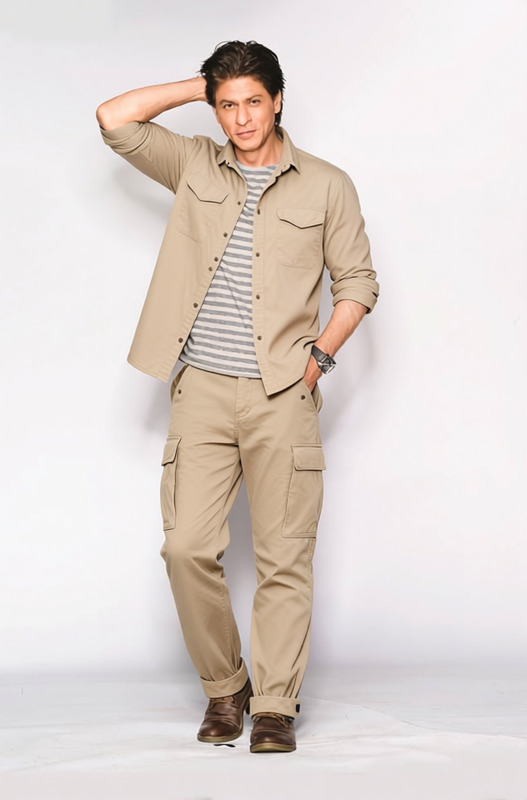
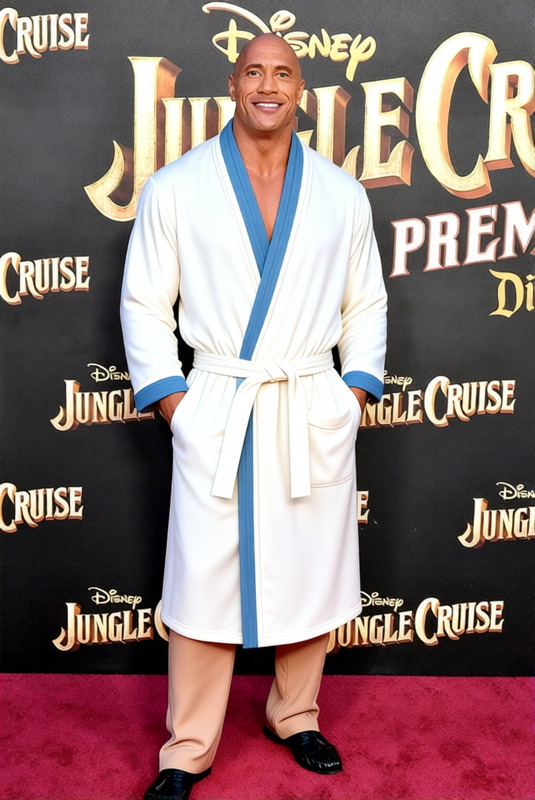
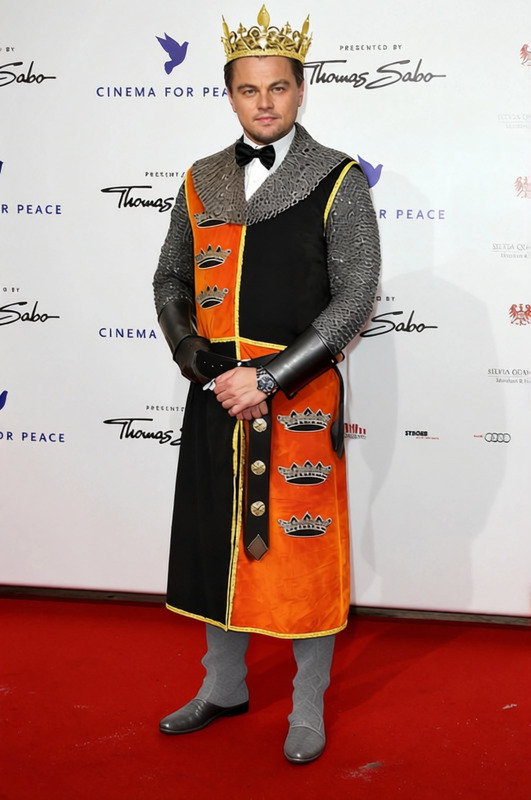
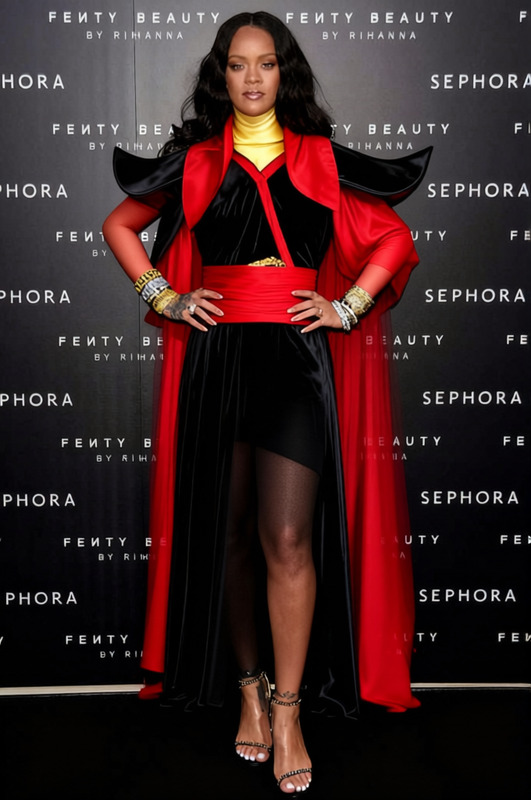
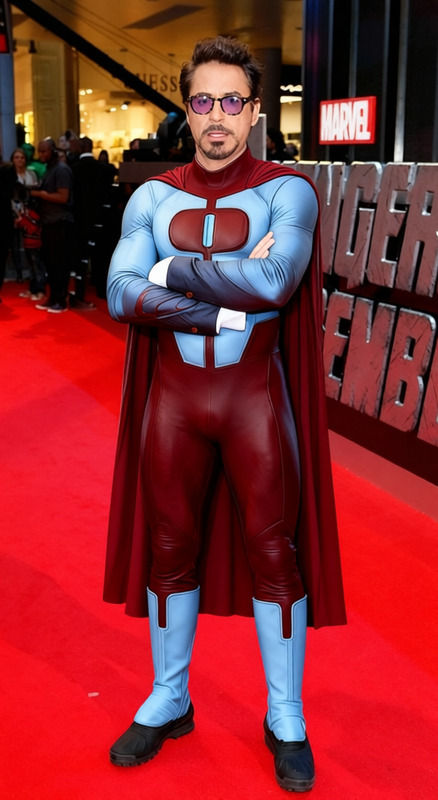
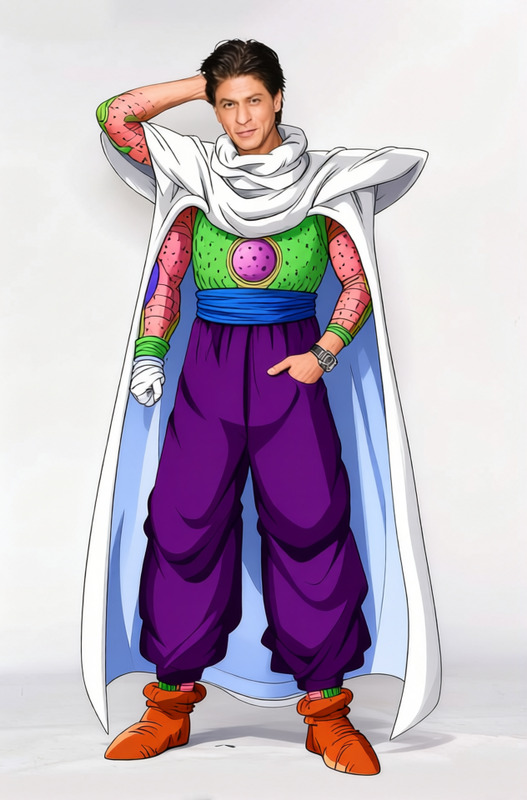
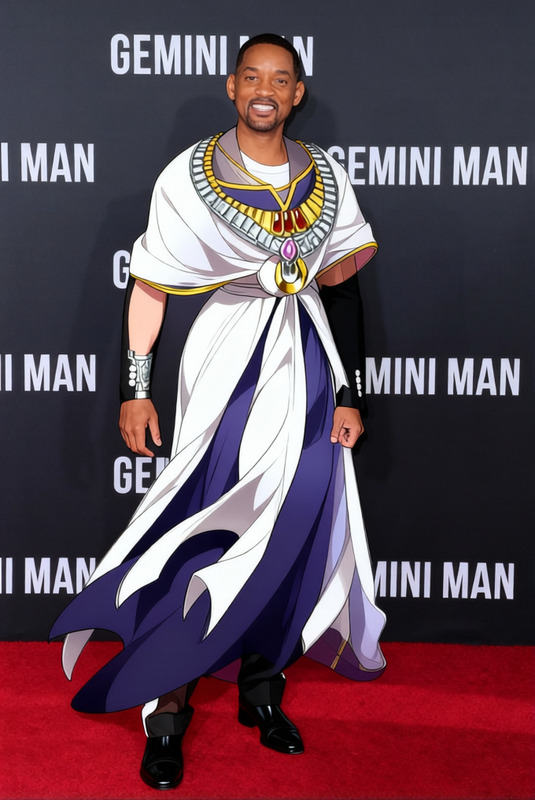
The "Marco Polo Traveling Robe With Belt" template offers a sophisticated way to enhance your images by swapping out existing clothing with an elegant robe and belt ensemble. Designed for use with the AI Clothes Changer tool, this template transforms outfits while maintaining the natural look of the original photo, delivering professional-looking results.
What It Does
This template leverages advanced algorithms to recognize and replace existing clothing in an image with the Marco Polo Traveling Robe design. It maintains the original posture and lighting, ensuring the changed apparel looks authentic and stylish. Ideal for designers and e-commerce platforms, it complements the Face Swap technology for holistic edits.
Who It's For
This versatile tool is perfect for fashion designers, photographers, and online retailers seeking to showcase new clothing lines without additional photoshoots. It benefits influencers and content creators looking to enhance their personal branding. Users can combine it with the AI Image Editor for even more personalization.
Summary
The Marco Polo Traveling Robe With Belt template enables quick and realistic wardrobe transformations that save time and resources. With its high adaptability and ease of use, it serves multiple industries from fashion to social media, seamlessly integrating with other AI tools for a comprehensive editing experience.
How-To
Choose the Template

Customize Your Image

Generate Your New Look

Use Cases
Fashion Lookbooks
- Update seasonal collections
- Create virtual outfits
Social Media Campaigns
- Attract new followers
- Increase brand visibility
Online Retailers
- Increase product listings
- Provide multiple style options
Best Practices
Optimal Image Selection
Choose high-resolution images where the subject is clearly visible for best results.Align Styles
Align the style of the robe with the model's posture for a natural look.Integrate with Other Edits
Use alongside tools like the AI Image Upscaler to enhance overall photo quality.
Frequently asked questions
More Like This