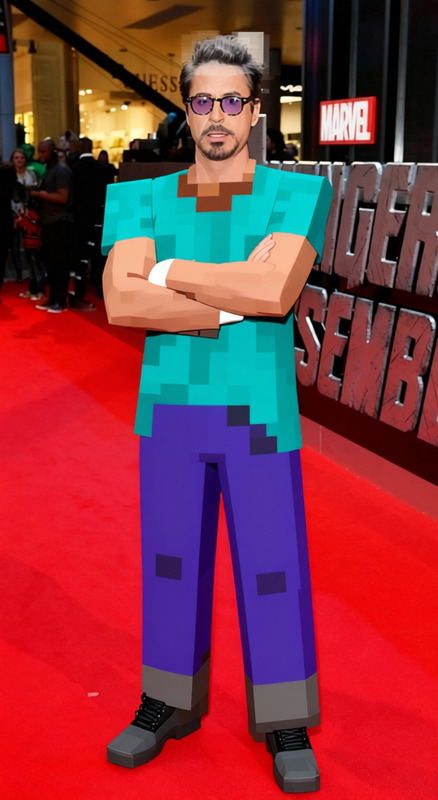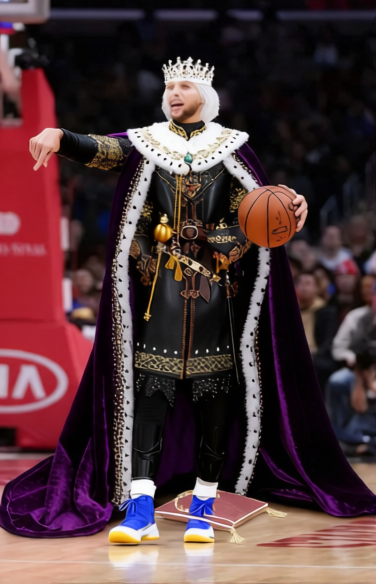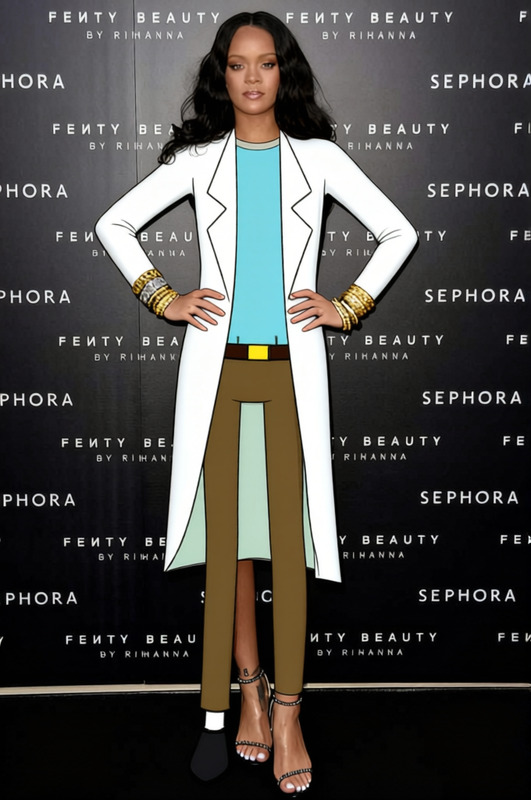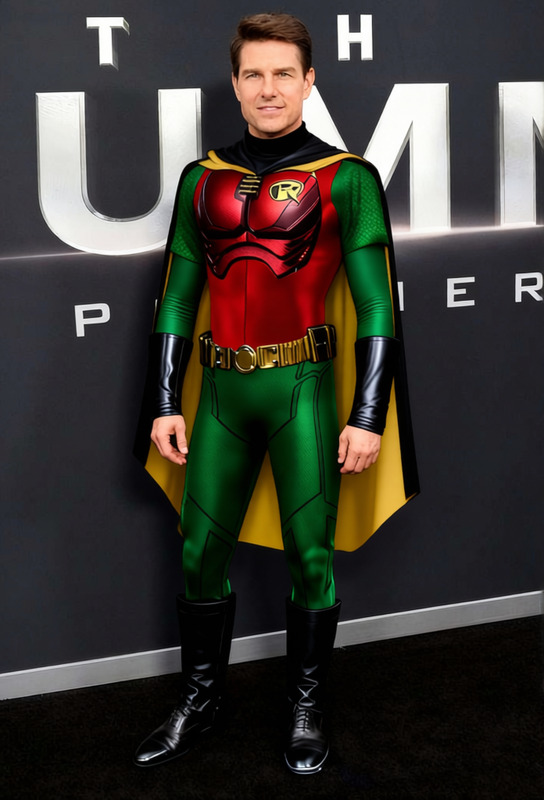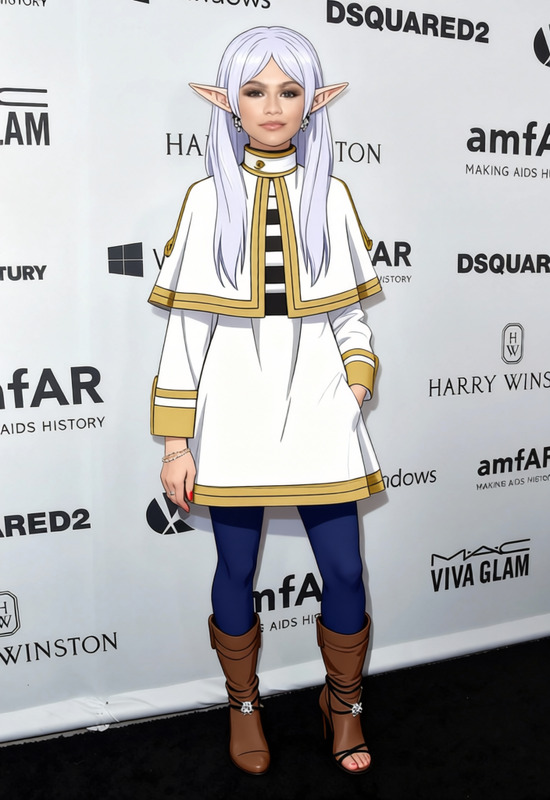
Cousin Eddie White Robe
- Image
- 680 × 1016 px
Any aspect ratio
Overview
The Cousin Eddie White Robe template is a fun and engaging way to update your look in photos with minimal effort. It's designed for use with Magic Hour's AI Clothes Changer, allowing you to swap attire seamlessly into the iconic look made famous by Cousin Eddie.
What It Does
This template specializes in applying the white robe worn by Cousin Eddie, bringing an element of humor and nostalgia into any photo. By utilizing this clothing alteration tool, you can maintain high-quality visuals while transforming your outfit swiftly.
Who It's For
Ideal for creators looking to add a quirky touch to their content, this template serves social media influencers, online marketers, and anyone seeking a playful twist in their personal or professional imagery. It is tailored for users who want to make memorable, light-hearted content.
Summary
In summary, the Cousin Eddie White Robe template is your go-to solution for instantly swapping clothes in photos. Perfect for creating fun, evocative, and character-driven images, this template's magic lies in its simplicity and effectiveness, powered by our top-tier AI Image Generator.
How To
Choose the Template

Customize Your Photo

Generate Your Image

Use Cases
Social Media Content
Marketing Campaigns
Holiday Greetings
Best Practices
Choose the Right Photo
Make sure the subject is standing in a way that complements the robe's structure for a more natural look.Adjust Proportions
Utilize the customization tools to perfectly align the robe with the subject's body for the best results.Experiment with Lighting
Modify brightness and contrast to ensure the robe blends seamlessly with the rest of the image.
Frequently asked questions
More Like This