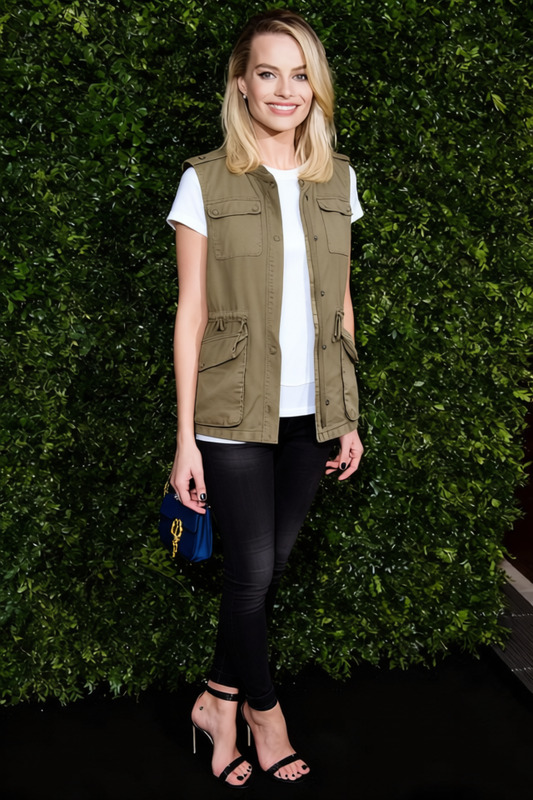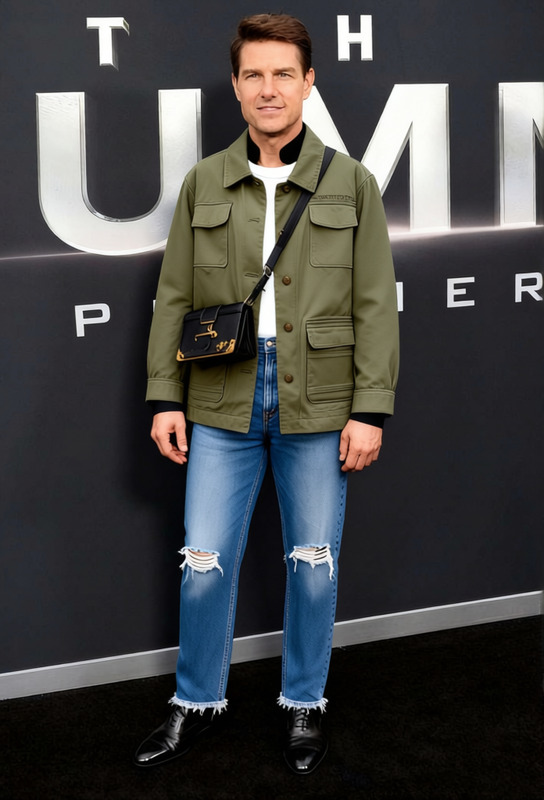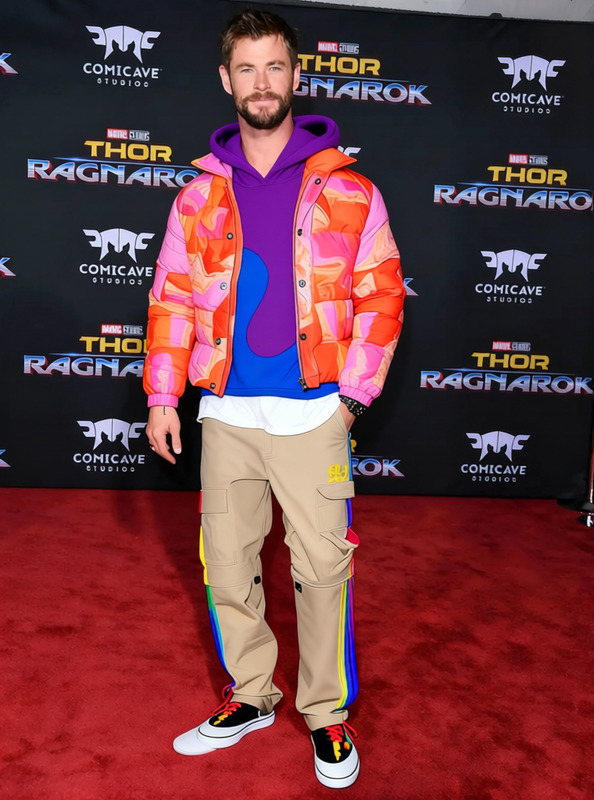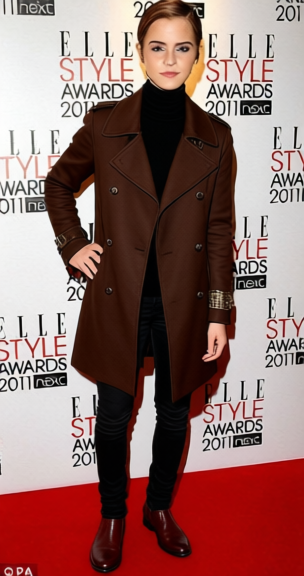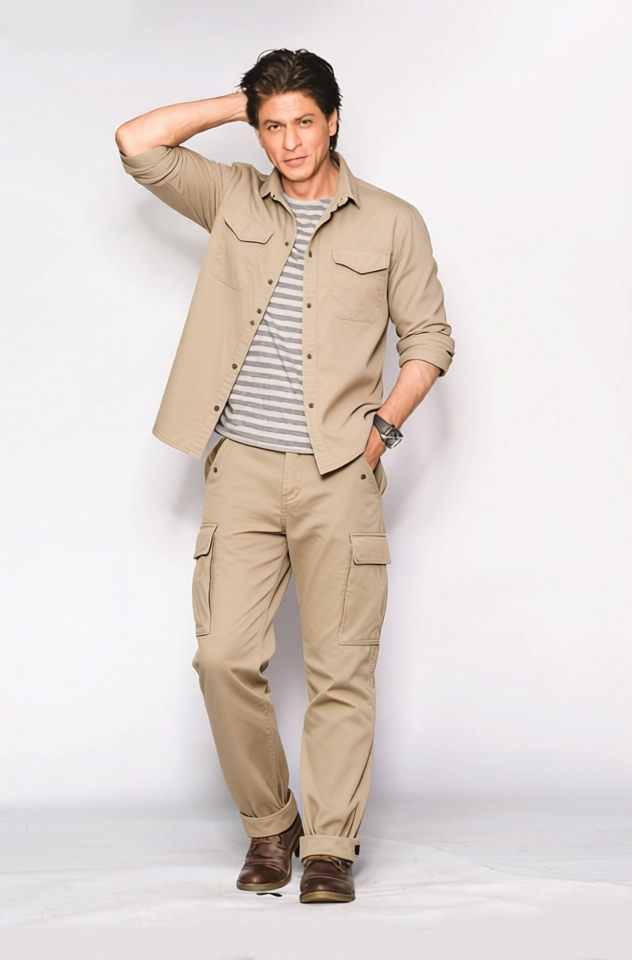
Safari Jacket Tan Utility Safari Jacket With Belt 2
- Image
- 632 × 960 px
Any aspect ratio
Overview
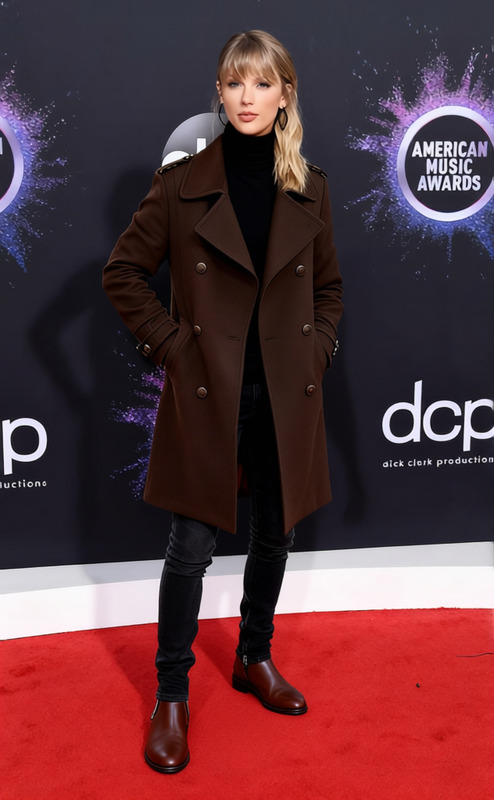
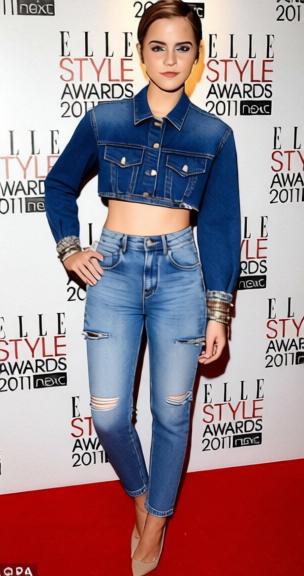
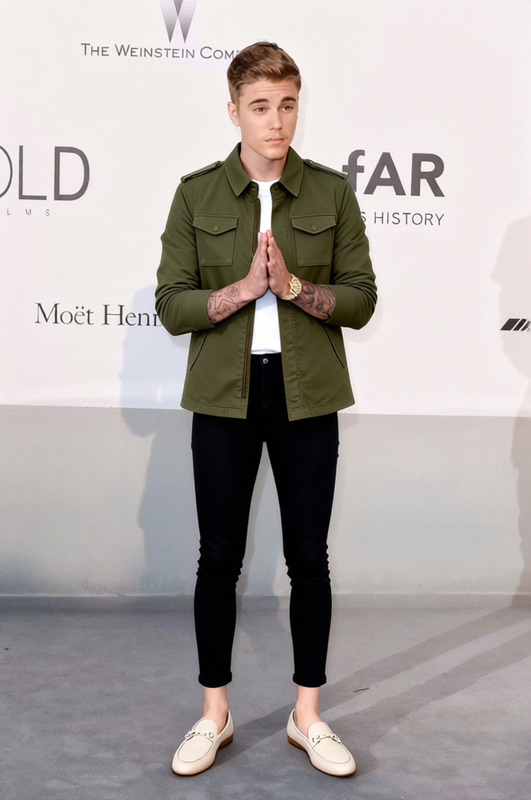
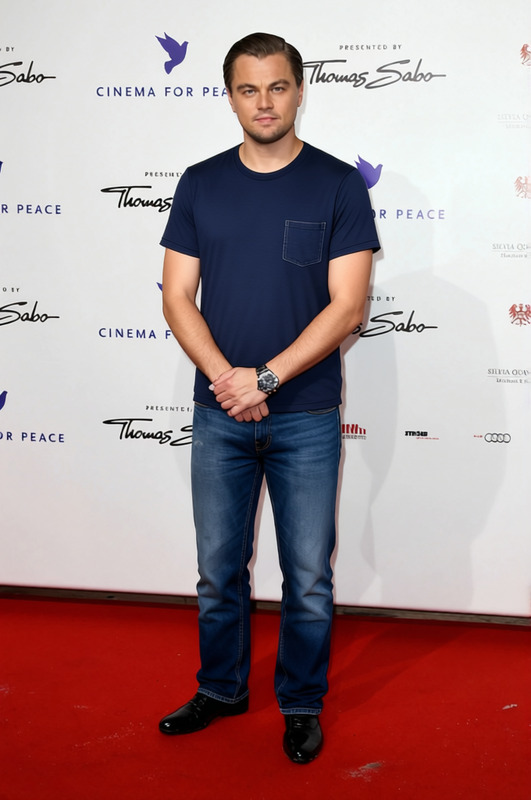
The Safari Jacket template allows users to digitally change the appearance of a jacket in images, giving it a stylish tan utility look with a belt. This template is ideal for product designers and marketers looking to showcase clothing variations without needing physical samples. With this tool, revamp your fashion imagery efficiently while ensuring high-quality output in popular file formats like JPG or PNG.
What It Does
This template is part of the AI Clothes Changer suite, providing a quick and detailed clothing transformation. You can replace existing jacket designs with the Safari Jacket style, complete with a realistic look of fabric texture and color that blends seamlessly into the overall image. This tool is tailored for the ecommerce ads sector, enhancing the visualization of clothing catalogs.
Who It's For
The Safari Jacket template is perfect for fashion photographers, online retailers, and marketing agencies. It adds variety to fashion portfolios without the need for multiple physical samples. It's also a great tool for designers who want to visualize clothing styles quickly and for agencies working on ecommerce advertisements.
Summary
Use the Safari Jacket template from the AI Clothes Changer collection to update garment images with a fashionable tan jacket style quickly. This tool offers an efficient solution for visualizing product variations, crucial for users focusing on dynamic product videos or static photo showcases.
How-To Structure
Choose the Safari Jacket Template

Customize Your Image

Generate Your New Image

Use Cases
Ecommerce Product Images
- Show various clothing styles without physical inventory
- Improve visual appeal of product listings
Fashion Catalog Design
- Expand design offerings
- Reduce costs associated with physical samples
Advertising Campaigns
- Attract more attention with fresh designs
- Easily adapt to changing fashion trends
Best Practices
High-Quality Images
Ensure high-resolution images for the best transformation results. Lower quality images may result in noticeable discrepancies.Customization Accuracy
Pay attention to details like the jacket's fit and the positioning of the belt for a realistic look.Variety Creation
Utilize the ability to create multiple styles to see what works best for your marketing or design needs.
Frequently asked questions
More Like This