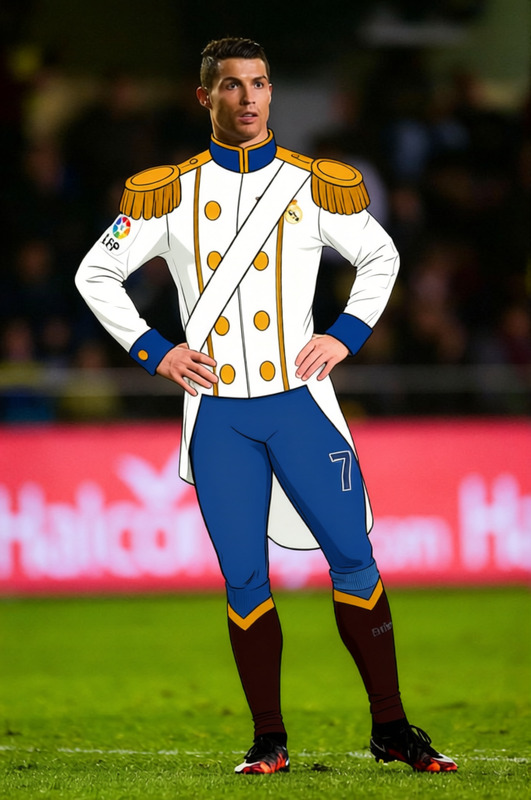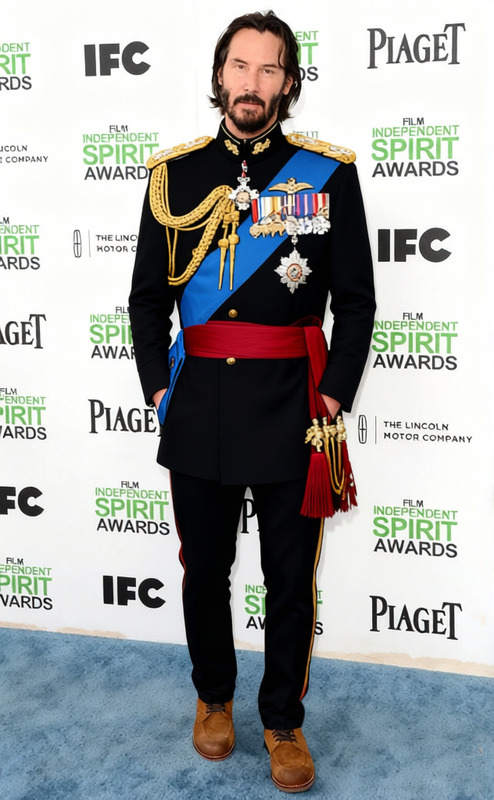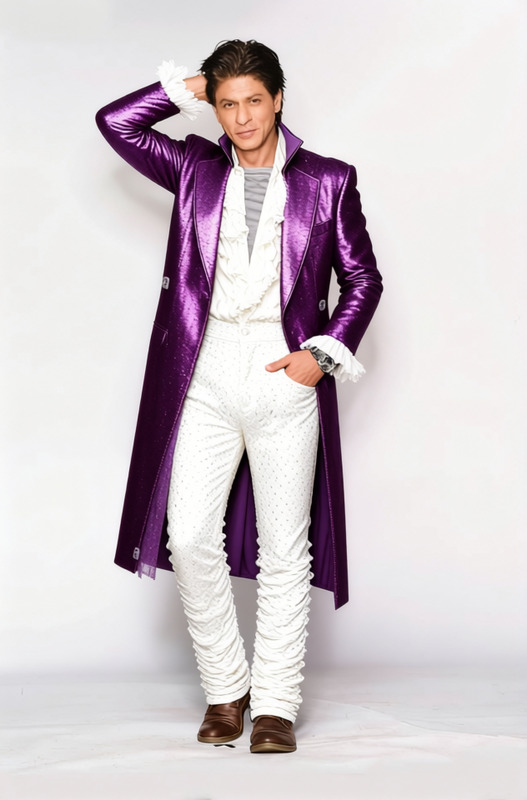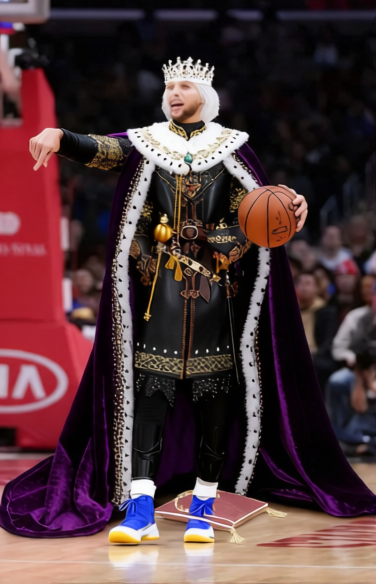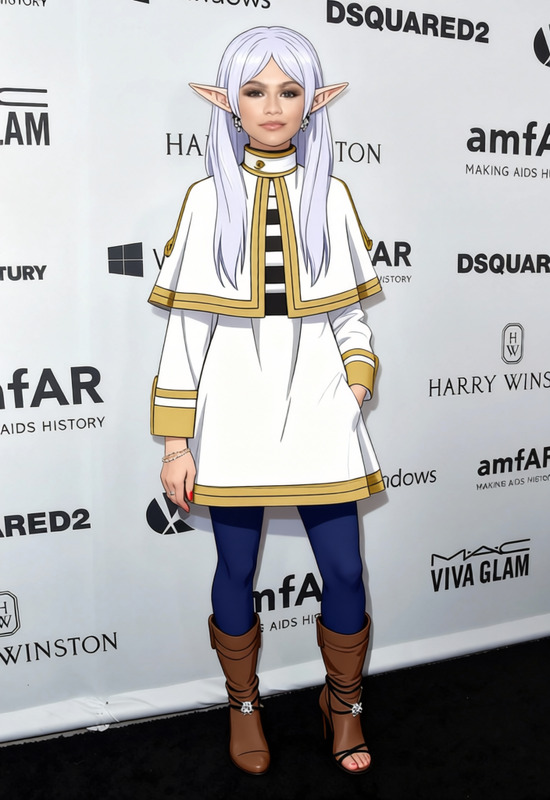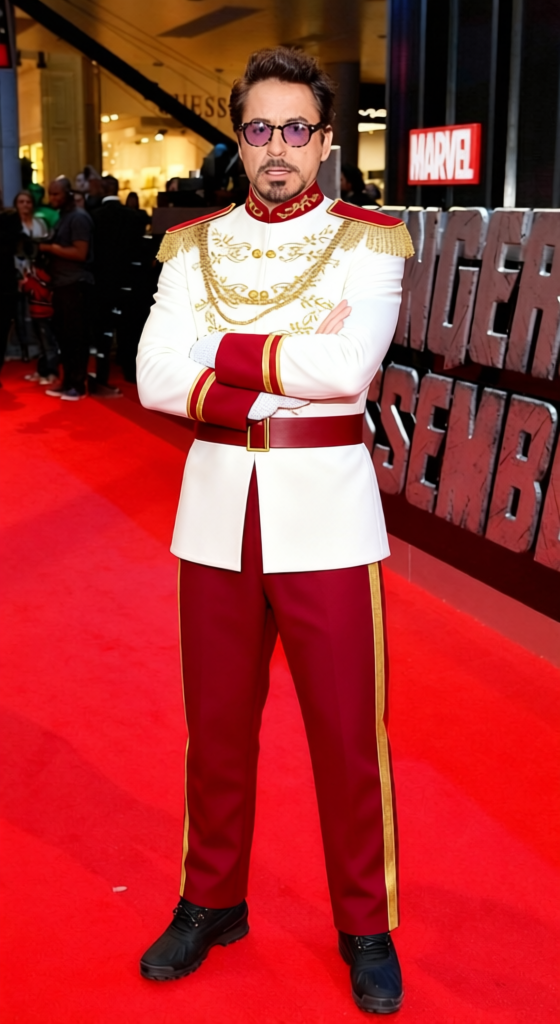
Prince Charming White Royal Uniform With Red Sash
- Image
- 560 × 1024 px
Any aspect ratio
Overview
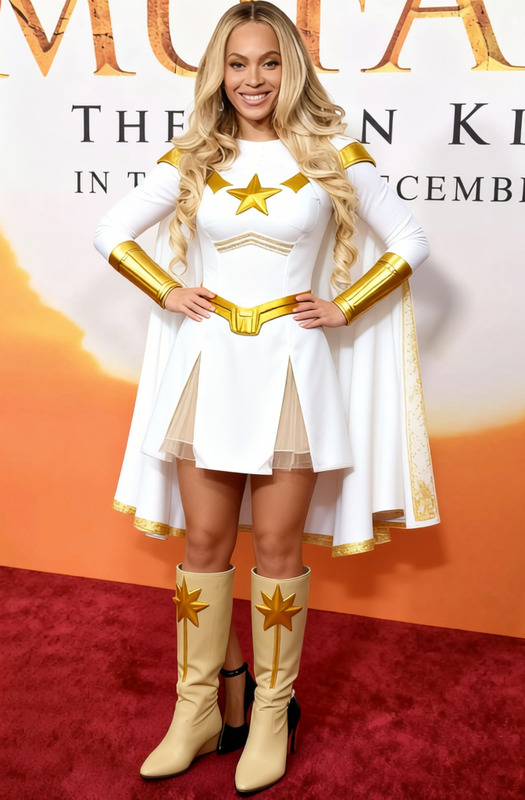
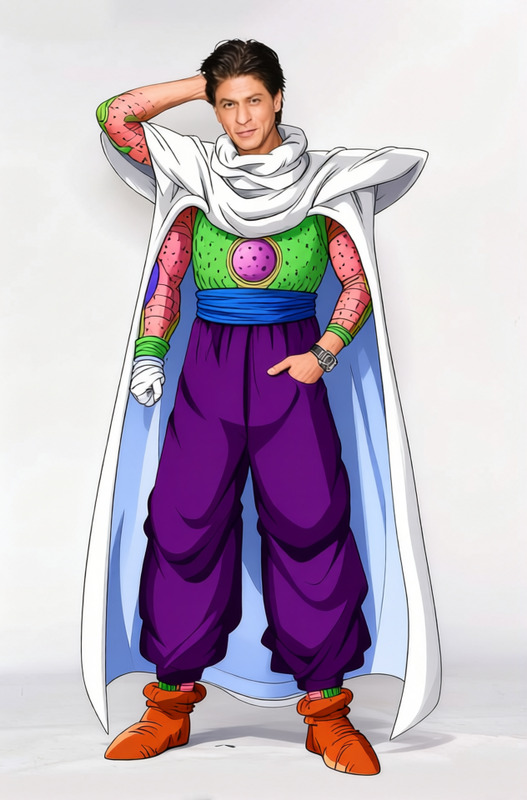
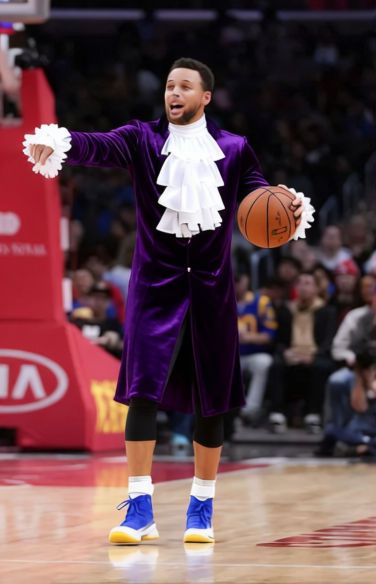
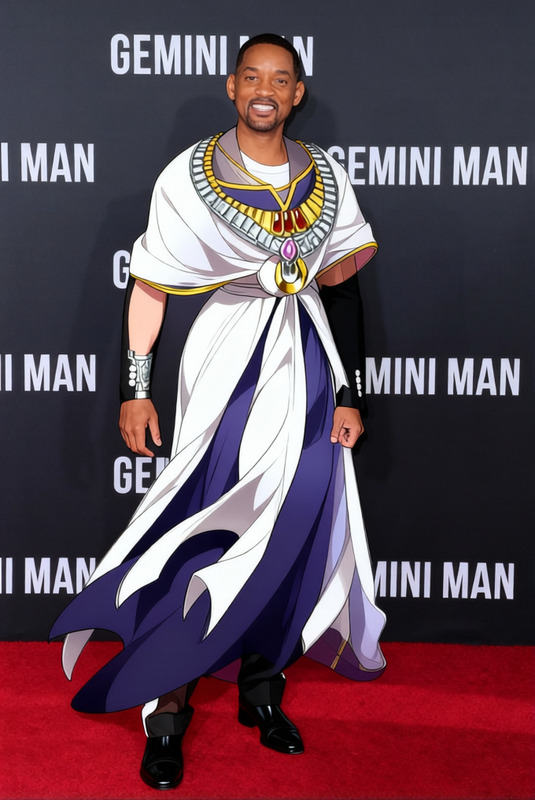
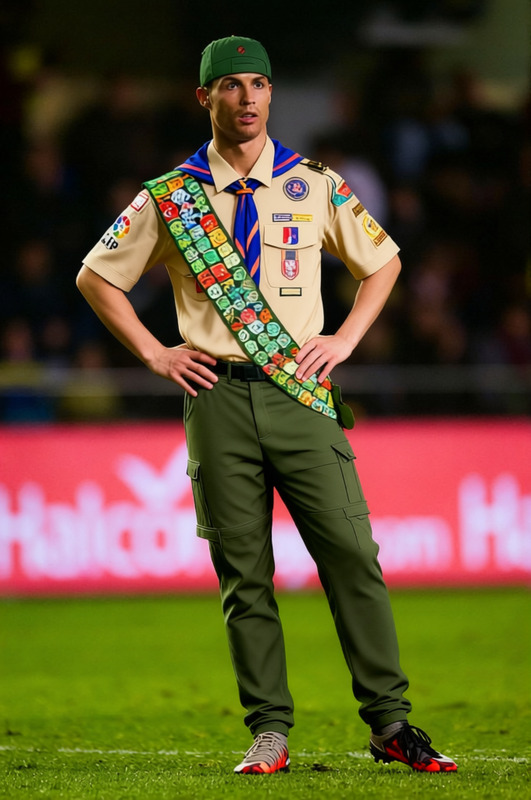
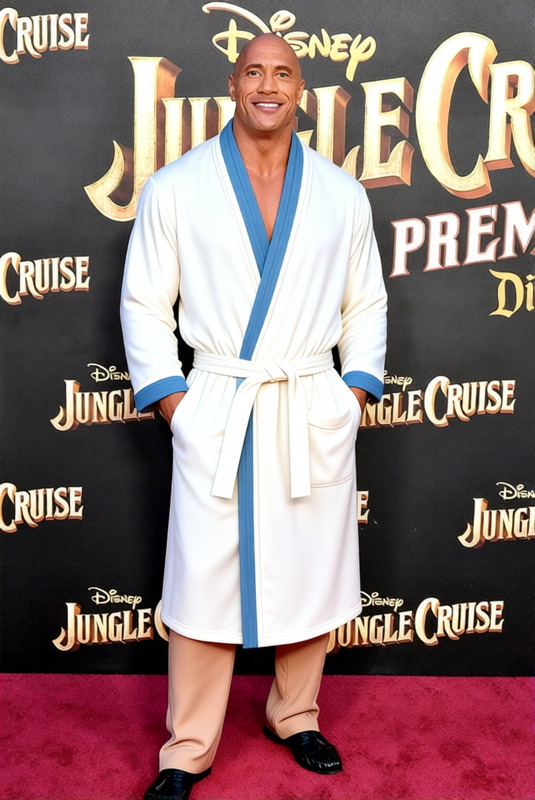
The Prince Charming White Royal Uniform with Red Sash template is your gateway to transforming any character into a regal figure worthy of fairy tales. This clothes changer tool provides a classic look that complements storytelling, marketing, and creative projects, making it versatile for any builder's needs.
What It Does
This template allows users to digitally dress their characters in a detailed white royal uniform adorned with a striking red sash. It's designed to provide a realistic clothing switch, enhancing your visuals for commercials, short films, or animatics. Tailored for accessibility and precision, this tool ensures a seamless integration of the uniform into your chosen scenes.
Who It's For
Ideal for creators working in the domain of storytelling, animation, and video content. Whether you're a filmmaker, an advertiser, or a game developer, this template is perfect for projects requiring high-quality costume changes without the need for an actual costume department. For those interested in adding some magic to their product photography or looking to enrich a story, this tool is a great fit.
Summary
With the Prince Charming White Royal Uniform with Red Sash template, you can bring a touch of elegance and narrative depth in just a few easy steps. It's part of our extensive suite of creative solutions, designed to enhance your storytelling by focusing on high-quality digital transformations. With this tool, your visual projects will take on a new level of sophistication and professionalism.
How To
Choose Your Template

Customize Your Input

Generate Your Output

Use Cases
Fairy Tale Storyboarding
- Illustrate fairy tale narratives
- Embellish character designs
Historical Reenactments
- Save on costume budget
- Easily switch between periods
Promotional Content
- Capture audience attention
- Create memorable ads
Best Practices
Select High-Quality Source Material
Use high-resolution images or videos to ensure that the costume transformation looks natural and clear.Positioning Matters
Align the character within the frame to match the uniform's orientation for the best results.Leverage Other Tools for Enhancements
Consider using the AI Image Upscaler for refining the final output, enhancing details, and improving quality.
FAQs
More Like This