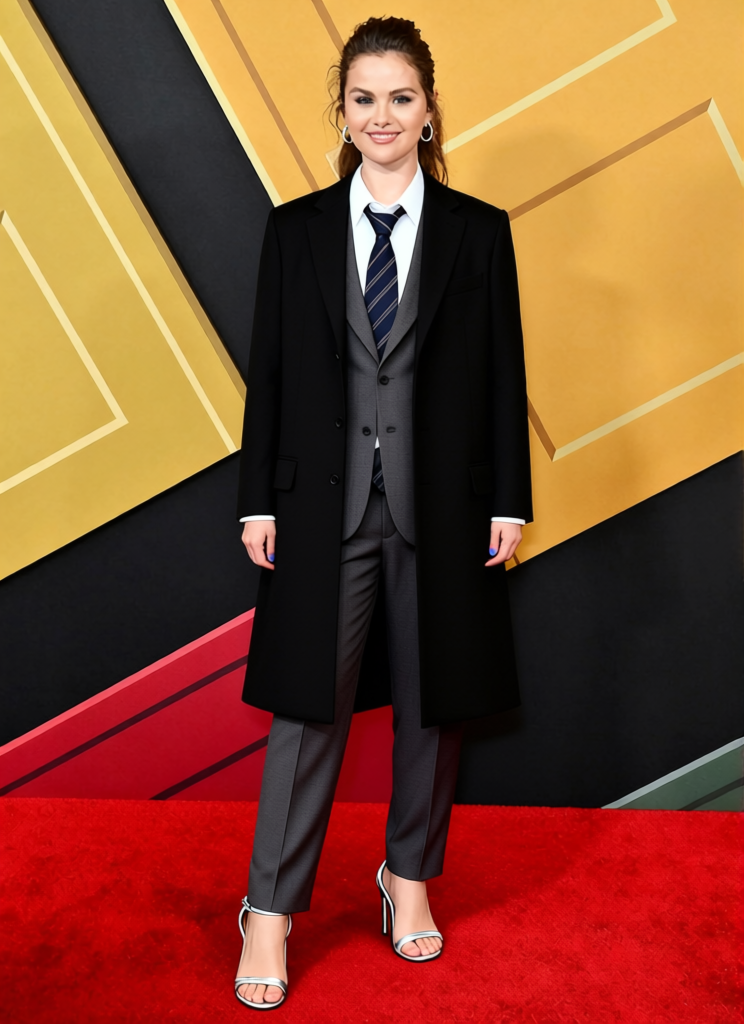
The Professor Grey Blazer With Glasses And Tie 2
- Image
- 744 × 1024 px
Any aspect ratio
Overview
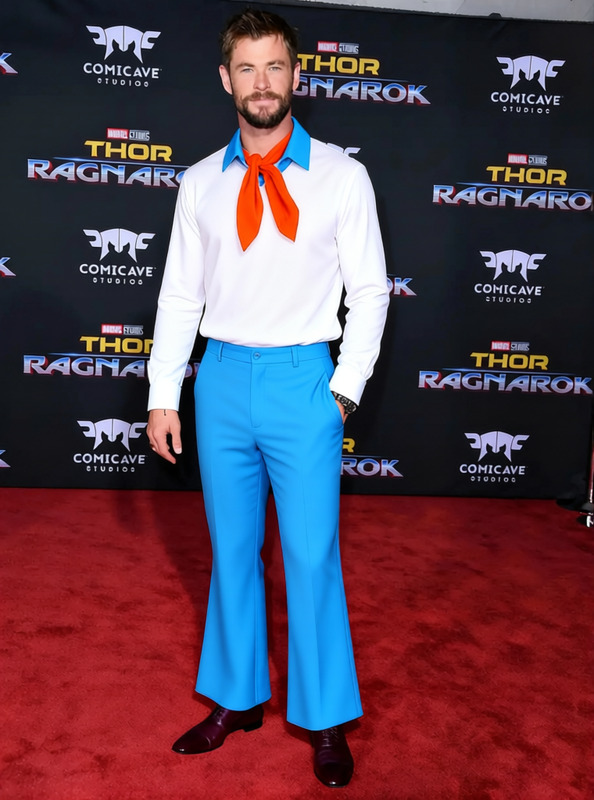
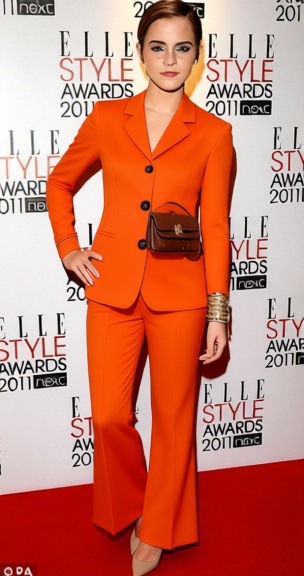
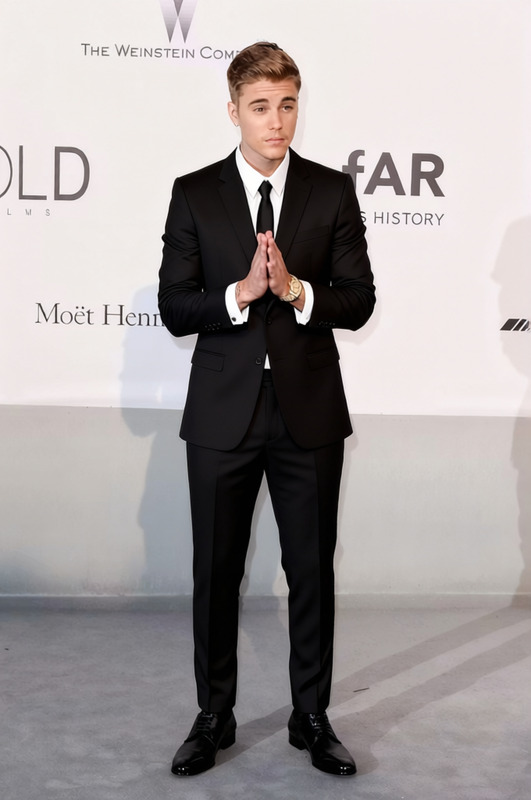
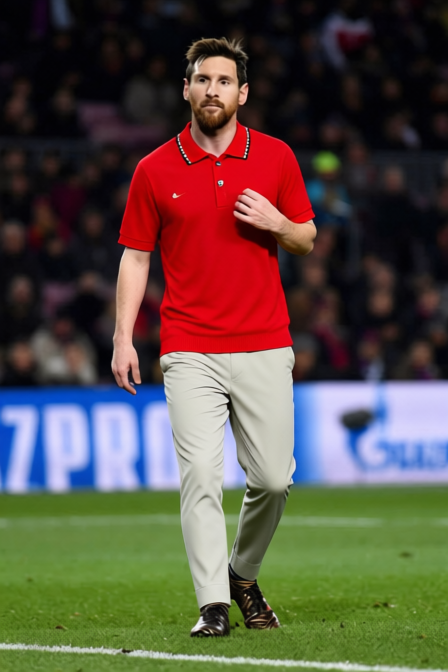
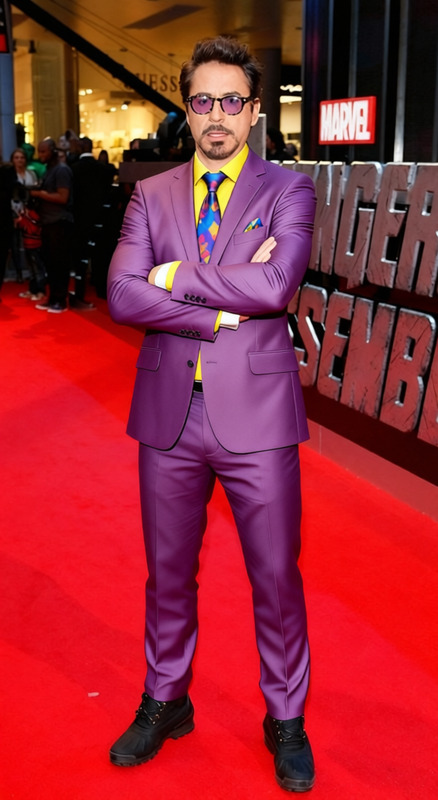
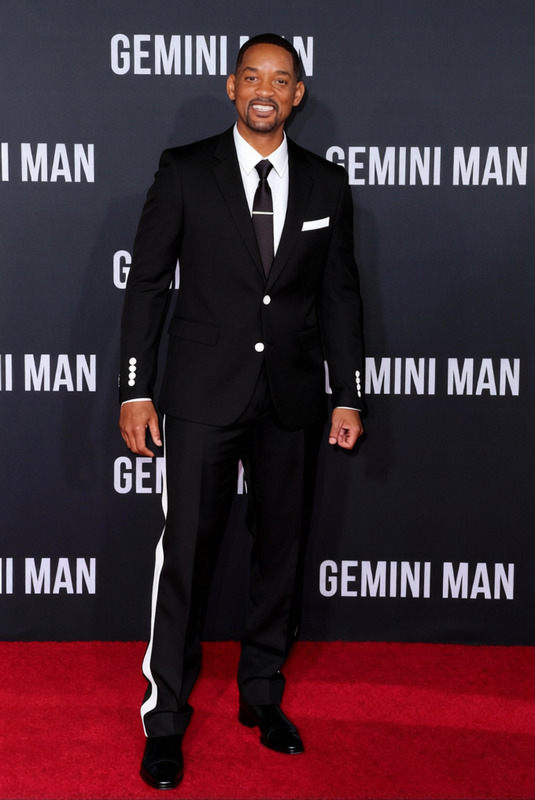
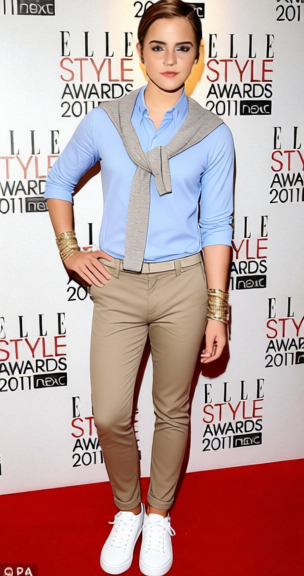
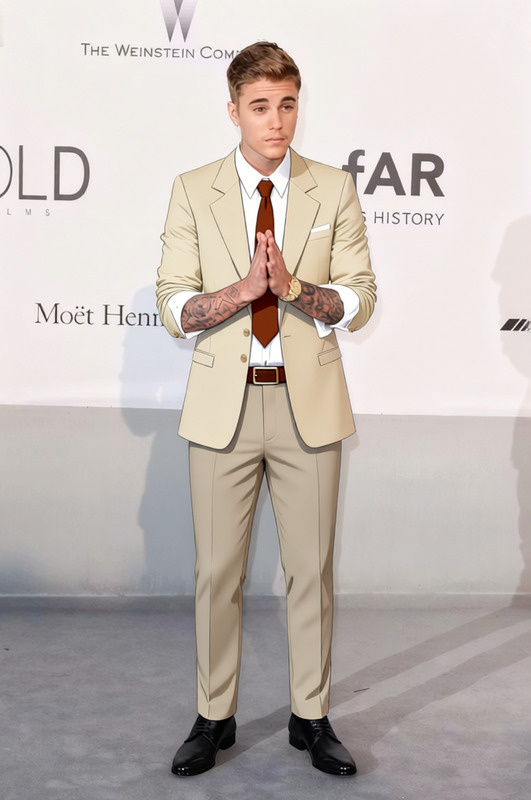
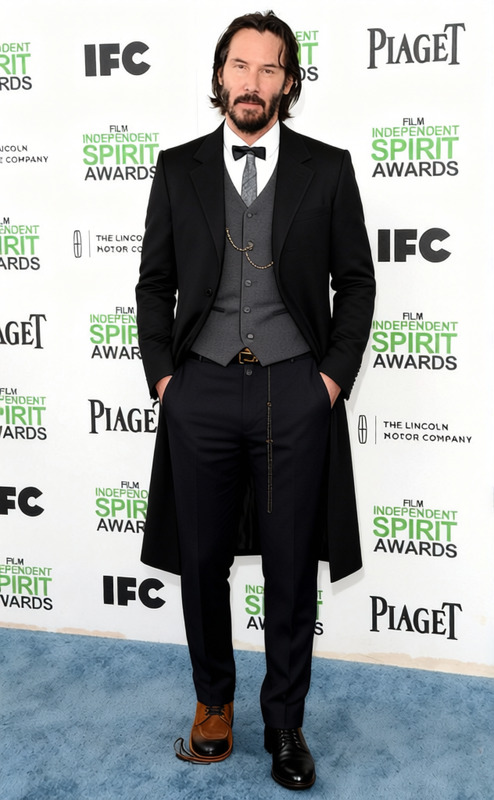
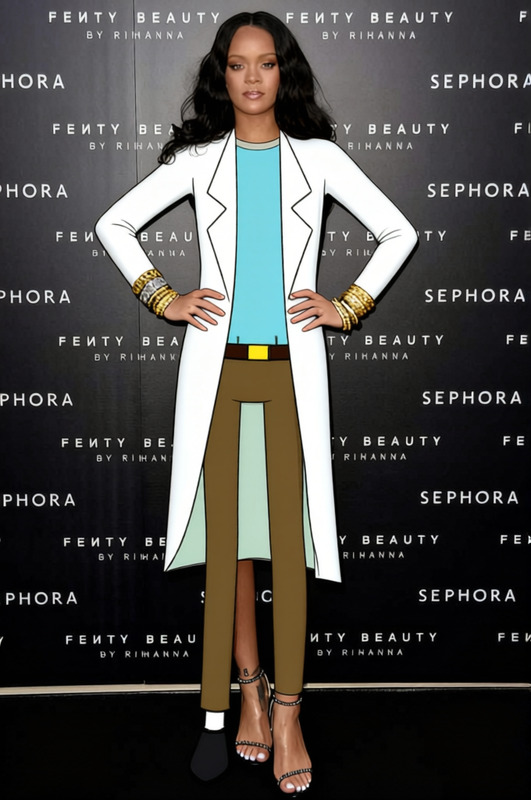
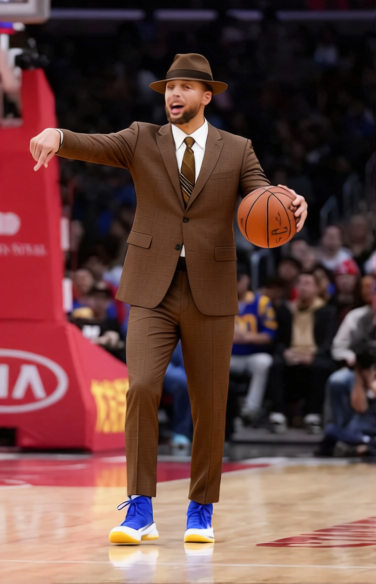
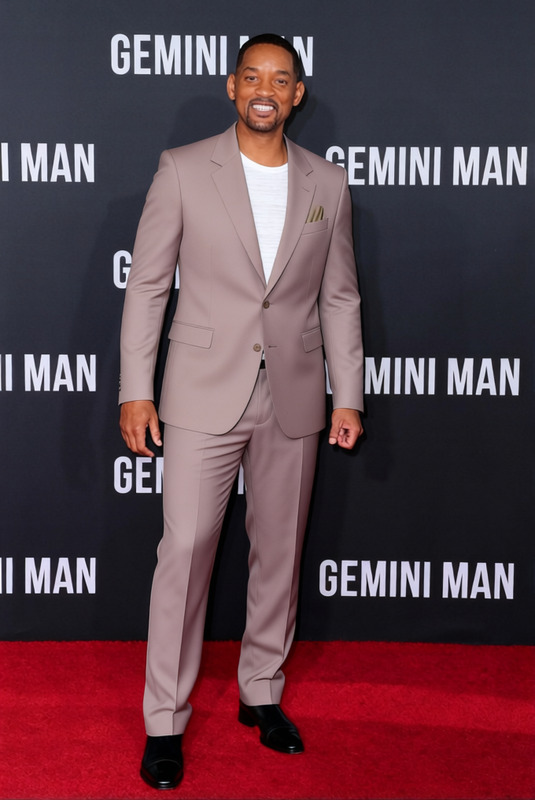
The "The Professor Grey Blazer With Glasses And Tie 2" template allows you to transform images by changing the subject's clothing to a sophisticated grey blazer, complete with glasses and a tie. This template is part of our AI Clothes Changer collection, designed to enhance and personalize photos effortlessly.
What It Does
This template overlays a realistic grey blazer, glasses, and tie onto the subject of your image, making it perfect for creating professional-looking photos. It uses advanced AI to adjust the attire to fit seamlessly, enhancing portraits or business profiles. Check out our AI Image Editor for additional enhancements like background changes and more.
Who It's For
This template is ideal for professionals seeking to update their profile pictures without the need for a new photo shoot, social media managers looking to create engaging content, or businesses wanting consistent branding images. It's also suitable for creative projects where a polished look is desired. Additionally, combining it with our AI Profile Picture Generator can help achieve a cohesive visual identity across platforms.
Summary
"The Professor Grey Blazer With Glasses And Tie 2" is your go-to solution for instantly upgrading your style in photos. Whether for personal branding, LinkedIn profiles, or creative storytelling, this clothes-changing template provides a hassle-free way to ensure you always look your best. Explore more on how our AI Ad Creative Generator can combine clothing changes with other creative elements to enhance your visual projects.
How To
Choose the Template

Customize Your Image

Generate Your New Image

Use Cases
Professional Profile Updates
Marketing and Branding
Creative Storytelling
Best Practices
Select Clear Source Images
For optimal results, use high-resolution images where the subject is well-lit and facing the camera.Fit Adjustments
Manually adjust the fit of the blazer and tie in the customization phase to ensure a natural appearance on the subject.Combine Tools for Best Results
Use in conjunction with the AI Image Upscaler to enhance image quality further after applying the clothes change.
Frequently asked questions
More Like This