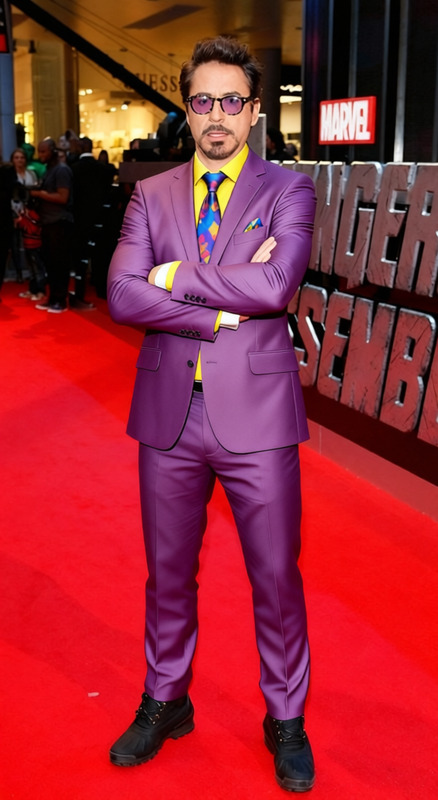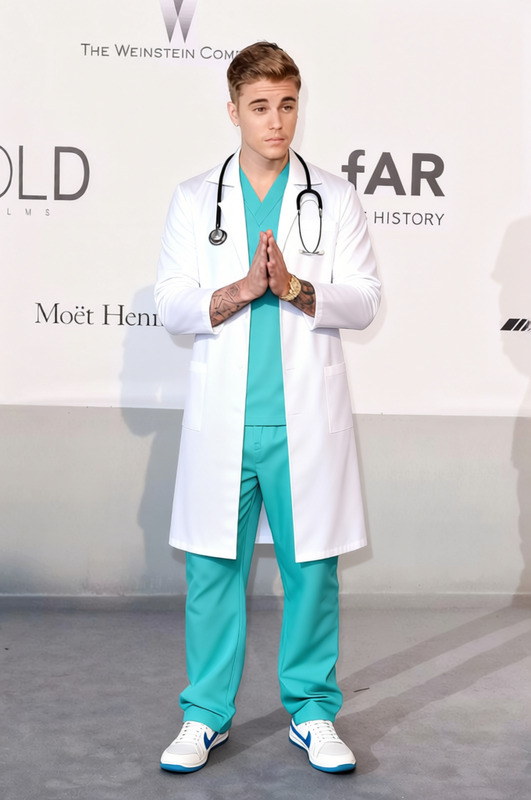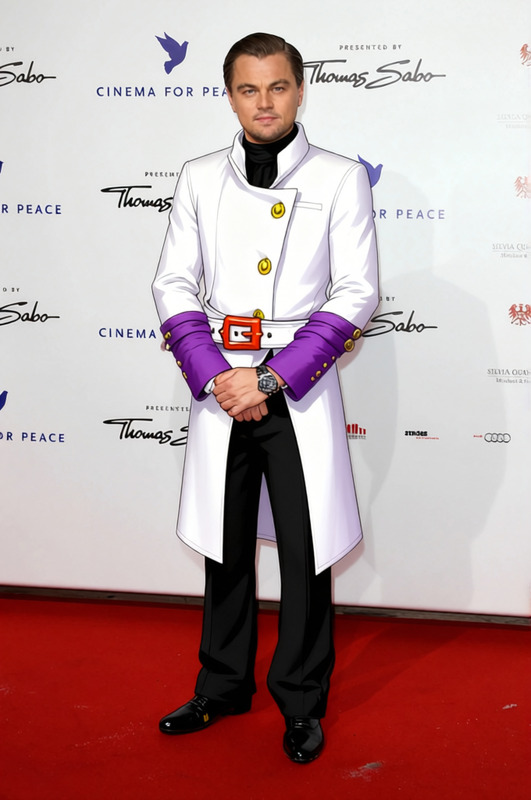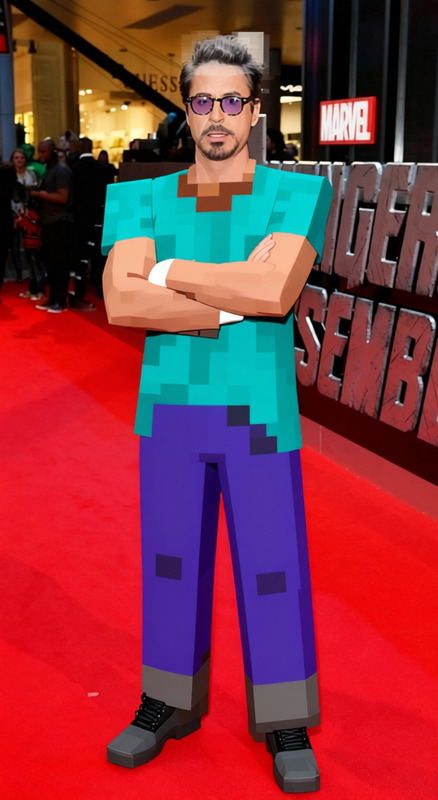
Rick Sanchez White Lab Coat With Blue Shirt 2
- Image
- 680 × 1024 px
Any aspect ratio
Overview
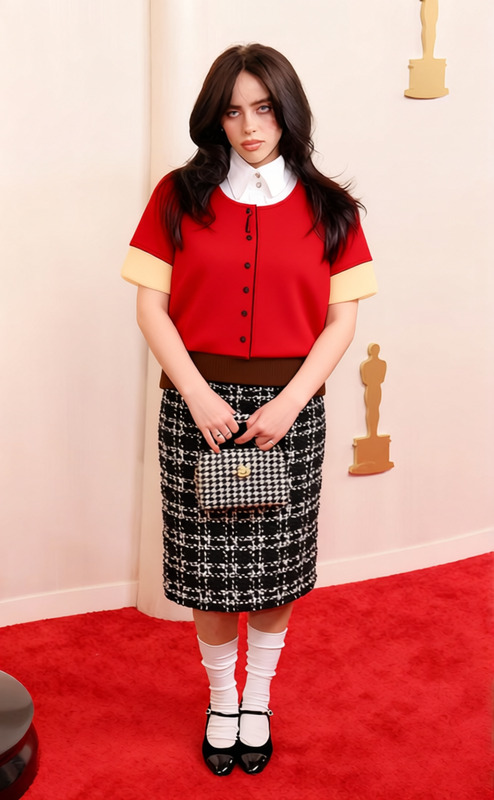
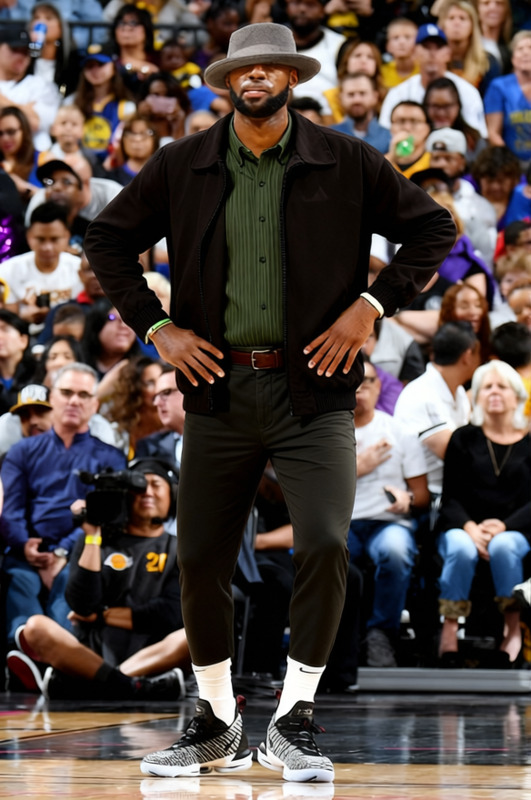
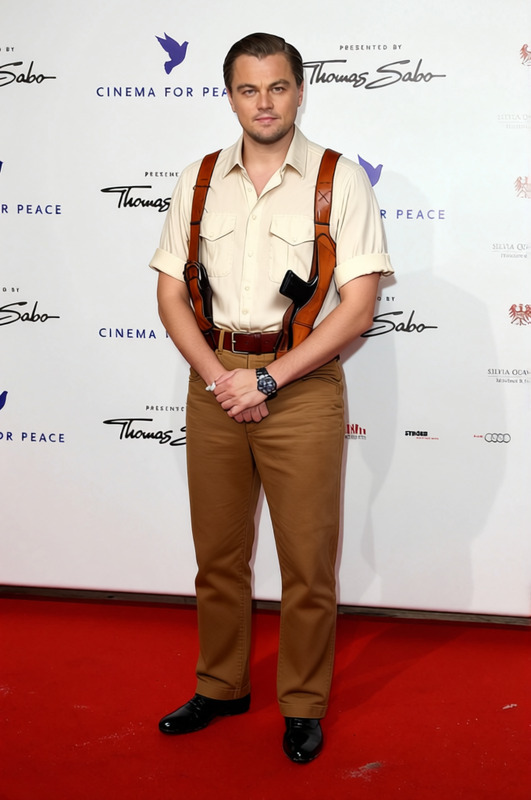
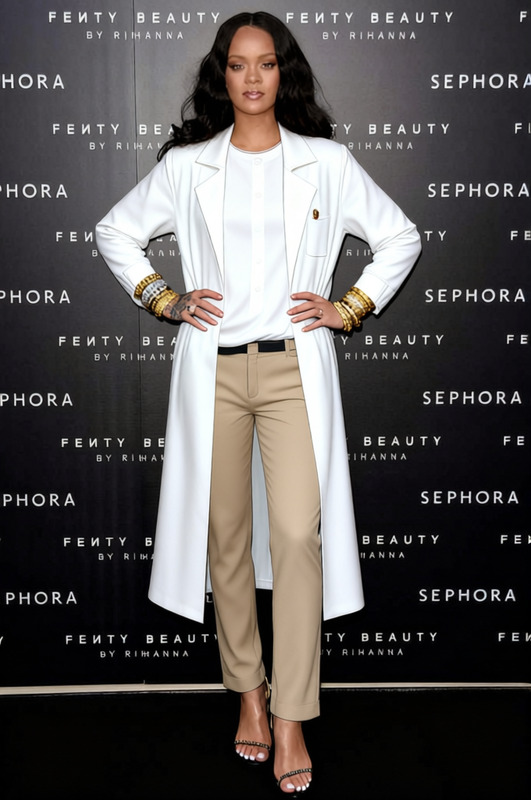
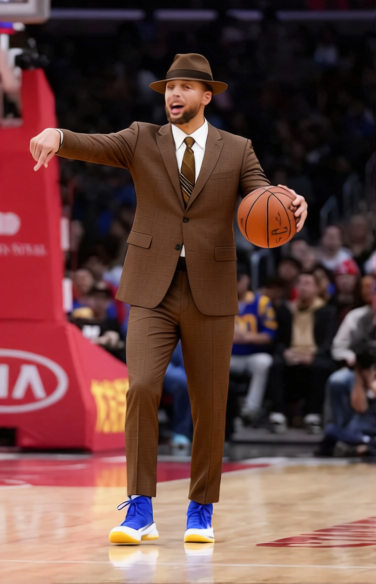
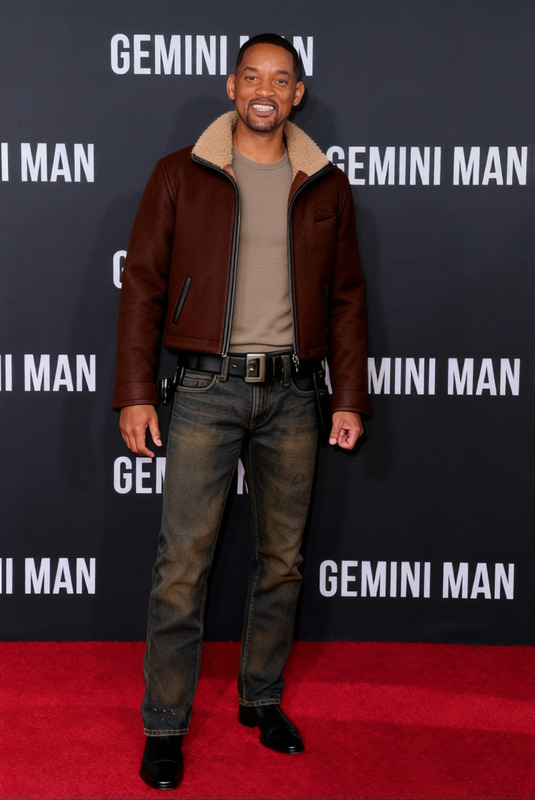
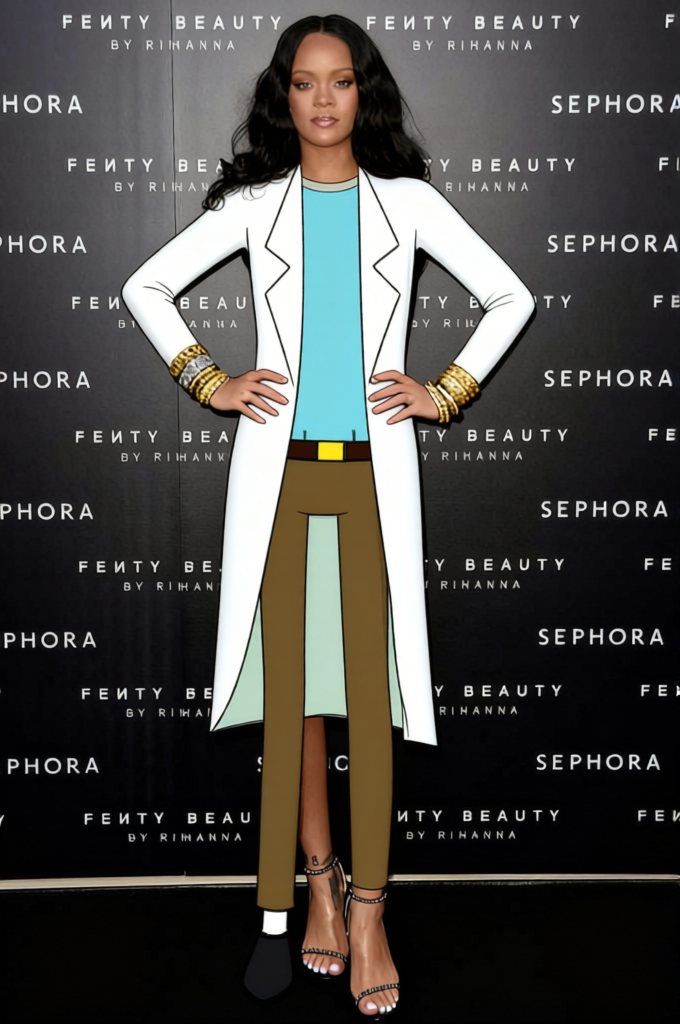
The Rick Sanchez White Lab Coat With Blue Shirt 2 template allows you to transform characters into the style of Rick Sanchez with a classic white lab coat and blue shirt. This clothes changer template is perfect for anyone looking to add a quirky and recognizable look to their videos or images using AI technology.
What It Does
This template enables you to replace the clothing in your images or videos with the iconic white lab coat and blue shirt combination popularized by a beloved animated character. By leveraging advanced AI models, it detects and seamlessly overlays clothing onto any character, maintaining natural folds and shadows.
Compatible with a variety of formats, you can easily integrate this with other templates like the Face Swap or AI Image Editor for enhanced creativity and customized outputs.
Who It's For
This template is designed for content creators, marketers, and fans of the animated series who want to incorporate the look of a mad scientist into their media. Whether you're creating a social media post, video production, or meme, this template provides an easy solution.
It's particularly useful for users who also utilize AI Talking Photo to animate characters further.
Summary
Use the Rick Sanchez White Lab Coat With Blue Shirt 2 template to infuse your media with the iconic style of a fan-favorite character. This AI-powered tool adapts clothing styles for compelling and humorous content creation, ideal for various media applications and integrations with other AI Clothes Changer tools.
How to Use
Choose the Template

Customize Your Inputs

Generate and Download

Use Cases
Promotional Videos
- E-commerce product showcases
- Social media campaigns
Image Editing
- Digital art pieces
- Presentation graphics
Social Media Content
- Instagram posts
- TikTok videos
Best Practices
Ensure High-Quality Input
For the best output, use high-resolution images or videos. The clearer the source material, the more seamlessly the clothing overlay will appear.Align with Character Theme
When using with other tools like the Face Swap, make sure the face matches the theme for cohesive output.Experiment with Settings
Don't be afraid to adjust color and size settings for a perfect match. Use the AI Image Editor for final touch-ups.
Frequently asked questions
More Like This