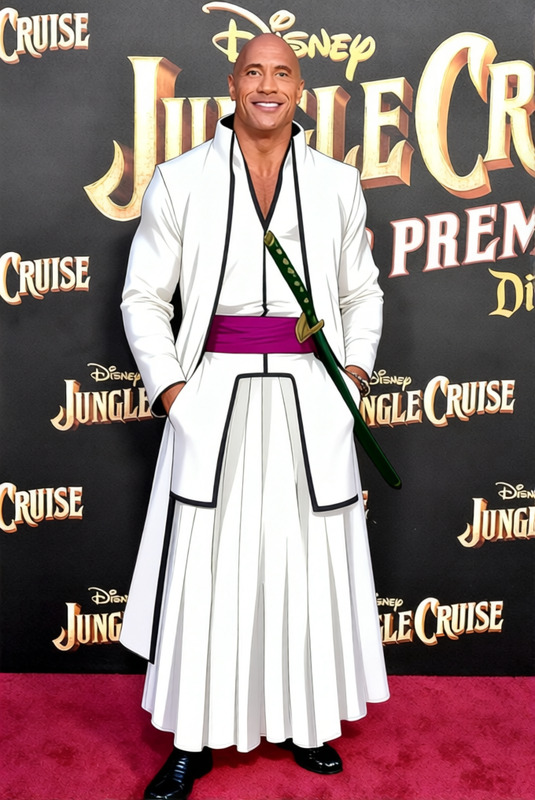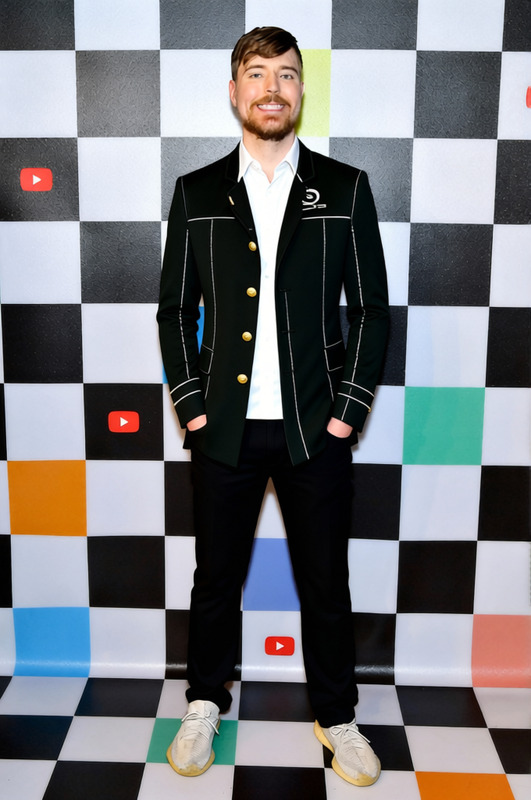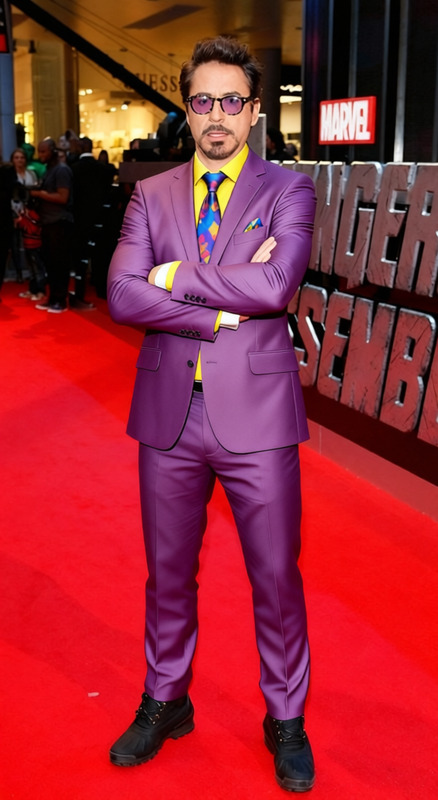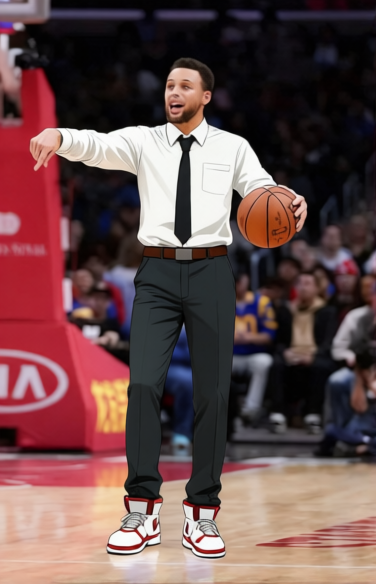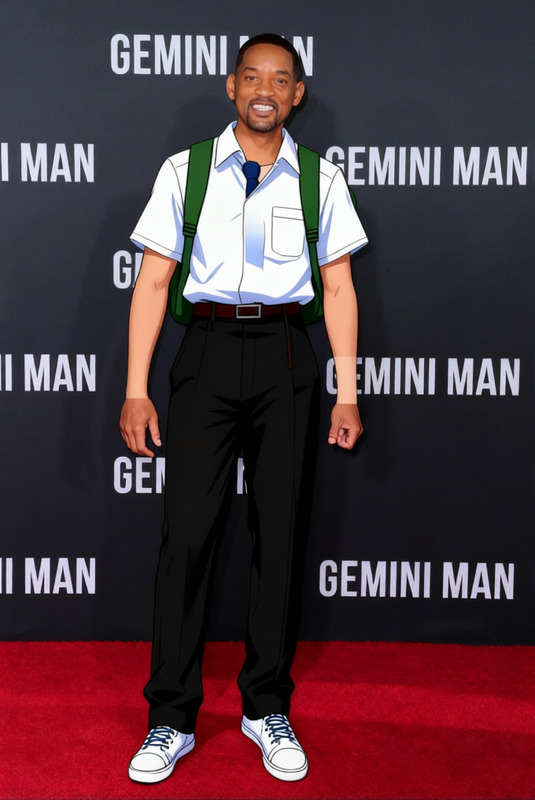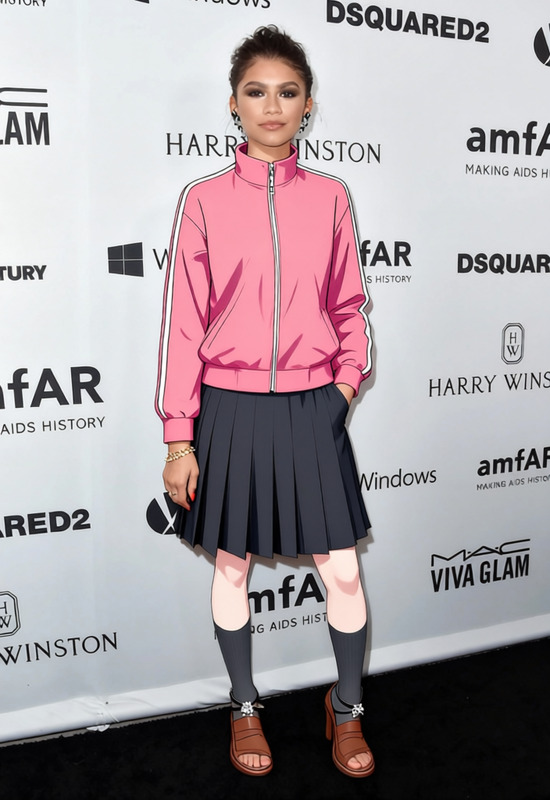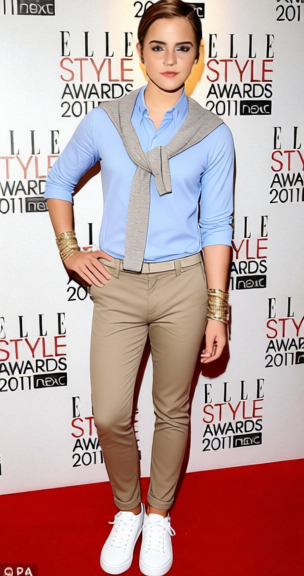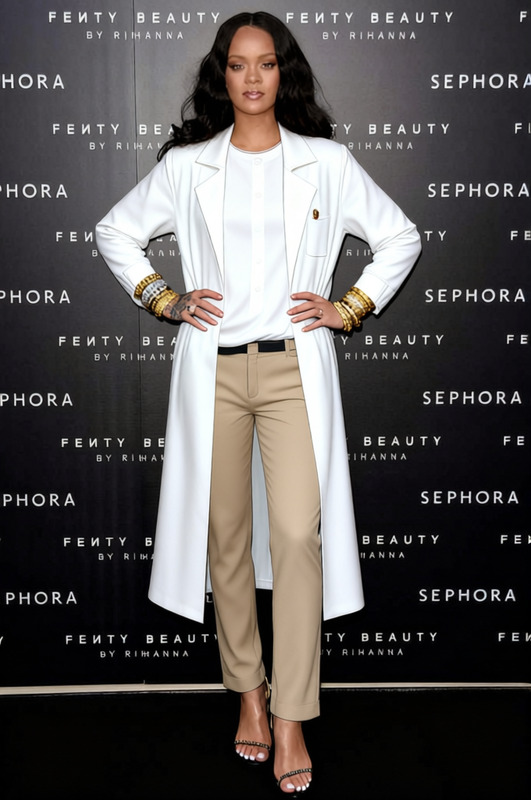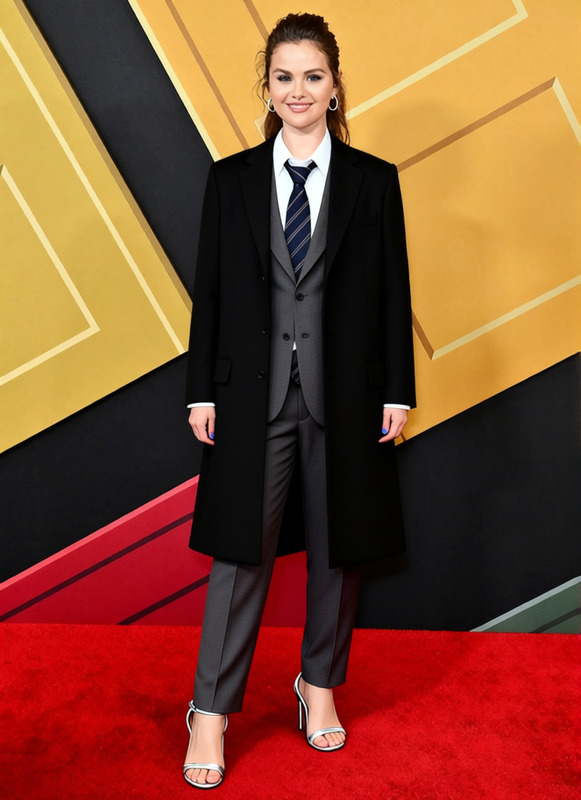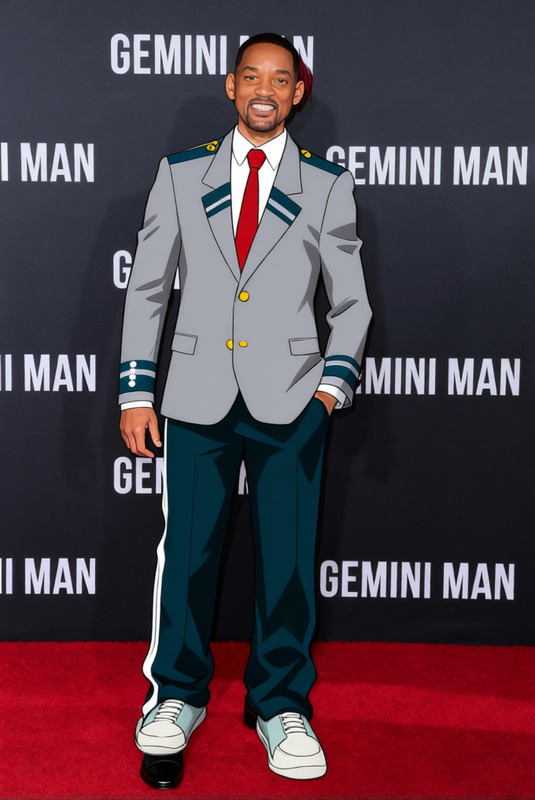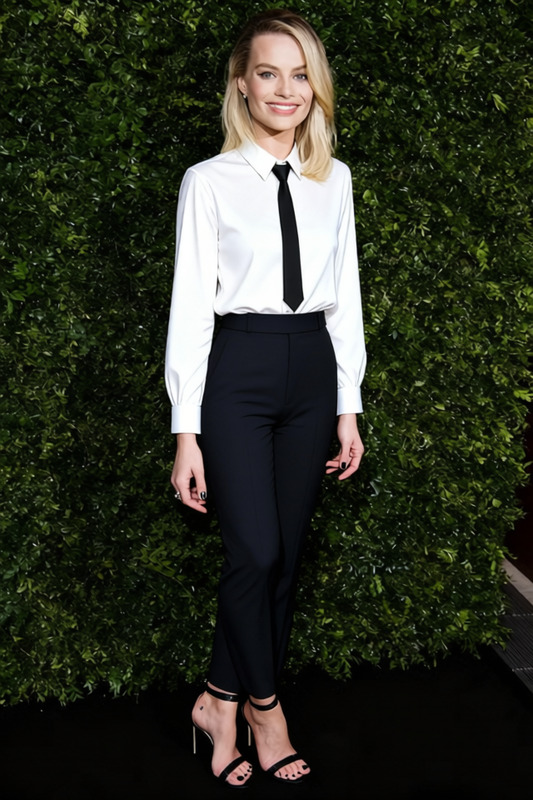
Light Yagami School Blazer With White Shirt And Tie 2
- Image
- 680 × 1024 px
Any aspect ratio
Overview
The Light Yagami School Blazer With White Shirt And Tie 2 template is designed to offer seamless wardrobe transformations in your digital content. Whether you're a video creator or photo editor, this template allows you to efficiently swap clothing in images and videos using AI technology.
What It Does
This Clothes Changer template replaces any outfit with the iconic school blazer, white shirt, and tie ensemble. It processes still images and video files, providing you with a new look that fits proportionally and matches the original style. For enhanced photo realism, pair it with the AI Image Editor to refine details.
Who It's For
Ideal for content creators looking to spice up their character design, educators crafting educational content, or marketers seeking a unique visual style for promotions. This tool is particularly useful for professionals who frequently utilize the Face Swap or AI Talking Photo products to create engaging multimedia content.
Summary
The Light Yagami School Blazer With White Shirt And Tie 2 template is your go-to resource for fashion-oriented digital projects. Merge this template with the AI Video Generator for comprehensive video enhancements, making you stand out in creative fields.
How to Use
Choose the Template

Customize Your Project

Generate and Download

Use Cases
Character Design Enhancements
- Create new character identities
- Easily swap outfits for variety
Education Content Creation
- Crafts storyboards for lessons
- Standardizes video lectures
Marketing & Advertising
- Customize promotional video attire
- Present product benefits creatively
Best Practices
Image Quality
Ensure the image is high-resolution to get the best results after clothing transformation.Lighting Consistency
Match the lighting of the new outfit with the original photo to maintain realism.Additional Editing
Use the AI Image Editor for precision tuning such as smoothing edges and color adjustments to blend the new elements.
Frequently asked questions
More Like This