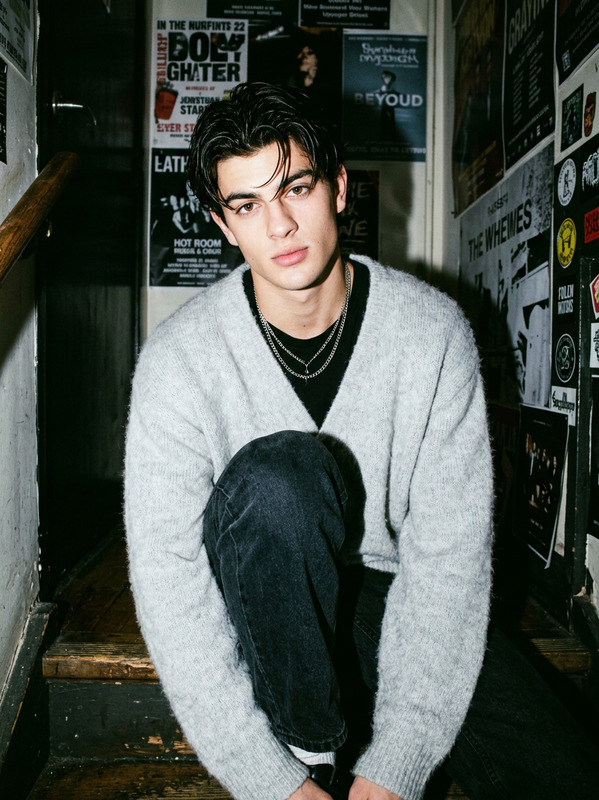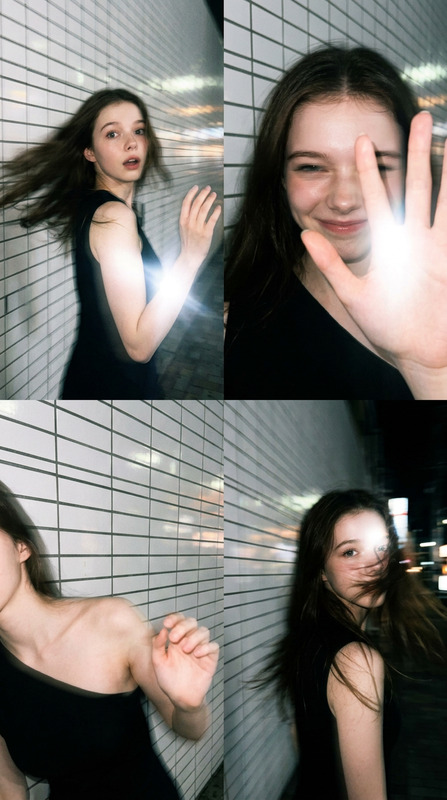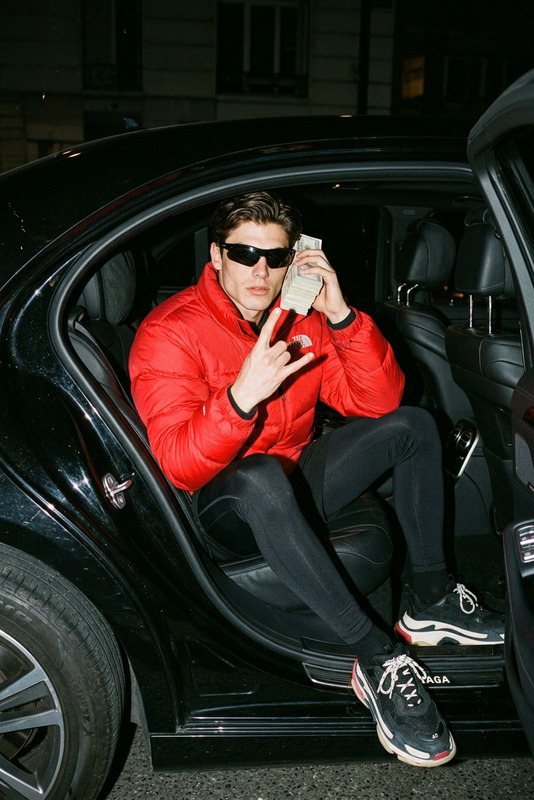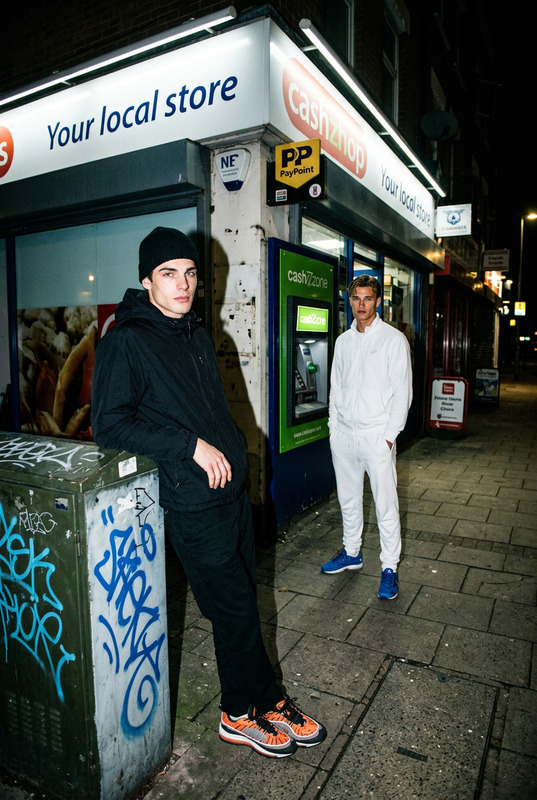
Flash Nightwalk – Urban Bengal Encounter
- Model
- Nano Banana
- Image
- 1024 × 1024 px
Prompt
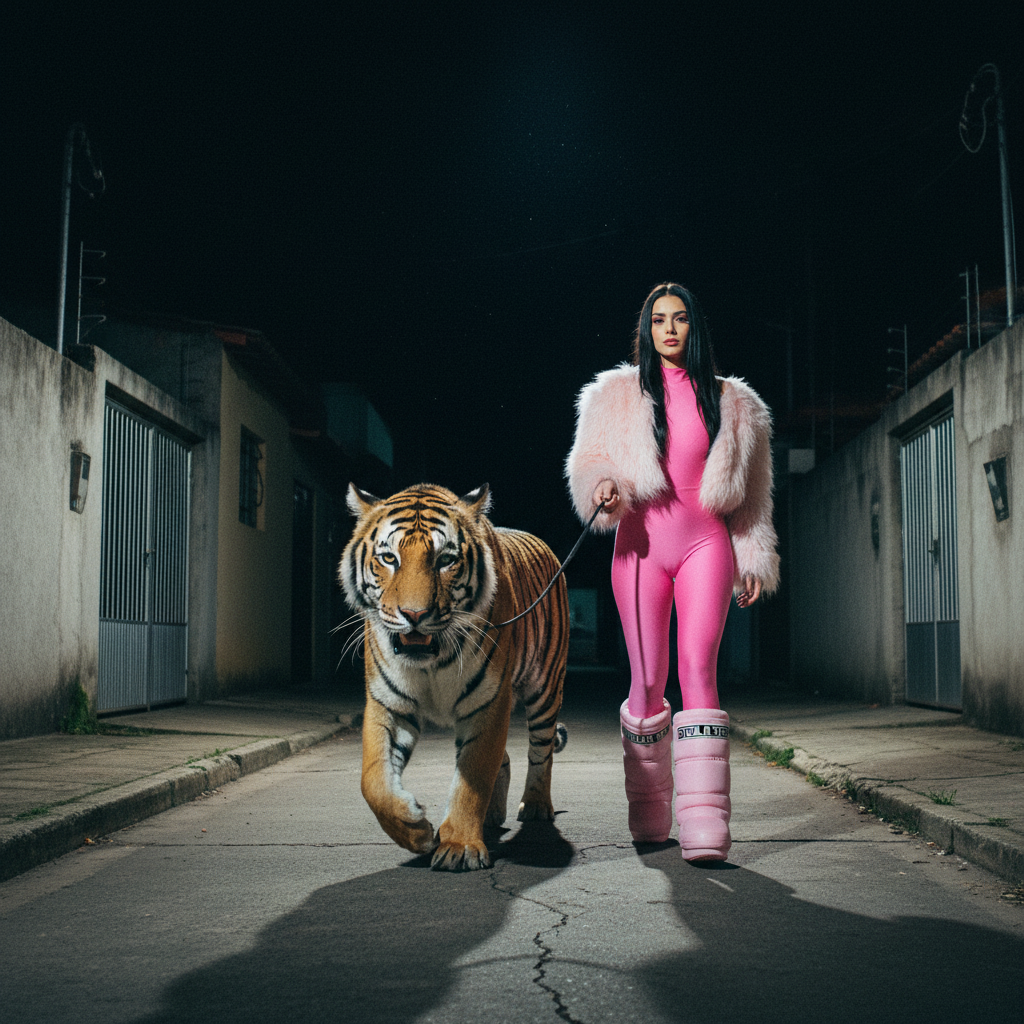
Night residential sidewalk in a quiet Brazilian neighborhood. Narrow cracked concrete sidewalk bordered by low cement walls and closed houses with metal gates under a deep black sky with no visible streetlights or ambient glow. The scene is captured as a hyper-real disposable camera photograph with strong on-camera flash, heavy grain, slight chromatic aberration, and imperfect handheld framing with a subtle tilt and tight crop edges. Camera positioned slightly low at street level, creating an intimate, grounded perspective. In the foreground, a young woman in her 20s with long straight black hair and defined makeup walks calmly forward holding a thin leash. She wears a fitted pink bodysuit, a fluffy pastel pink faux fur shrug, and matching pink moon boots with visible branding. At the end of the leash is a full-size Bengal tiger, rendered with realistic anatomy and weight, walking beside her with controlled, alert posture. The tiger’s muscles are visible under its coat, paws pressing naturally into the cracked concrete, head turned slightly toward the camera with an intense but non-aggressive expression. Its mouth is partially open in a natural pant, showing teeth and wet detail with saliva highlights from the flash. The leash is visibly taut, emphasizing tension in motion rather than aggression. Harsh direct flash illuminates only the subjects and immediate sidewalk—faces, fur, fabric, and ground textures—while everything beyond 4–5 meters falls into deep black void. Strong hard shadows fall beneath the tiger and the woman’s legs, and the leash casts a sharp line across the pavement. Fine atmospheric humidity particles are visible in the flash beam. Emphasis on tactile realism: fur strands, whiskers, skin texture, fabric weave, concrete grain, wet highlights. Slight overexposed speculars on fur and saliva, with compact-camera imperfections and documentary-style spontaneity. The overall mood is surreal, cinematic, and grounded in raw street photography realism.
Any aspect ratio
Overview
The "Flash Nightwalk – Urban Bengal Encounter" template transforms your images into vivid street-level scenes reminiscent of spontaneous documentary photography. Utilizing the AI Image Editor technology, this template crafts images with a gritty realism that captures every detail in a unique urban setting. The model, nano-banana, ensures high-quality rendering with a focus on photographic authenticity.
What It Does
This template leverages the capabilities of the AI Image Editor by transforming your photo prompts into hyper-realistic street photography. It emphasizes tactile elements like skin texture, fabric weave, and the uneven surfaces of urban landscapes. The photo is processed to simulate a hyper-real disposable camera effect, complete with grain and chromatic nuances, ensuring a cinematic outcome.
Who It's For
This template is ideal for photographers, digital artists, and creative professionals looking to create striking, narrative-driven imagery with a raw, urban edge. It's particularly suited for those interested in storyboarding or visual storytelling methods that emphasize realistic environments mixed with surreal elements.
Summary
With "Flash Nightwalk – Urban Bengal Encounter," your images gain a distinct look infused with a sense of spontaneity and realism. Perfect for contributing to video style transfer projects or as a standalone piece to enhance mood boards, this template brings a cinematic yet intimate feel to your work.
How To
Choose

Customize

Generate

Use Cases
Photography Portfolio Enhancement
Creative Advertising
Visual Storytelling
Best Practices
Leverage Lighting Effects
Utilize the harsh lighting settings to emphasize the scene's textures and dramatic feel.Focus on Detail
Maximize the template's capabilities by highlighting detailed elements in your prompt, such as fabric and animal features.Adjust Frame and Angle
Experiment with the camera angle and cropping to achieve the desired intimate or dynamic perspective.