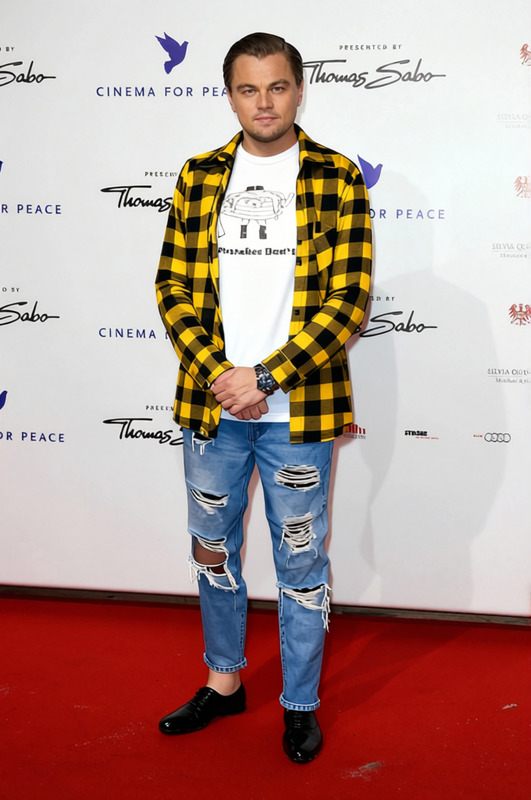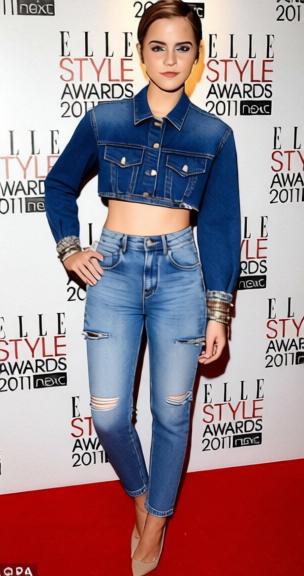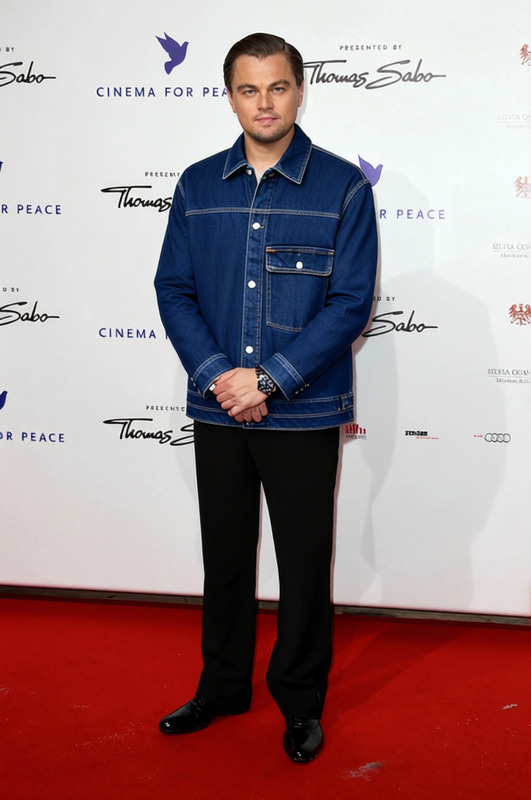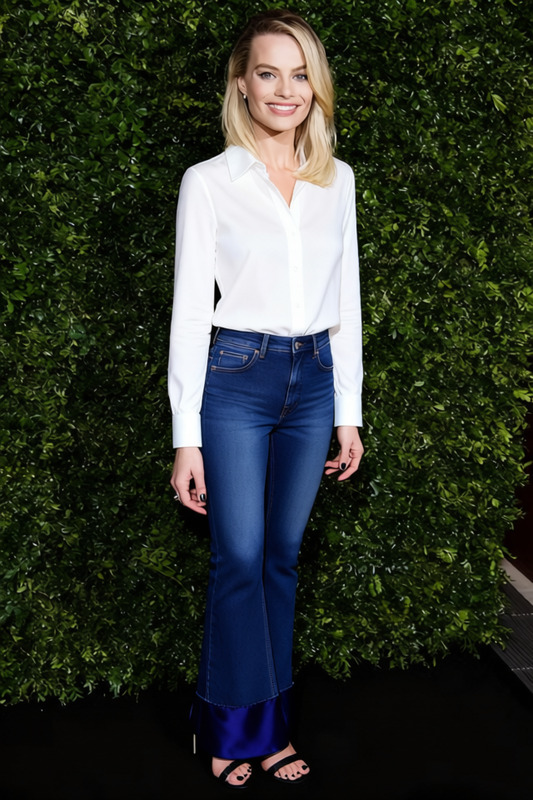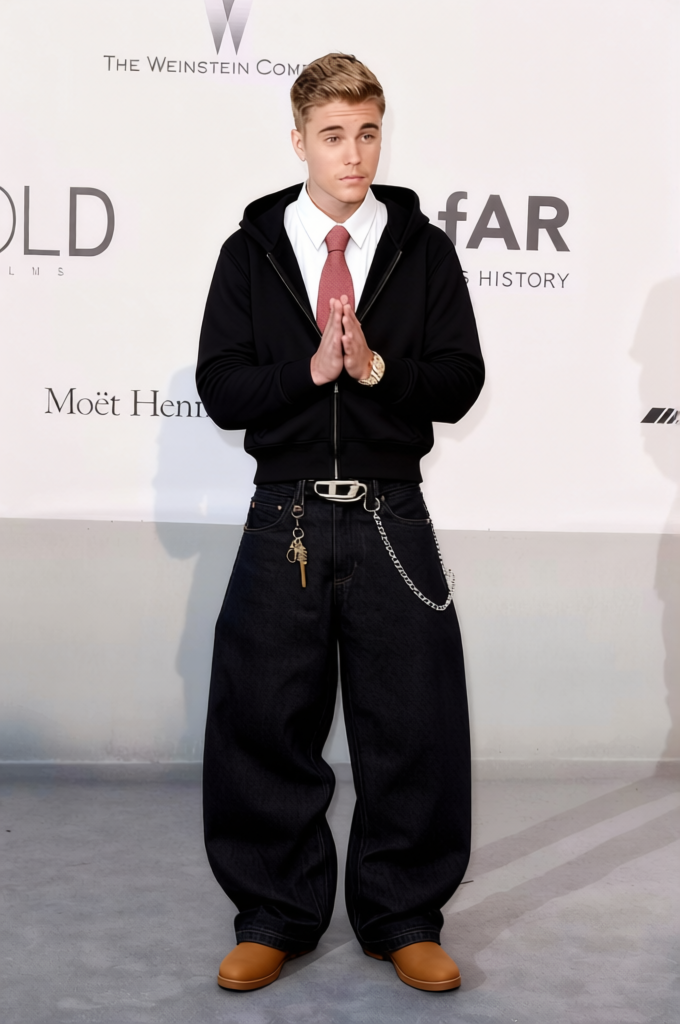
Baggy Jeans Oversized Blue Denim Jeans 2
- Image
- 680 × 1024 px
Any aspect ratio
Overview
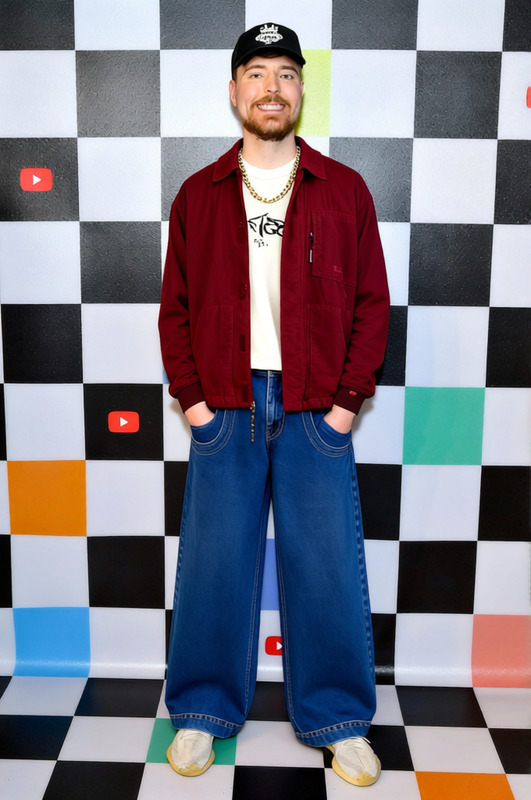
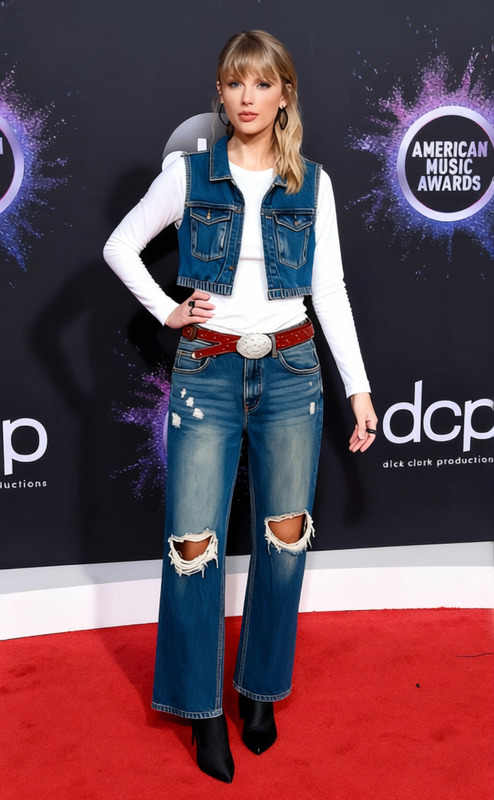
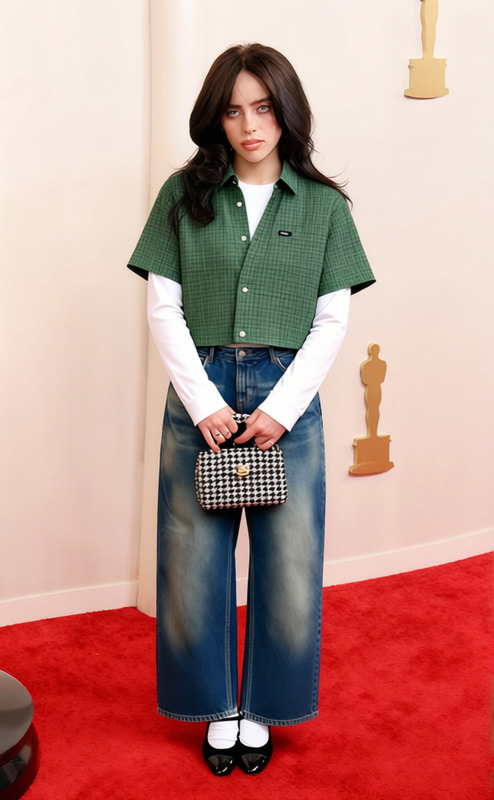
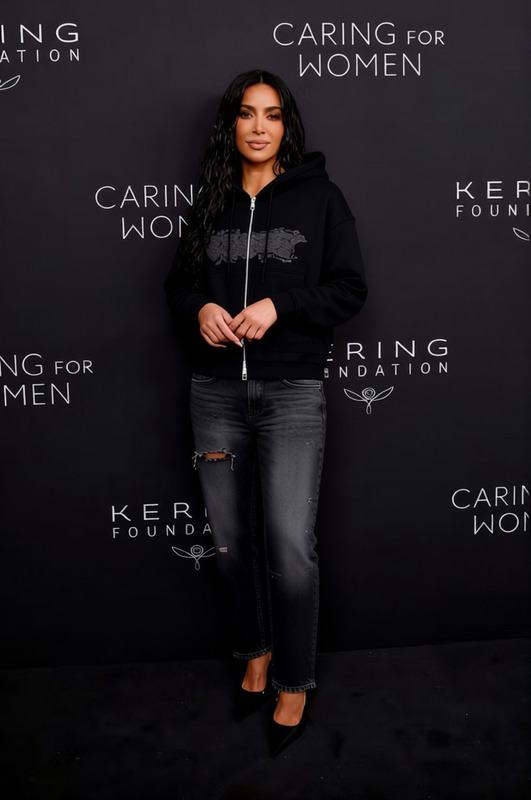
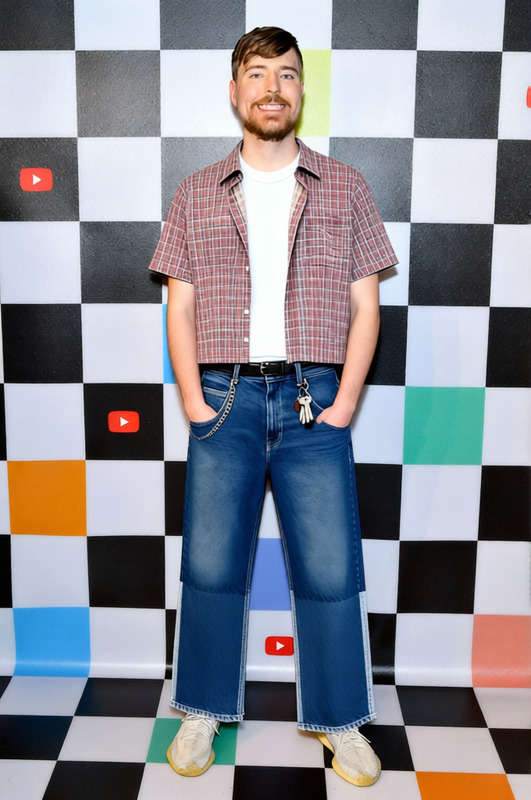
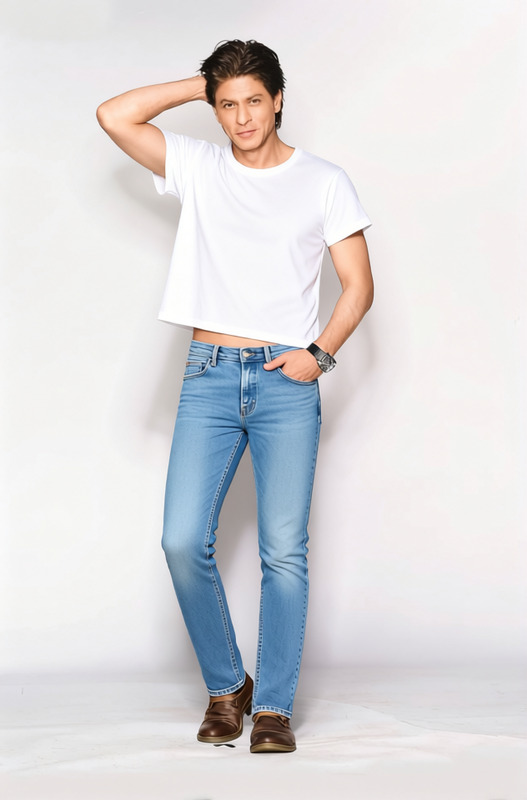
The Baggy Jeans Oversized Blue Denim Jeans 2 template in our AI Clothes Changer toolkit allows you to transform the appearance of any individual in your images with a trendy and fashionable oversized denim look. Perfect for fashion designers and digital content creators looking to showcase different styles without the need for physical prototypes.
What It Does
This template modifies existing clothing in images to a stylish oversized blue denim jeans outfit. It provides a convenient way to visualize clothing changes in high-quality digital renderings. The template integrates seamlessly with other tools, such as the AI Image Editor, allowing for further image adjustments to achieve the desired look.
Who It's For
Targeted at fashion retailers, e-commerce platforms, and digital marketers, this template is designed for those looking to showcase alternative styles quickly. Whether you're building a virtual collection or enhancing product photos, this tool saves time and resources. It's also ideal for use in various digital media campaigns such as eCommerce ads.
Summary
Baggy Jeans Oversized Blue Denim Jeans 2 is a powerful resource for visualizing clothing transformations in an instant. By incorporating it with tools like the AI Image Upscaler, users can elevate image resolution while exploring new looks. The template is an asset for anyone needing to switch up apparel styles with high accuracy and minimal effort.
How To
Choose Your Template

Customize Your Image

Generate and Download

Use Cases
Fashion Design Visualization
- Cost-effective for early-design stages
- Quick iterations on style and fit
E-commerce Product Enhancement
- Fast implementation for seasonal campaigns
- Aligns with current fashion trends
Social Media Campaigns
- Boosts engagement with fresh content
- Suitable for platforms like Instagram and Facebook
Best Practices
Image Quality Matters
Ensure you use high-resolution images for the best output. Pair it with the AI Image Upscaler for enhanced clarity.Be Mindful of Lighting
Natural and consistent lighting in the original image helps the clothes transformation appear more realistic.Integrate with Other Tools Wisely
Use in conjunction with the AI Video Extender if you plan to create dynamic content from static images.
Frequently asked questions
More Like This