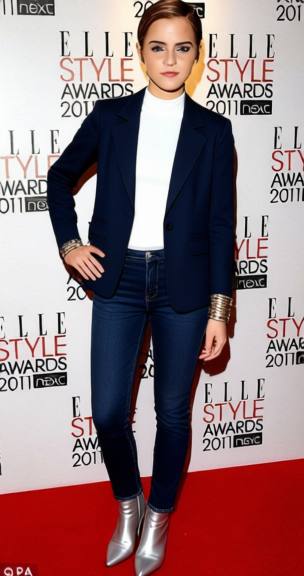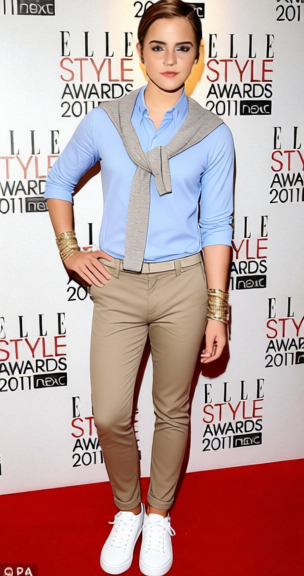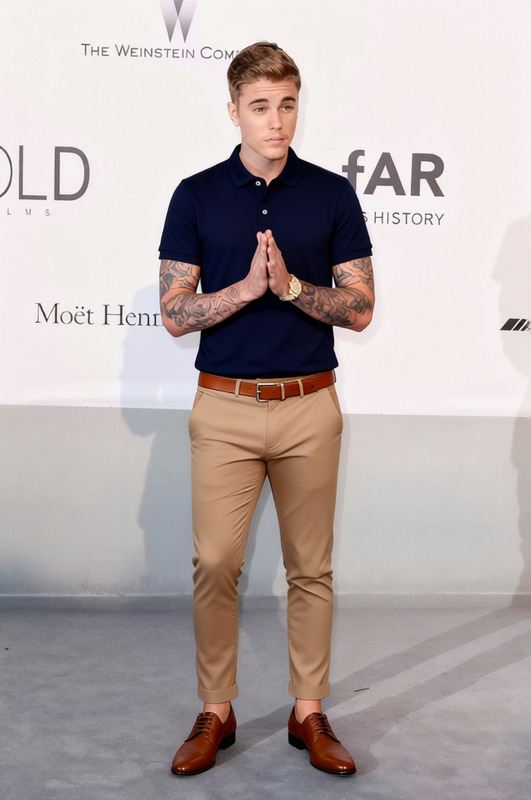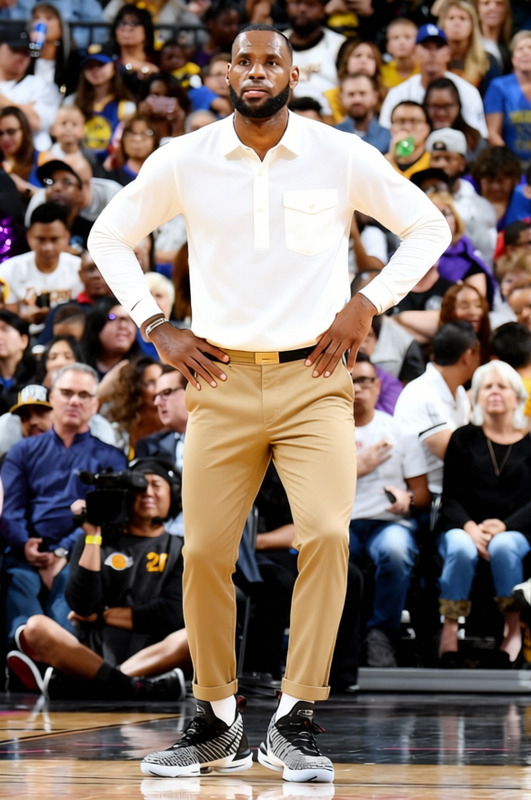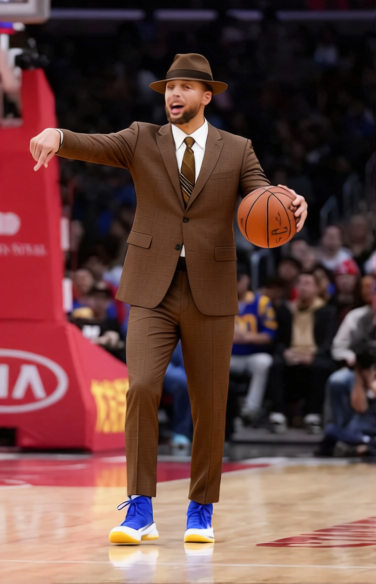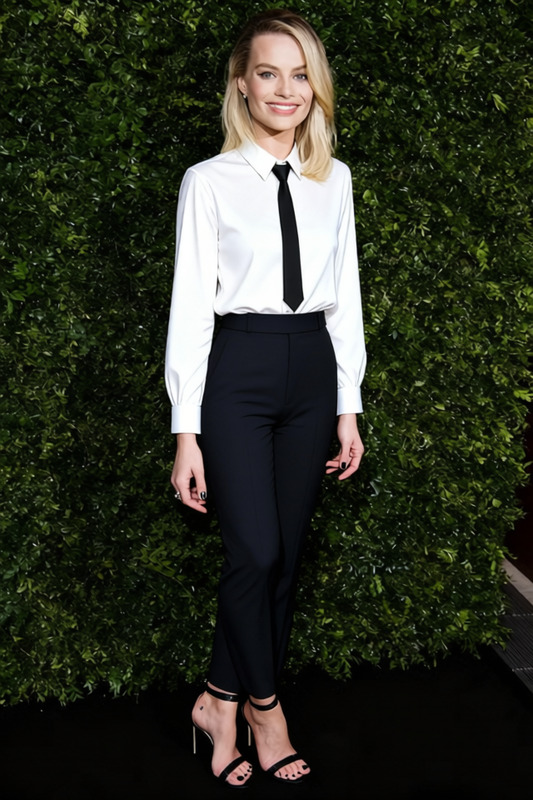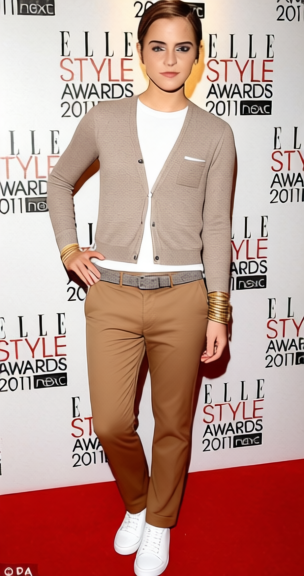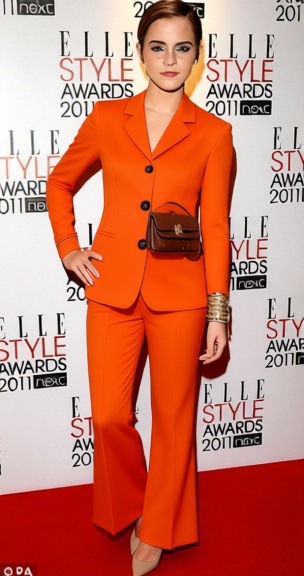
Minimalist Monochrome All White Blazer And Trousers 2
- Image
- 680 × 1024 px
Any aspect ratio
Overview
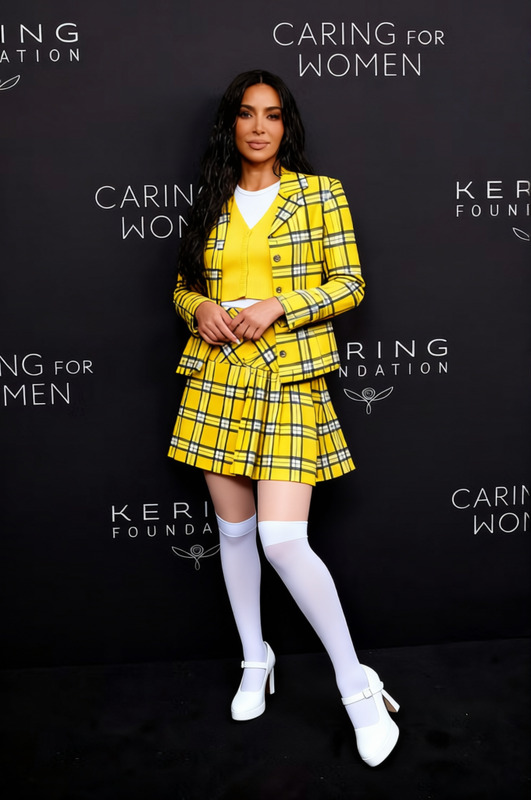
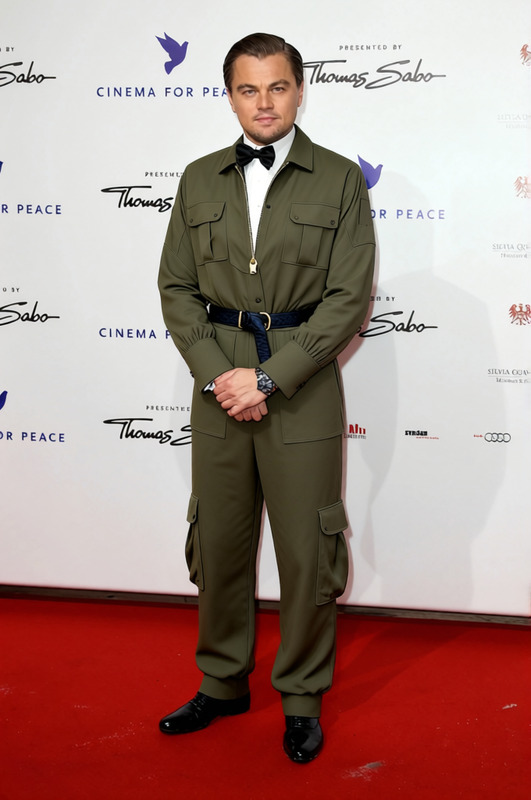
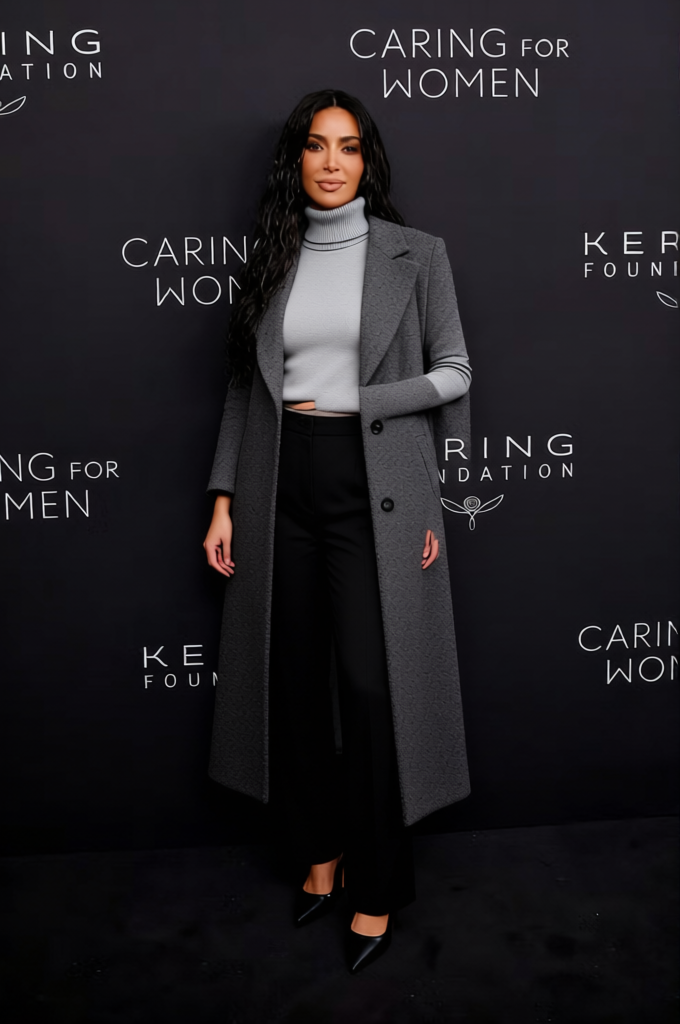
The Minimalist Monochrome All White Blazer And Trousers 2 template allows users to effortlessly change outfits in images, offering a sleek, modern touch with an all-white ensemble. Perfect for fashion designers and retailers looking to showcase different clothing styles virtually. This template works seamlessly with the AI Clothes Changer to deliver precise outfit swaps.
What It Does
This template replaces the subject's existing outfit with a stylish all-white blazer and trousers. With support for multiple image formats, including JPEG and PNG, it integrates with various workflows. Pair it with the AI Image Editor for enhanced image editing options.
Who It's For
Ideal for fashion marketers, content creators, and e-commerce platforms, this template simplifies the process of digital wardrobe changes. It supports fashion influencers and retailers aiming to display diverse styles without extensive photoshoots. Explore further with our AI Profile Picture Generator to create compelling digital identity.
Summary
Streamline your fashion content creation with the Minimalist Monochrome All White Blazer And Trousers 2 template. It's designed to fit seamlessly within your existing toolkit, offering high-quality outfit transformations quickly and efficiently. Leverage this alongside other tools in our AI Background Changer for visually appealing results.
How To
Quick guide to start using the Minimalist Monochrome All White Blazer And Trousers 2 template.
Choose the Template

Customize Your Inputs

Generate and Download

Use Cases
Discover how this template can be used across different scenarios.
E-commerce Fashion Catalogs
- Showcase seasonal styles
- Quick updates without new photoshoots
Social Media Campaigns
- Consistent theme visuals
- Stand out in influencer collaborations
Digital Lookbooks
- Engage users with dynamic content
- Curate collections for various demographics
Best Practices
Ensure optimal results with these practical tips.
High-Quality Images
For best results, use high-resolution images to ensure the clothes overlay properly.Consistent Lighting
Maintain consistent lighting across images to avoid discrepancies in the final output.Try Multiple Angles
Experiment with different angles to find the most flattering look for your subjects.
Frequently asked questions
More Like This