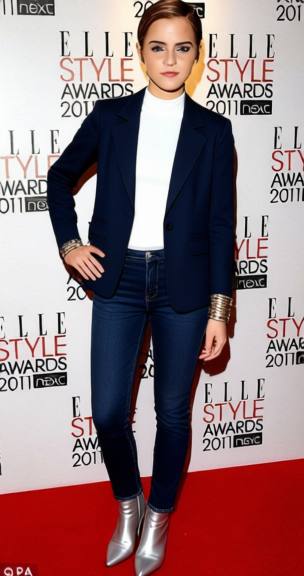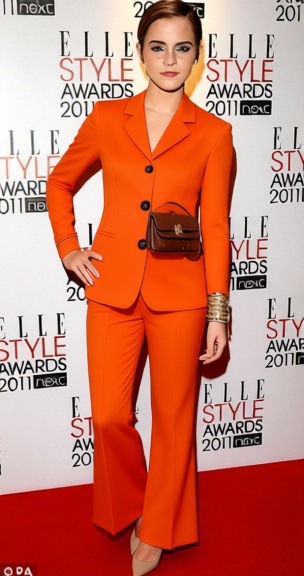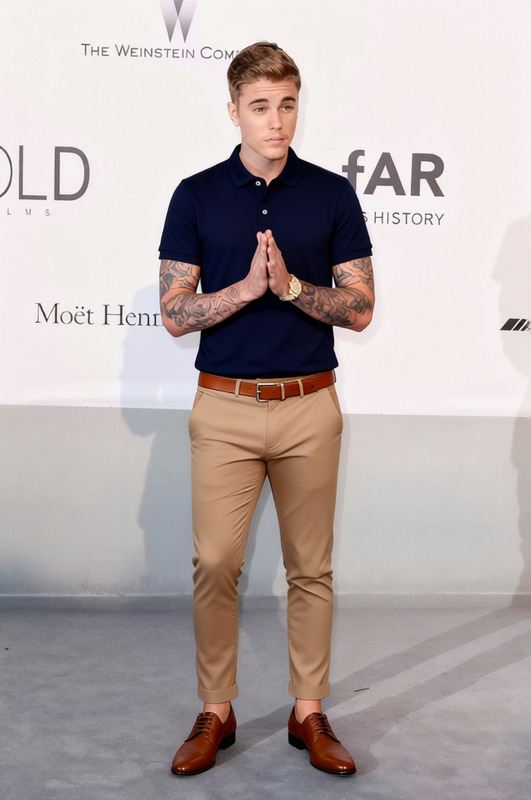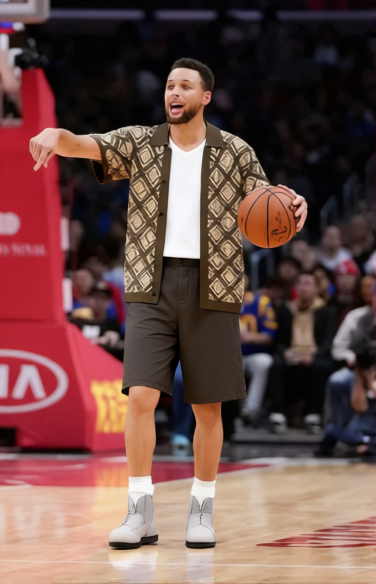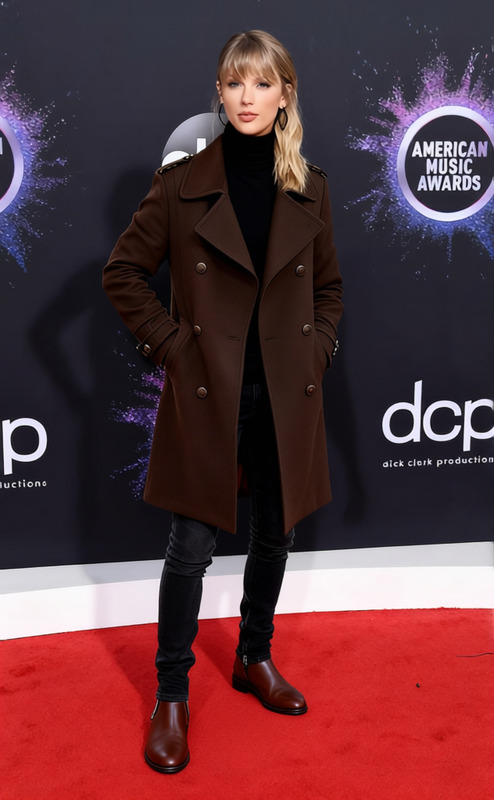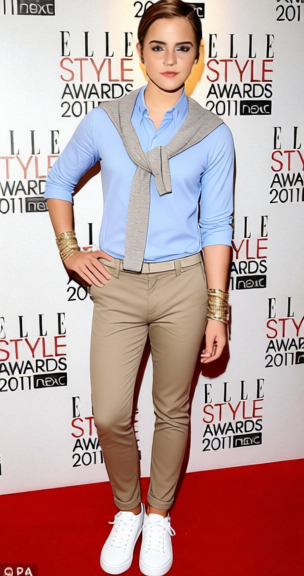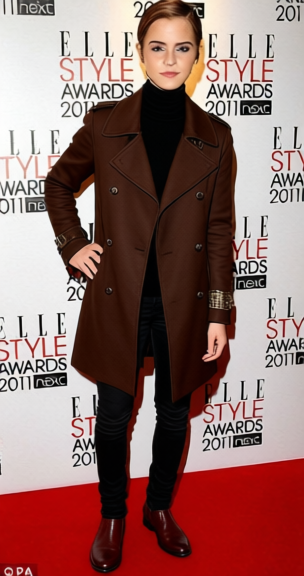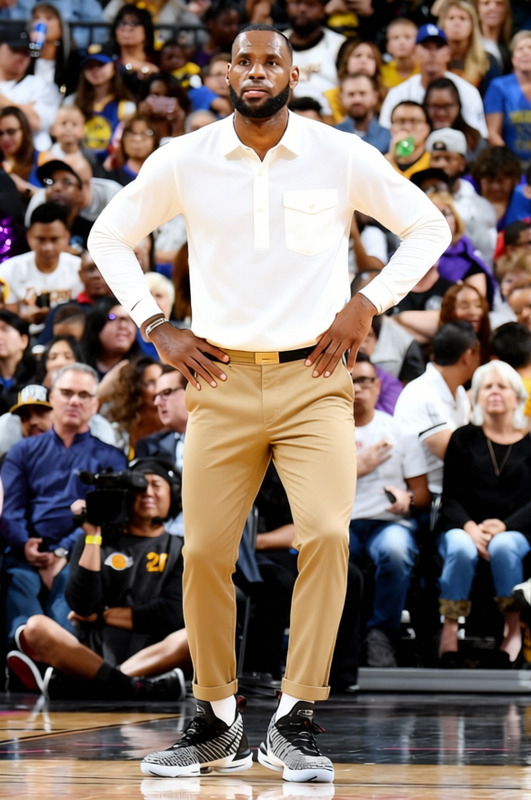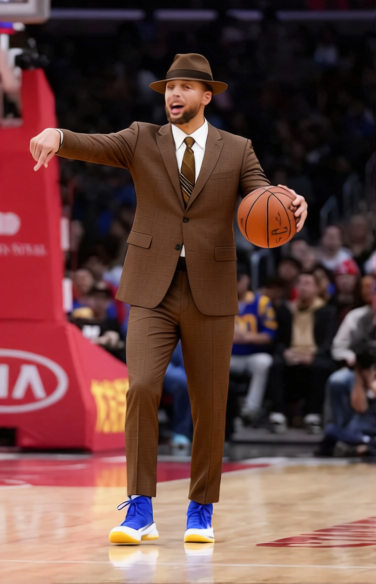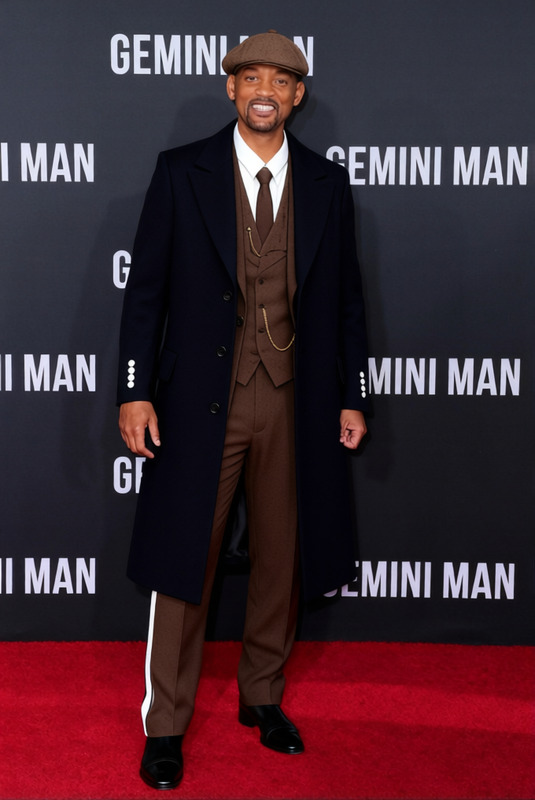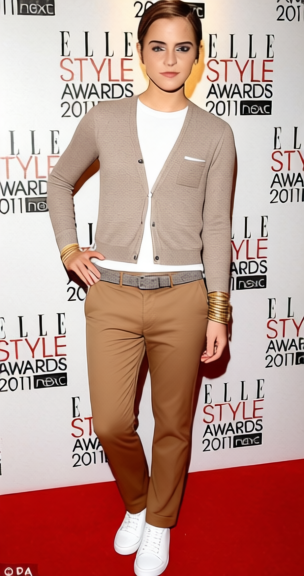
Schmidt Fitted Cardigan With Chinos
- Image
- 304 × 576 px
Any aspect ratio
Overview
The Schmidt Fitted Cardigan With Chinos template redefines how you dress your visuals. This Clothes Changer tool is perfect for anyone looking to swap outfits in images while maintaining a realistic look. Whether you're enhancing product photography or updating your personal wardrobe images, this template makes the process efficient and straightforward.
What It Does
This template leverages our cutting-edge AI technology to replace existing clothing in your images with a fitted cardigan and chinos, preserving fabric textures and natural lighting. It's a fantastic resource for e-commerce businesses aiming to showcase different outfit iterations without additional photoshoots.
The versatility of this tool pairs exceptionally well with our AI Image Editor, which allows further refinements and enhancements post-outfit change.
Who It's For
Fashion designers, photographers, and e-commerce store owners will find this template particularly useful. It's designed for professionals who want to display multiple looks quickly or update seasoned wardrobe images without the hassle of new photoshoots.
Marketers creating trending fashion content for social media ads will also benefit significantly from this efficient digital wardrobe upgrade tool.
Summary
Incorporating AI to redefine fashion presentation, the Schmidt Fitted Cardigan With Chinos template offers an efficient way to update and enhance image content. With applications ranging from e-commerce to personal portfolios, this tool ensures your visuals stand out with style and precision.
How To
Choose Your Template

Customize the Look

Generate and Download

Use Cases
E-commerce Fashion Updates
Personal Style Portfolios
Marketing Campaigns
Best Practices
High-Quality Images
Always use high-resolution images to ensure the AI can meticulously match the clothing swap to fabric details and lighting.Compatible Tools
Consider using the AI Profile Picture Generator for cohesive product and personal image management.Consistent Backgrounds
Maintain similar tones in backgrounds across your visuals for a seamless look post-clothing swap.
Frequently asked questions
More Like This