Denji White Shirt With Black Tie
- Image
- 376 × 584 px
Any aspect ratio
Overview
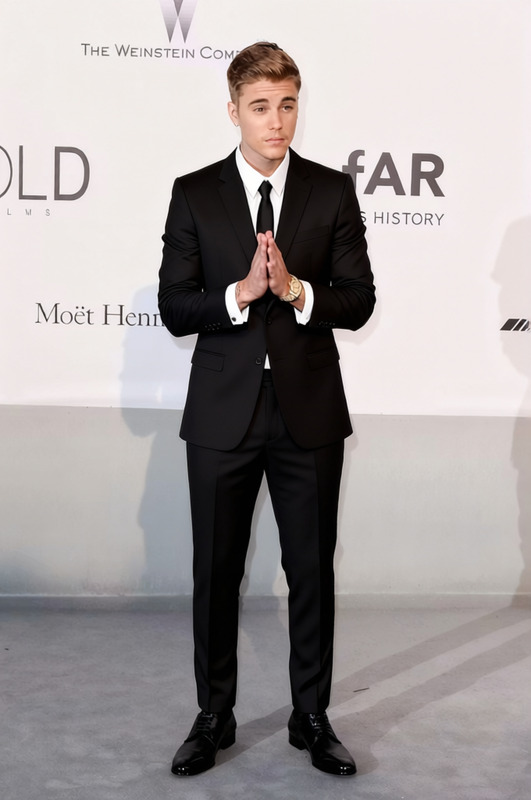
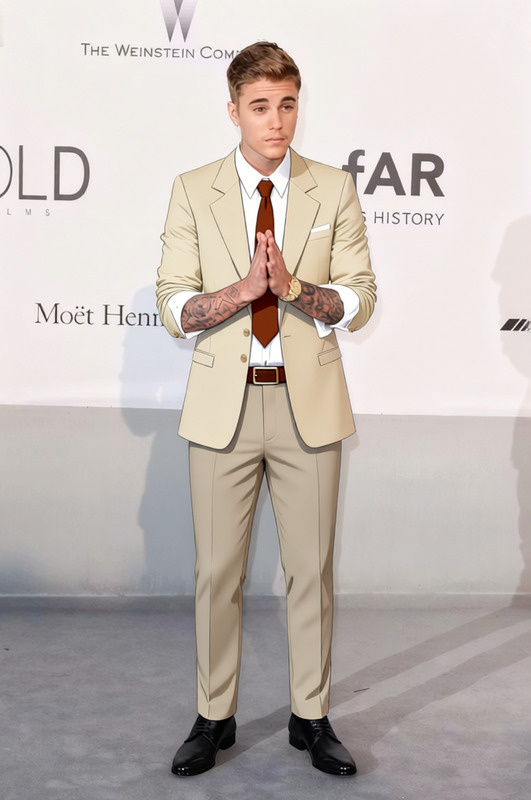
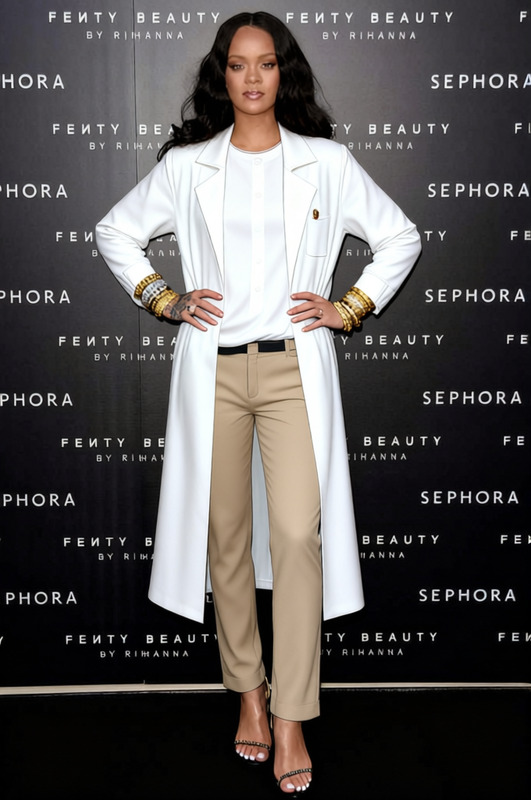
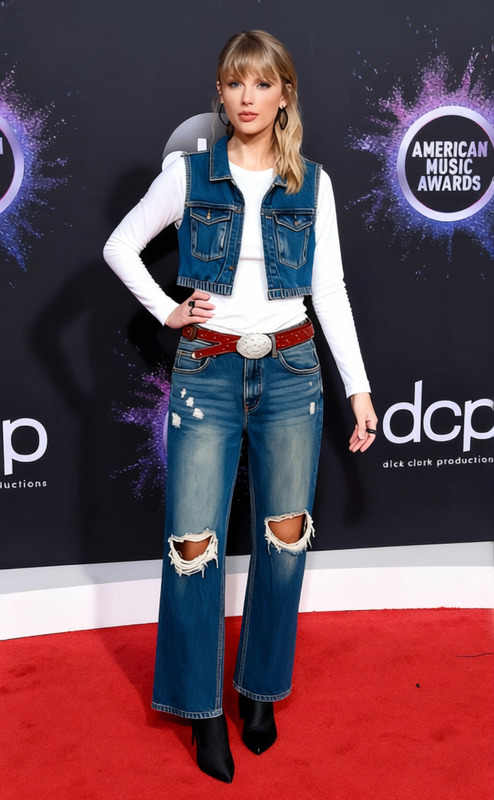
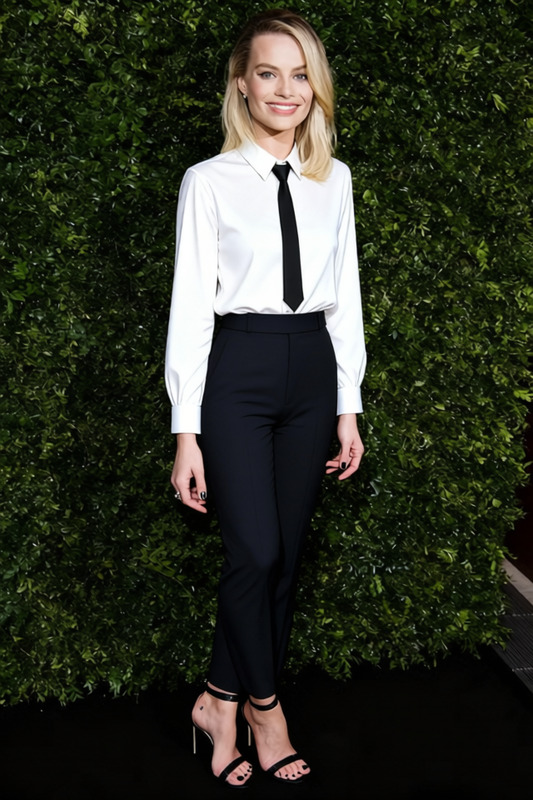
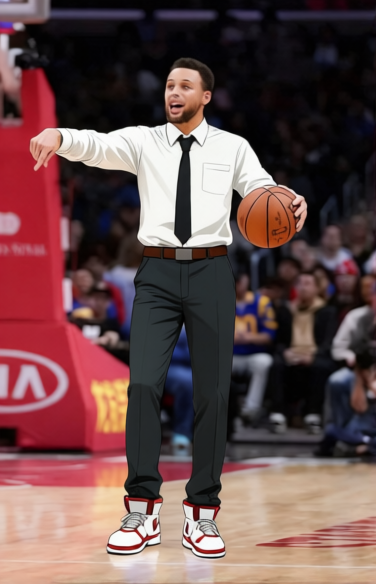
The Denji White Shirt With Black Tie template is designed for professionals seeking to alter the appearance of their attire in digital images. By leveraging advanced AI Clothes Changer technology, this template enables users to replace existing clothing with a classic white shirt and black tie ensemble.
What It Does
This template seamlessly integrates with your images to switch current outfits into a refined white shirt with a black tie, perfect for formal settings. Ideal for enhancing profile pictures or creating professional content, the template utilizes AI to adjust the clothing while maintaining the integrity of the original image.
Who It's For
Designed for corporate professionals, marketers, and content creators, this template is perfect for anyone needing to project a polished and professional image without the hassle of reshooting. It suits both career-oriented individuals and marketing teams responsible for visual content.
Summary
Incorporating the Denji White Shirt With Black Tie template into your workflow can streamline the process of creating professional imagery. Combined with other tools such as the AI Image Editor and AI Profile Picture Generator, it offers a comprehensive suite for enhancing your visual content efficiently.
How To
Choose Your Template

Customize Your Input

Generate and Download

Use Cases
Professional Networking
- Profile picture enhancement
- Virtual meetings with a professional look
Marketing Campaigns
- Social media posts
- Ad creatives
Corporate Training Material
- E-learning visuals
- Training presentations
Best Practices
Select Clear Imagery
Ensure that the image used is well-lit and that the existing clothing is clearly visible to achieve the best transformation effects.Optimize with AI Tools
Consider using the AI Image Upscaler for a higher-quality output, especially when the transformed image needs to be used in print or high-resolution settings.Review Consistency
Use the template on multiple images to maintain consistency in visual content, especially for brand identity or professional team profiles.
Frequently asked questions
More Like This