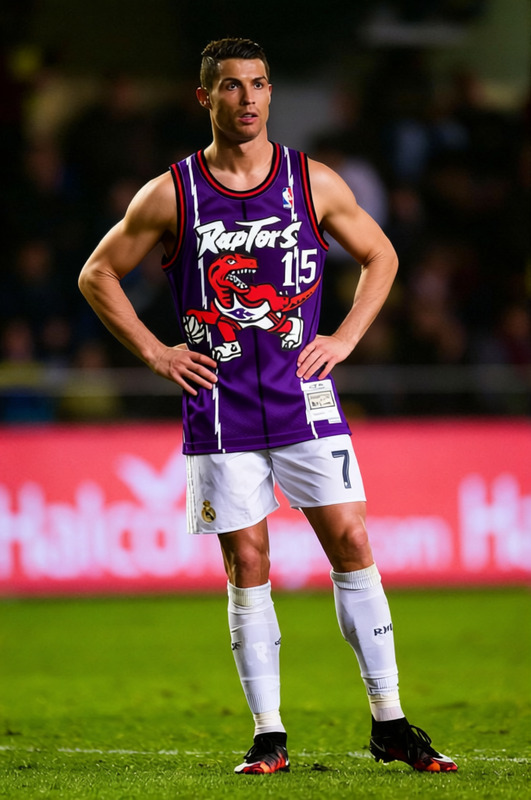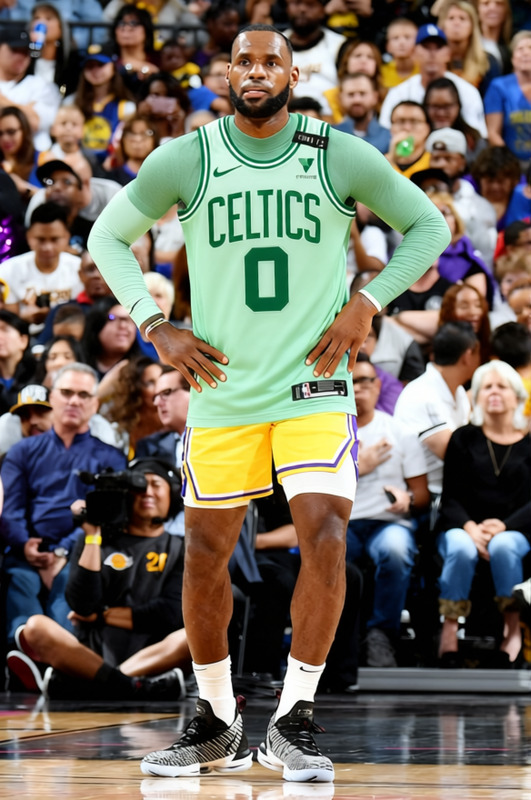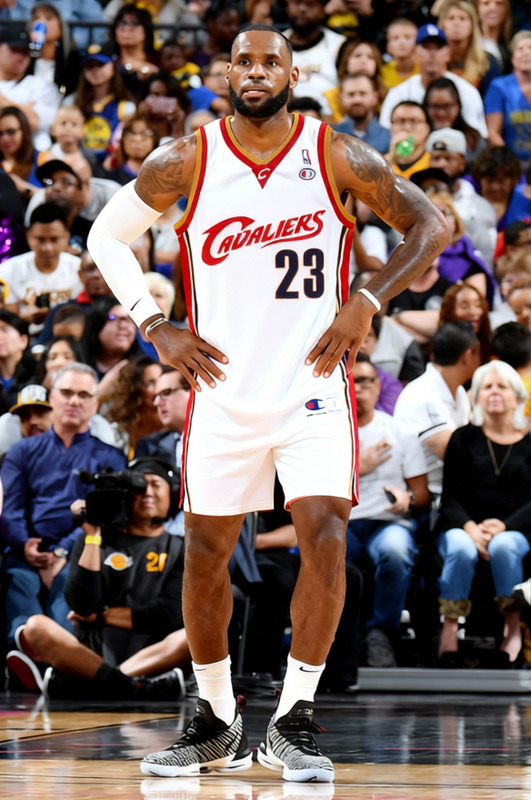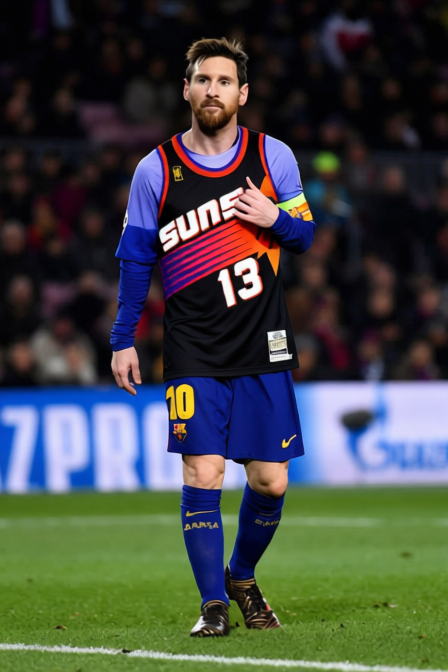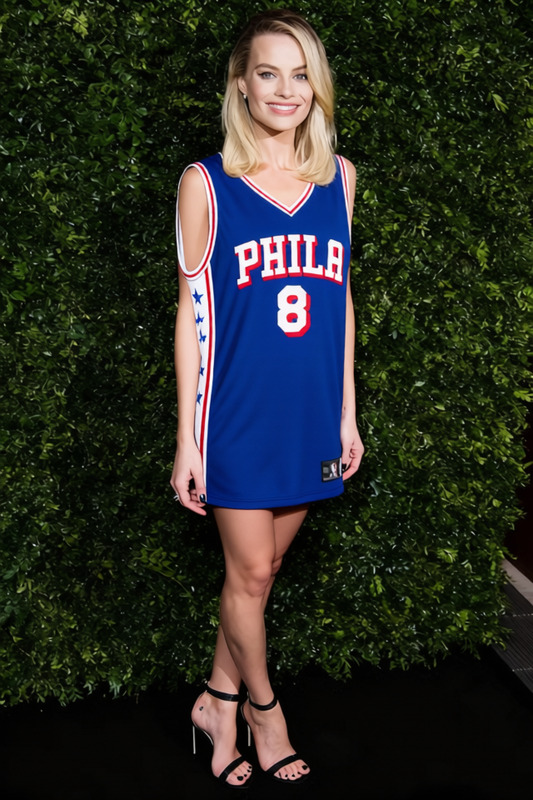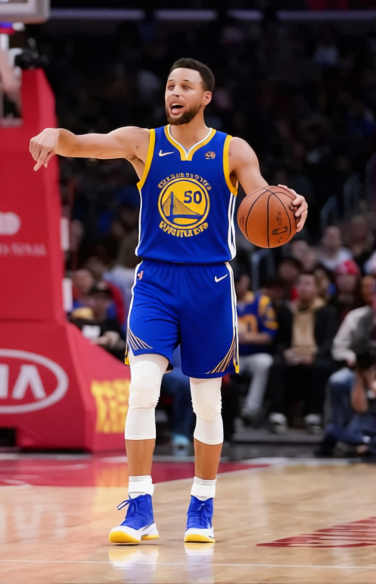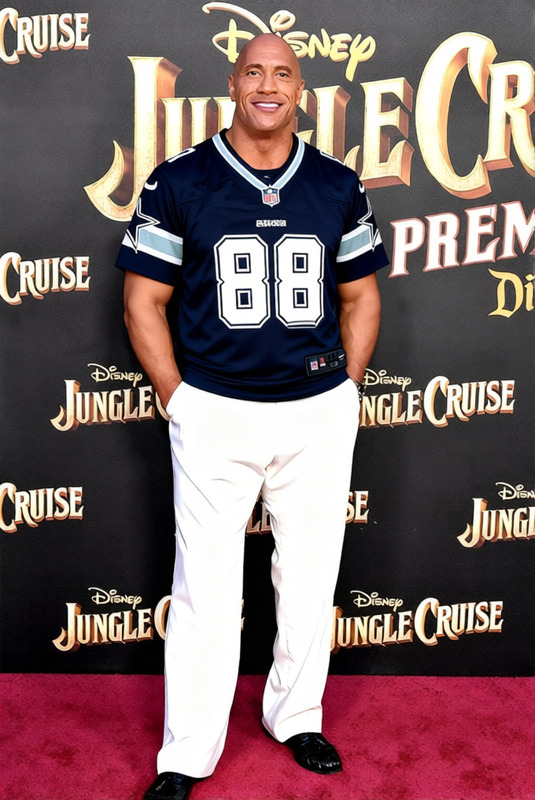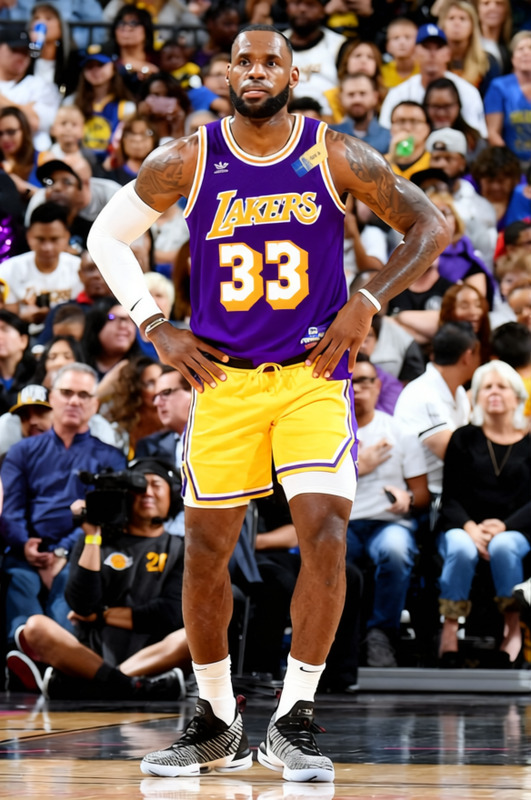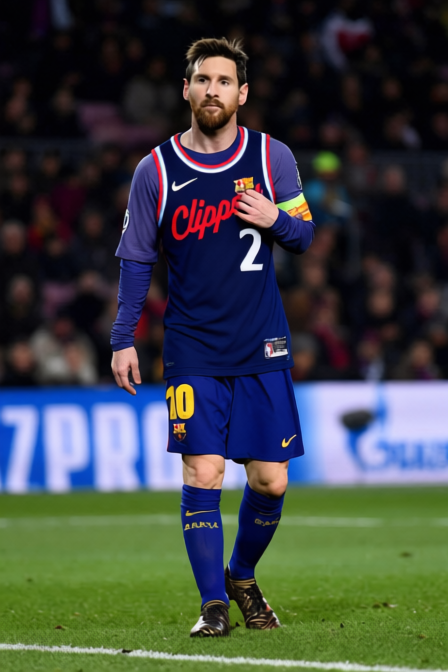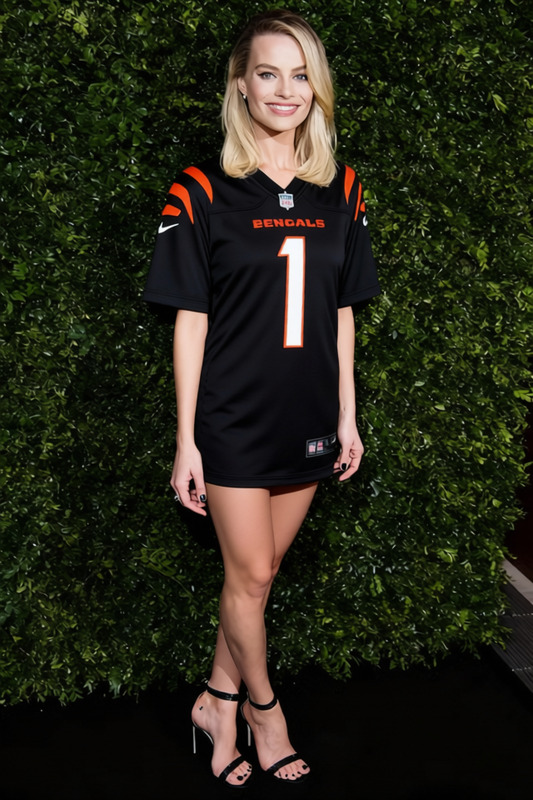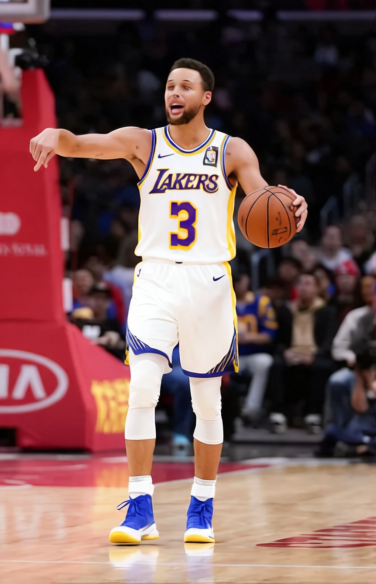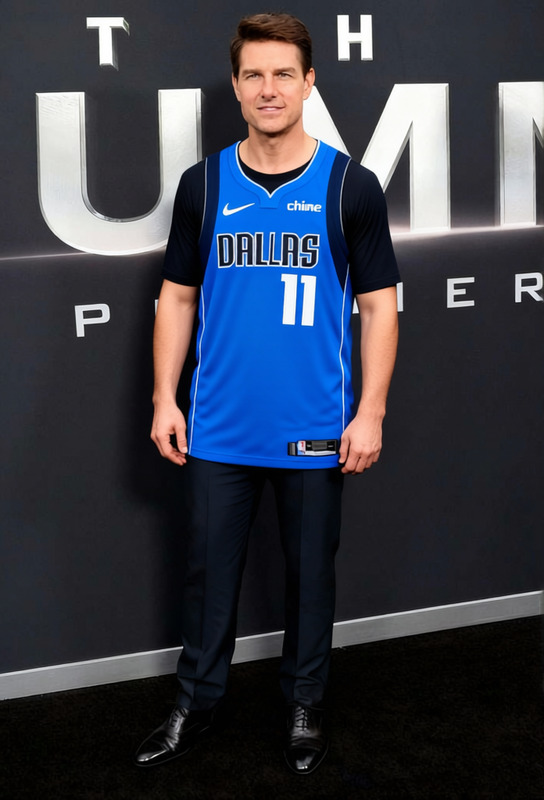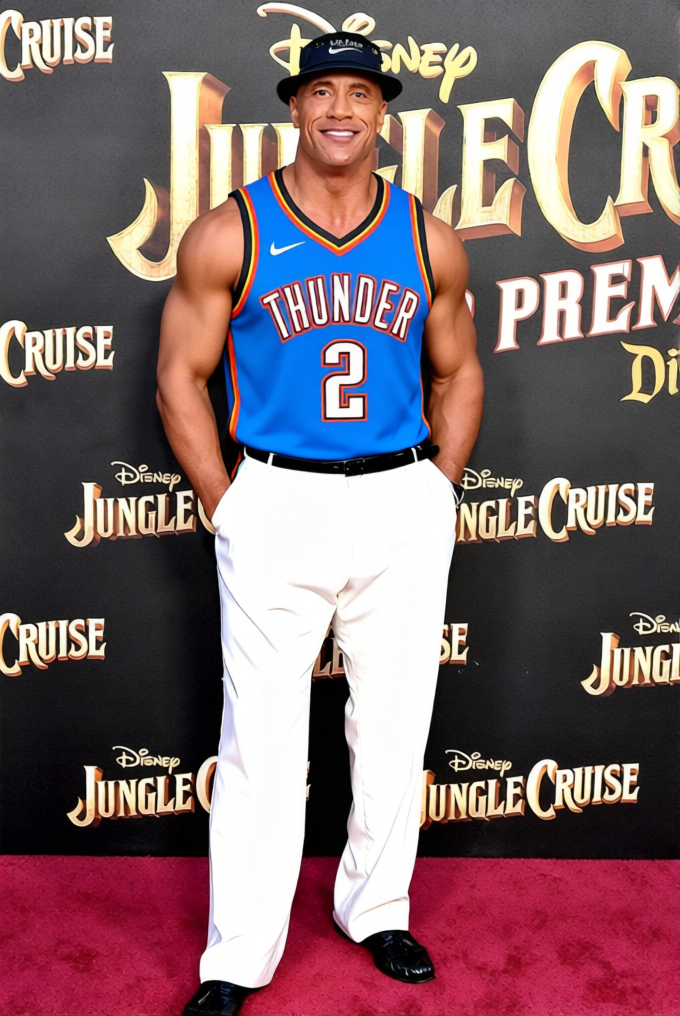
Shai Gilgeous Alexander Thunder Number 2 Jersey
- Image
- 680 × 1016 px
Any aspect ratio
Overview
The Shai Gilgeous Alexander Thunder Number 2 Jersey template is a powerful tool for anyone looking to transform ordinary images with more dynamic and personalized clothing options. This template makes it easy to replace any top in your photos with a realistic Thunder basketball jersey, showcasing the beloved number 2.
What It Does
Designed for applications where visual storytelling matters, this Clothes Changer template allows you to swap out existing shirts or tops in your images with a detailed Shai Gilgeous Alexander jersey. Perfect for eCommerce Ads or Social Media Ads, it breathes new life into digital content. The template supports various image formats and works seamlessly within your projects, providing realistic color and texture adjustments that look professional.
Who It's For
This tool is ideal for digital marketers, graphic designers, and avid sports fans who want to creatively feature sports memorabilia. It's perfect for those in the Product Photos to Video space, wanting to give their visuals an athletic flair, and even for content creators wishing to engage audiences with custom sports-themed images.
Summary
Whether you are refreshing a product catalogue or designing engaging sports content, the Shai Gilgeous Alexander Thunder Number 2 Jersey template has you covered. It complements tools like the AI Image Editor and integrates well with AI Clothes Changer for a seamless workflow.
How-To Structure
Choose

Customize

Generate

Use Cases
Sports Merchandise Promotions
- Enhancing product listings
- Creating promotional visuals for sales
Social Media Engagement
- Creating shareable content
- Boosting interaction rates
Brand Collaborations
- Strengthening brand message
- Increasing affiliate marketing potentials
Best Practices
Use High-Quality Images
For best results, use high-resolution images to ensure the jersey looks realistic and professional.Align Textures Carefully
Pay attention to the edges and texture alignment to make the jersey fit seamlessly over the existing clothing.Leverage Lighting Adjustments
Adjust the lighting settings as necessary to match the new jersey with the rest of the image environment.