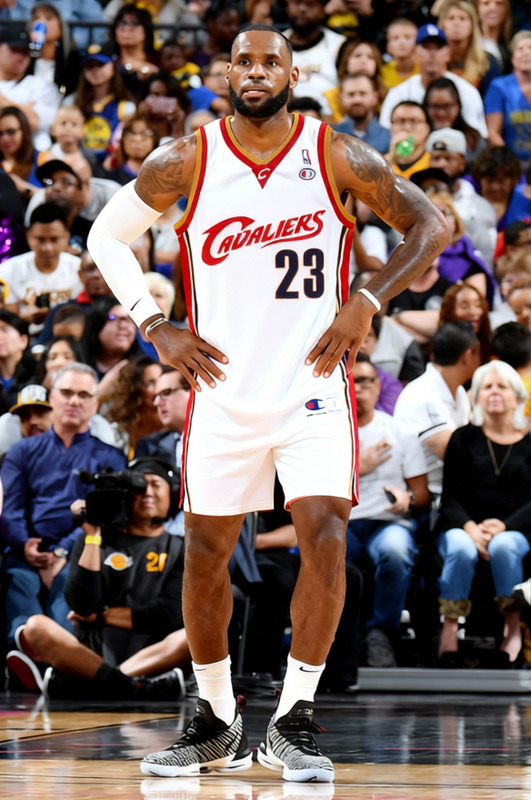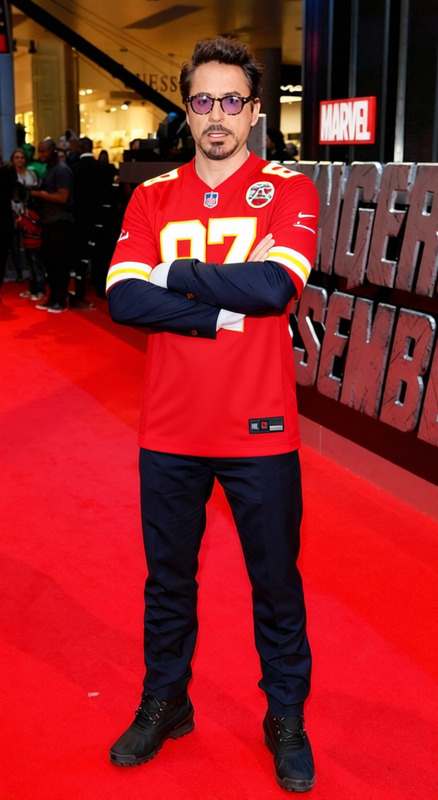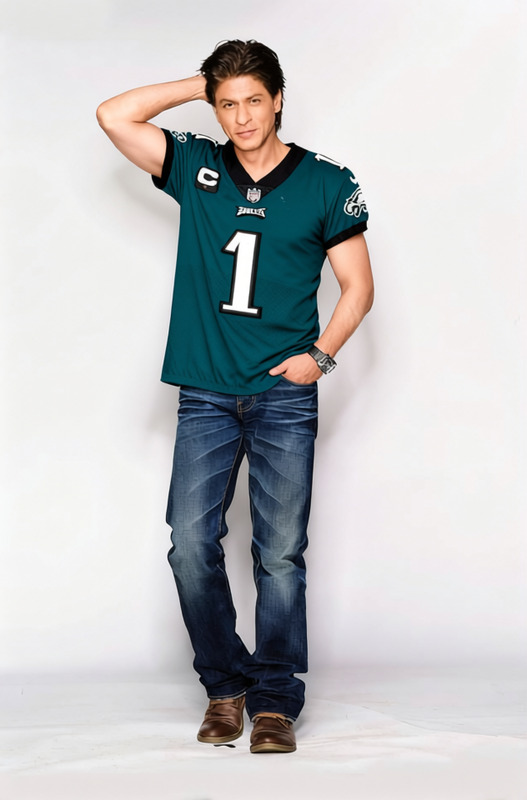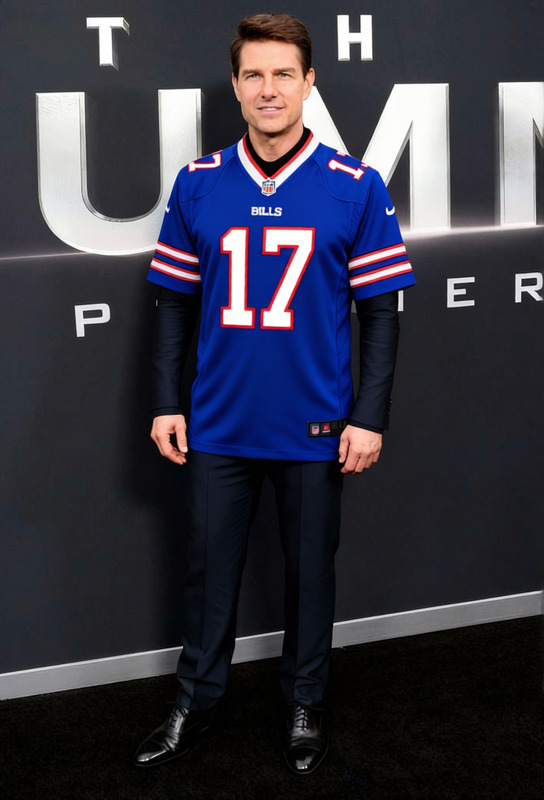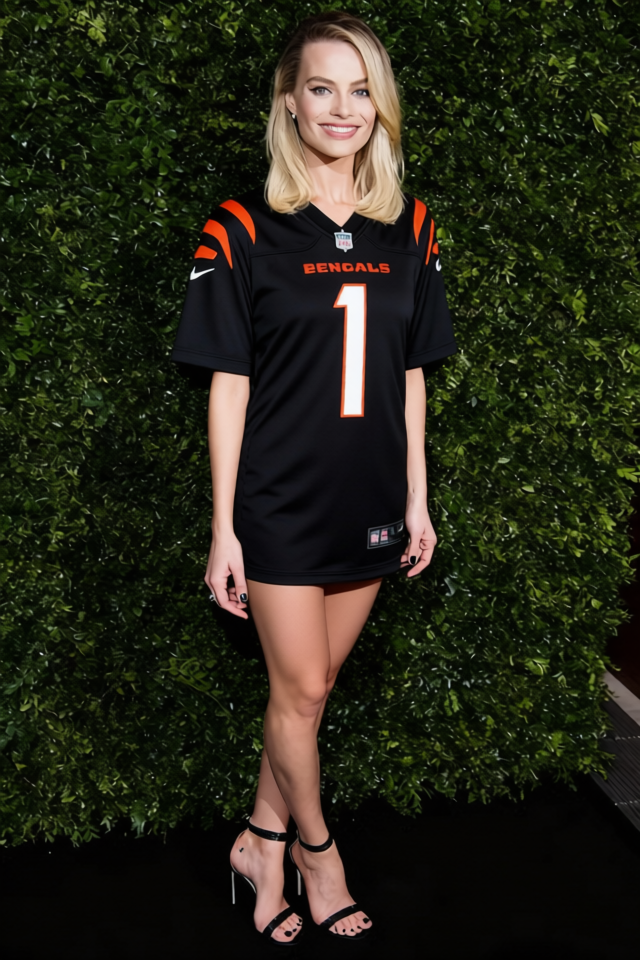
Ja_marr Chase Bengals Number 1 Jersey
- Image
- 640 × 960 px
Any aspect ratio
Overview
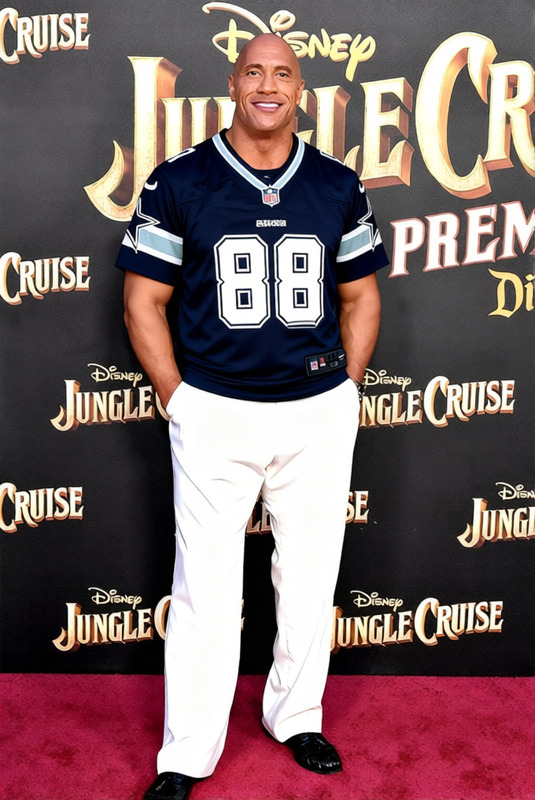
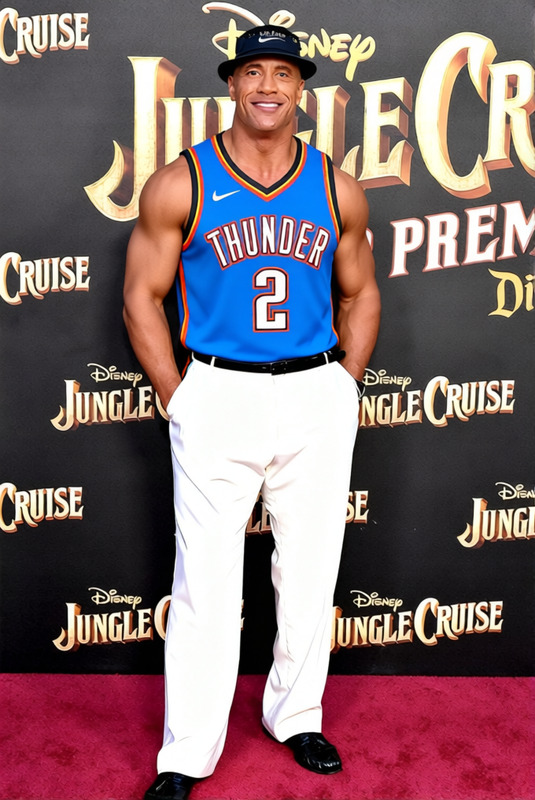
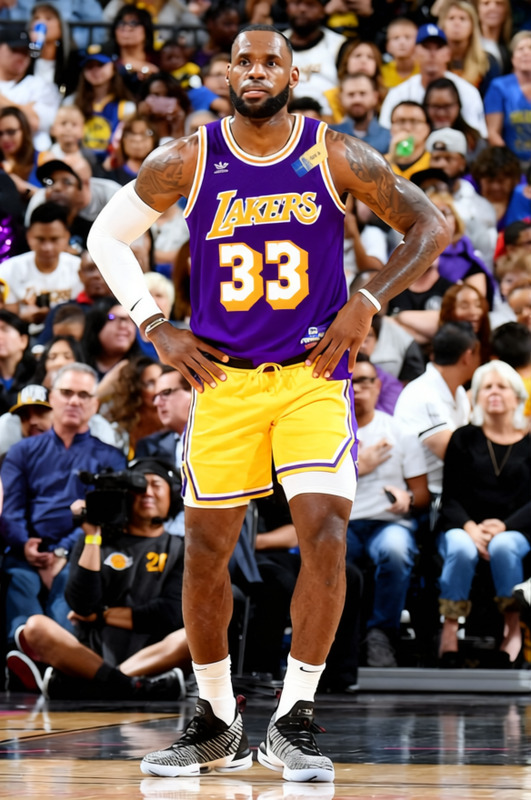
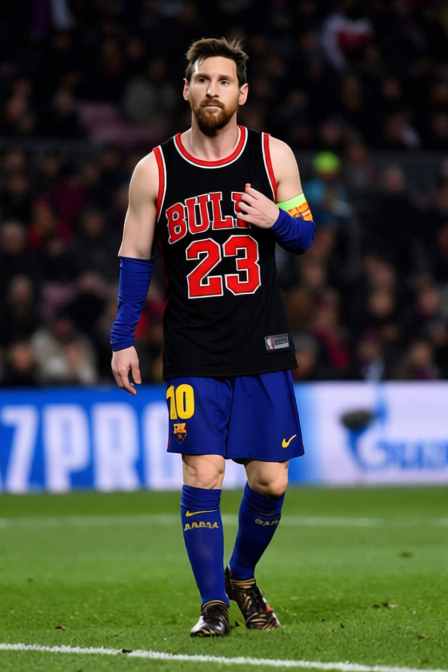
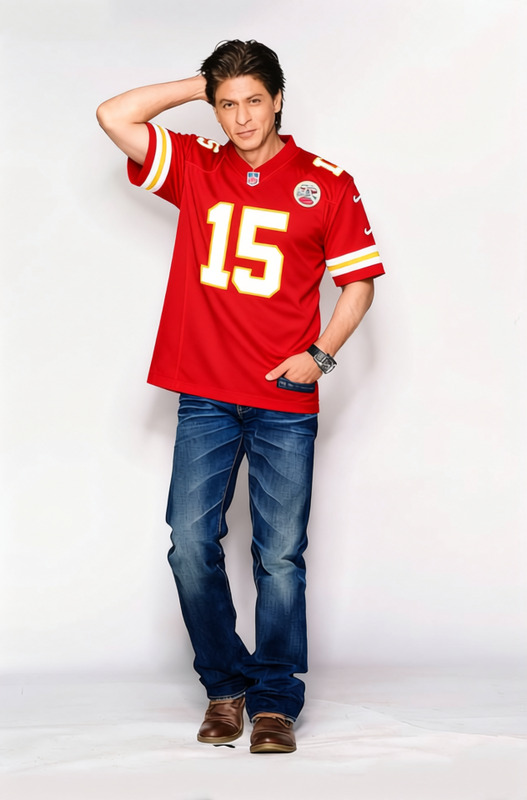
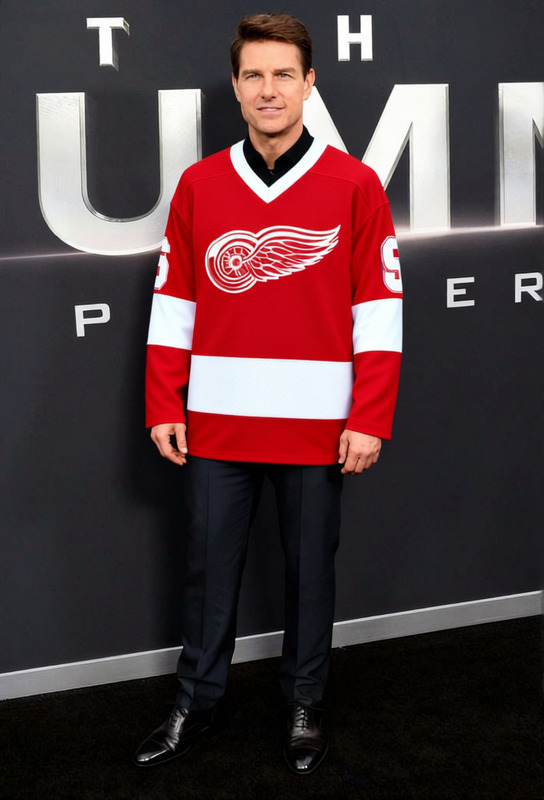
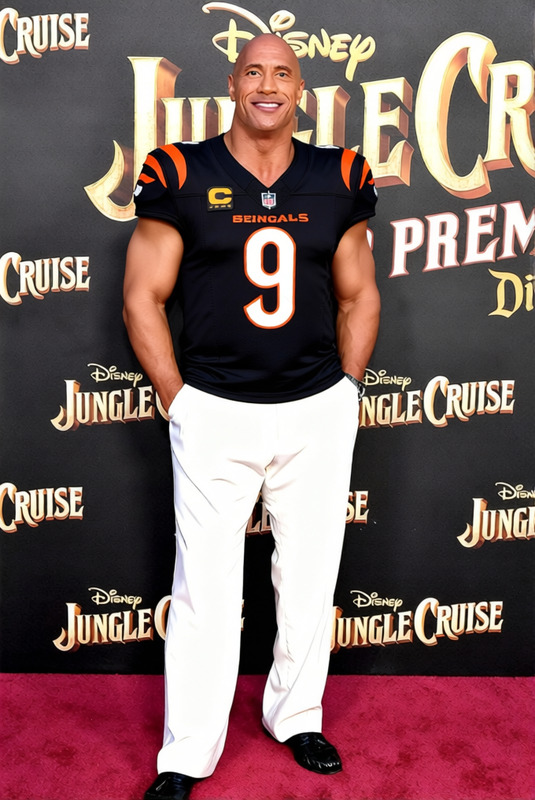
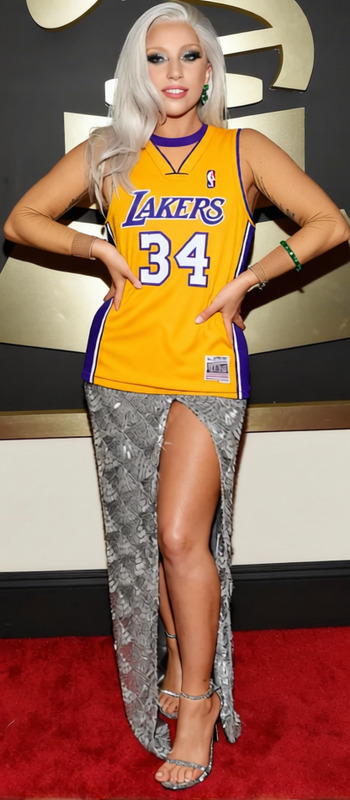
The Ja'Marr Chase Bengals Number 1 Jersey template allows you to virtually try on this iconic sports jersey using AI technology. It's part of our AI Clothes Changer suite, designed for users looking to alter attire in photographs with precision.
What It Does
This template seamlessly integrates a realistic-looking Bengals jersey onto your chosen subject's image. Whether you're previewing different styles or creating content for social media, this tool lets you digitally swap and display apparel without the need for physical garments. This can transform not just personal photos but also enhance AI Product Photography projects.
Who It's For
Perfect for apparel brands, sports enthusiasts, and content creators, anyone looking to simulate clothing changes in images will find this tool invaluable. Fashion retailers can use it to offer virtual try-ons, while content creators can experiment with style changes without the hassle of real-life logistics, similar to what our AI Image Editor offers for detailed adjustments.
Summary
The Ja'Marr Chase Bengals Number 1 Jersey template offers a practical solution for digital wardrobe changes. By leveraging advanced AI capabilities, you can enhance visual content and marketing materials efficiently. It's ideal for boosting your AI Video Generator projects with rich visual transformations.
How To
Choose the Template

Customize Your Inputs

Generate Your Output

Use Cases
Apparel Marketing
- Save time by skipping physical photoshoots
- Showcase new arrivals instantly
Social Media Content
- Engage fans with dynamic visual content
- Easily update profile pictures to feature new styles
E-commerce Visual Enhancements
- Offer virtual try-ons
- Reduce return rates by setting realistic customer expectations
Best Practices
Ensure Correct Sizing
For the most realistic look, adjust the size and alignment of the jersey to fit the subject's body properly.Use High-Quality Images
Upload high-resolution photos for optimal clarity and detail in the final render.Experiment with Angles
Try different angles to see which view provides the best representation of the jersey on the subject.