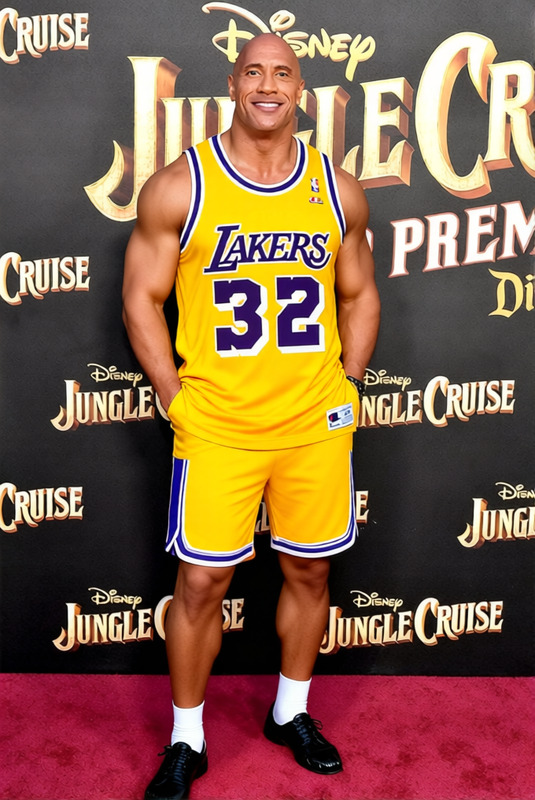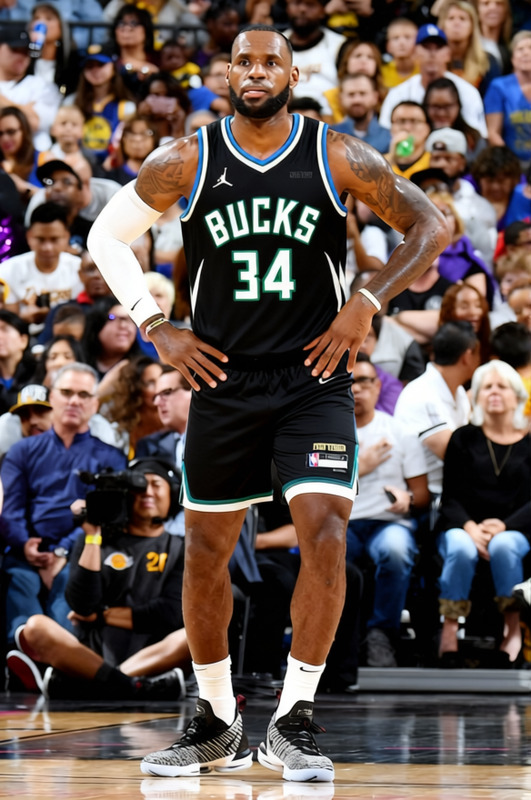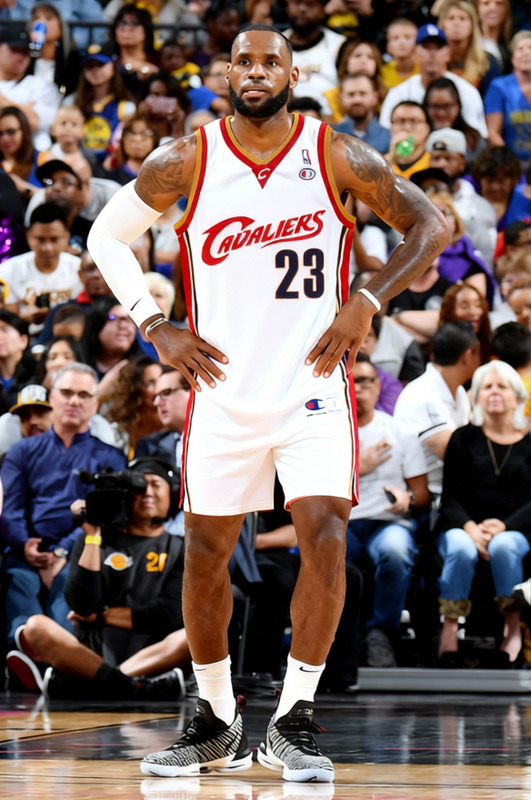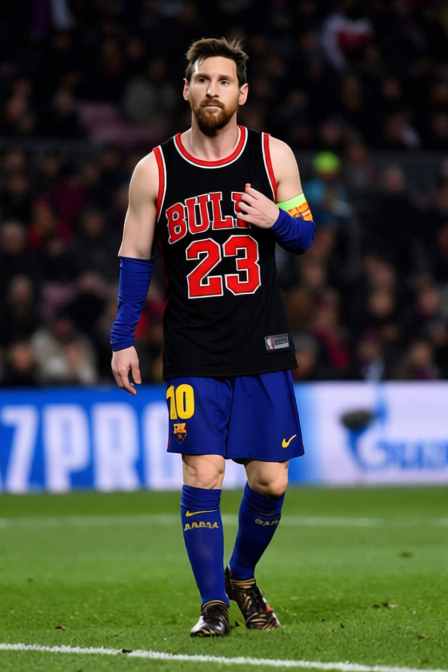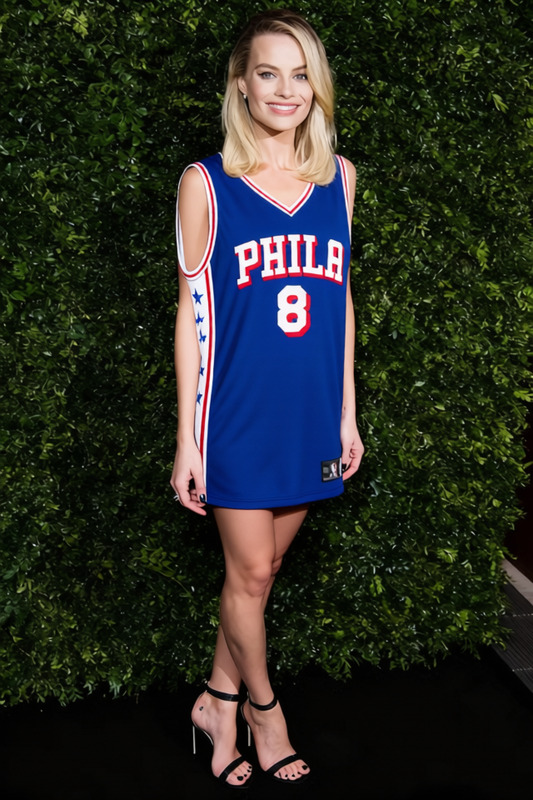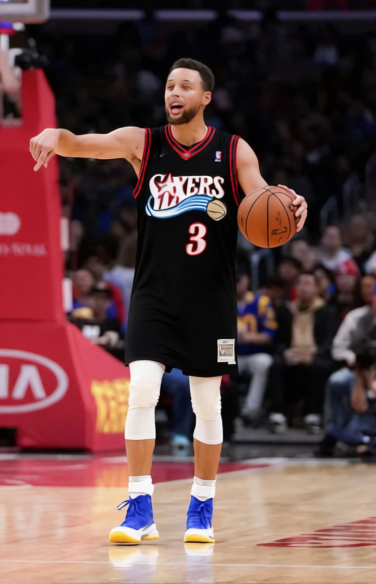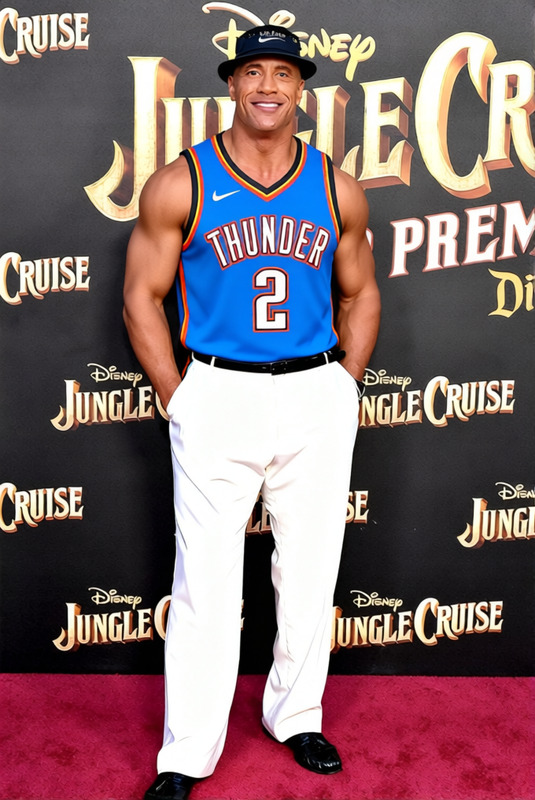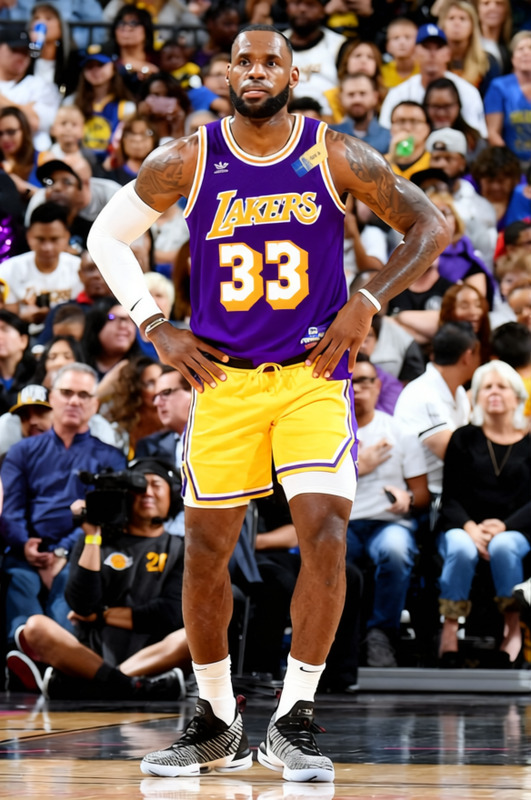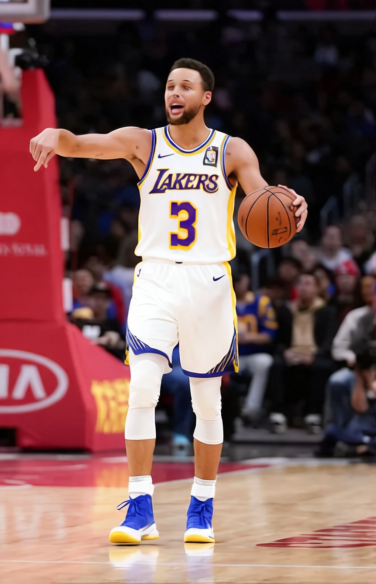
Anthony Davis Lakers Number 3 Jersey
- Image
- 376 × 584 px
Any aspect ratio
Overview
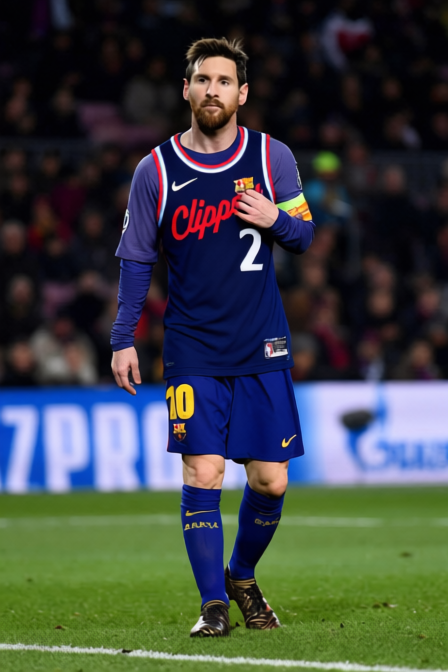
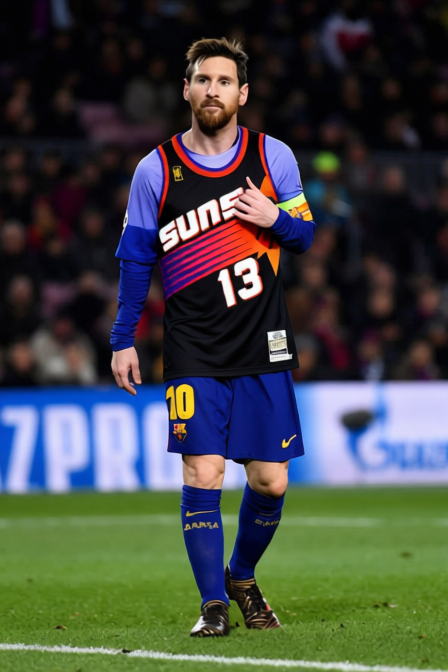
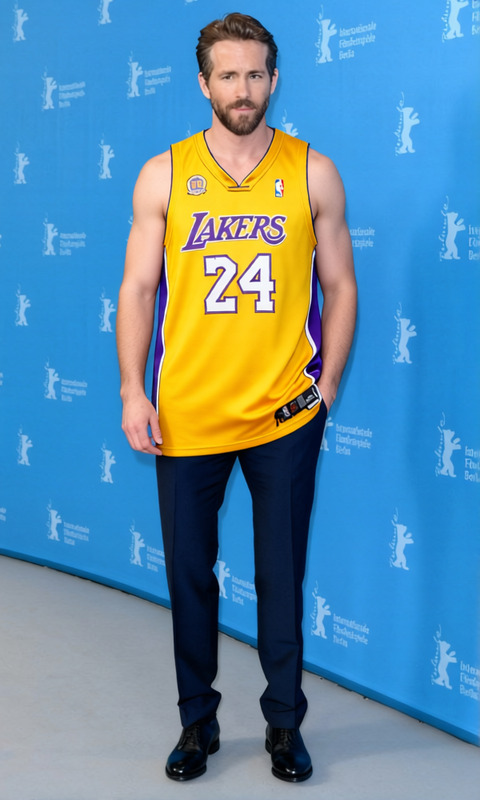
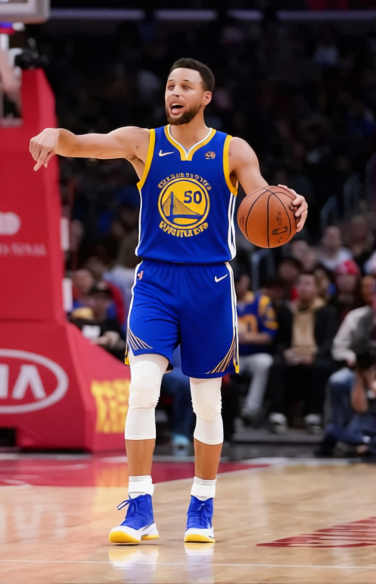
The Anthony Davis Lakers Number 3 Jersey template allows users to digitally alter clothing in their photos. This Clothes Changer template offers precision and ease for those looking to update or customize their clothing appearance in pictures. Ideal for social media managers, e-commerce sites, or sports enthusiasts, this tool helps quickly swap jerseys or other clothing pieces to fit any narrative.
What It Does
This template lets you replace the visible clothing in an image with an Anthony Davis Lakers jersey, featuring the iconic number 3. Users can upload their photos and apply a realistic clothing change that maintains the original photo quality. This tool is efficient for creating promotional material or sharing personalized sports gear visuals on platforms through the AI Clothes Changer.
Who It's For
Perfect for sports fans, social media influencers, and brands, this template assists in creating dynamic images without the need for a physical wardrobe change. It's also beneficial for online retailers aiming to showcase different outfit options seamlessly in product galleries, complementing tools like the AI Product Photography tool and engaging audiences effectively.
Summary
With the Anthony Davis Lakers Number 3 Jersey template, updating your look digitally is straightforward and impactful. It integrates seamlessly within content strategies for sports merchandising and advertising, and can elevate visual storytelling efforts. Coupling this with products like the AI Image Upscaler can enhance output quality for high-definition presentations.
How to Use
Choose Your Template

Customize Your Image

Generate and Download

Use Cases
Sports Fan Engagement
- Social media posts
- Fan blogs
- Custom wallpapers
E-commerce Product Visualization
- Virtual fitting rooms
- Dynamic product listings
- Resource-efficient catalog updates
Advertising and Promotion
- Email marketing campaigns
- Banner advertisements
- Event promotions
Best Practices
Ensure Image Quality
Start with high-resolution images to maximize the clarity and impact of the jersey overlay.Adjust Carefully
Take time to align the jersey accurately, considering lighting and body posture for a more believable outcome.Utilize Consistent Themes
Pair the jersey change with consistent color themes and backgrounds to enhance the overall visual appeal and narrative flow.