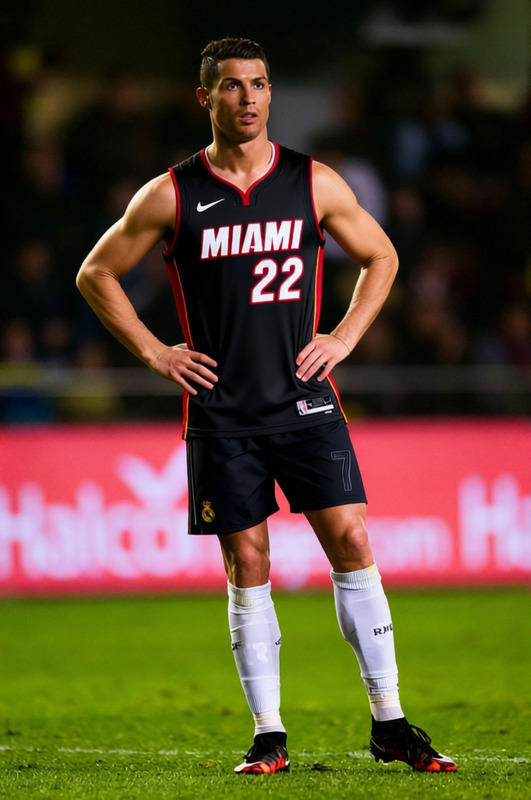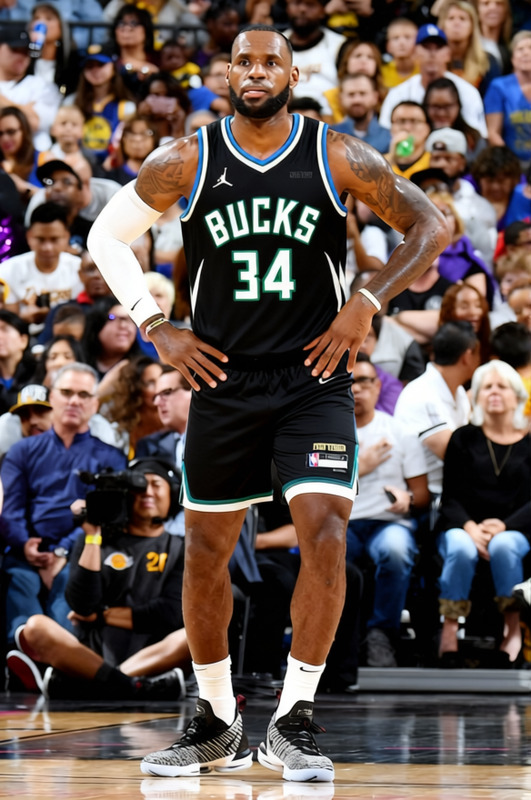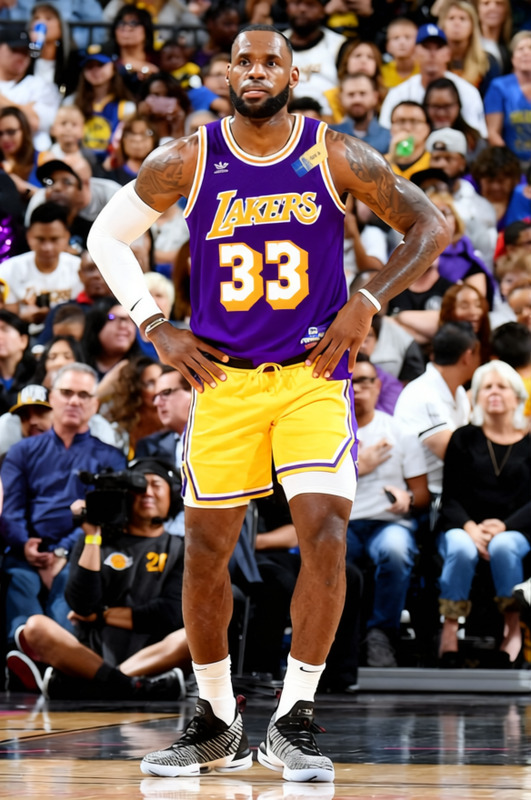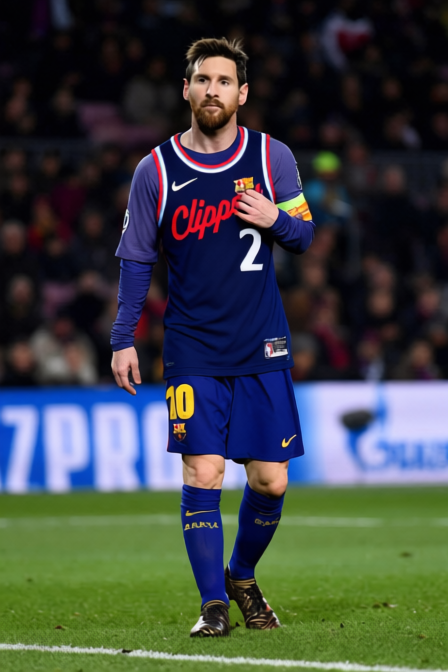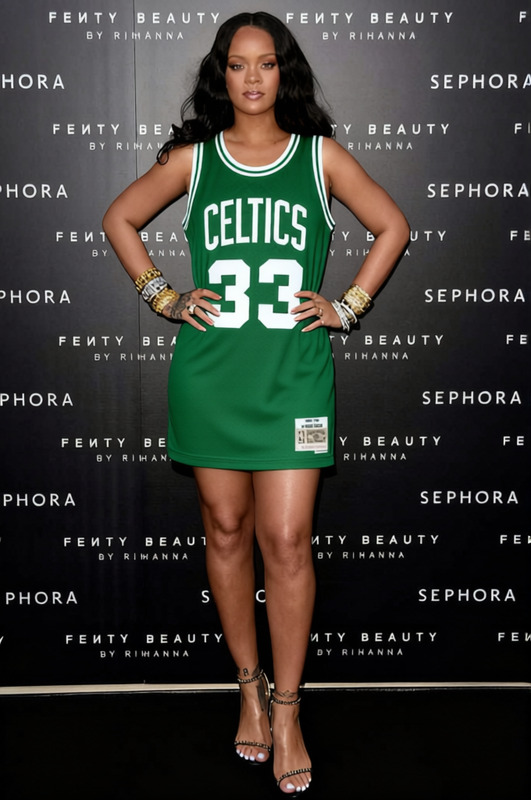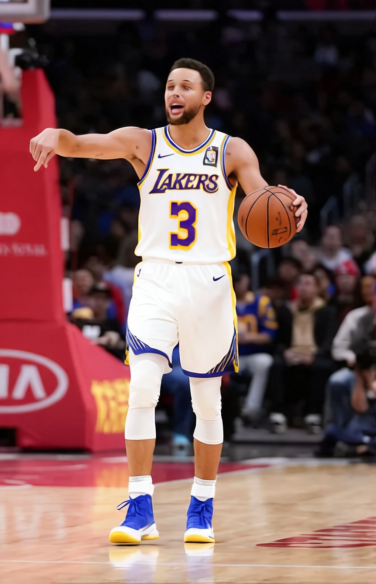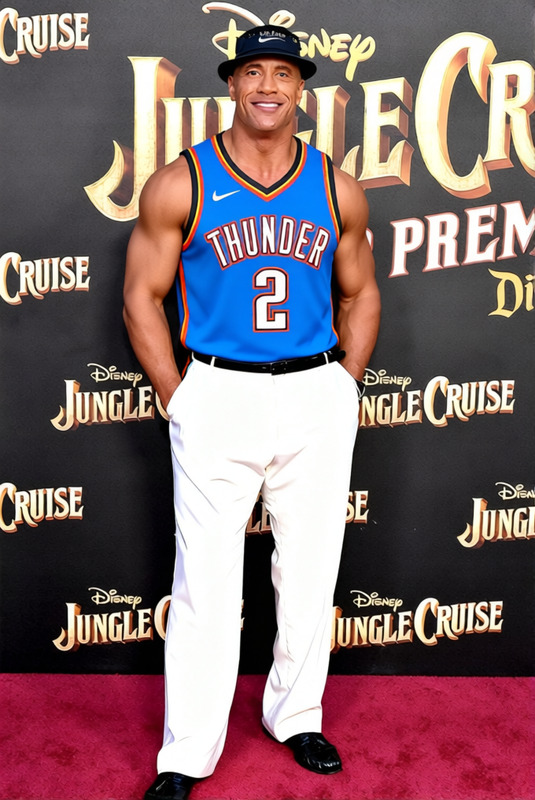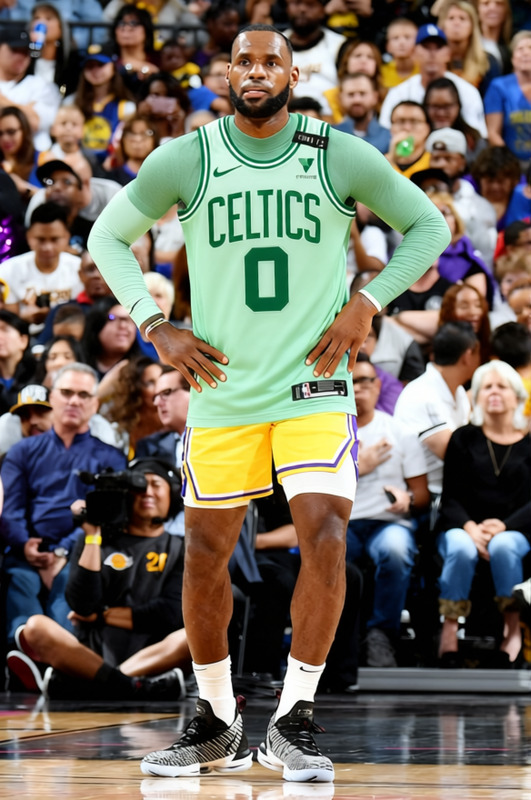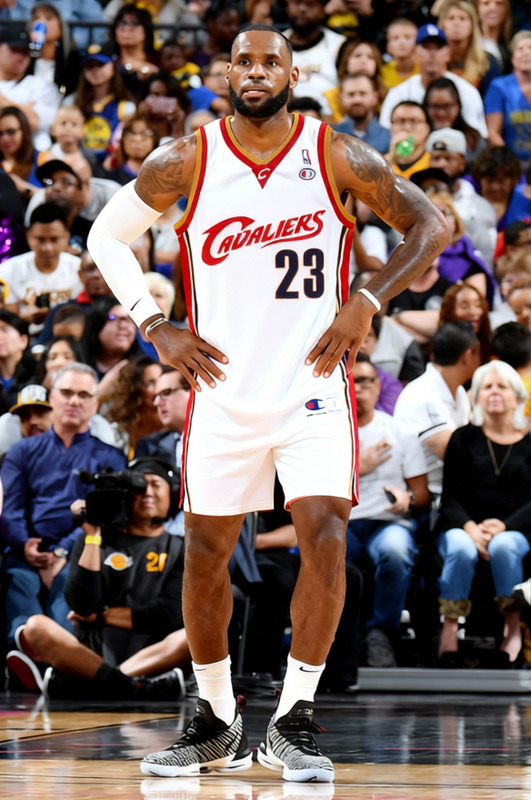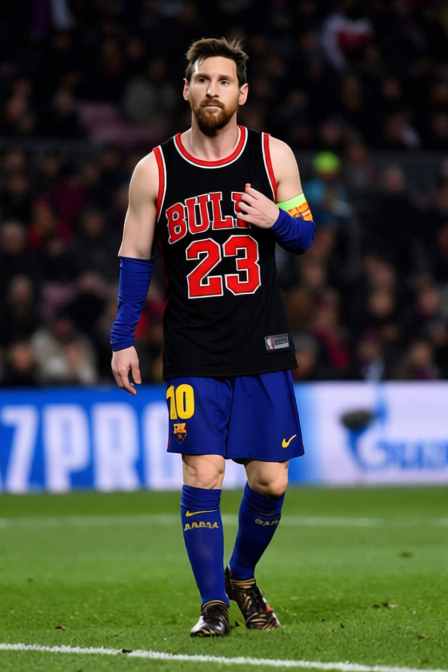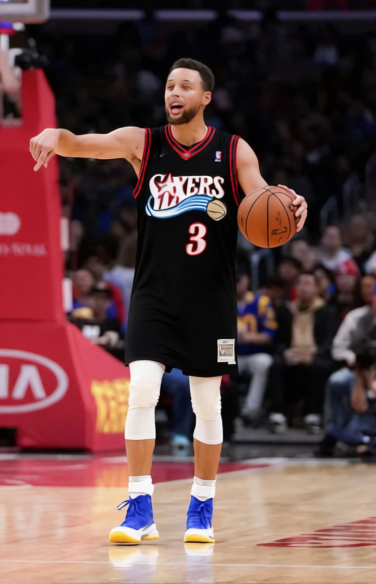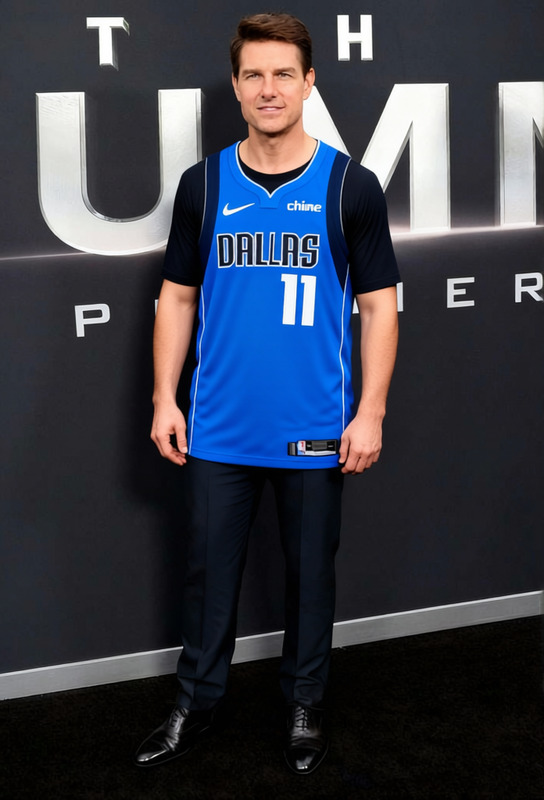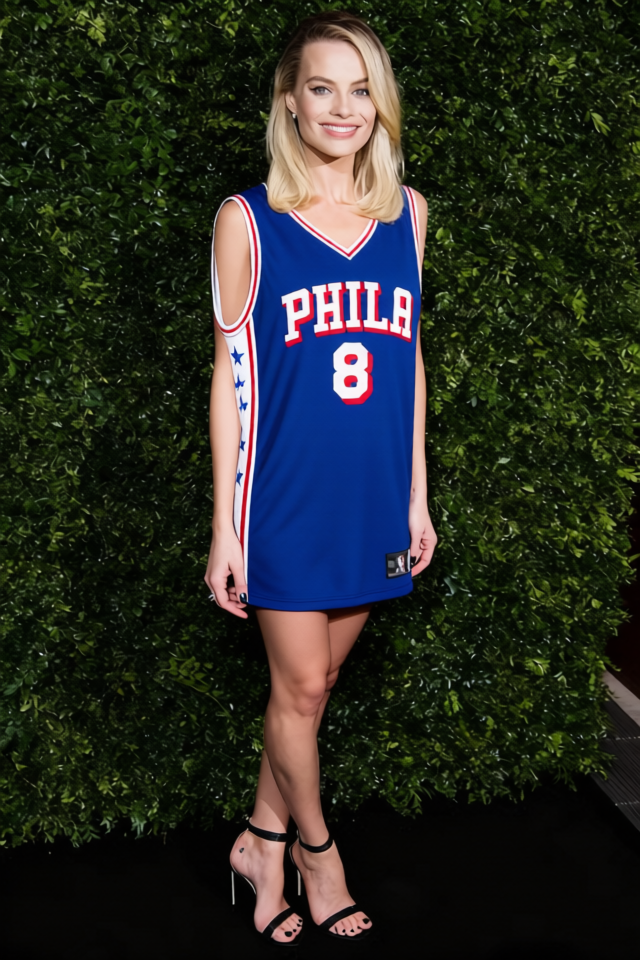
Paul George 76ers Number 8 Jersey
- Image
- 640 × 960 px
Any aspect ratio
Overview
The Paul George 76ers Number 8 Jersey template is a versatile tool designed to easily swap clothing items in images, letting you visualize Paul George in his custom Number 8 Philly jersey. Perfect for sports enthusiasts and content creators looking to make engaging visuals.
What It Does
This template uses advanced AI from our AI Clothes Changer, allowing you to replace shirts, tops, or other garments in photos with a Paul George 76ers jersey. The output is a high-quality image in common formats such as JPEG or PNG.
Who It's For
Whether you're a fan, marketer, or collector, this template is ideal for creating customized sports images. It's also beneficial for media outlets and merchandisers who want to produce promotional content featuring athletes wearing specific jerseys.
Summary
Step into the world of sports merchandising with ease using the Paul George 76ers Jersey template. Utilize it alongside other products like the Face Swap to deepen your engagement with sports fans. Discover seamless garment swaps with the AI Image Editor for enhanced visual presentations.
How To
Choose Your Template

Customize Your Image

Generate and Download

Use Cases
Fan Art and Social Media
Sports Merchandise Marketing
Media Publications
Best Practices
Select High-Resolution Images
For the best results, use high-quality images. This ensures that the jersey overlay appears clear and accurately placed.Adjust Visibility Settings
Fine-tune transparency and blending options to make the jersey appear more natural within the scene.Experiment with Angles
Try different angles in the original photo to see which positioning works best for the jersey to look natural on the subject.