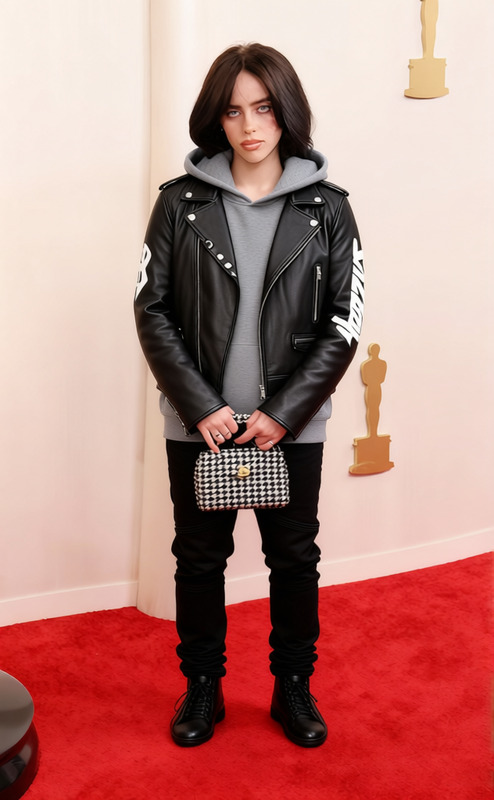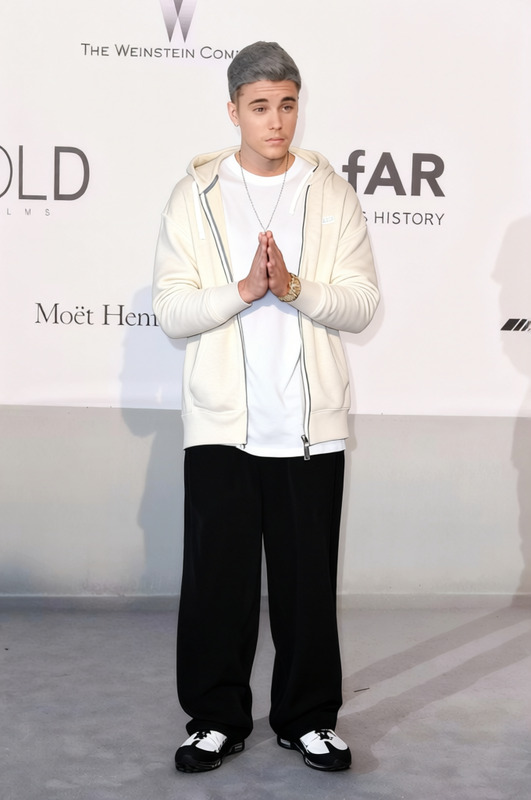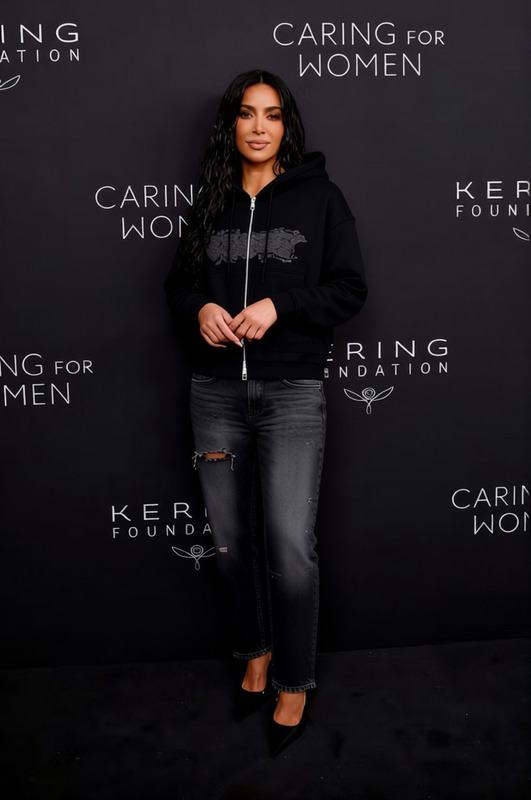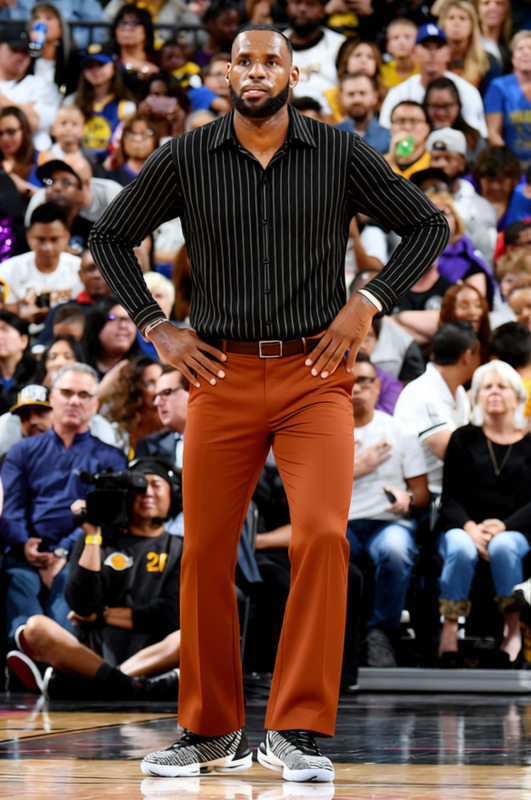
Eminem White Tank Top With Blue Track Pants 8 Mile Era
- Image
- 680 × 1016 px
Any aspect ratio
Overview
Transform your style with our "Eminem White Tank Top With Blue Track Pants 8 Mile Era" clothes changer template. This tool utilizes advanced AI to switch your existing wardrobe with this iconic outfit. Perfect for creating nostalgic content or enhancing your digital wardrobe, this template takes inspiration from the distinctive 8 Mile era look.
What It Does
This template employs AI to replace the clothing in your image with a white tank top and blue track pants, reminiscent of Eminem's famous 8 Mile ensemble. Ideal for personalizing visuals in posts or for professional styling projects.
For more advanced editing options, check out our AI Image Editor and explore the creative possibilities using our AI Profile Picture Generator.
Who It's For
This template is a great fit for digital creators, social media influencers, and fashion enthusiasts looking to experiment with iconic looks. It's also useful for brands aiming to spice up their content with nostalgic, themed attire. Consider exploring our AI Background Changer to complement your new look with a fitting backdrop.
Summary
Whether for personal projects or professional content creation, the "Eminem White Tank Top With Blue Track Pants 8 Mile Era" template provides a creative way to reimagine your wardrobe digitally. Elevate your fashion game in just a few clicks.
How To
Choose Your Template

Customize Your Inputs

Generate and Download

Use Cases
Social Media Content
Digital Fashion Shows
Personal Projects
Best Practices
Select High-Quality Images
For the best results, use high-resolution images to ensure the AI accurately applies the clothing change.Focus on Lighting
Ensure the lighting of your original image matches the desired outcome for a seamless blend.Use Compatible Backgrounds
For more realistic results, use backgrounds that complement the new attire, or modify the background using AI Background Changer.
Frequently asked questions
More Like This