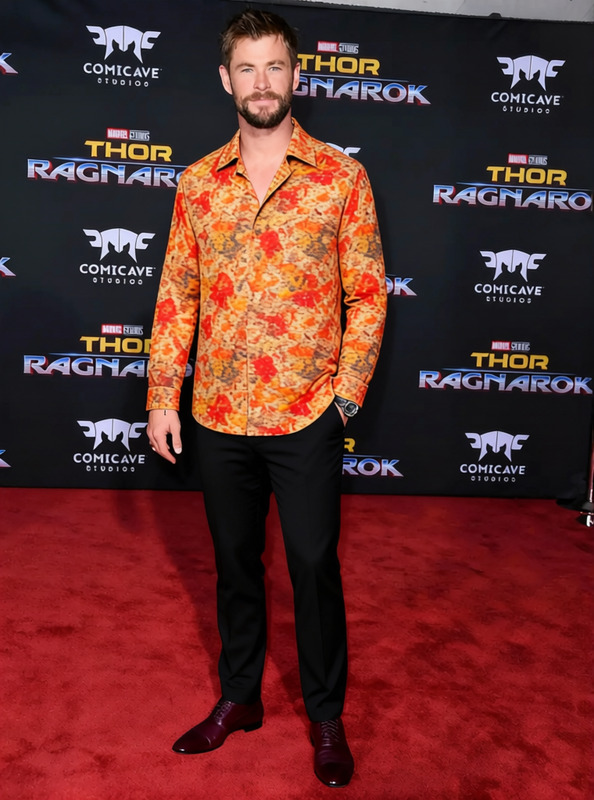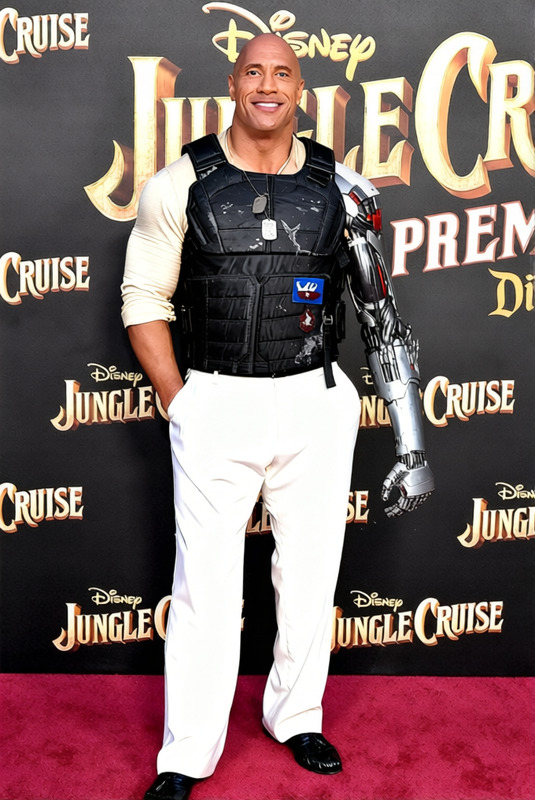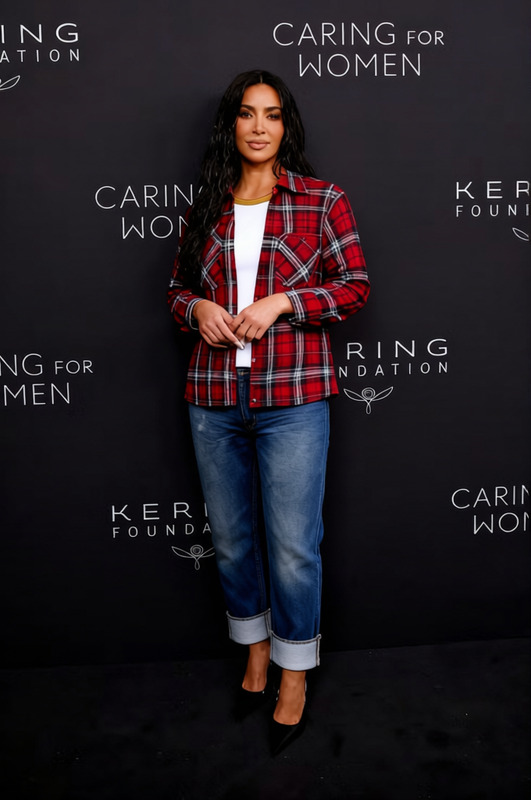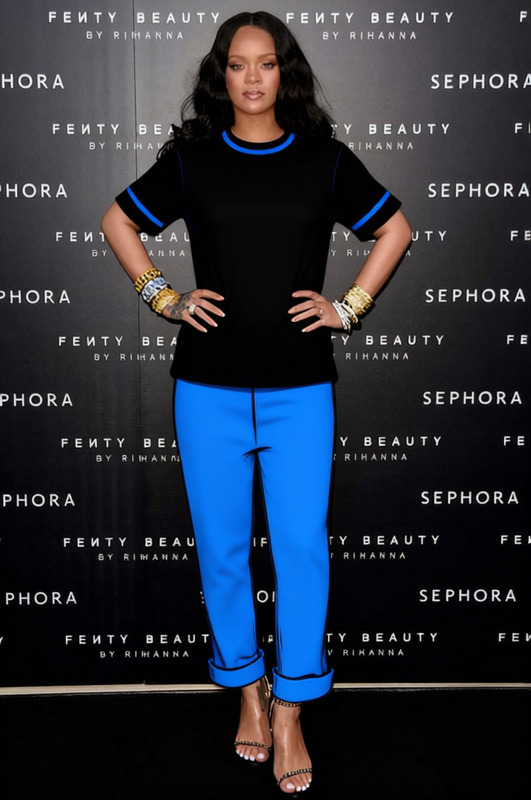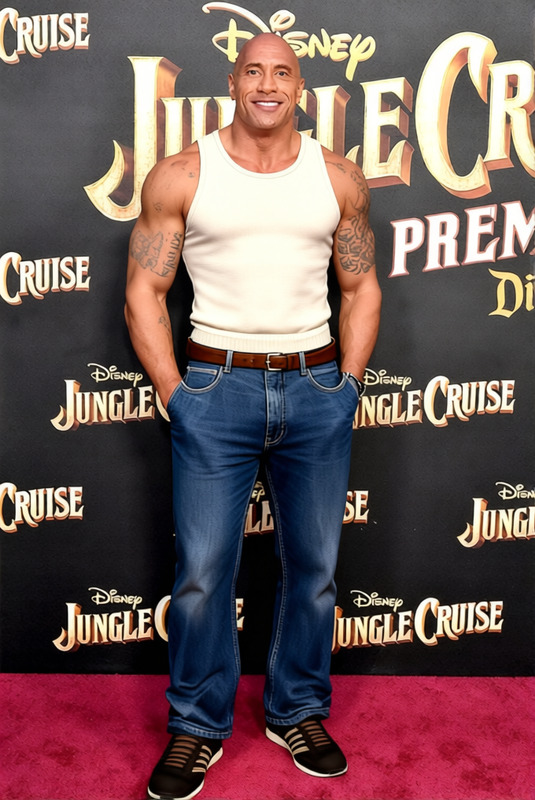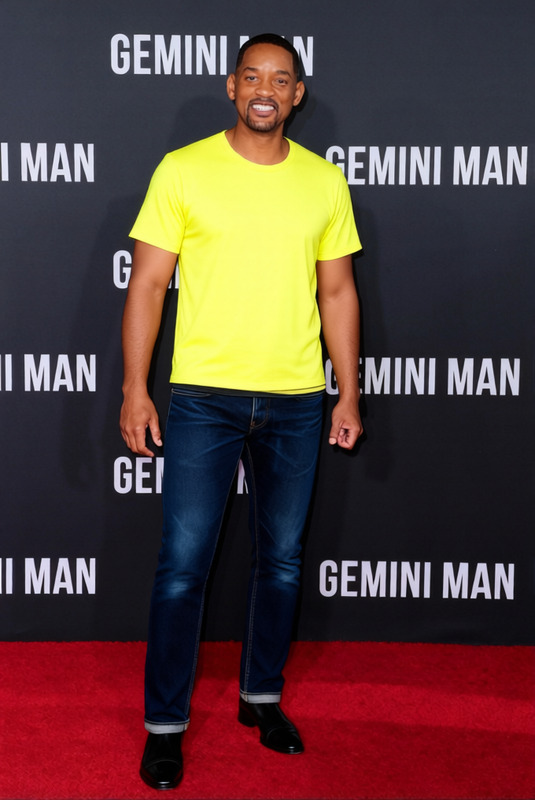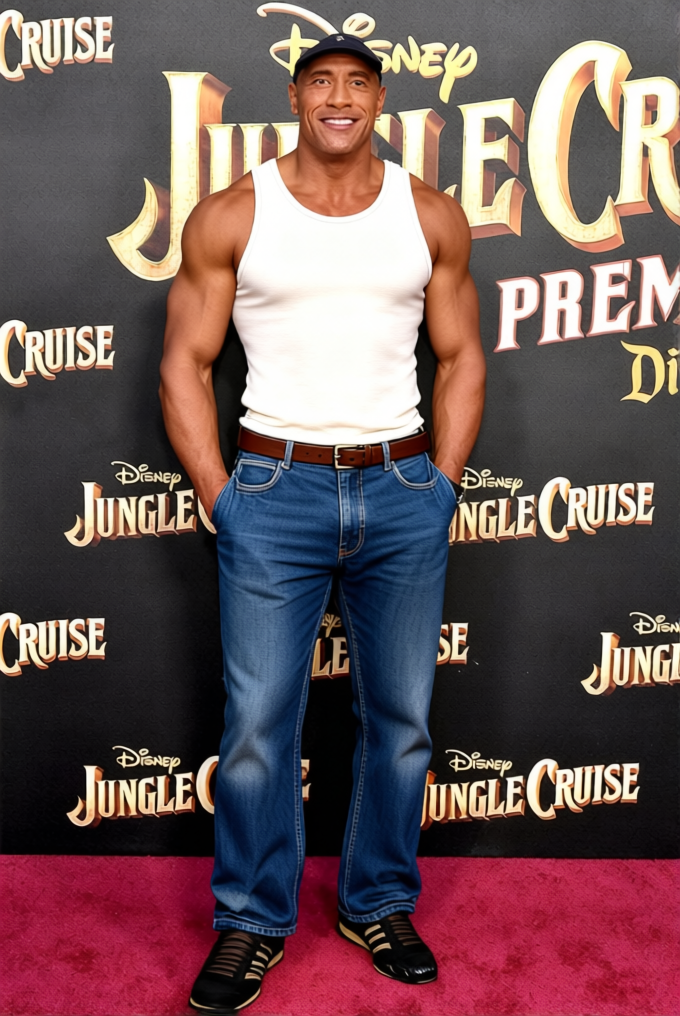
Carl Johnson White Tank Top With Blue Jeans
- Image
- 680 × 1016 px
Any aspect ratio
Overview
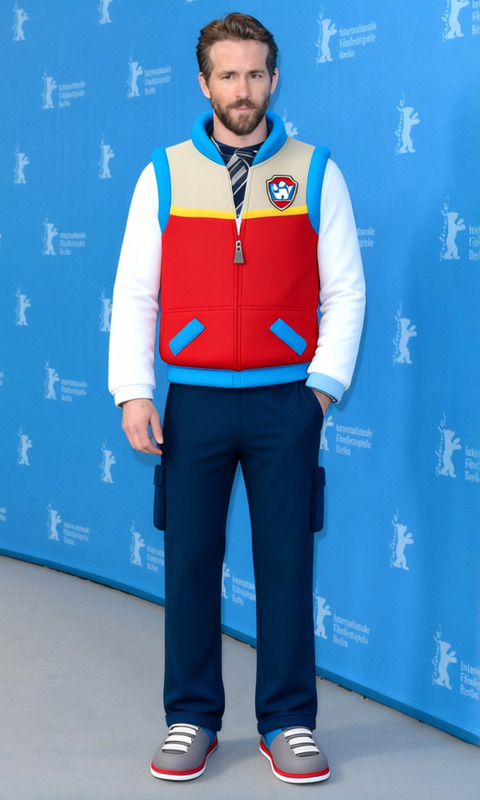
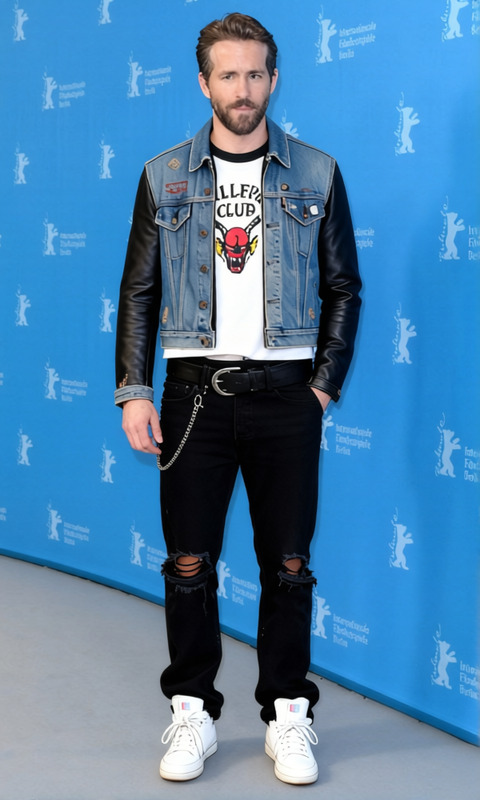
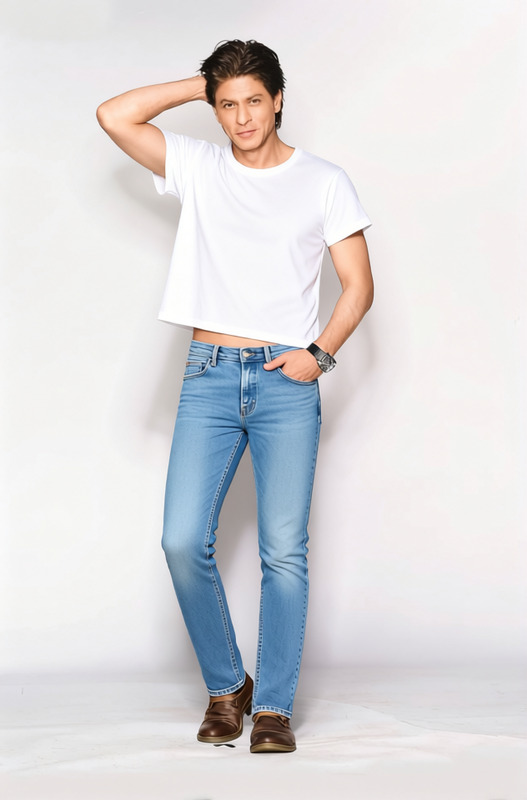
The Carl Johnson White Tank Top with Blue Jeans template is a streamlined solution for altering attire in photos and videos. This Clothes Changer template allows users to swap existing apparel for a classic white tank and blue jeans ensemble. Ideal for content creators looking to promote a laid-back style or simply wanting to experiment with a new look.
What It Does
This template leverages AI to replace the clothing in your selected image or video with a white tank top and blue jeans. Precision in garment swapping ensures realistic textures and shadows, maintaining the authenticity of the original photo or video. It’s a valuable tool in fields such as fashion design, social media content creation, and digital wardrobe styling.
Who It's For
Whether you are a fashion influencer, a digital content creator, or a professional photographer, this template is designed for anyone looking to update their visual content with fresh clothing styles. It's especially useful for those who frequently use AI Clothes Changer in their projects.
Summary
Incorporate the Carl Johnson iconic look into your media with the ease of the Clothes Changer template. The template is not only easy to use but delivers high-quality clothing changes, making it a must-have tool for enhancing any visual media. Check out related features such as AI Face Editor and AI Multi-Angle Generator for comprehensive content transformation.
How To
Choose the Template

Customize Your Input

Generate Your Output

Use Cases
Fashion and Style Blogs
- Diverse wardrobe styling
- Reduced photoshoot costs
Social Media Content
- Trend experiments
- Enhanced visual appeal
Virtual Fittings for E-commerce
- Increase customer engagement
- Easy styling trials
Personal Branding
- Consistent styling
- Enhanced personal imagery
Best Practices
Select High-Quality Images
Ensure your original image or video is of high resolution for the best output quality.Match Lighting and Angles
For realistic results, ensure the lighting and angle in your media match the selected clothing options.Use in Combination with Other Tools
Enhance overall content by pairing this with tools like the AI Face Editor to refine facial features or the AI Image Upscaler for resolution improvements.
Frequently asked questions
More Like This