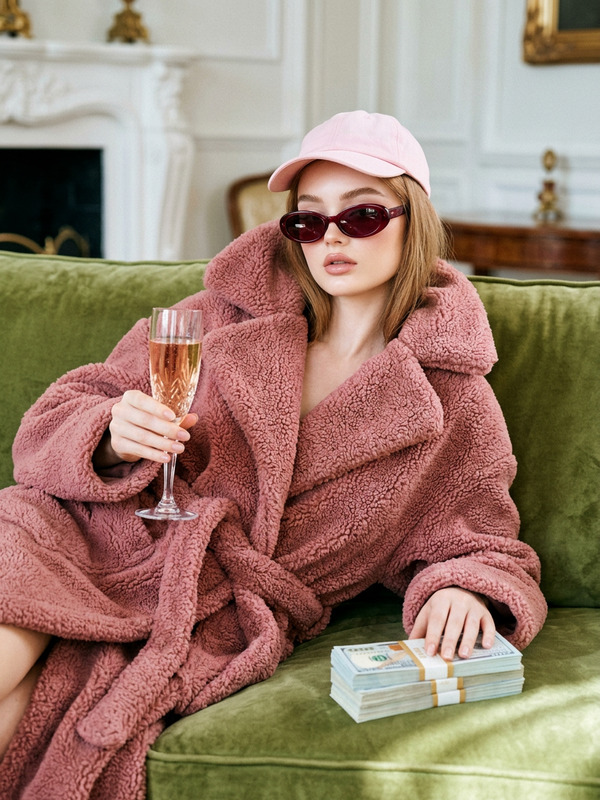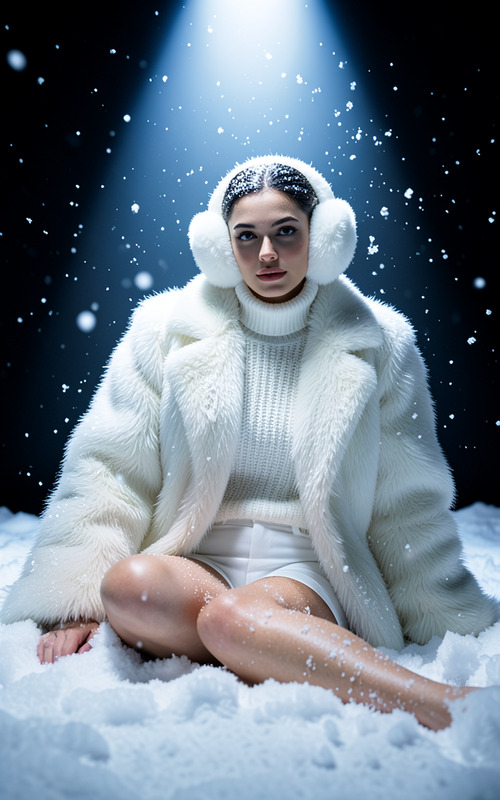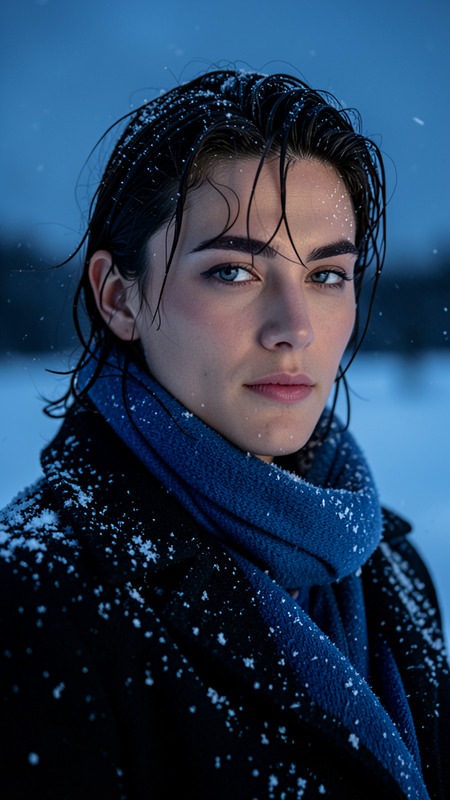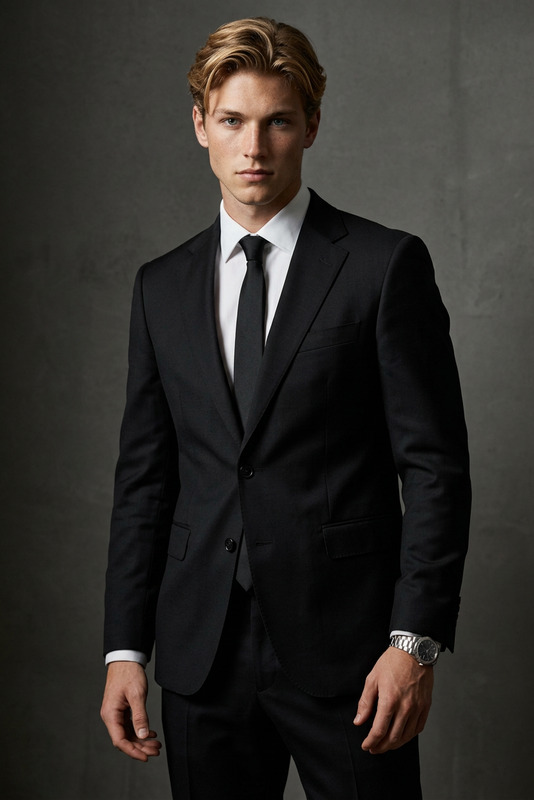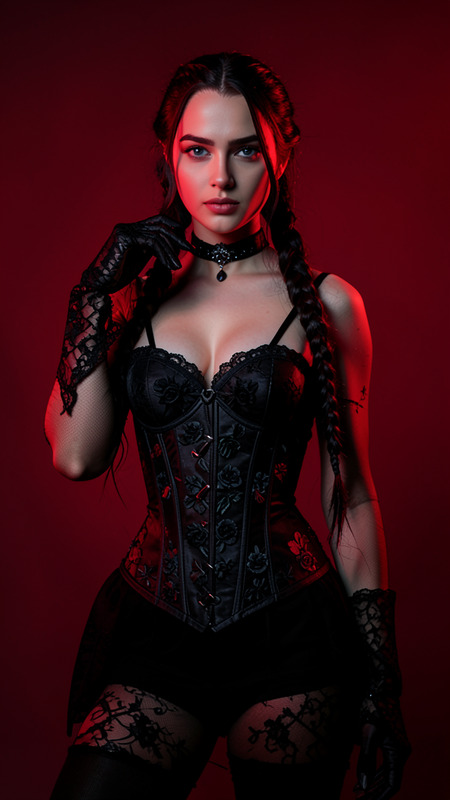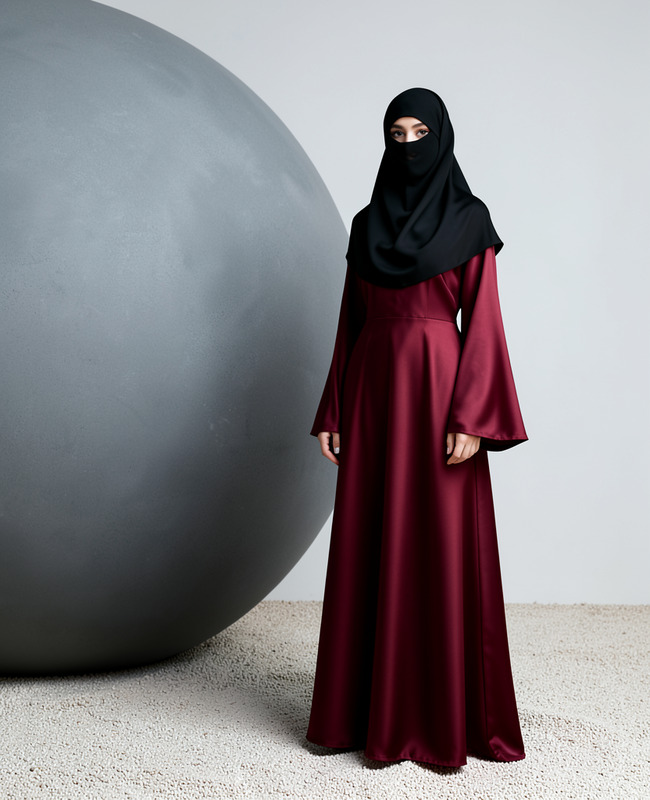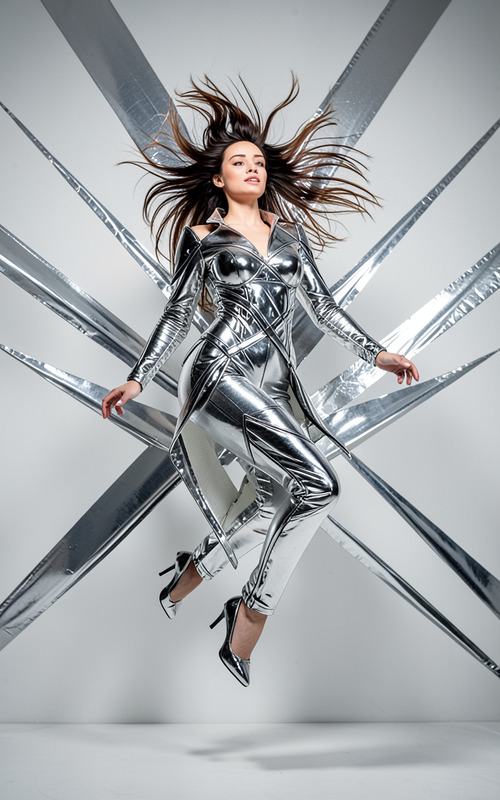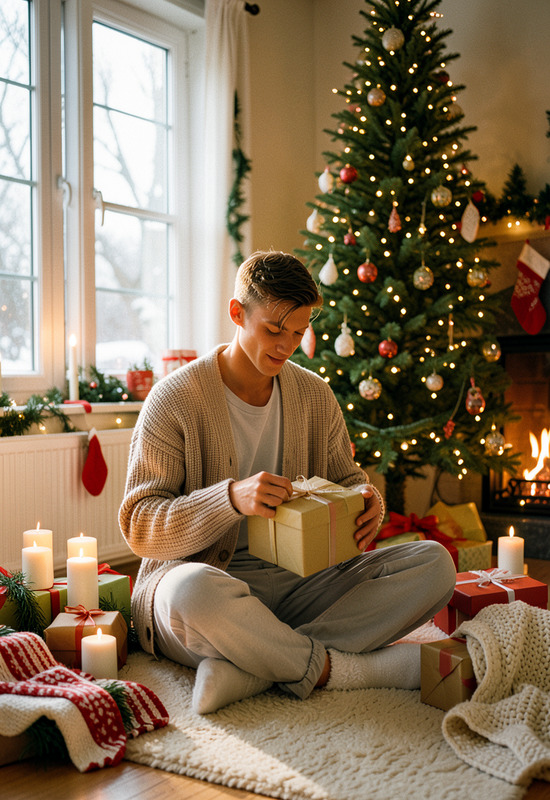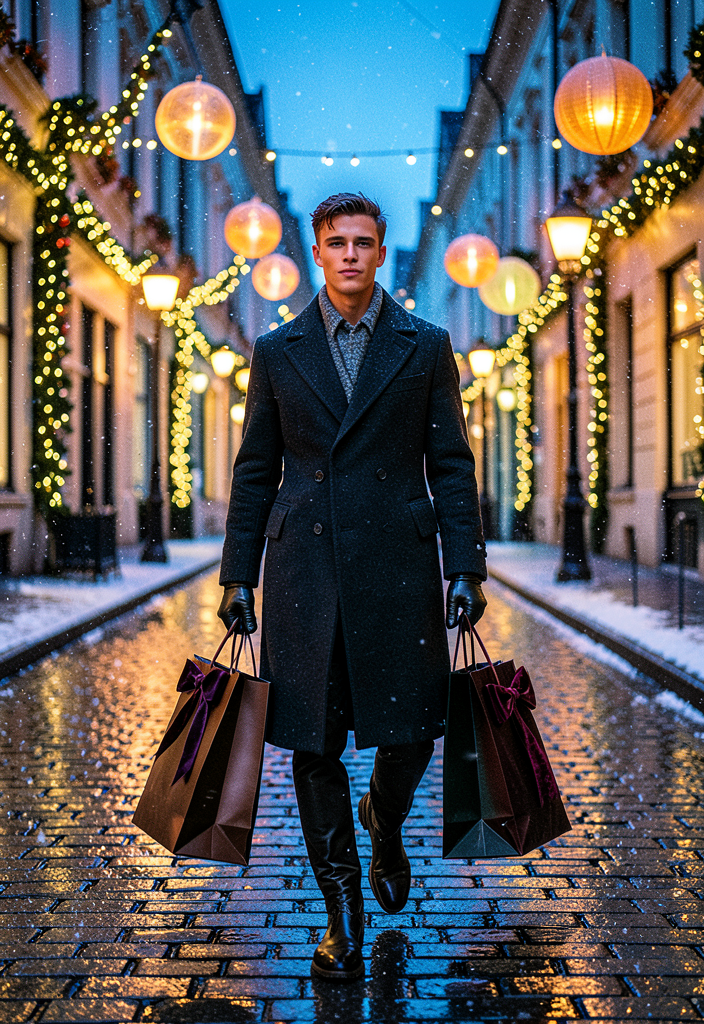
Luxury Christmas Editorial
- Model
- Flux 2 Klein
- Image
- 704 × 1024 px
Prompt
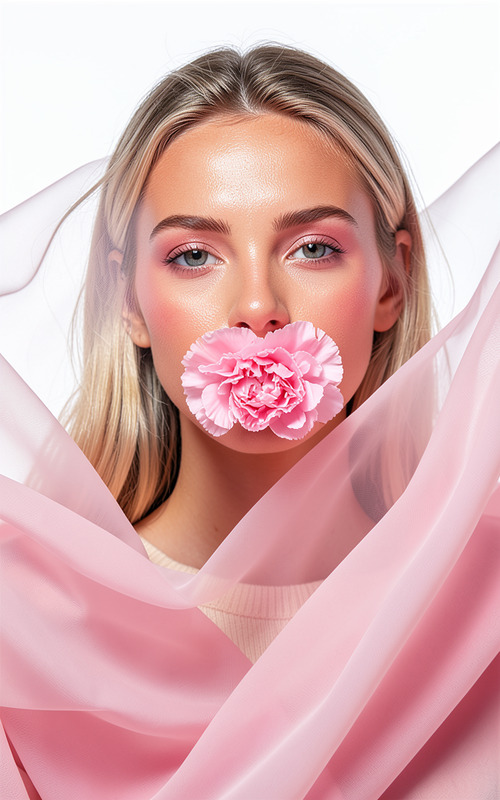
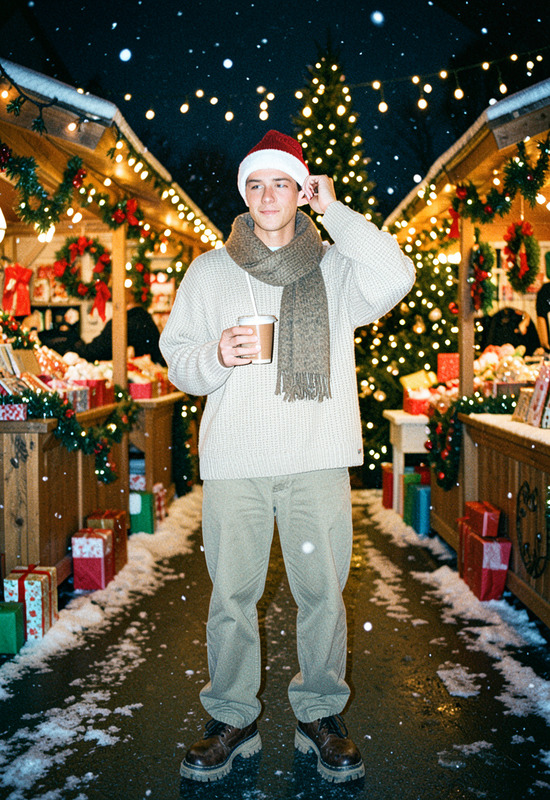
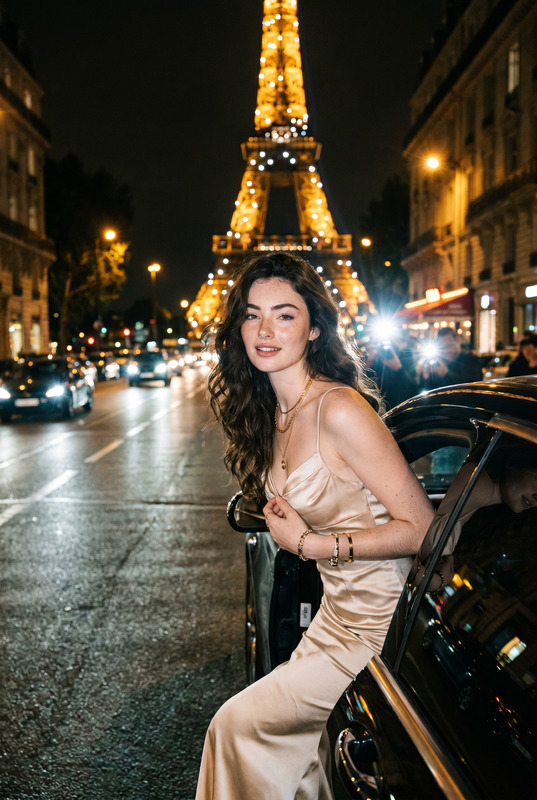
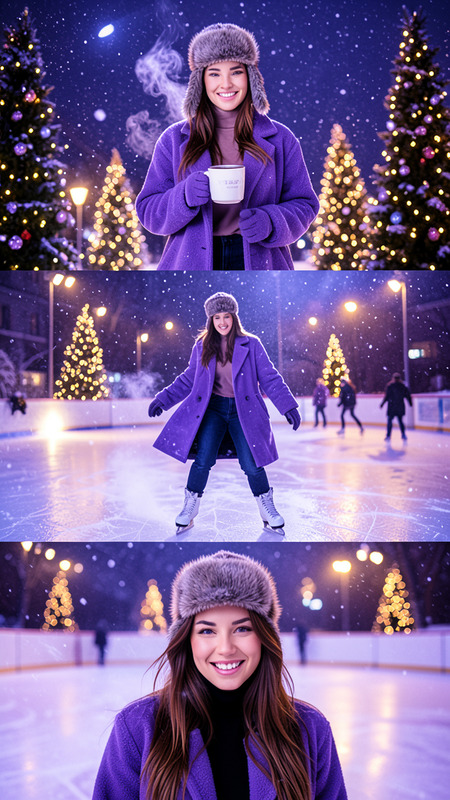
High-fashion Christmas editorial photographed in a luxurious European city street at dusk, decorated with elegant holiday lights and oversized illuminated ornaments. The subject confidently walks through the festive avenue wearing a tailored long wool coat layered over premium winter fashion, leather gloves, and polished boots while carrying luxury shopping bags wrapped with velvet ribbons. Snow falls gently under glowing street lamps, reflecting on wet cobblestone streets. Cinematic lighting combines warm holiday illumination with cool blue evening tones, producing rich contrast, realistic reflections, and refined editorial elegance. Captured on an 85mm lens with shallow depth of field, ultra-realistic textures, premium color grading, subtle film grain, and a timeless luxury holiday campaign aesthetic.
Any aspect ratio
Overview
The Luxury Christmas Editorial template leverages the sophisticated flux-2-klein model to craft exquisite high-fashion imagery. Ideal for post-processing and enhancing festive photoshoots, this AI Image Editor template infuses luxury and cinematic allure into your holiday visuals.
What It Does
This template creates a luxurious holiday scene with unparalleled texture and color grading. Using your photos, it applies a high-fashion Christmas aesthetic, complete with sophisticated lighting and realistic reflections. It adds depth and a premium feel, reminiscent of a cinematic holiday campaign, to elevate your images.
Who It's For
Perfect for professional photographers, fashion brands, and marketers looking to add a touch of luxury to their holiday campaigns. Whether you're crafting a magazine editorial or a holiday ad, this template provides the tools needed to stand out with high-quality imagery. Explore its uses alongside our AI Image Editor for seamless integration into your workflow.
Summary
Transform your holiday photos into elegant, campaign-ready images with the Luxury Christmas Editorial template. With the power of the AI Image Generator, create immersive visuals that capture the essence of European sophistication during the festive season.
How To
Choose the Template

Customize Your Image

Generate and Save

Use Cases
Fashion Editorials
- Elevate the luxury feel of your fashion photos
- Capture the essence of holiday glamour
Marketing Campaigns
- Increase engagement with premium imagery
- Align brand image with high-end consumer expectations
Social Media Content
- Attract followers with visually rich images
- Stand out on platforms like Instagram
Best Practices
Select the Right Photos
For best results, use high-resolution photos with clear subject framing.Adjust for Atmosphere
Choose lighting settings that enhance the luxury and holiday mood.Refine Details
Pay attention to textures and colors to ensure a polished final image.