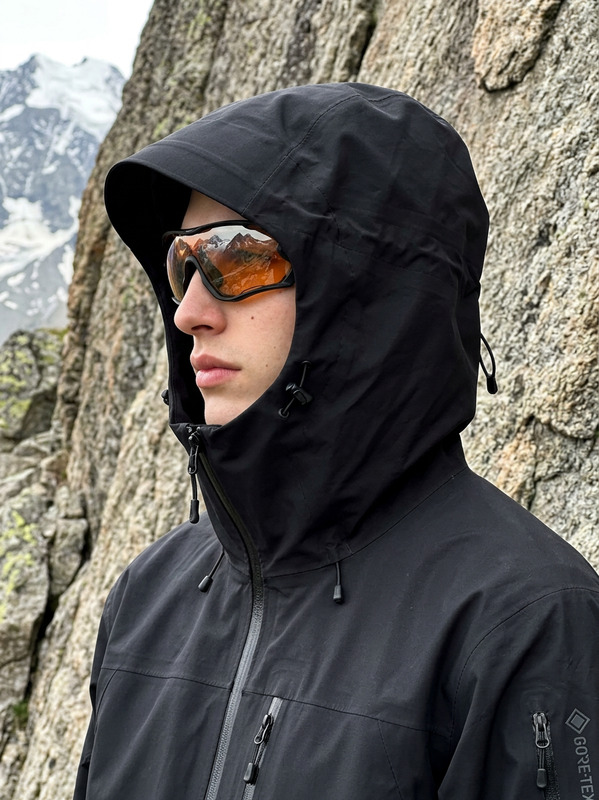
Arc'teryx shell jacket
- Model
- GPT Image 2
- Image
- 1024 × 1024 px
Prompt
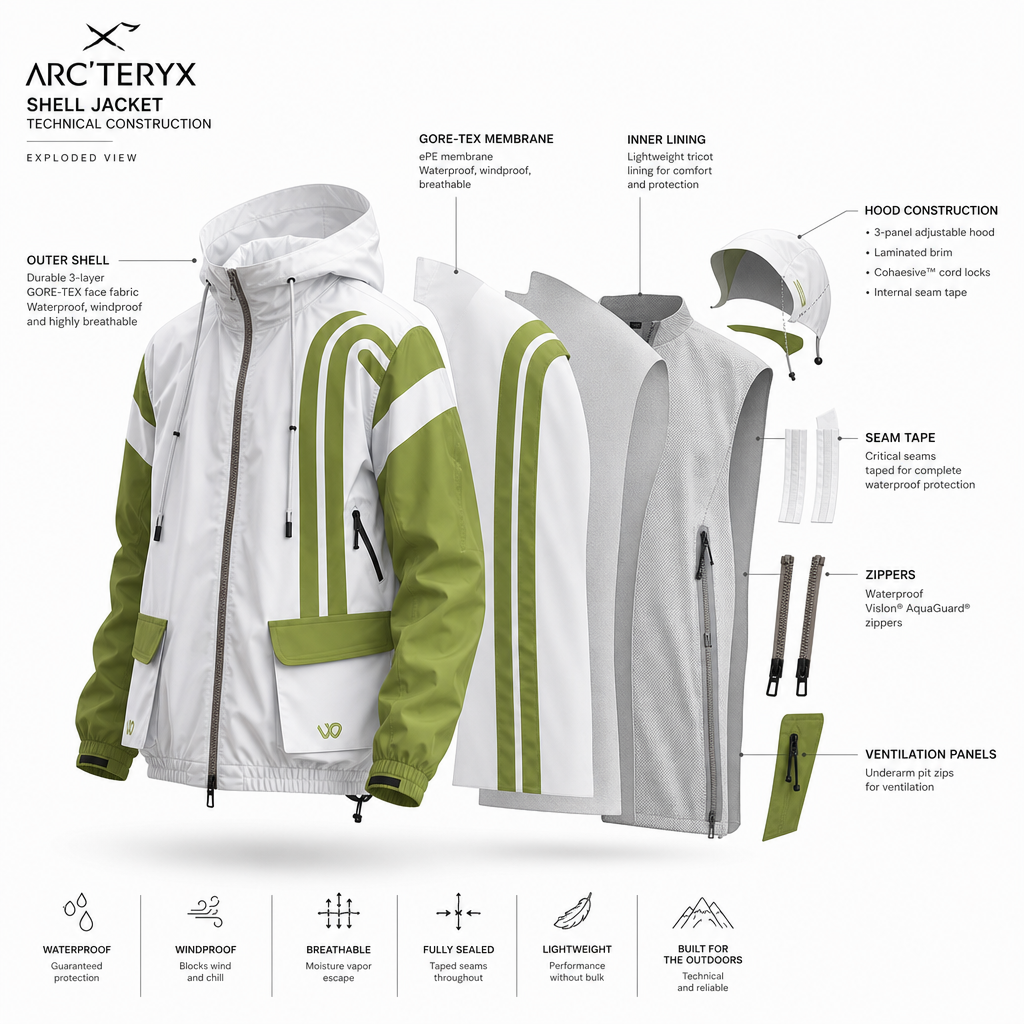
Minimalist technical illustration of an Arc'teryx shell jacket, shown in an exploded view. Layers separated and labeled: outer waterproof face fabric, GORE-TEX membrane, inner protective lining, seam tape, zippers, hood construction, ventilation panels. Clean white background, precise details, modern infographic style, soft shadows, high clarity, premium outdoor aesthetic
Any aspect ratio
Overview
The Arc'teryx Shell Jacket template leverages the AI Image Editor tool to create a detailed technical illustration of an Arc'teryx shell jacket. This template utilizes the gpt-image-2 model, known for its precision and clarity, to render each layer and component of the jacket in a modern infographic style.
What It Does
This template generates a high-resolution exploded view of an Arc'teryx shell jacket, showcasing each layer and its function: the outer waterproof fabric, GORE-TEX membrane, inner lining, seam tape, zippers, hood construction, and ventilation panels. Ideal for creating compelling marketing materials or educational content with a clean, slick design.
Who It's For
Designed for outdoor apparel brands, educators in textile and fashion design, and infographic enthusiasts, this template provides a clear and detailed visual representation of technical garment construction. Whether you're marketing a new product line or teaching design fundamentals, the template is a valuable asset.
Summary
With its precise, detail-oriented output, the Arc'teryx Shell Jacket template is a powerful tool for anyone needing to illustrate the complex structure of technical outdoor apparel. Integrate it with other tools like the Photo Colorizer or AI Image Upscaler for enhanced visuals.
How To
Choose the Template

Customize Your Input

Generate Your Illustration

Use Cases
Product Marketing
Educational Materials
Infographic Development
Best Practices
Focus on Detail
Ensure your prompts highlight specific layers and components to get the most accurate and detailed rendering.Combine with Color
Use a tool like the Photo Colorizer to add or adjust colors that align with your branding.Enhance with Upscaling
For larger print formats, enhance your illustration using the AI Image Upscaler to maintain quality.