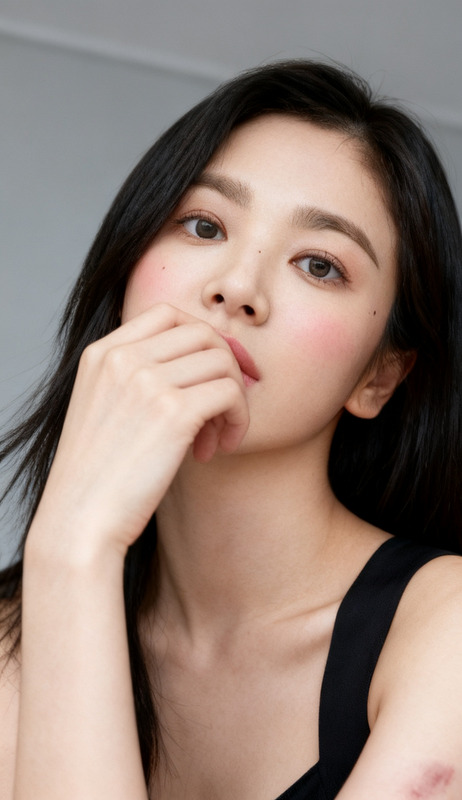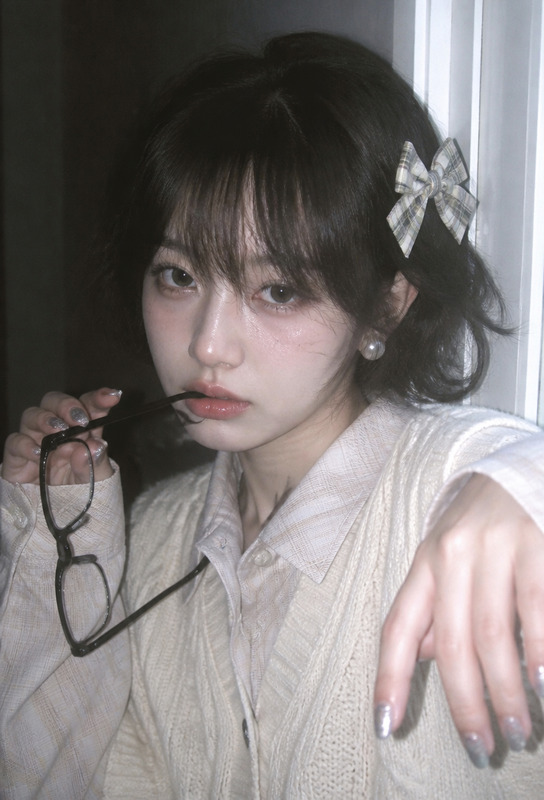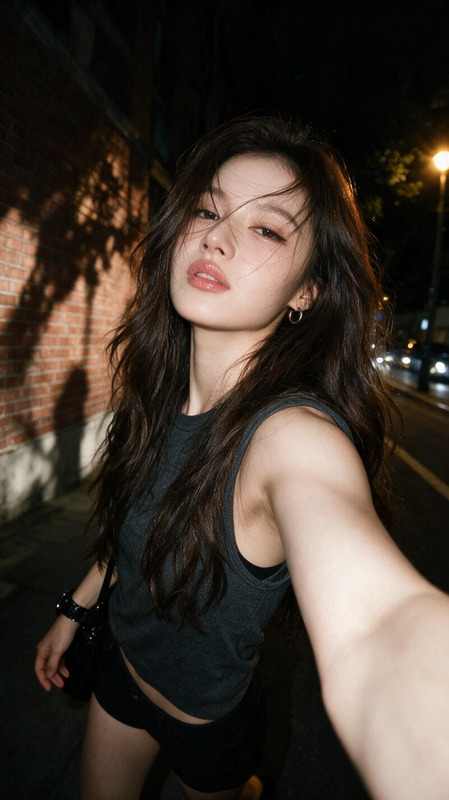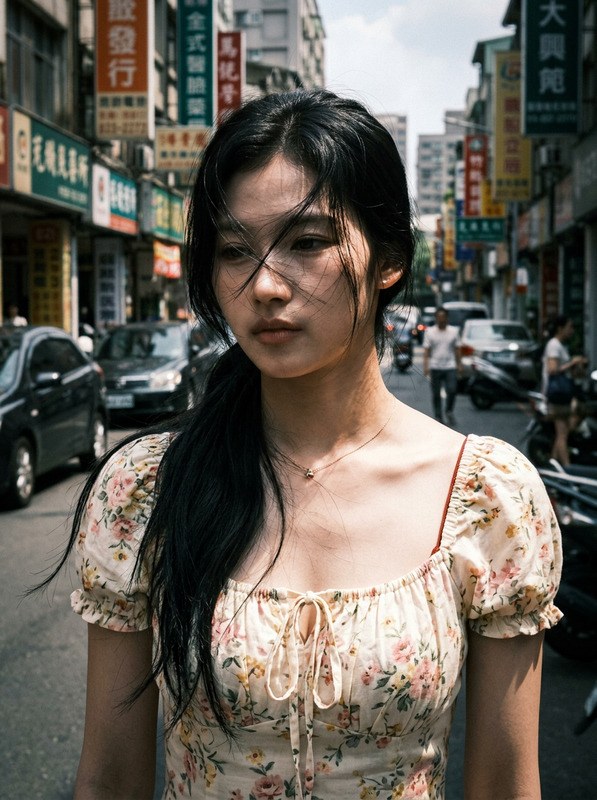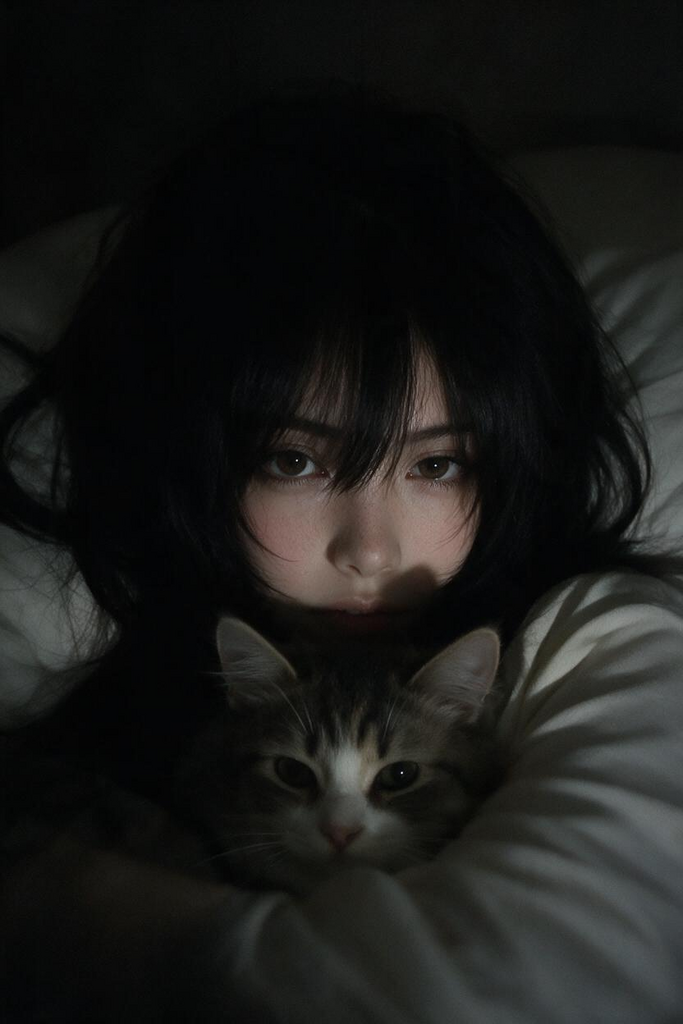
Midnight Onee-san — Early 2000s Snapshot
- Model
- Seedream 5 Pro
- Image
- 683 × 1024 px
Prompt
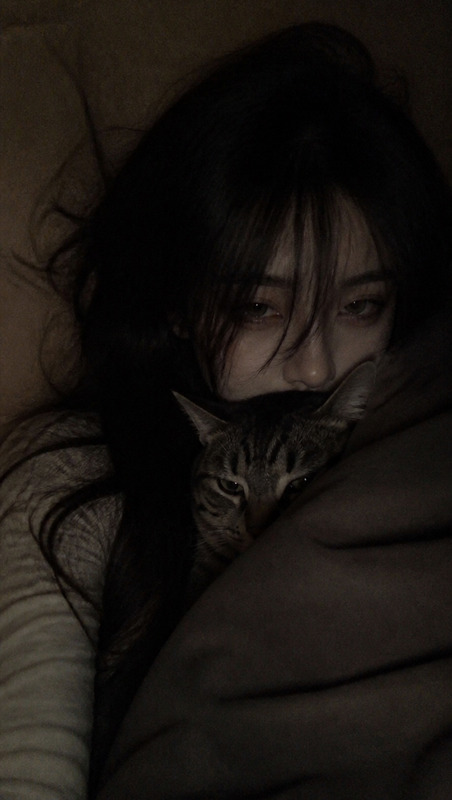
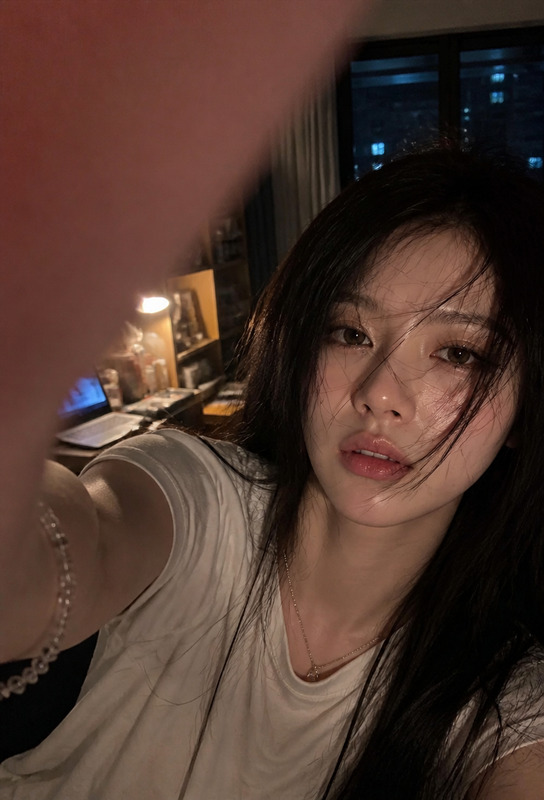
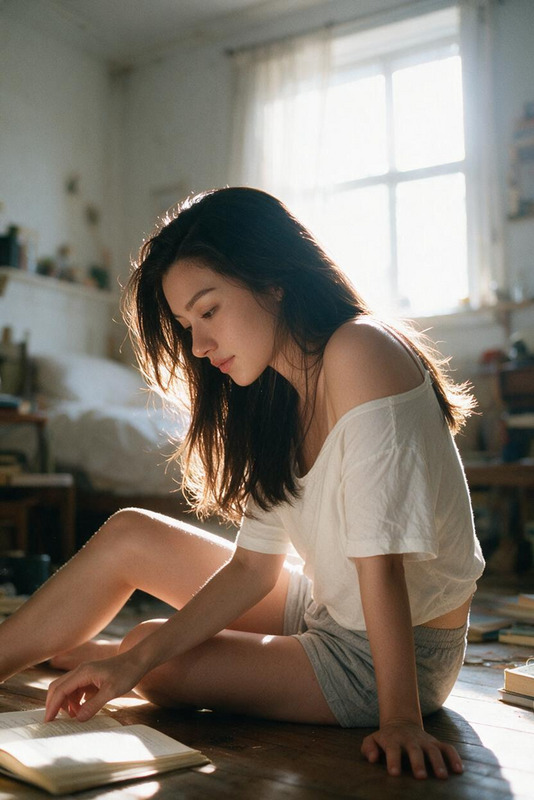
Early-2000s melancholic aesthetic, smartphone photography style, ultra-low-resolution close-up portrait of a subject, creating the feeling of an old spontaneous Japanese bedroom snapshot taken late at night. The subject has extremely fair, cool-toned pale skin and long black hair styled in a heavy, mature wolf cut with abundant volume, substantial layered structure, pronounced framing around the cheeks, sides, and nape, and softly curved ends. Thick yet airy bangs fall naturally across the forehead, with long wispy strands partially covering the eyes and eyebrows, while slightly messy black hair spreads naturally across the pillow and around the body. The subject wears a fitted pale-white long-sleeve top beneath a blanket and lies in a semi-reclined position while holding a cat close. Only the eyes and a small portion of the face are clearly visible, with a quiet, languid, melancholic gaze. The room is extremely dark and intimate, with most of the environment disappearing into deep soft shadows. A very faint nearby light source gently illuminates only portions of the eyes, hair, and upper face, preserving strong low-key lighting, deep blacks, subdued highlights, and minimal ambient illumination. Avoid bright windows, bright backgrounds, studio lighting, flash, or evenly illuminated skin. Capture the image as if taken with an ordinary early-generation smartphone: extremely low resolution, noticeable digital noise, subtle grain, slight motion blur, minor focus imperfections, underexposure, crushed shadows, mild exposure inconsistency, and imperfect sharpness. The framing should feel slightly awkward and amateurish, like an unplanned snapshot rather than a carefully composed portrait. Apply a warm but heavily subdued Japanese-style color grade with very low saturation, deep shadows, faint warm highlights, hazy focus, and soft tonal transitions. The final image should feel dark, intimate, lonely, dreamy, nostalgic, and mysterious, evoking an authentic early-2000s-at-home smartphone photograph rather than a polished modern fashion image.
Any aspect ratio
Overview
Midnight Onee-san — Early 2000s Snapshot transports you back to the early 2000s with its nostalgic aesthetic. Perfect for creating images that resemble intimate, late-night smartphone snapshots, this template uses the seedream-v5-pro model to deliver ultra-low-resolution portraits with that melancholic, dreamy feel.
What It Does
This AI Image Editor template captures the essence of early smartphone photography. It renders low-resolution images with notable noise, grain, and subtle imperfections typical of unplanned snapshots. The result is a captivating visual story that feels dark, intimate, and reminiscent of early 2000s technology.
Who It's For
This template is ideal for creatives and photo editors aiming to evoke nostalgia through images. Whether you're working on retro-themed projects or social media content, the AI Headshot Generator can complement your work, enhancing the depth and authenticity of the aesthetic.
Summary
The Midnight Onee-san template is a tool for those seeking to replicate the spontaneous charm of early 2000s smartphone snapshots in their projects. It adds an intimate, moody atmosphere to portraits, leveraging the AI Image Upscaler for refining the nuanced details of these nostalgic images.
How To
Select Template

Set Preferences

Generate Image

Use Cases
Retro-Themed Photo Projects
- Create nostalgic photo albums
- Enhance travel blogs with a retro vibe
- Develop unique social media content
Creative Social Media Content
- Engage followers with unique visuals
- Stand out with a distinct aesthetic
Artistic Portfolio Enhancement
- Feature in personal art exhibits
- Add variety to photography collections
Best Practices
Embrace Imperfection
Focus on the unique charm of imperfections like digital noise and grain — these are integral to the nostalgic aesthetic.Consider Lighting
Limit bright light sources to preserve the mood. Opt for soft, dim lighting to mimic the intimate feel described in the prompt.Tweak Colors Carefully
Apply warm but muted color grading sparingly to maintain the template's signature look. Avoid overly bright or saturated modifications.