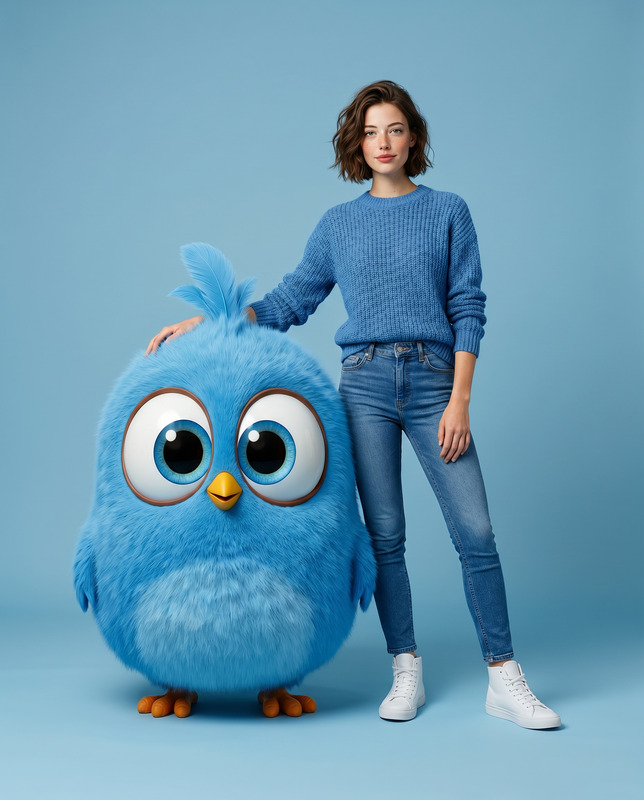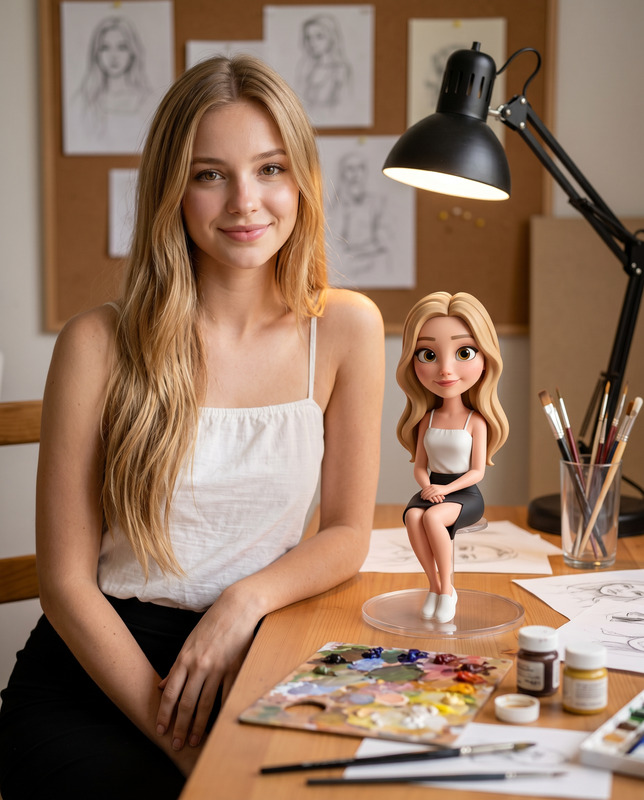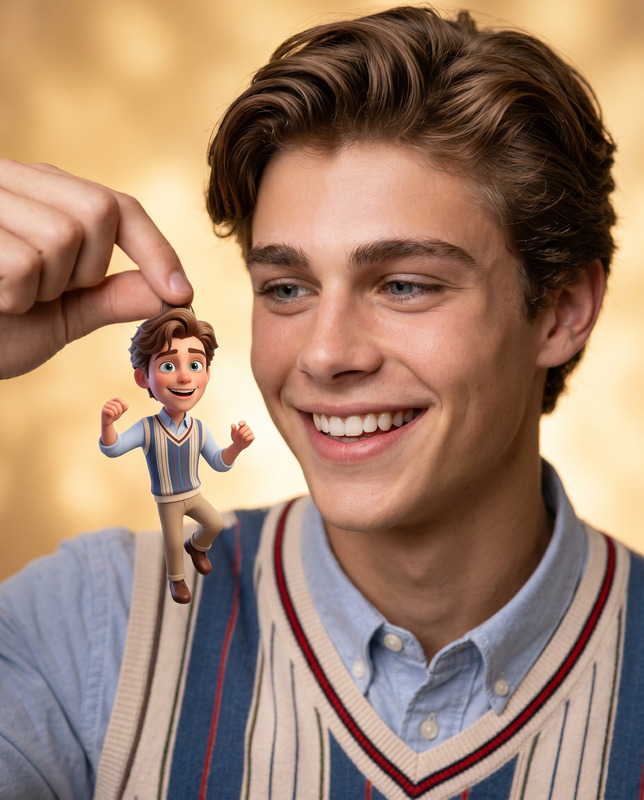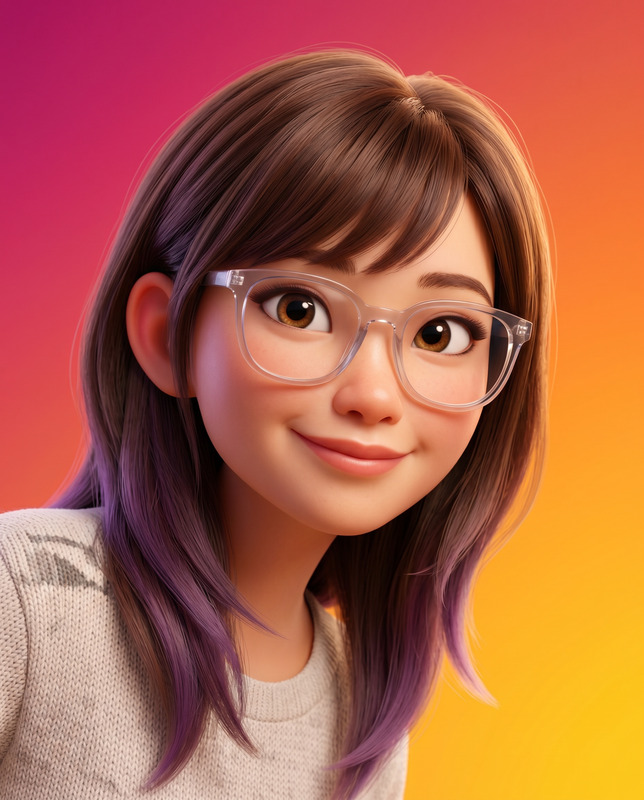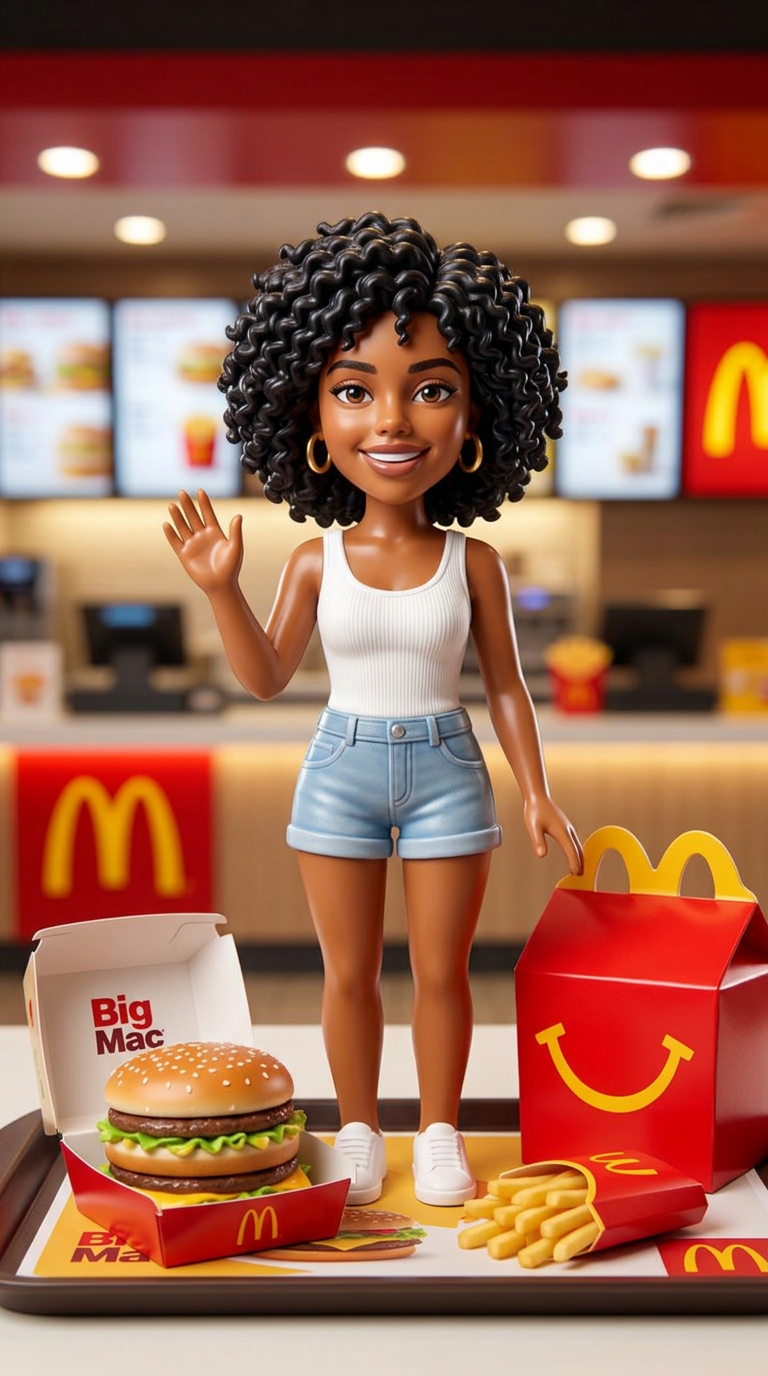
McDonald's Happy Meal Toy Figure
- Model
- Nano Banana 2
- Image
- 768 × 1376 px
Prompt
Use the uploaded reference photo as the exact facial identity reference. Preserve identical facial features, facial structure, eye shape, nose shape, lips, jawline, skin tone, hairstyle, facial proportions, and recognizable identity with 100% accuracy. Transform the subject into a collectible plastic toy figure styled exactly like a McDonald's Happy Meal toy. The miniature figure captures the subject's exact face, hairstyle, outfit, and personality translated into a glossy smooth plastic toy aesthetic. The figure stands in a fun, cheerful pose with slightly simplified but recognizable facial features matching the reference photo. The toy is placed on a clean McDonald's tray alongside a classic McDonald's burger in original packaging, small fries in a red carton, and a red Happy Meal box. Background shows the interior of a clean modern McDonald's restaurant with soft warm lighting, red and yellow brand colors, blurred menu boards, and a clean counter surface. Soft studio-style product lighting illuminates the toy from above, creating gentle highlights on the plastic surface. Shallow depth of field keeps the toy sharp while the restaurant background softly blurs. Ultra-realistic product photography style, collectible toy texture, glossy plastic sheen, premium Happy Meal presentation, cinematic warm lighting, photorealistic background, 8K quality, vertical 9:16. NEGATIVE PROMPT: anime, cartoon, CGI look, blurry face, distorted features, unrecognizable identity, watermark, text overlay, logo, low resolution, dark background, harsh lighting, duplicate elements.
Any aspect ratio
Overview
Transform any subject into a delightful miniature figure styled just like a McDonald's Happy Meal toy. With the AI Image Editor, leverage the power of the nano-banana-2 model to ensure exact facial identity reference is maintained. Capture the essence of the subject with precise details, adapted into a glossy, cheerful toy aesthetic.
What It Does
This template morphs a subject from an uploaded photo into a collectible toy figure, showcasing their exact facial features within a vibrant McDonald's setting. The imagery includes key brand motifs such as the Happy Meal box, making it a perfect choice for marketing or personal memorabilia in ultra-realistic 8K quality.
Who It's For
Ideal for creatives, marketers, and collectors seeking to blend realism with playful toy design. Whether you're involved in eCommerce ads or simply a toy enthusiast, this tool helps visualize how a beloved face would appear as a McDonald's toy figure, captured in a photorealistic and charming context.
Summary
Create unforgettable, photorealistic toy figures using the AI Image Editor. This template supports workflows requiring precise facial recognition and adaptation, perfect for enhancing product catalogs, creating personalized gifts, or designing marketing materials featuring instantly recognizable figures.
How-To
Choose Your Template

Customize Your Inputs

Generate Your Figure

Use Cases
E-commerce Product Showcasing
Personalized Gifting
Marketing and Promotions
Best Practices
Use High-Quality Photos
Ensure the uploaded reference photo is clear and of high resolution to maintain identity accuracy and toy figure detail.Consider Lighting
Bright, even lighting in your reference images can help the model render clearer, more detailed toy figures.Follow Style Guidelines
Adhere to the style prompt, avoiding elements like logos or text overlays, to maintain the photorealistic integrity of the output.