Golden Flash Scrapbook
- Model
- Nano Banana 2
- Image
- 843 × 1264 px
Prompt
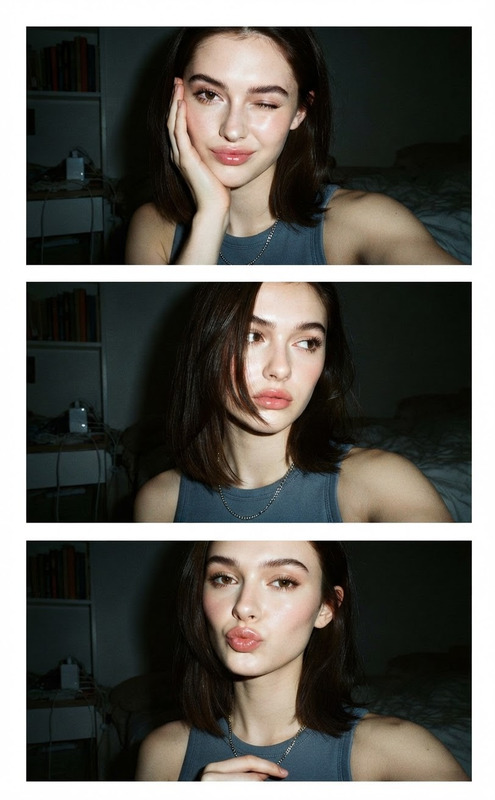
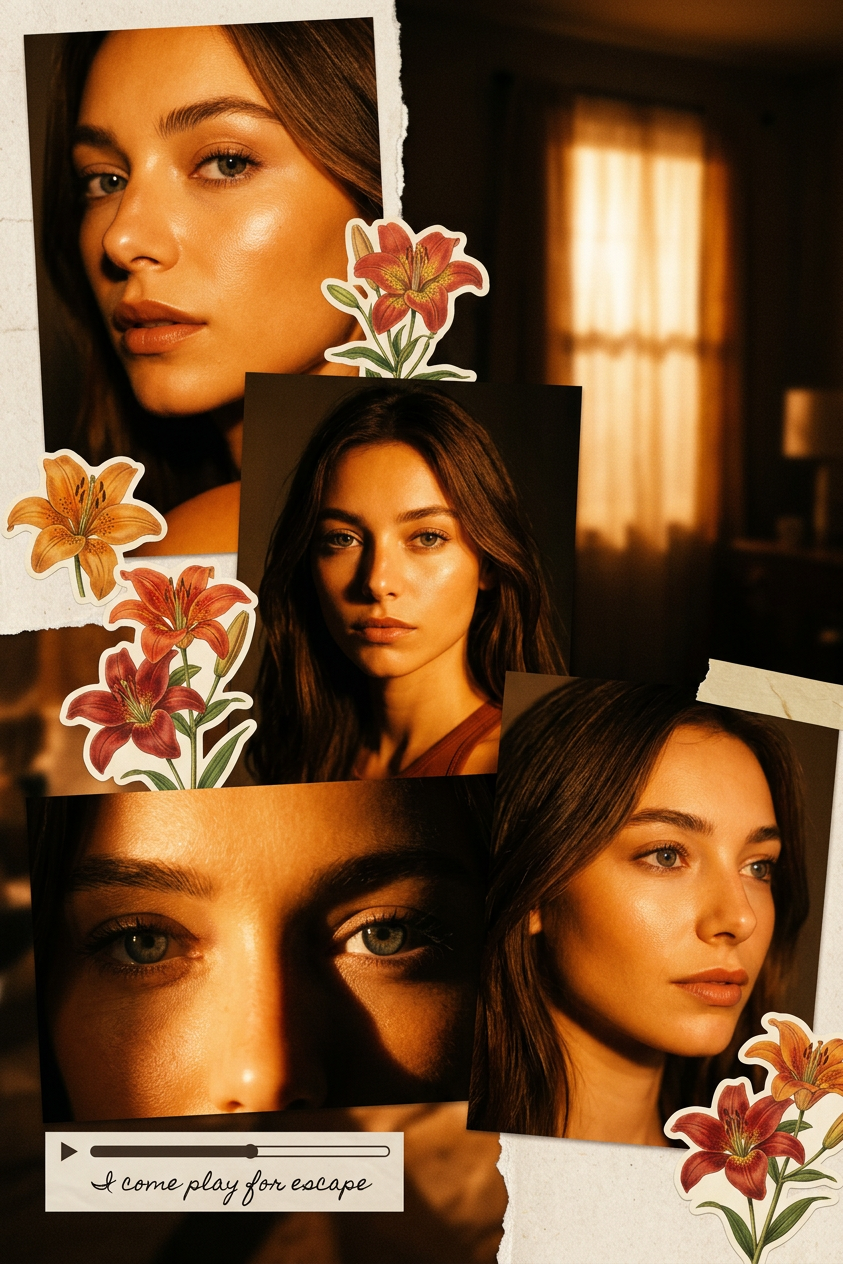
Ultra realistic cinematic scrapbook collage of a young people (use uploaded face with 100% face match, no changes at all). Multiple rectangular photo panels arranged vertically and diagonally with slight overlap, creating an aesthetic layered collage. Each panel shows different shots: close-up face, mid portrait, extreme eye close-up with strong shadow split, and a right-angle portrait with soft side gaze. Top panel shows a serious expression looking directly at the camera. Lighting: strong golden-orange direct flash hitting face from the front, creating high contrast, deep shadows, glowing skin highlights on cheekbones, nose, and lips. Background: dark indoor room with a slightly visible illuminated window curtain. Color grading: intense amber, burnt orange, and golden tones dominating the entire image. Add slight film grain and soft blur for a dreamy vintage feel. Subtle vignette around edges. Add realistic scrapbook elements: torn paper textures, orange/red/green lily flower stickers placed around the collage. Add a small playback bar and play icon, with soft handwritten text: “I come play for escape”. Final touch: soft bloom glow on highlights, flash photography look (digital camera at night), high detail, ultra realistic.
Any aspect ratio
Overview
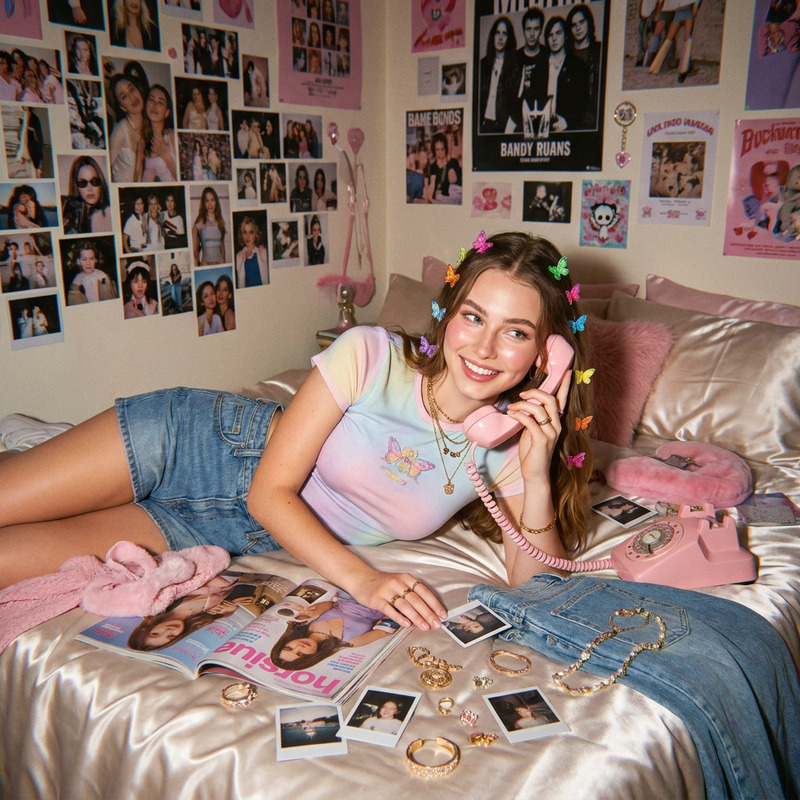
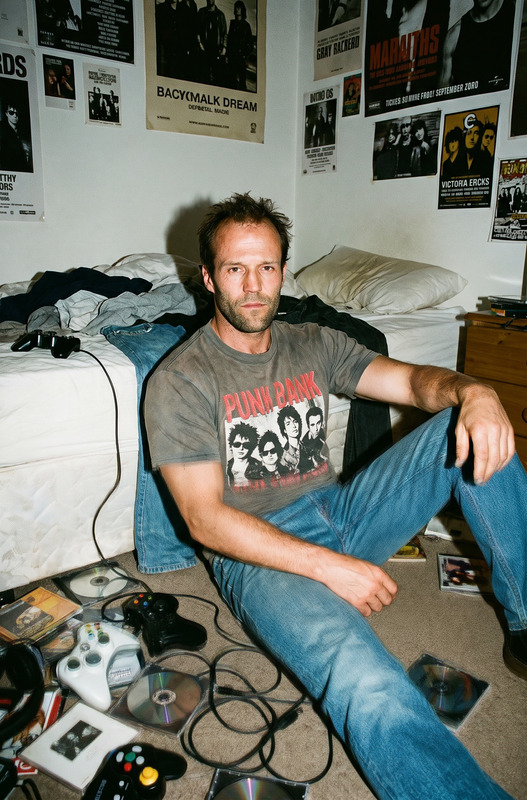
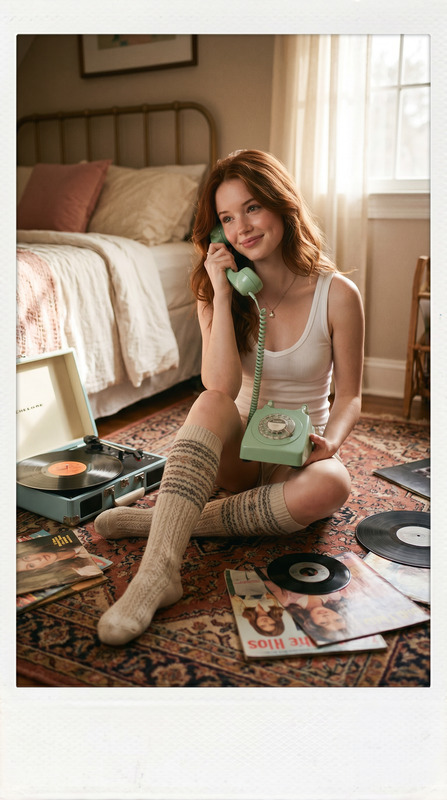
The Golden Flash Scrapbook template in the AI Image Editor category artfully combines realism and cinematic styles. Using the powerful nano-banana-2 model, it crafts scrapbook collages filled with rich textures and golden tones, offering a truly unique aesthetic.
What It Does
This template transforms faces into a high-contrast, ultra-realistic scrapbook collage by matching faces precisely to uploaded images. It incorporates multiple photo panels and vivid special effects, including a strong golden flash and amber color grading. These features, combined with realistic scrapbook elements and vintage film effects, create an engaging and nostalgic visual experience.
Who It's For
Ideal for creatives looking to produce striking visual stories, the Golden Flash Scrapbook template is perfect for visual artists, photographers, and designers. Whether you're working on personal projects or creating unique content for clients, this tool offers the flexibility and detail needed to achieve a cinematic scrapbook style.
Summary
Utilize the Golden Flash Scrapbook to produce high-detail, realistic scrapbook collages. This template offers a rich mix of photographic effects and unique scrapbook elements, making it a valuable asset for those looking to create visually captivating images. For further customization, explore related features such as the AI Clothes Changer and Face Swap for expanded artistic expression.
How To
Choose the Template

Customize Your Collage

Generate Your Collage

Use Cases
Personal Photobooks
- Compile family memories with a nostalgic twist.
- Ideal for milestone celebrations like birthdays or anniversaries.
Marketing Materials
- Use unique scrapbook effects for promotional content.
- Enhance brand storytelling with a personal touch.
Social Media Content
- Turn everyday photos into cinematic stories.
- Boost engagement with visually stunning posts.
Best Practices
Upload Quality Images
Ensure the images you upload are of high quality for the best face match and detail retention.Experiment with Composition
Try different panel arrangements and positioning of scrapbook elements to find your unique style.Mind the Lighting
Utilize similar lighting conditions to the template's settings to maintain a cohesive visual effect.