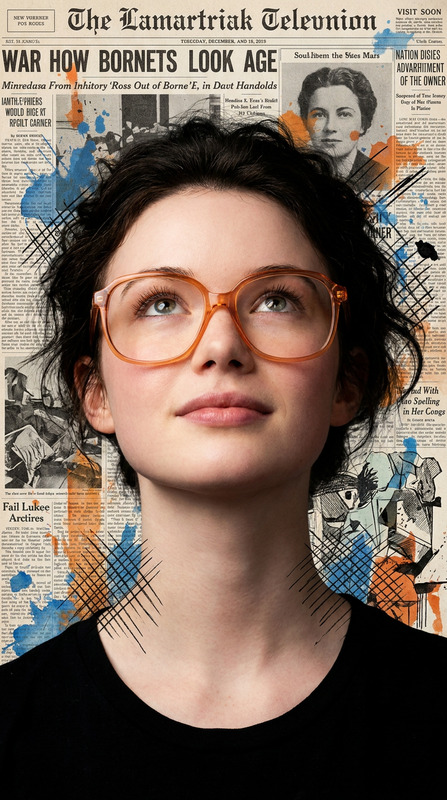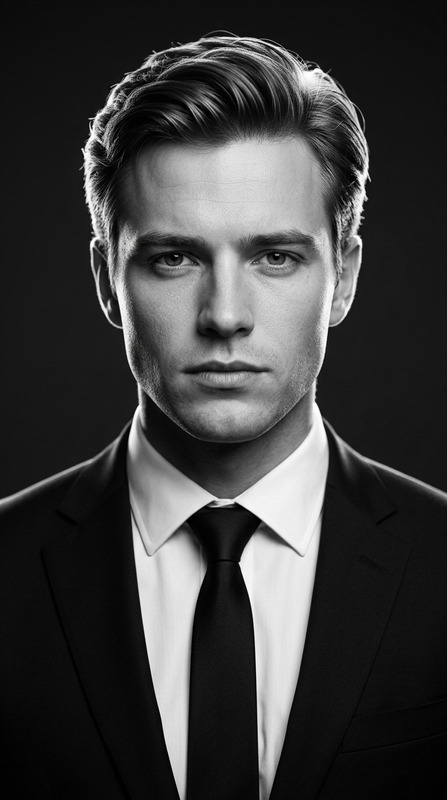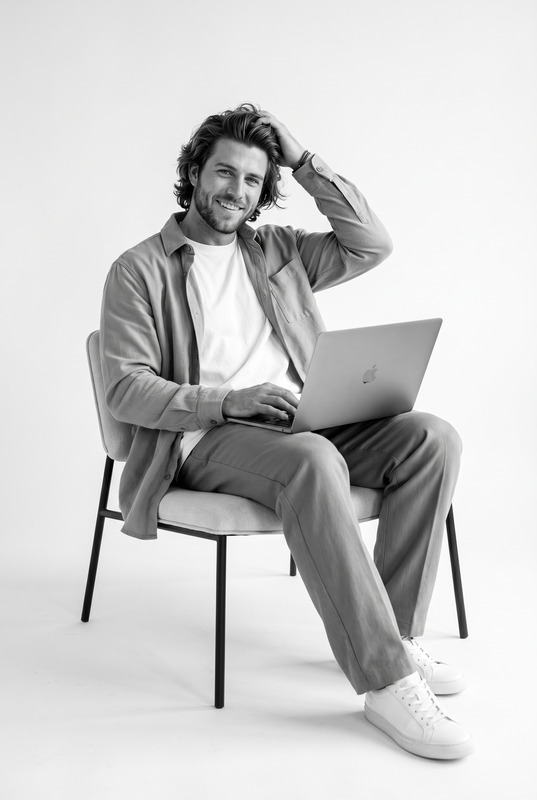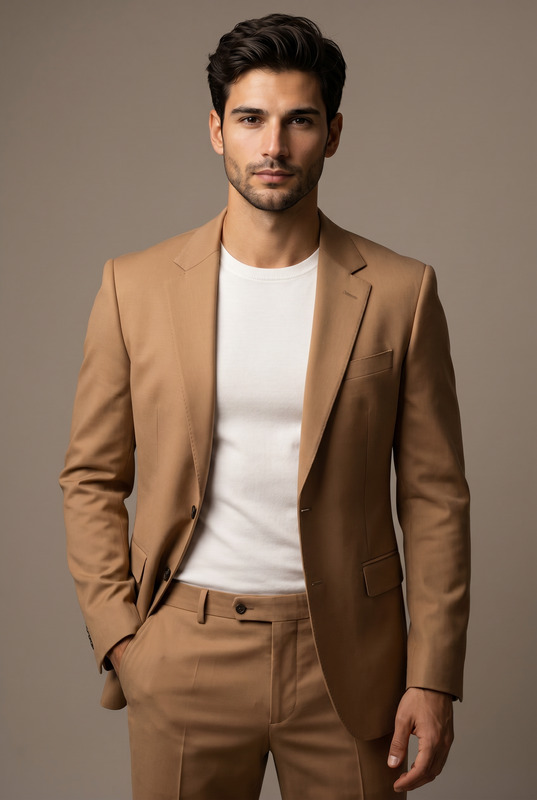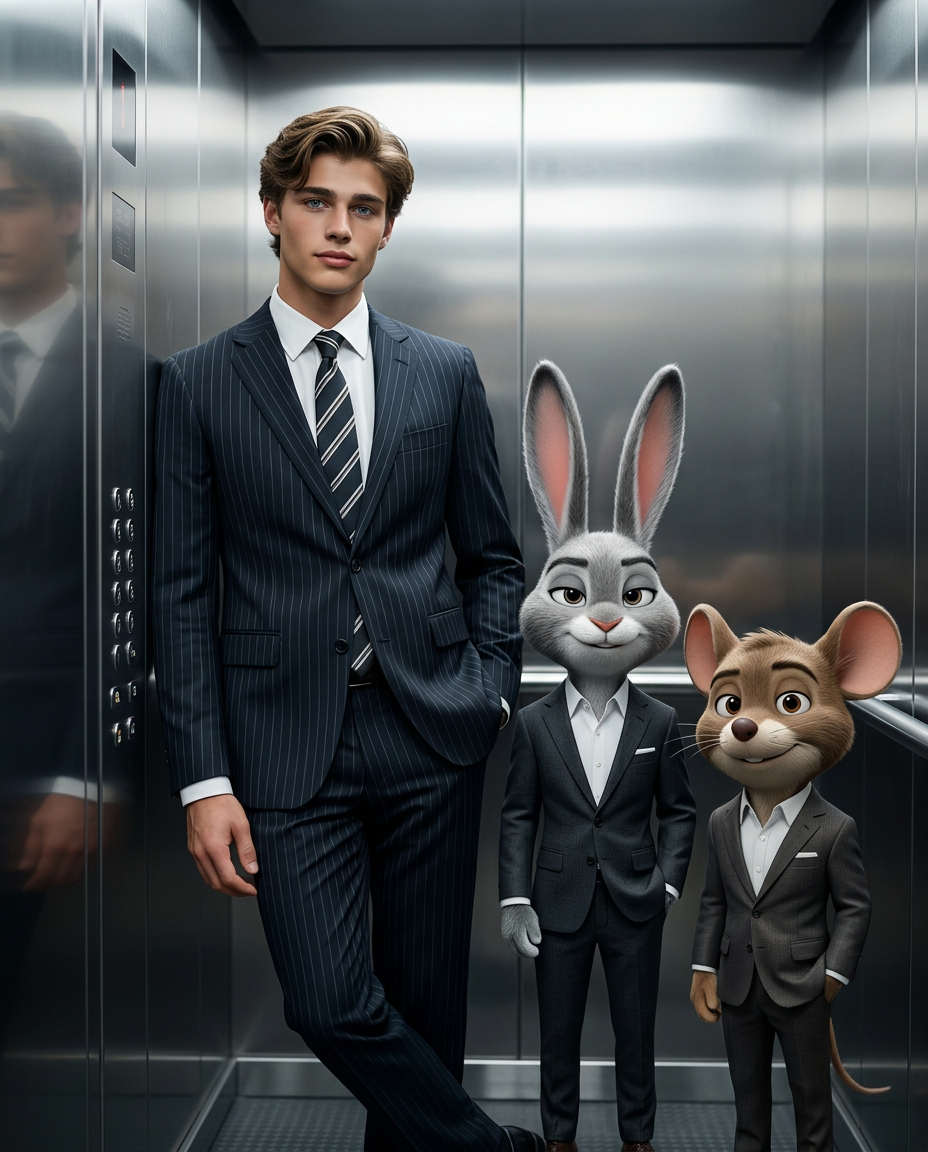
The Merger
- Model
- Nano Banana 2
- Image
- 928 × 1152 px
Prompt
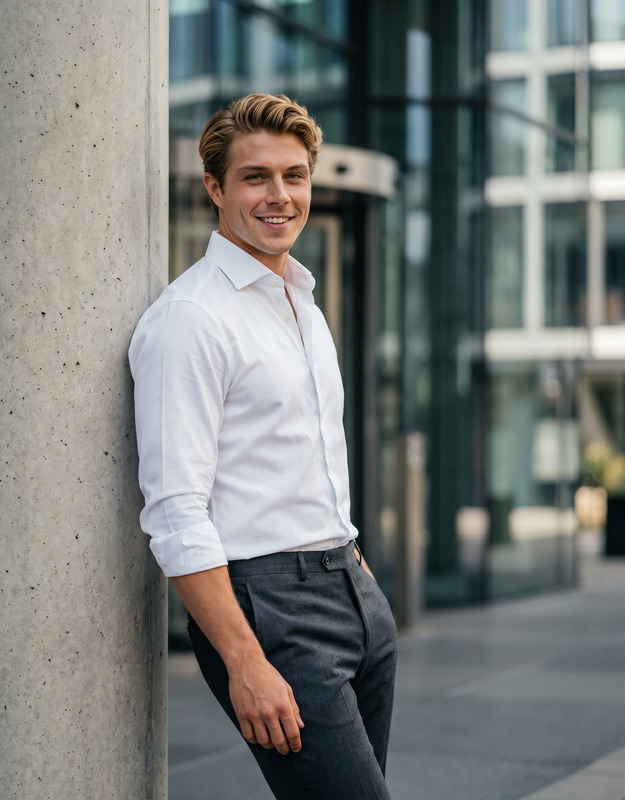
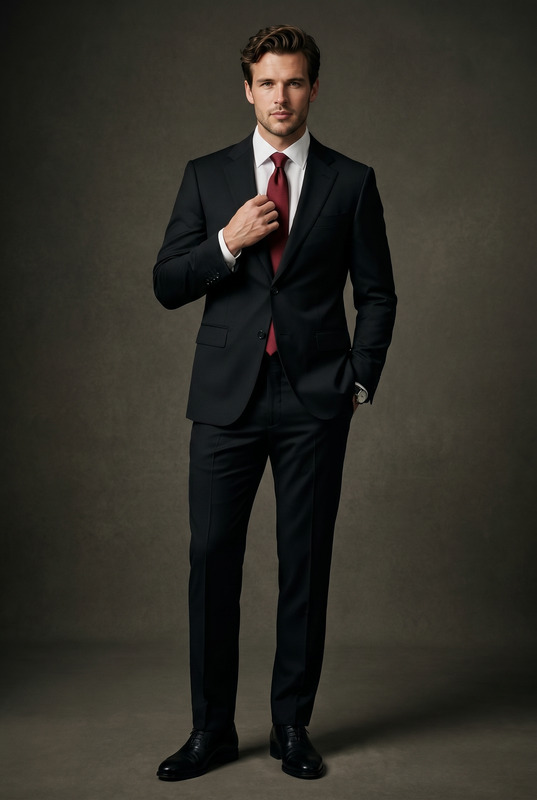
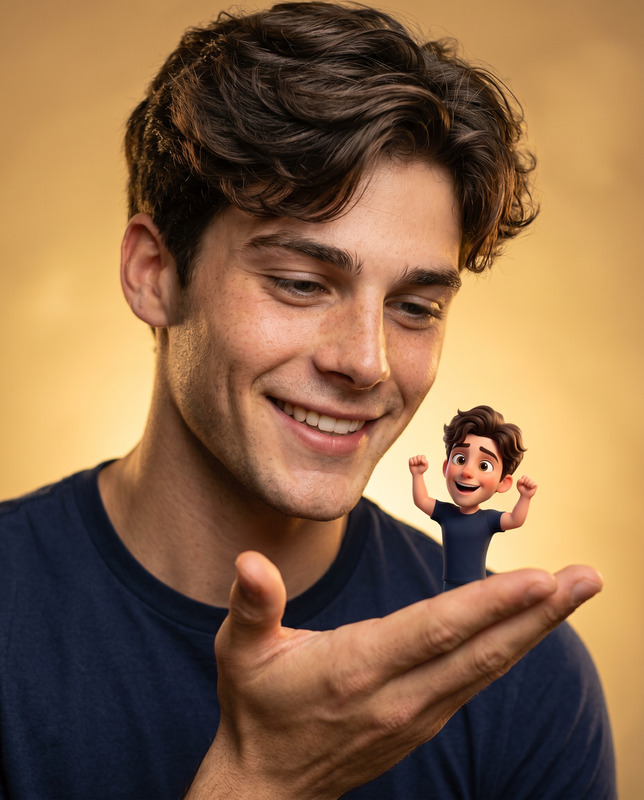
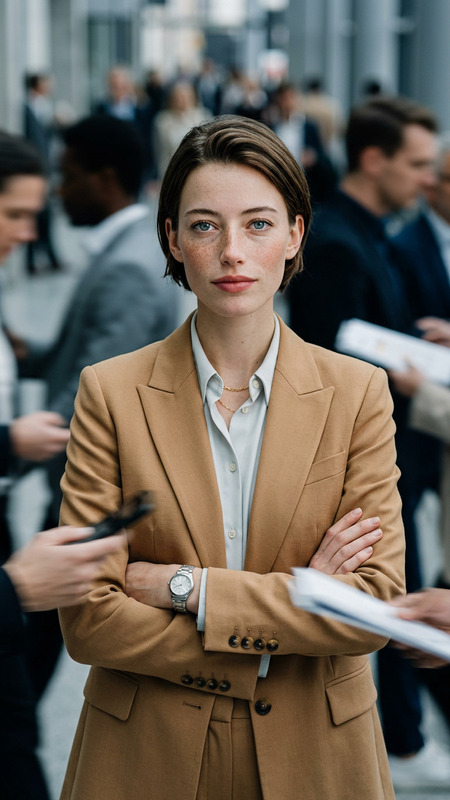
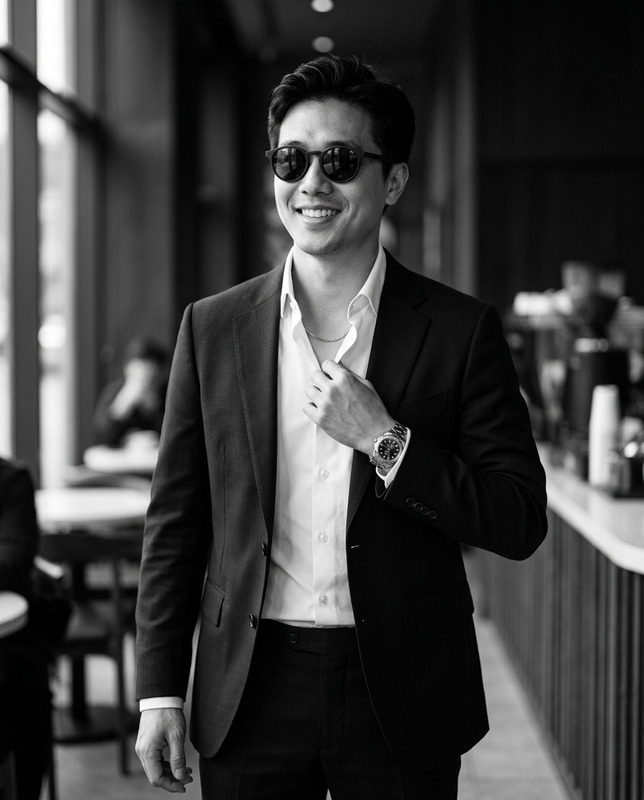
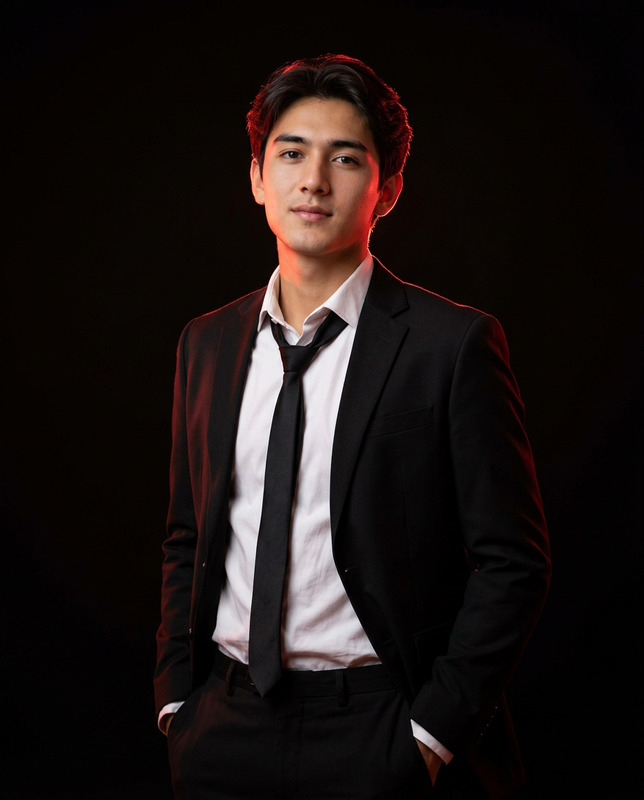
1. Main Subject (The Man) Description: A cinematic, ultra-realistic portrait of a confident man. Reference Note: (the subject that's been uploaded above and make sure to keep the facial features to blend in the description) Attire: Tailored dark pinstripe suit, white dress shirt, and striped tie. 2. Secondary Subjects (The Characters) Characters: Anthropomorphic gray rabbit (Bugs Bunny) and Mickey Mouse. Attire: Sharp charcoal suit and white shirt. Features: Expressive eyes, long upright ears, and a subtle smirk. Integration: Styled like high-end animated characters integrated seamlessly into a realistic environment. 3. Action & Pose The Man: Standing casually, leaning on elevator with relaxed confidence next to the characters. Framing Instruction: Keep Main subject and Characters in under the frame. 4. Setting & Environment Location: Inside a sleek metallic elevator. Details: Polished metal reflections. 5. Style, Lighting & Mood Aesthetic: Luxury corporate aesthetic, professional fashion photography style. Lighting: Soft studio lighting. Technical Details: Shallow depth of field, hyper-detailed textures, realistic fabric folds, 8k resolution, cinematic mood. 6. Technical Parameters Aspect Ratio: 4:5 Negative Prompt Blurry image, Low resolution, Cartoonish realism (cheap 2D look), Over-stylized faces
Any aspect ratio
Overview
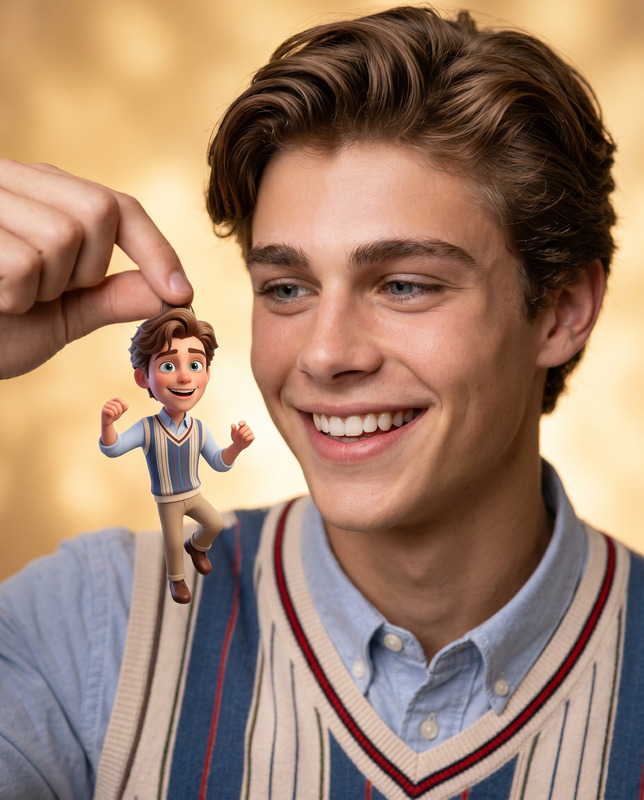
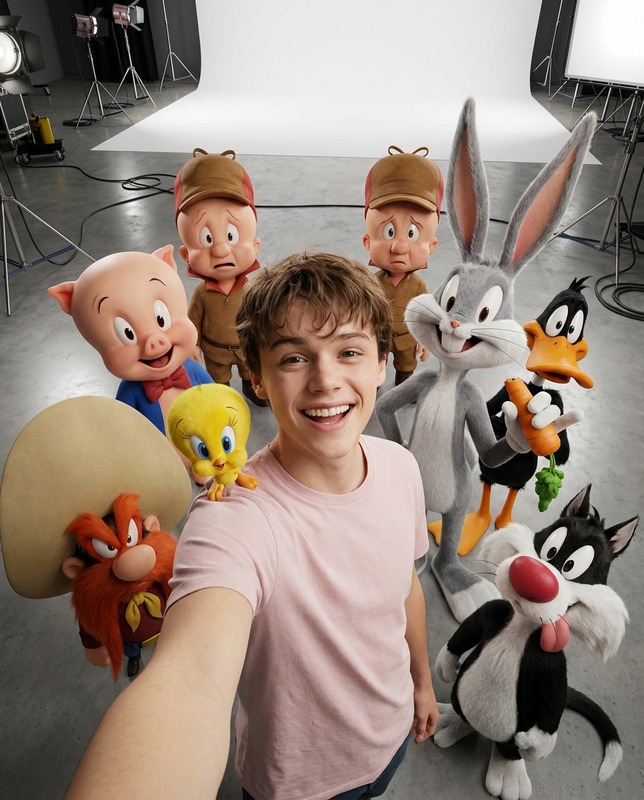
"The Merger" is an AI Image Editor template designed to blend ultra-realistic portraits with animated characters, creating visually stunning images that resemble high-end movies. Utilizing the nano-banana-2 model, this template transforms static images into dynamic visual narratives.
What It Does
This template allows users to merge a realistic portrait of a man with beloved animated characters like Bugs Bunny and Mickey Mouse. It achieves a luxury corporate aesthetic by combining tailored suits and polished settings with sophisticated lighting techniques, all in a cinematic frame.
Elevate your AI Image Editing projects by integrating both real and animated elements into a seamless scene. The integration is enhanced with realistic environments and textures, perfect for visual storytelling in promotional campaigns.
Who It's For
"The Merger" is ideal for creative professionals, marketers, and content creators aiming for a unique blend of reality and animation. Whether you're crafting corporate ads, marketing visuals, or social media content, this template offers expansive possibilities in the field of AI Meme Generation and promotional imagery.
Summary
Combining fine art portraiture with iconic animated personalities, this template is perfect for luxurious and imaginative projects. Achieve unparalleled realism with AI Profile Picture Generator capabilities while maintaining the whimsical charm of familiar characters.
How To
Choose Your Template

Customize the Scene

Generate & Download

Use Cases
Corporate Campaigns
- Luxury brand ads
- Executive events imagery
Social Media Content
- Instagram stories
- TikTok videos
Entertainment Marketing
- Movie premieres
- Comic conventions
Best Practices
Focus on Lighting
Achieve professional results by mimicking soft studio lighting to highlight the subject and characters.Maintain Realism
Ensure the characters are seamlessly integrated with the environment, paying attention to shadows and reflections.Attention to Detail
Fine-tune textures and clothing folds to elevate the realism and depth in your images.