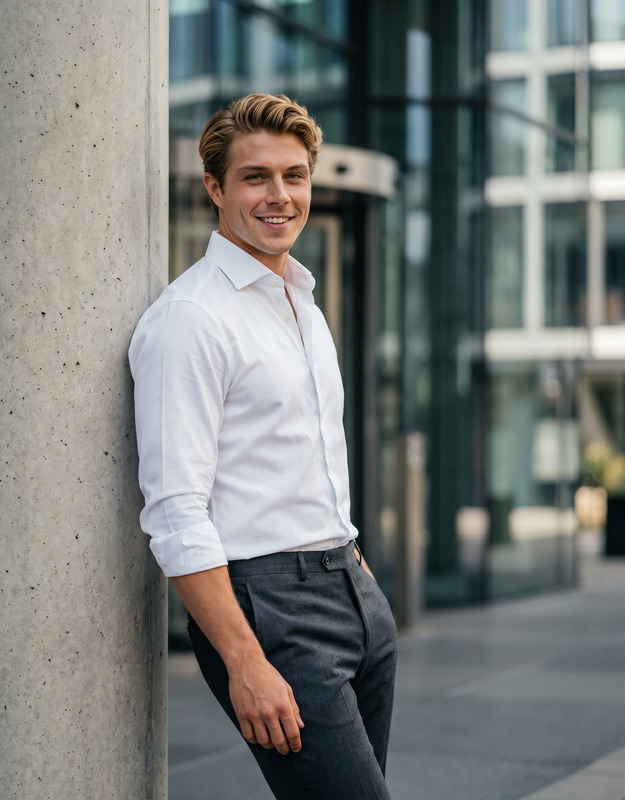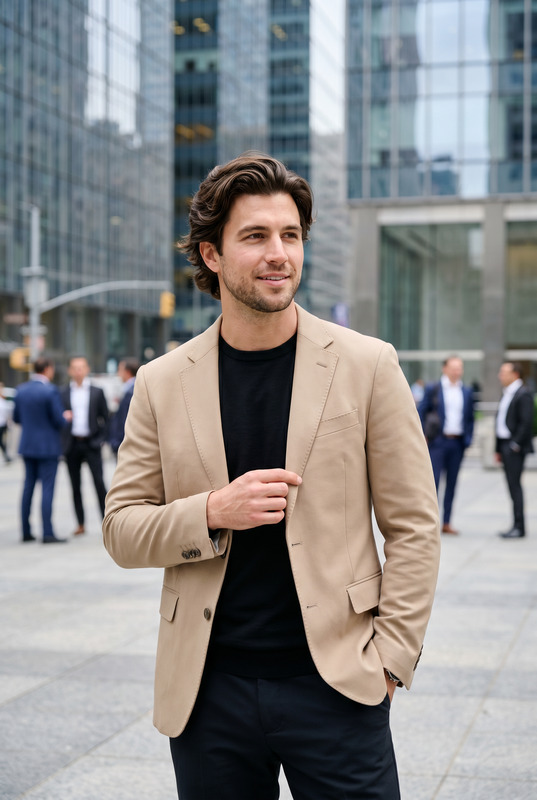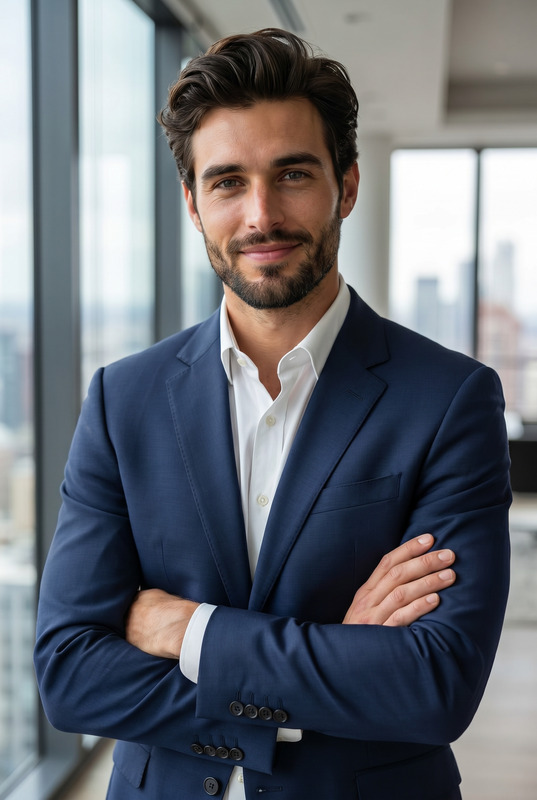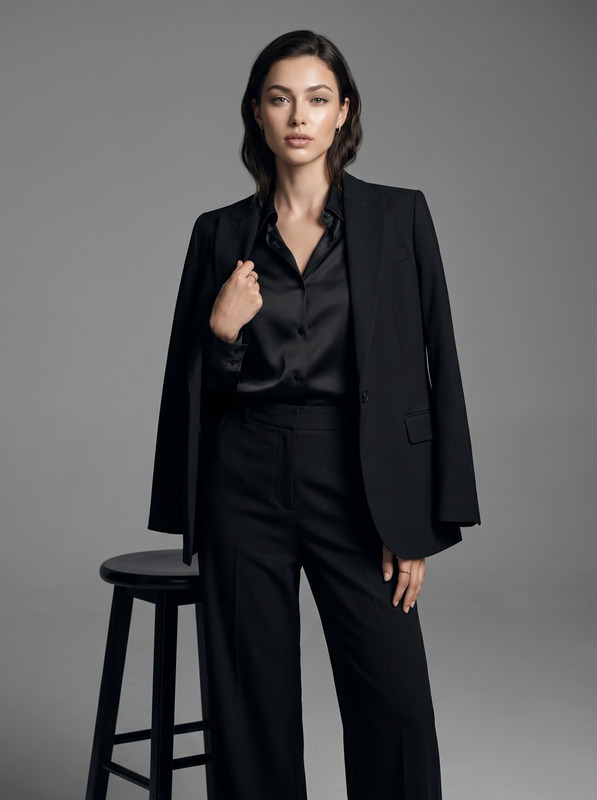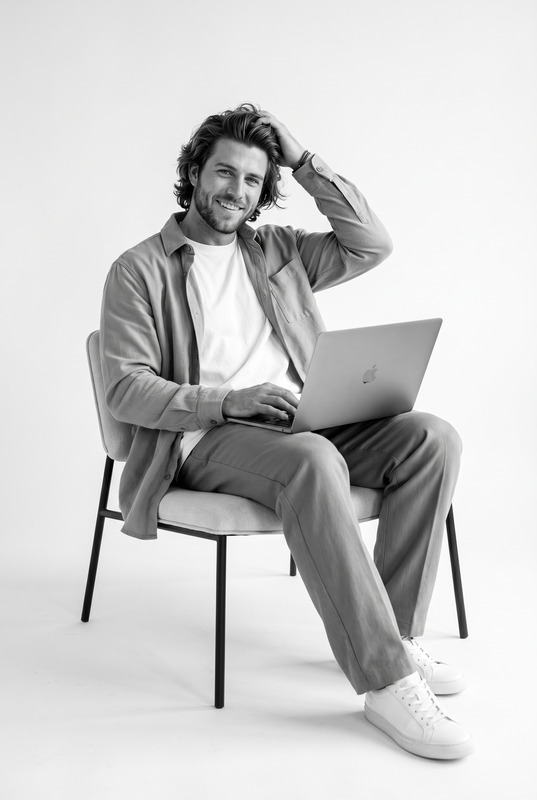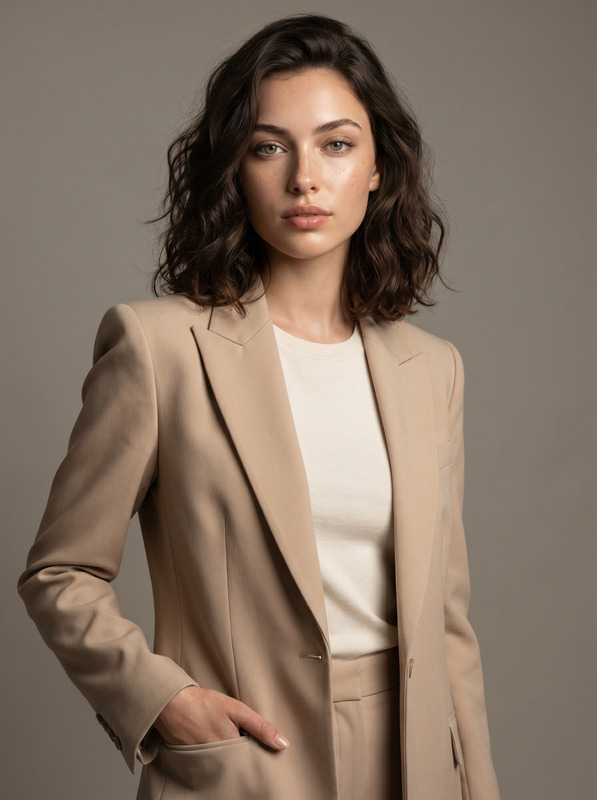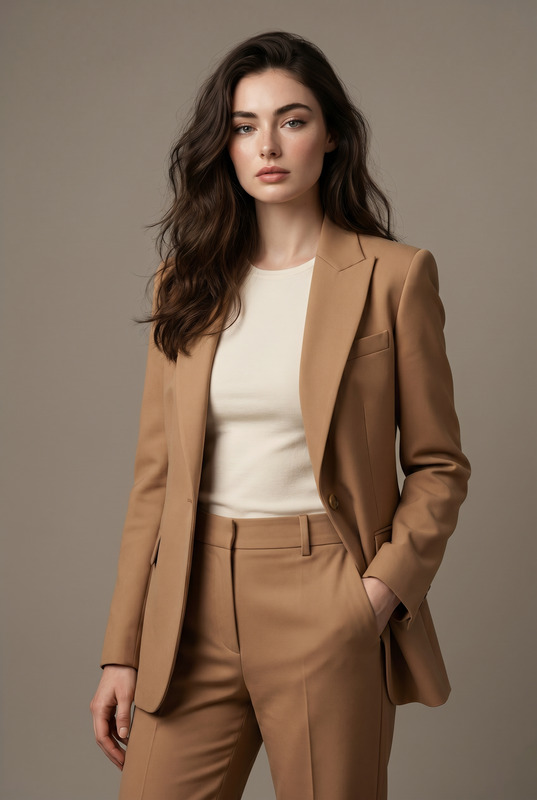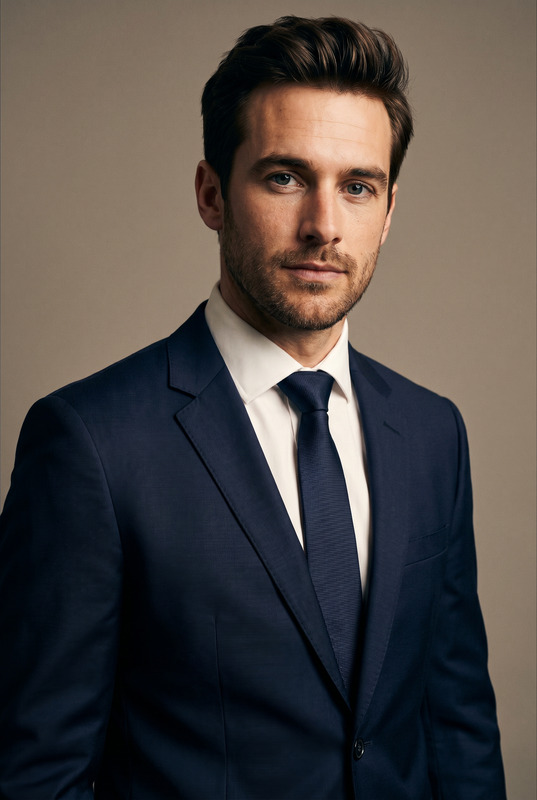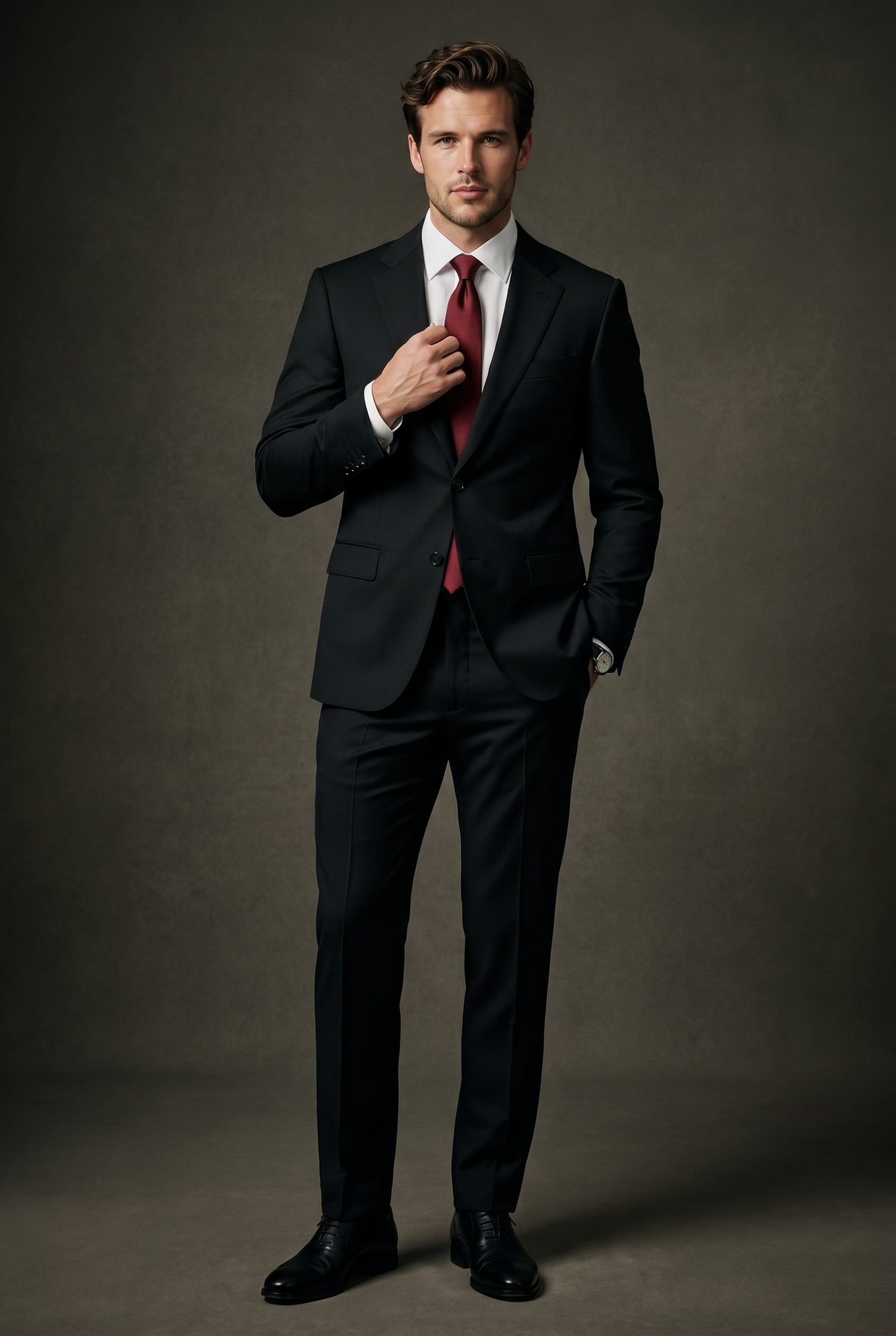
Neutral Edit (M)
- Model
- Nano Banana Pro
- Image
- 1696 × 2528 px
Prompt
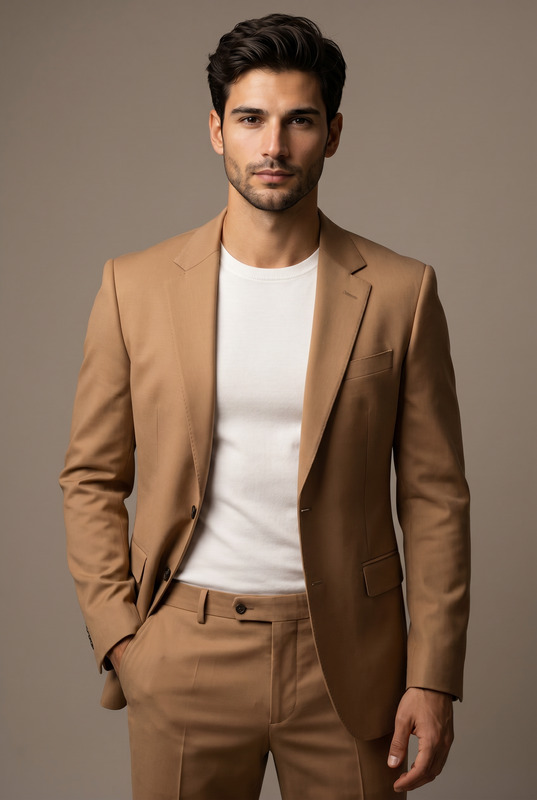
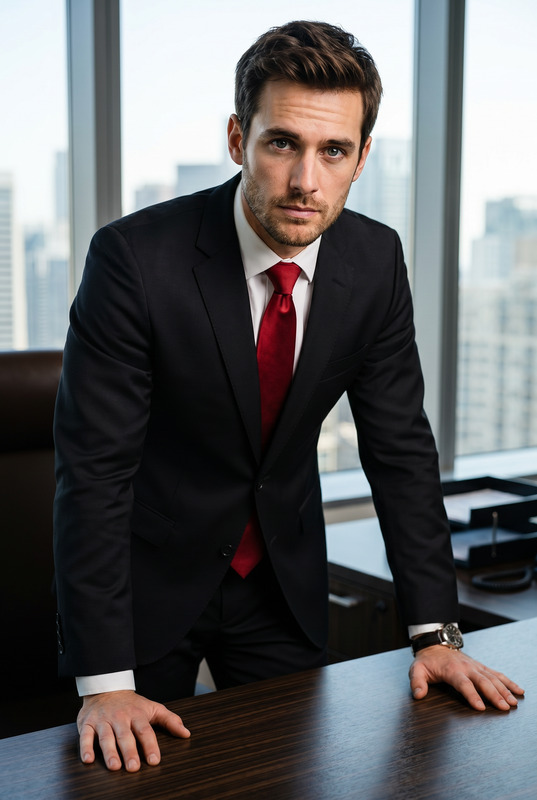
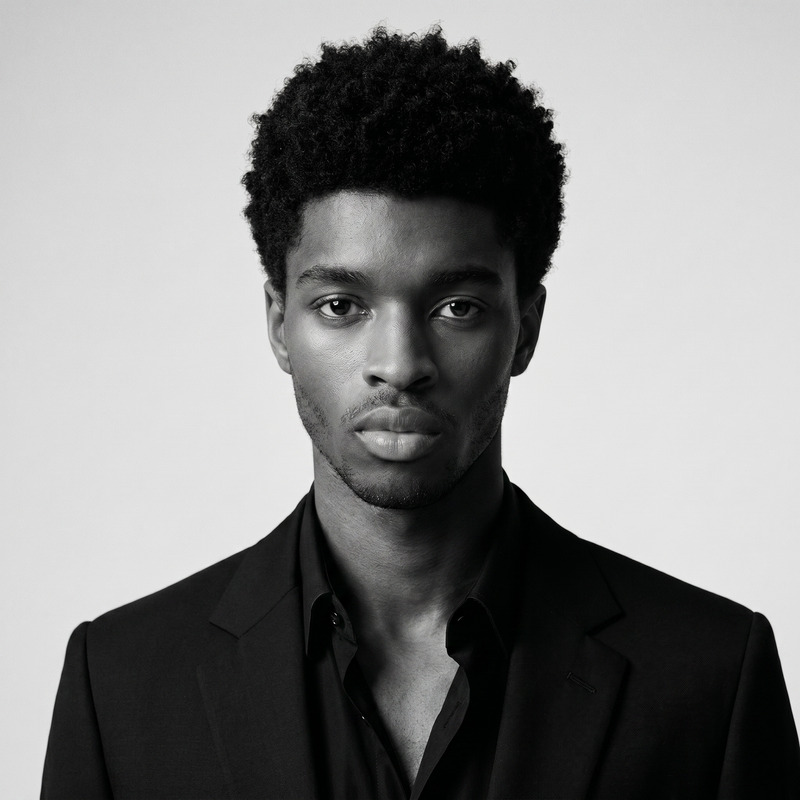
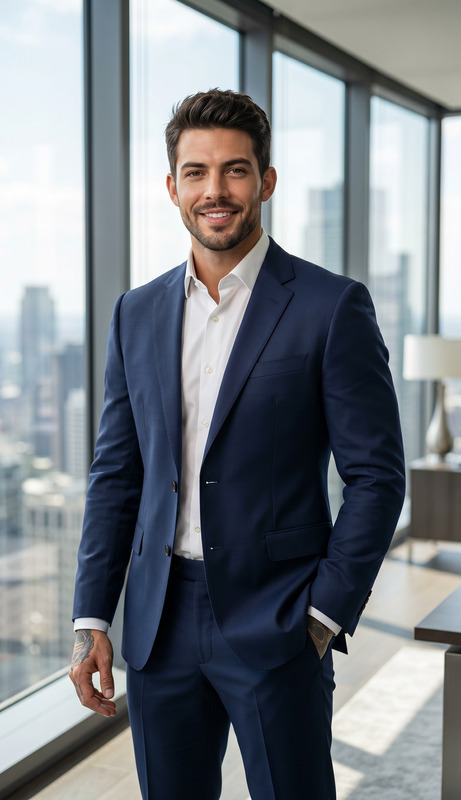
Transform the uploaded face-edited portrait into an ultra-luxury high-fashion menswear editorial featuring a confident modern gentleman in a sophisticated black tailored suit with a striking deep red silk tie. The subject is standing confidently in a sleek minimalist studio with a powerful charismatic posture, one hand adjusting the tie or blazer casually. Perfectly fitted black suit with sharp tailoring, crisp white dress shirt, polished black leather shoes, luxury executive styling. Defined jawline, styled dark hair with natural texture, calm confident expression, masculine elegance, ultra realistic skin texture, refined grooming, cinematic masculine energy. Soft dramatic studio lighting with elegant shadows sculpting the face and suit, dark neutral luxury background, premium GQ and Vogue Homme editorial aesthetic, timeless gentleman sophistication, cinematic shallow depth of field, medium-format photography look, highly detailed realistic portrait, shot on 85mm lens, luxury menswear campaign vibe, rich premium color grading, magnetic charismatic presence. James Bond energy, billionaire businessman aura, luxury mafia elegance, Tom Ford campaign aesthetic, elite masculine charisma, cinematic power portrait, Wall Street billionaire vibe, timeless gentleman sophistication, Oscar red carpet fashion Effects: cinematic luxury menswear aesthetic, dramatic studio lighting, premium executive fashion, old money masculine elegance, luxury CEO vibe, sophisticated gentleman portrait, GQ cover energy, refined high-fashion styling, cinematic shadow contrast Negative Prompt: blurry, low quality, CGI, cartoon, distorted anatomy, warped hands, unrealistic suit texture, plastic skin, overprocessed face, fake smile, messy tie, poor tailoring, watermark, text artifacts
Any aspect ratio
Overview
The Neutral Edit (M) template in our AI Image Editor suite is designed for the sophisticated creator looking to produce high-fashion editorial images. It transforms simple portraits into luxurious menswear masterpieces, perfect for anyone seeking to elevate their visual storytelling.
What It Does
This template turns your uploaded images into ultra-realistic high-fashion editorials. It focuses on details like sharp tailoring, refined grooming, and a cinematic luxury menswear aesthetic. The result is a sophisticated, polished image suitable for premium branding and fashion campaigns.
Who It's For
Ideal for marketers, fashion photographers, and creative professionals aiming to captivate with elegance and style, this template transforms portraits into editorial-quality images. It serves creators who need to convey high-end vibes, whether for profile pictures or product advertising.
Summary
The Neutral Edit (M) template leverages AI Image Editor capabilities to bring cinematic masculine energy and distinguished styling to your visuals. With highly realistic skin textures and luxury editorial aesthetics, your images will exude the confident elegance of a modern gentleman.
How To Structure
Choose Your Template

Customize Your Inputs

Generate Your Image

Use Cases
Fashion Editorials
- High-end menswear campaigns
- Magazine editorials
- Fashion blogs
Marketing Materials
- Luxury brand promotions
- Executive marketing materials
Profile Enhancements
- LinkedIn photos
- Corporate biographies
Best Practices
Choose High-Quality Source Images
Use clear, well-lit images with good resolution to ensure the editor maximizes detail and realism.Refine the Prompt Wisely
Customize prompts to better suit specific elements of your photo, enhancing stylistic decisions or focusing on particular attributes.Focus on Realistic Features
Avoid negative prompt elements like unnatural poses or textures to maintain a high-quality output.