Surreal Clown Balloon
- Model
- Nano Banana 2
- Image
- 895 × 1200 px
Prompt
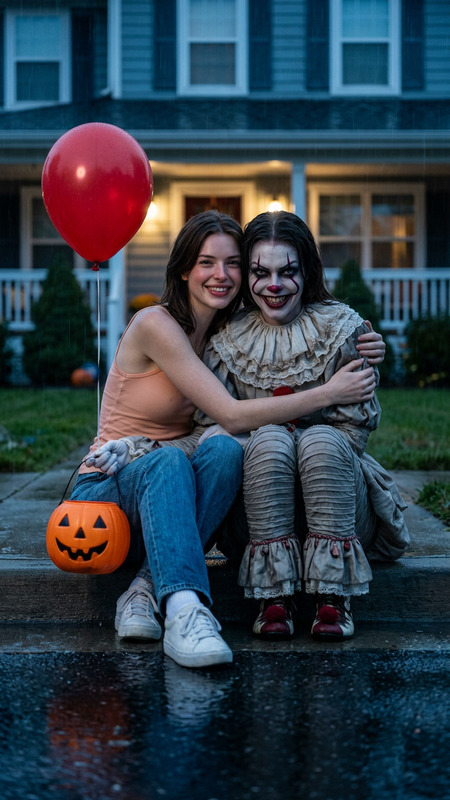
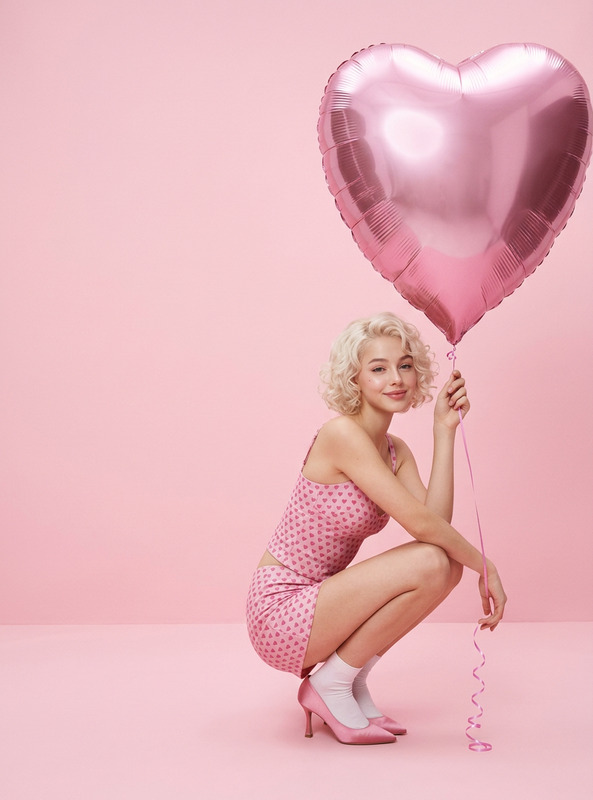
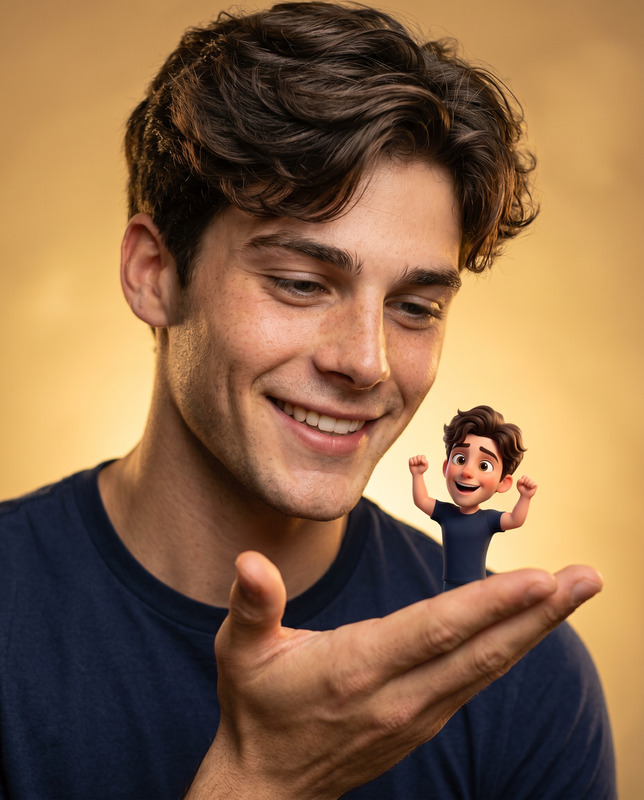
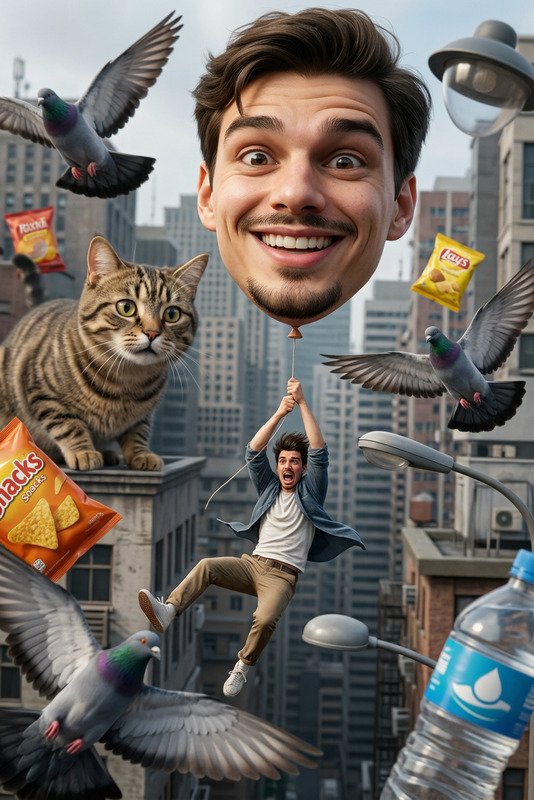
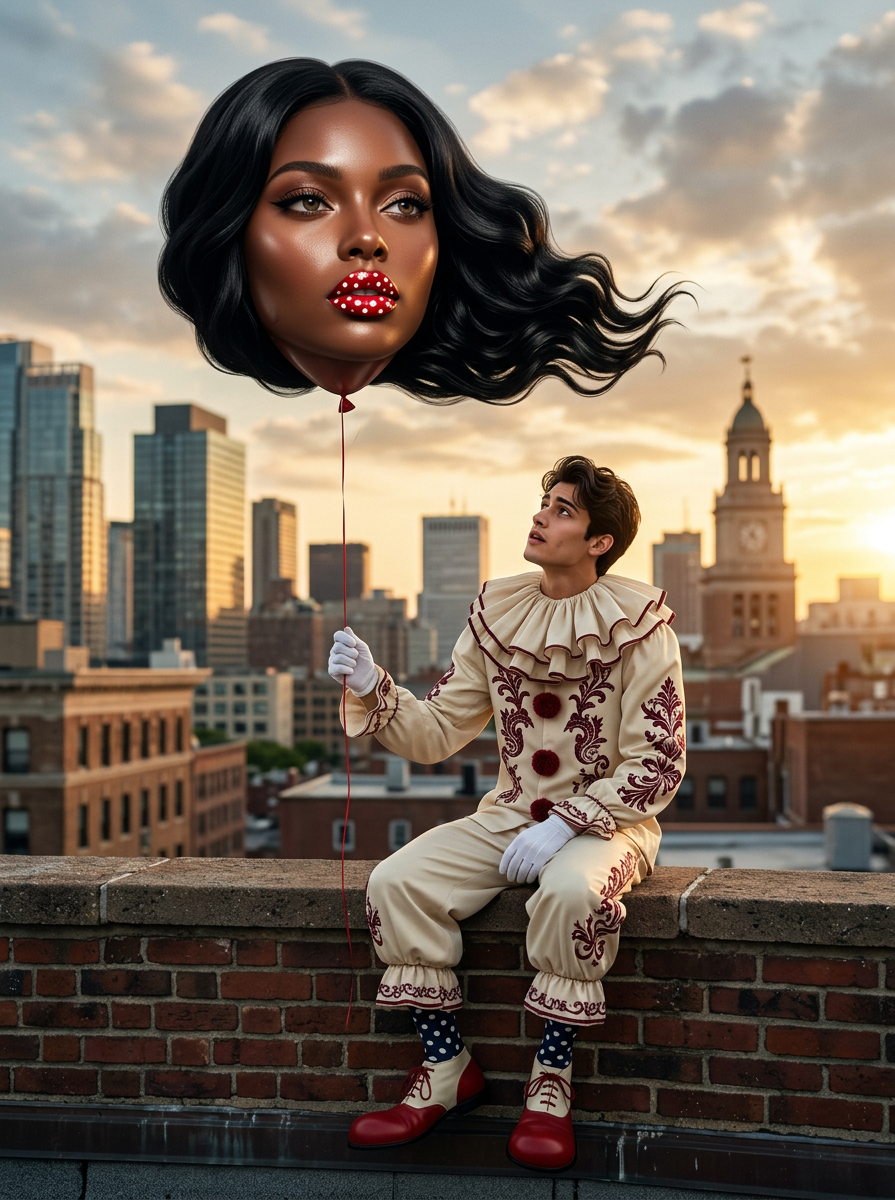
Surreal cinematic portrait of a stylish young clown sitting on a weathered brick rooftop wall at sunset overlooking a city skyline. He wears an elegant vintage cream clown suit with burgundy trim, oversized ruffled collar, red pom-pom accents, white gloves, polka-dot socks, and oversized red clown shoes. He gazes upward with a fascinated expression at a giant floating balloon shaped like a glamorous dark-skinned woman’s head. The balloon woman has flawless skin, luxurious wavy black hair flowing beneath the balloon, dramatic makeup, and glossy red lips covered in white polka dots. The balloon is attached to a thin red string held in the clown’s hand. Warm golden-hour lighting, dramatic clouds, shallow depth of field, high-fashion editorial photography, whimsical yet slightly unsettling atmosphere, ultra-realistic skin texture, cinematic color grading, 85mm lens, f/1.8, photorealistic, hyper-detailed, luxury fantasy art, magazine-quality composition, rooftop cityscape background, dreamy surrealism. Negative Prompt: cartoon, anime, CGI, low resolution, blurry face, extra limbs, duplicate features, distorted hands, floating objects, text, watermark, logo, poorly drawn eyes, unrealistic skin, oversaturated colors, deformed balloon, bad anatomy.
Any aspect ratio
Overview
The "Surreal Clown Balloon" template in the AI Image Editor category empowers creatives to craft stunningly surreal and cinematic imagery. Leveraging the advanced capabilities of the nano-banana-2 model, this template facilitates the creation of high-quality, photorealistic portraits that embody whimsical yet sophisticated artistry.
What It Does
This template uses AI to refine your images into a dreamy, high-fashion editorial style. It features a complex scene of a clown on a rooftop at sunset, interacting with a giant balloon. The model applies photorealistic textures and meticulous detailing, ensuring each image reflects a magazine-quality composition. Adjustments like cinematic color grading and a surreal atmosphere are built-in to enhance the visual impact.
Who It's For
The "Surreal Clown Balloon" template is ideal for photographers, graphic designers, and digital artists aiming to explore storyboarding or whimsical art creation. It suits those in high-fashion and editorial sectors, looking to add luxury fantasy art to their repertoire. This tool is also great for content creators focused on social media or mood boards where unique visual appeal is key.
Summary
Utilize the "Surreal Clown Balloon" template to transform basic images into exquisite pieces of art. With the precision of AI Image Editor tools and the creative flexibility offered by the nano-banana-2 model, your work will exhibit detailed, hyper-realistic aesthetics with a touch of surreal whimsy. Ideal for generating eye-catching compositions perfect for high-end editorials and social media storytelling.
How To
Choose Your Template

Customize Your Image

Generate and Download

Use Cases
Fashion Editorials
- Enhance portfolio pieces with unique visual art
- Develop themed photoshoots with a surreal edge
Social Media Content
- Create shareable and intriguing visuals
- Boost brand aesthetics with surreal content
Artistic Projects
- Craft thematic art displays
- Develop storylines with visual impact
Best Practices
Focus on Details
Ensure to highlight the finer details in your image by adjusting the prompt to emphasize textures and depth.Leverage Lighting
Play with the warm golden-hour lighting settings to enhance the surreal atmosphere of your composition.Avoid Over Saturation
Maintain a balance in colors to keep the image aesthetically pleasing and to avoid overly saturated visuals.