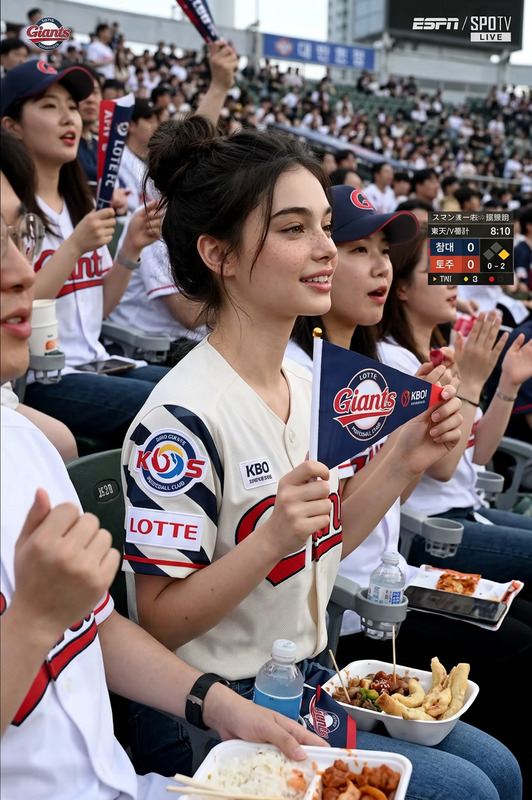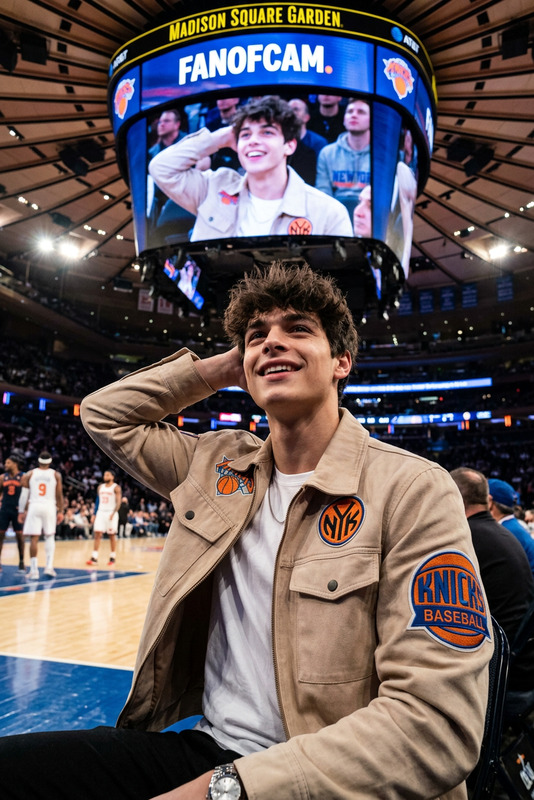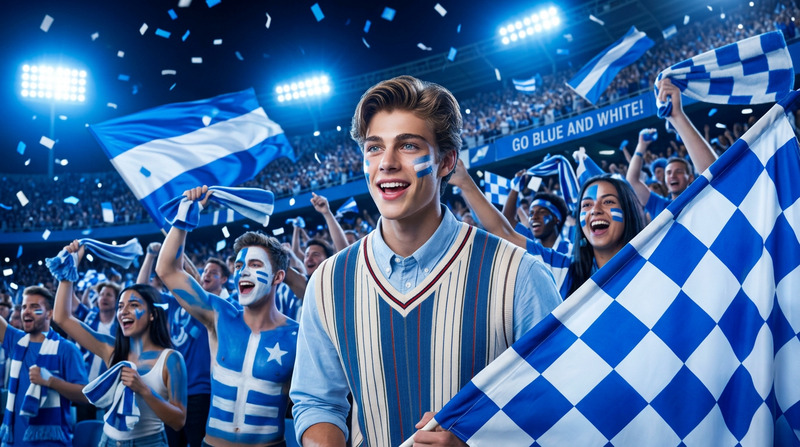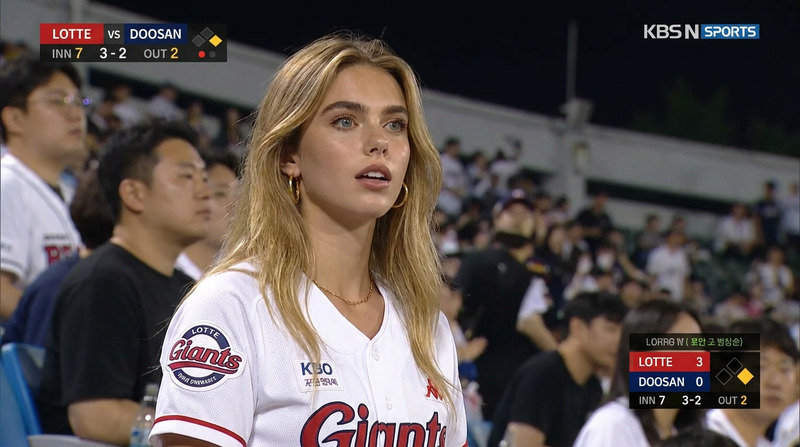
Stadium Trend
- Model
- Nano Banana 2
- Image
- 841 × 1264 px
Prompt
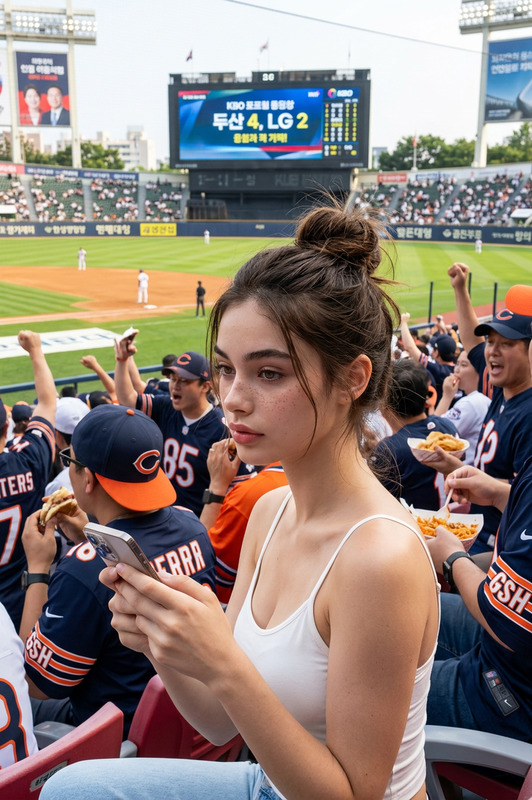
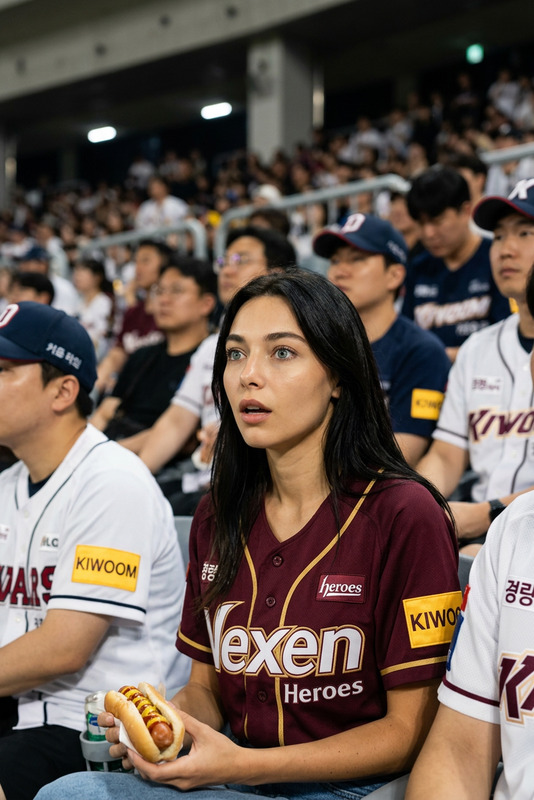
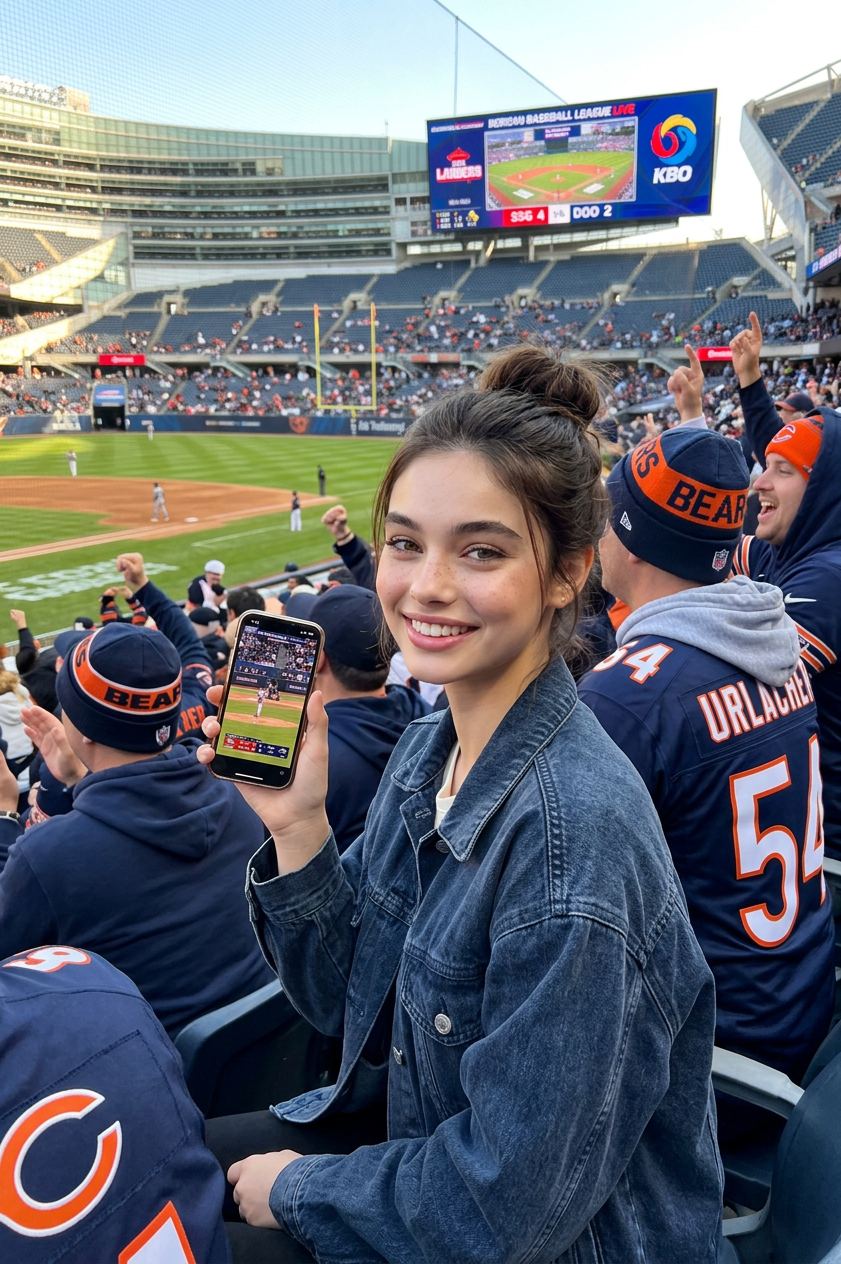
A girl sits in the stands at a baseball game, holding a smartphone. Around her are spectators wearing Chicago Bears uniforms, and the score of a Korean Baseball League game is being broadcast live. game sport. game stadium
Any aspect ratio
Overview
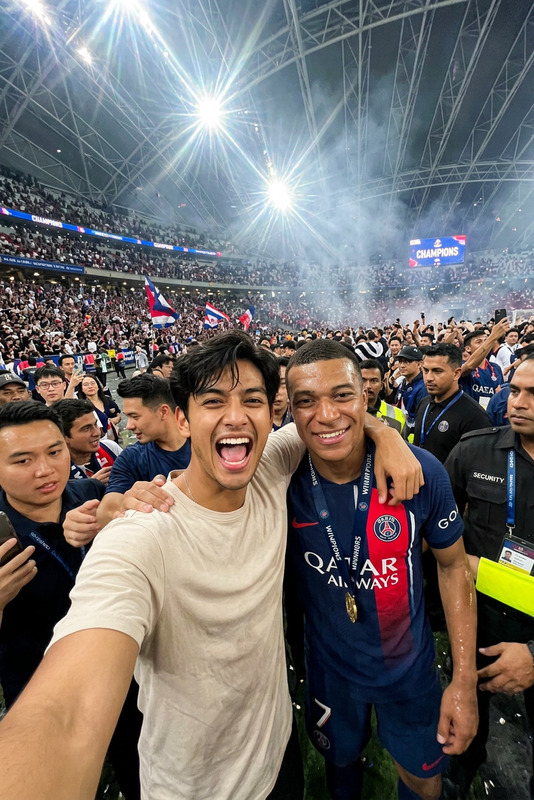
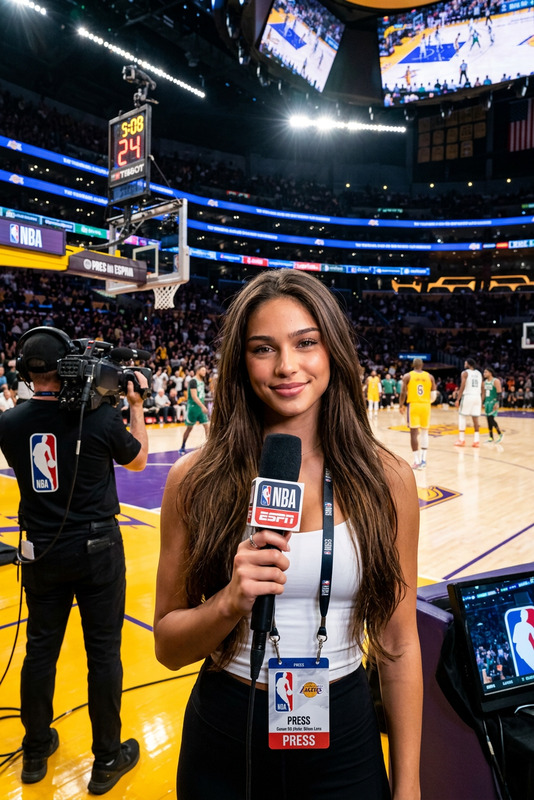
The Stadium Trend template brings the excitement of live sports to your digital imagery. Leveraging AI Image Editor capabilities, this template enables creators to infuse sports-themed elements into images with ease. Built on the robust nano-banana-2 model, it ensures realistic and vibrant results perfect for lively social media posts and marketing materials.
What It Does
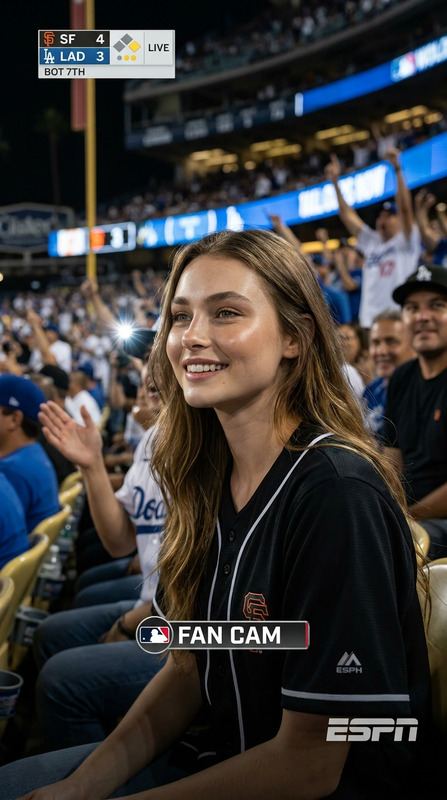
Stadium Trend modifies your image by adding sports elements like spectators in Chicago Bears uniforms and live sports broadcast displays. It's designed to transform images into dynamic snapshots that reflect the lively atmosphere of a baseball stadium. The template is fully integrated with customizable options to fit a wide range of creative needs, from promotional artwork to engaging personal content.
Who It's For
This template is ideal for social media managers, sports marketers, and content creators seeking to enhance visual appeal. Whether you are promoting a sports event or creating eye-catching content for Instagram or Twitter, the Stadium Trend template provides the tools necessary to stand out. Specifically, it's excellent for those working in marketing campaigns and social media activations related to sports.
Summary
The Stadium Trend template is a versatile tool for embedding the vibrant energy of a sports stadium into your still images. It draws upon the strength of nano-banana-2 for AI-enhanced realism. Whether for personal use or commercial projects, this AI Image Editor template provides a straightforward way to create engaging visuals that captivate and inform.
How To
Choose

Customize

Generate

Use Cases
Social Media Boosts
- Feature real-time sports scores and fan engagement.
- Highlight special promotions during major sporting events.
Event Promotions
- Showcase fan excitement and game highlights.
- Use in advertisements and online banners.
Marketing Campaigns
- Tie campaigns to specific sporting events.
- Enhance visuals with team-specific imagery.
Best Practices
Image Selection
Choose high-resolution images for the best results. High-quality inputs lead to superior AI enhancements.Prompt Precision
Be specific in your prompts for accurate representation. Mention details like team names or event types to achieve your desired effect.Template Exploration
Experiment with other templates like AI GIF Generator to find the best fit for dynamic content needs.