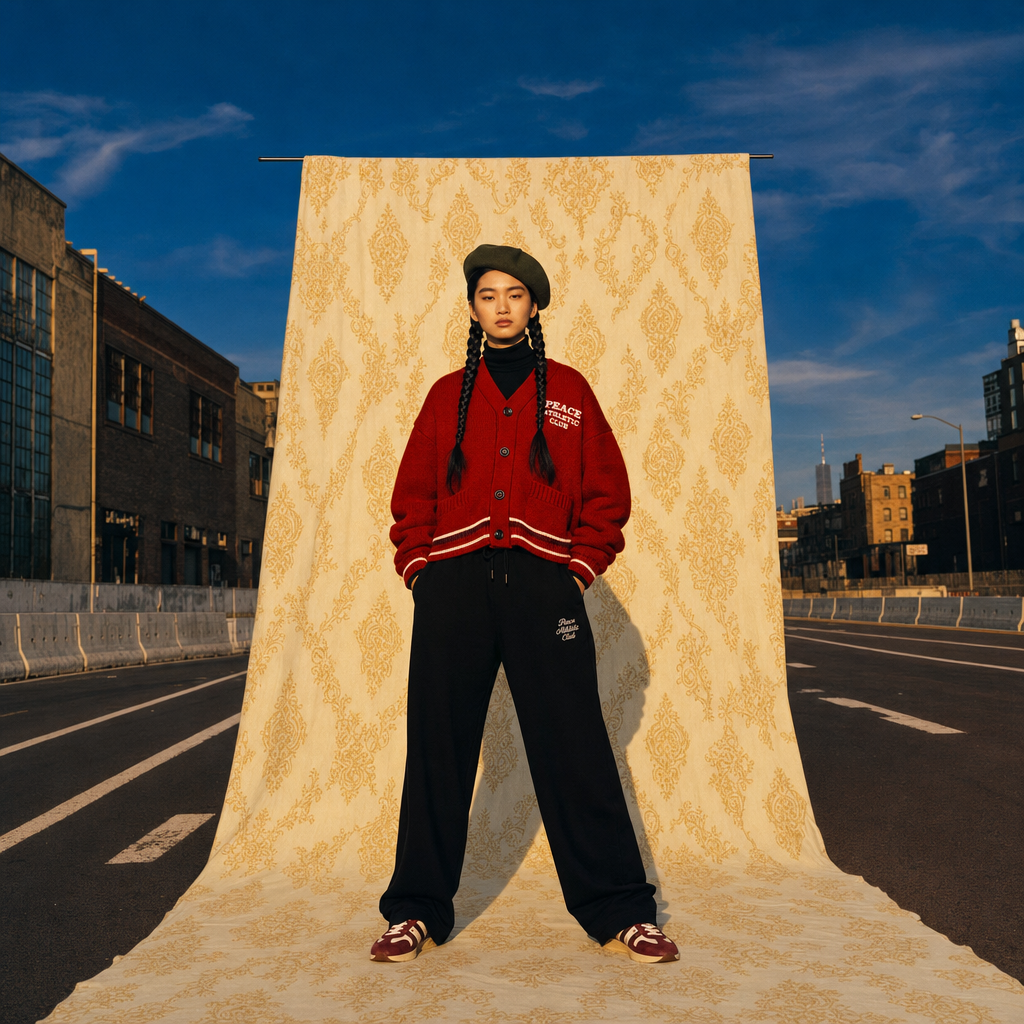
Golden Hour Street Studio Editorial
- Model
- GPT Image 2
- Image
- 1024 × 1024 px
Prompt
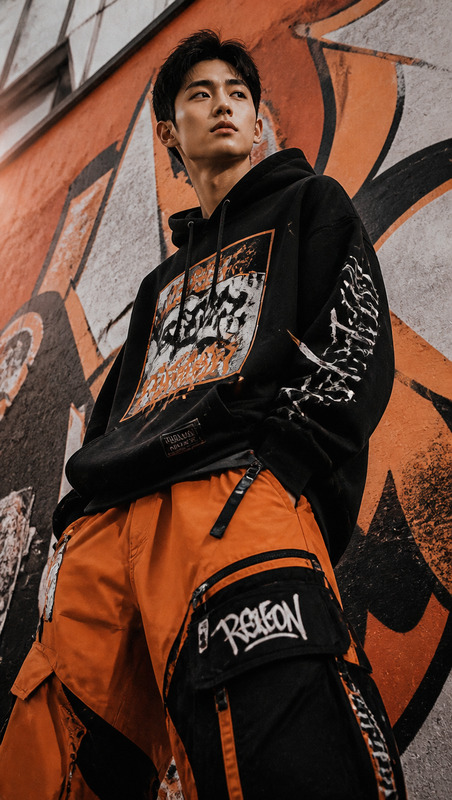
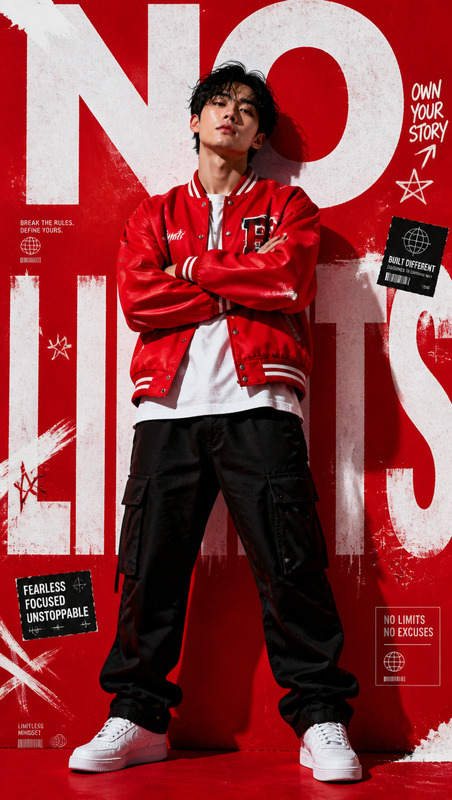
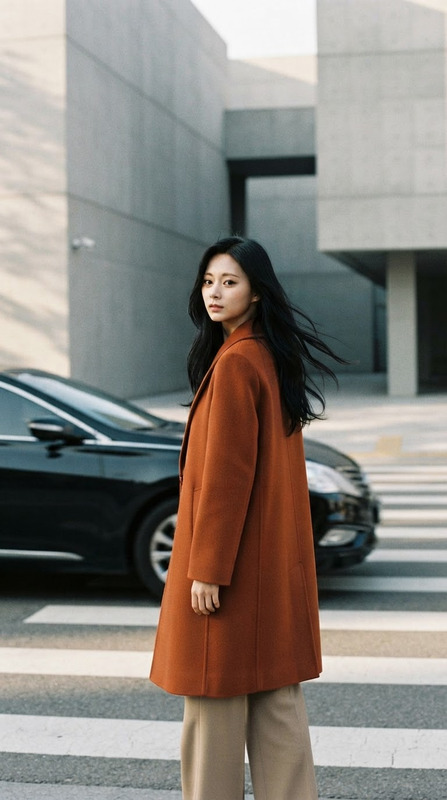
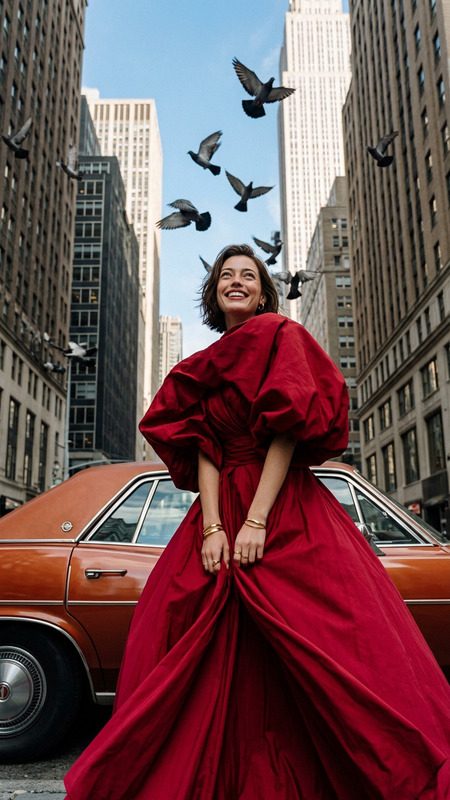
Editorial fashion campaign photograph with a cinematic film aesthetic, shot on a medium-format film camera with Kodak Portra 800 tones, soft painterly golden-hour lighting, nostalgic warm highlights, and rich cobalt-blue skies. A young East Asian subject stands centered in the middle of an empty New York City street in front of a large vertically hanging canvas backdrop. The backdrop is made of buttery cream-yellow fabric decorated with intricate pale-gold damask-style ornamental patterns, flowing downward and rolling naturally onto the asphalt beneath the subject’s feet, creating the feeling of a portable studio placed within the urban environment. The subject faces the camera directly in a calm confident pose with hands tucked into pockets and feet shoulder-width apart. They wear an oversized cropped deep red varsity-style cardigan with a small white block-text logo on the chest layered over a black turtleneck, paired with wide-leg black sweatpants featuring subtle embroidered branding, and burgundy-and-cream retro sneakers. A dark olive-green wool beret sits slightly tilted on the head, while two long jet-black braids fall forward over the shoulders. The expression is calm and serious with natural skin texture and soft direct eye contact. Visible around the edges of the backdrop is an empty New York street at golden hour, featuring warm reddish-brown asphalt, white lane markings, low concrete barriers, weathered industrial warehouse walls, and a deep cool cobalt-blue sky with soft wispy clouds. Natural directional sunlight from camera-left casts a soft elongated shadow to the right while gently illuminating the patterned backdrop with warm glow and minimal harsh contrast. The composition is symmetrical and editorial, with the subject perfectly framed by the hanging canvas. The upper third is dominated by the saturated blue sky, the middle by the ornate cream-and-gold backdrop and subject, and the lower third anchored by textured asphalt and street markings. Color palette includes cobalt blue, buttery cream-gold, tomato red, jet black, burgundy accents, and terracotta street tones. Subtle film grain, slight warm color cast, shallow painterly softness in the environment with sharp focus on the subject. Vintage 90s sportswear editorial mood blending Wong Kar-wai atmosphere with Tyler Mitchell fashion photography aesthetics.
Any aspect ratio
Overview
The Golden Hour Street Studio Editorial template is crafted for creators who appreciate the complex nuances of photographic art. Built on the powerful gpt-image-2 model, this template casts your subjects in the warm glow of golden hour, capturing the essence of fashion photography through AI-enhanced image editing.
What It Does
This AI Image Editor template specializes in converting your photographs into editorial-style fashion campaigns. By applying cinematic film aesthetics, soft golden-hour lighting, and a nostalgic film grain effect, it transforms simple images into captivating works of art with a sophisticated vintage style inspired by legends like Wong Kar-wai and Tyler Mitchell.
Who It's For
Ideal for fashion photographers, digital artists, and content creators who aim to enhance their portfolio with high-end editorial aesthetics. This tool empowers users who are looking to blend modern AI with traditional film techniques, yielding striking visual narratives suited for magazine spreads, agency portfolios, or personal artistic projects.
Summary
The Golden Hour Street Studio Editorial template utilizes the best of the AI Image Editor, offering a unique platform to produce fashion-forward images with the ambiance of golden hour light. Crafted for editorial excellence, this tool adapts your photos to a visual standard reminiscent of iconic 90s sportswear campaigns.
Step-by-Step Guide
Choose the Template

Customize Your Inputs

Generate Your Image

Potential Use Cases
Fashion Portfolios
- Elevate model shoots with editorial lighting
- Create visually unified photo series
Advertising Campaigns
- Seamless integration into digital marketing
- Stand out in print and online ads
Social Media Content
- Drive engagement with unique visual aesthetics
- Create memorable brand narratives
Best Practice Tips
Focus on Composition
Ensure that the composition rightfully aligns the subject with the backdrop and street elements, creating a balanced visual structure.Adjust Lighting
Fine-tune the soft painterly lighting to highlight the subject without overpowering other elements, maintaining focus on the subject's expression and outfit.Enhance Textures
Use the AI settings to enhance fabric textures and skin tones, giving the photograph a realistic yet editorial finish.